Log In

Free gifts available with your purchase
Important note: This is an expansion pack for owners of MicDrop Classic. MicDrop and all expansions are available as a bundle in MicDrop Suite.

Chants & Chips - Volume 1 - MicDrop Expansion Pack
This is your secret weapon for adding a distinctive edge to your productions. This specialized vocal pack brings together a collection of unique, vocal-controlled effects that redefine what’s possible in vocal and sound design.
- Big Neuro injects gritty, distorted bass perfect for dark, experimental beats.
- Cylon offers robotic, vocoder-inspired tones ideal for cutting-edge EDM and electronic tracks.
- Kids Sing adds a bright, uplifting children's choir for vibrant, crowd-like harmonies.
- Stadium Chant captures the electrifying energy of a live audience, delivering powerful, stadium-sized dynamics.
Chants & Chips - Volume 1 isn’t just a vocal pack; it’s a toolkit for producers looking to infuse their music with innovative, genre-defining sounds.
MicDrop - Available Seperately
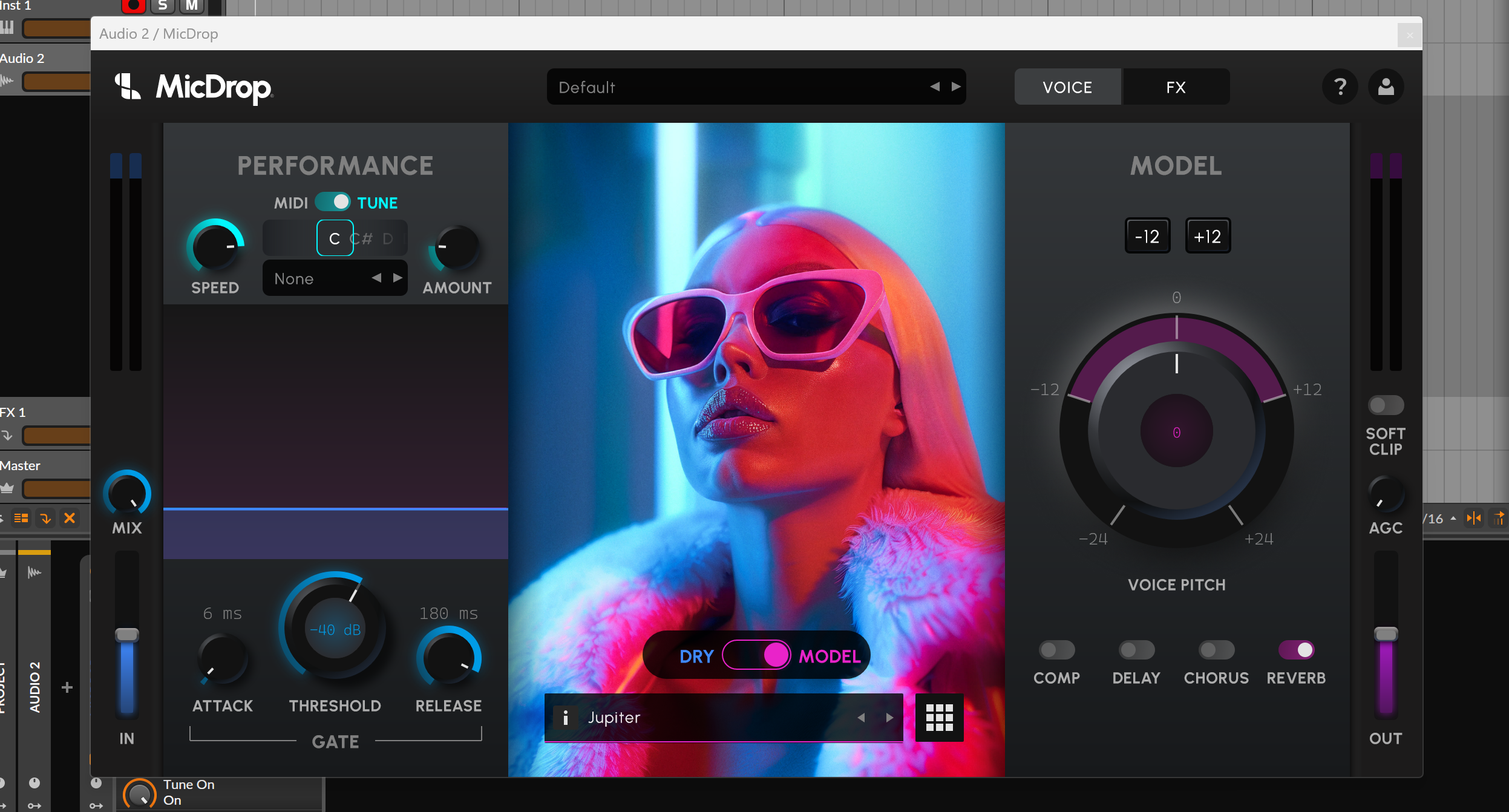
MicDrop is the ultimate voice-to-voice and voice-to-instrument plugin that redefines what’s possible in music production. Instantly morph your voice into studio-quality vocals, craft flawless harmonies, or turn your voice into instruments like trumpets, slap bass, or even a 303.
With real-time MIDI integration, studio-grade effects, and fresh updates every month, MicDrop ensures your sound stays ahead of the curve.
Now anyone can sing. From your voice to any voice, in real-time.

System Requirements
MicDrop Classic is required to use this expansion pack