


 Log In

Free gifts available with your purchase

Get The Smooth Sound Of Capitol's Handmade, Spare-No-Expense Tube Mastering Hardware On Your Stereo Bus
Now compatible with any soundcard on Mac and PC
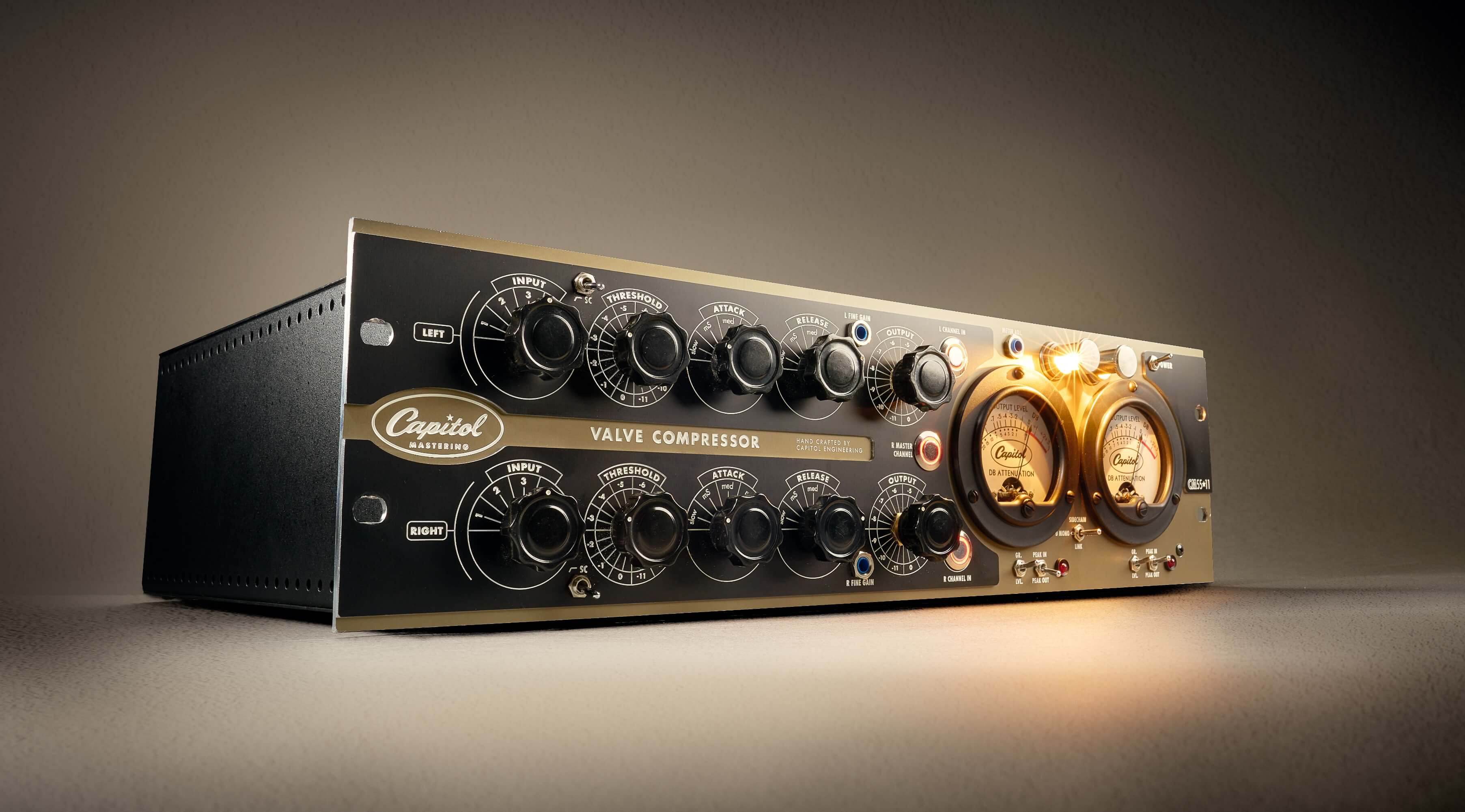
Capitol Mastering Compressor gives you the rich sound of the CM5511 — a legendary handbuilt tube mastering compressor designed and used by Capitol Studios on historic catalogs and thousands of hit records. Exclusively modeled by UA, now you can get the same professional finishing touch previously only available at Capitol Studios.
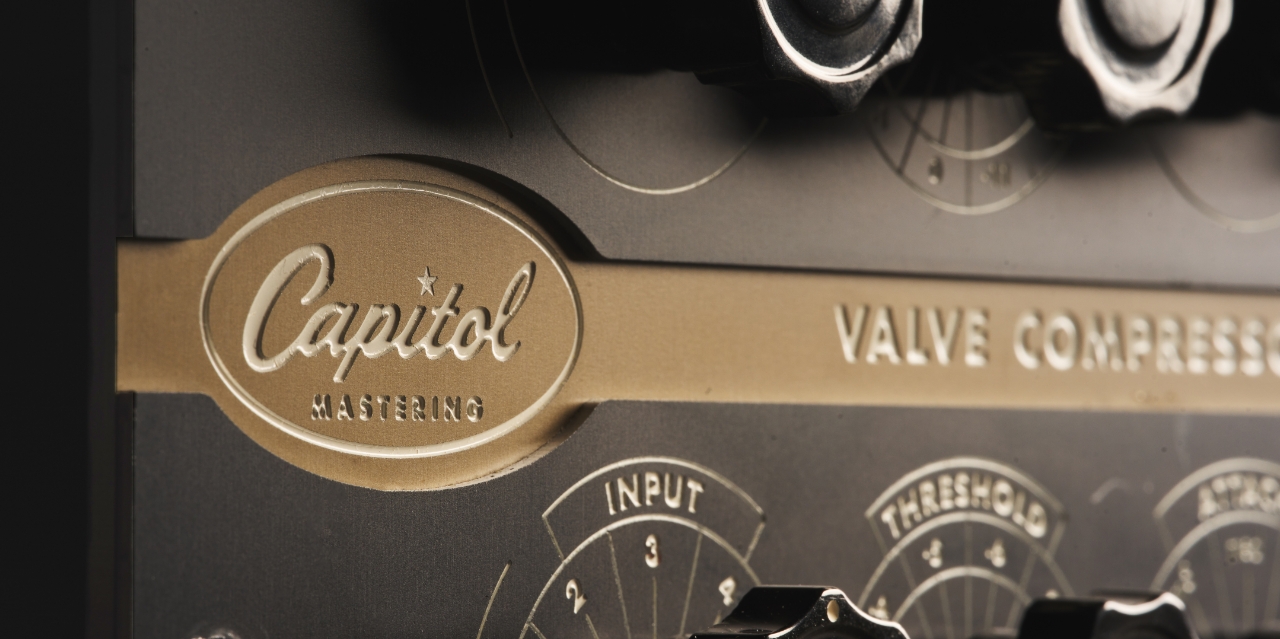
Get the Exclusive Sound of Capitol Mastering
The CM5511 compressor has mastered entire catalogs from Capitol, Motown, Geffen, Blue Note, Def Jam, and dozens more, as well as modern records by Black Sabbath, Demi Lovato, and Selena Gomez. Inspired by vintage Fairchild 670 and Gates Sta-Level tube limiters — and designed for consistent results across Capitol's four mastering rooms — Capitol Mastering Compressor is an exacting emulation of this "spare no expense" hardware, giving you the modern tube-based sound of this custom-made dynamics masterpiece.
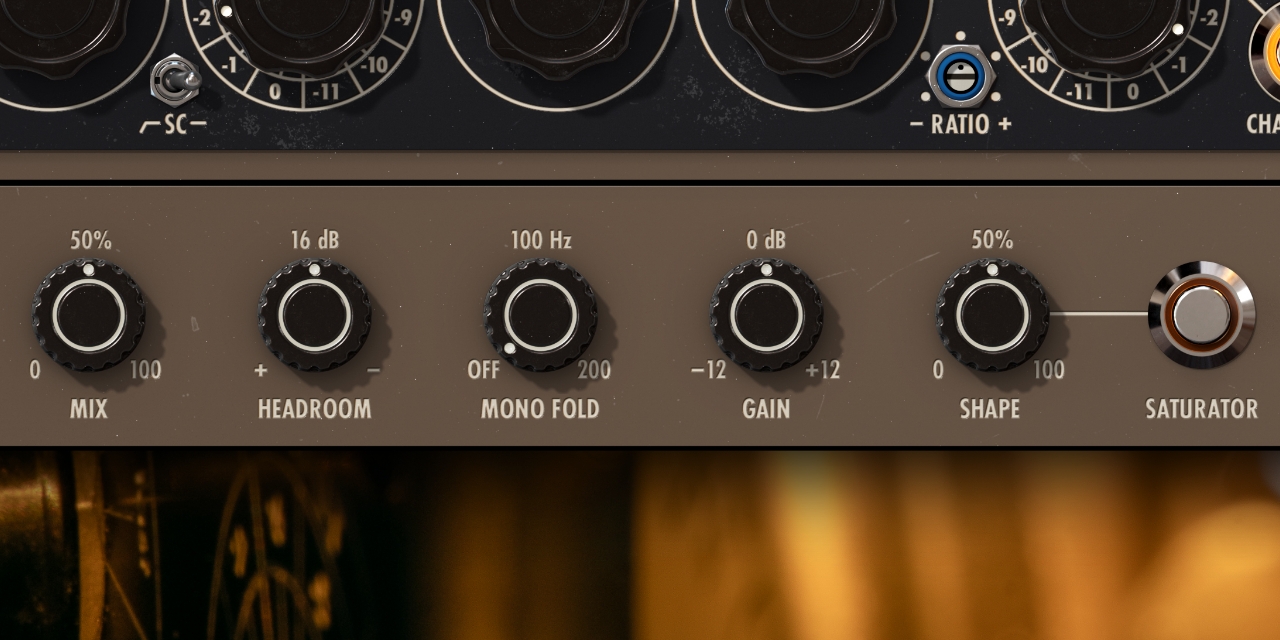
Expanded Controls for Complete In-The-Box Mastering
Easily tighten low end, add subtle saturation, and tweak the stereo field with easy-to-use "plug-in only" controls. Plus, comprehensive dBFS and LUFS metering and sidechain filter means you have a full-featured, modern mastering tool at your fingertips.
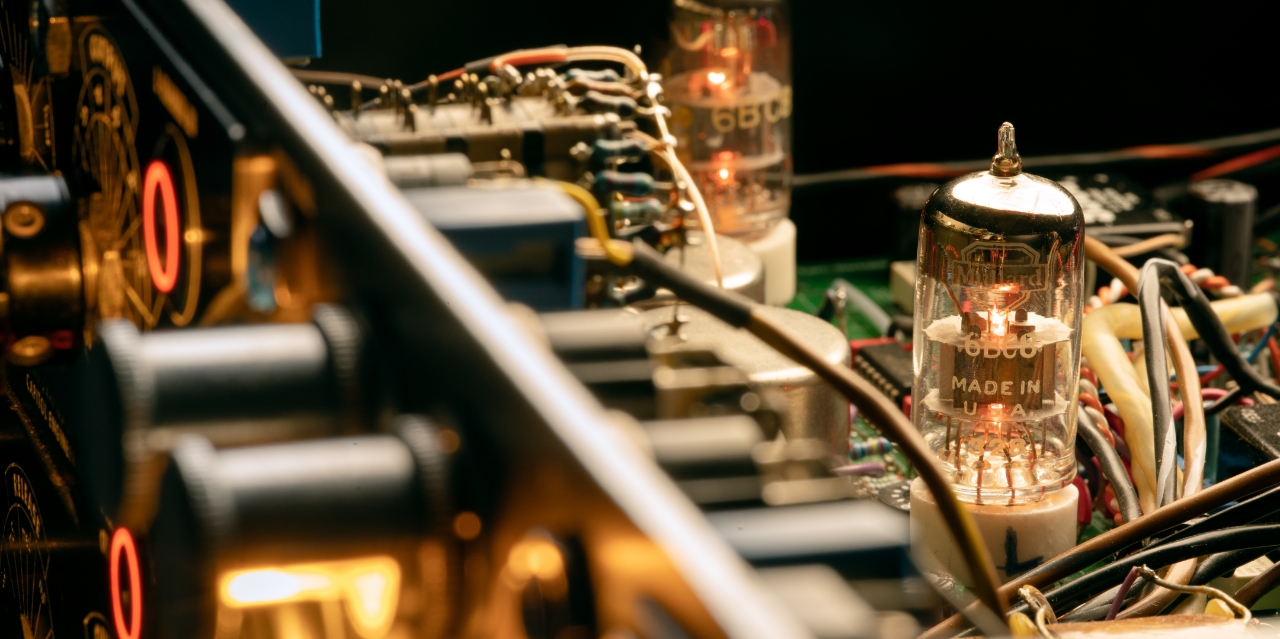
Add Expensive Sound to your Instrument Groups
Not just for the 2-bus, Capitol Mastering Compressor will add its tube-based magic to your drum bus, synths, background vocals, and more, giving you the gorgeous dynamics control only achievable with this one-of-a-kind, hit-proven hardware.
Features
- Give your tracks the velvet touch of Capitol's handbuilt mastering compressor
- Get the pro sonics of the same hardware used on remastered catalogs from Capitol, Blue Note, Motown, Verve, and more
- Easily add color and texture to your productions with Saturator, Mix, and Headroom controls
- Tighten your low end and expand your stereo width using simple Mono Fold and Mid/Side features
- Use with any audio interface, no UA hardware required
Versions Included with your Purchase
- UAD Native: Runs on your Mac or PC without any UA hardware
- macOS Big Sur 11, Monterey 12, Ventura 13, Sonoma 14, Sequoia 15 and Tahoe 26
- Windows 10 or Windows 11 (64-bit editions)
- Intel, AMD, or Apple silicon processor
- Internet connection to download software and authorize UAD Native plug-ins (UADx)
- Free iLok account
- Compatible with iLok USB (2nd generation or higher) but not required
- Free UA Connect application for managing UAD Native plug-ins (UADx)
- A supported DAW compatible with VST3, AU, or AAX plug-in file formats.
Reviews Summary
While it aims to provide a helpful overview, it may not capture every perspective or detail. We encourage you to read individual reviews to make an informed decision.
Users praise this compressor plugin for its fantastic, versatile sound quality, offering a subtle sheen with a balance of vintage and modern tube warmth. It is widely recommended for mix and mastering busses as well as individual tracks, with reviewers highlighting its ease of use and helpful starting presets.


