


 Log In

Free gifts available with your purchase
SSL G3 MultiBusComp

SSL G3 MultiBusComp is a must-have tool for any audio professional looking to achieve the SSL sound in their mixes, delivering the classic SSL "glue" compression sound across 3 independently configurable frequency bands. With powerful sidechaining features, intuitive feedback and per-band harmonic drive options, the G3 MultiBusComp is the perfect solution for achieving polished and professional mixes and masters that has made SSL the industry standard for decades.
The band graph view allows you to set your threshold and frequency crossovers with ease, and the sidechaining and filtering options allow you to create custom sidechain filters that are unlinked from the band crossovers, accentuating or diminishing the response to certain frequencies using the per-band bell filter, or driving the dynamics from a different frequency band or external signal.
The G3 MultiBusComp's auditioning features offer mutually exclusive soloing on each band and each band's sidechain input, allowing you to hear each band in isolation and make informed decisions about your mix. And with a resizable GUI that can be adjusted from 50% to 200%, the G3 MultiBusComp provides a comfortable user experience that can be customized to your specific needs.
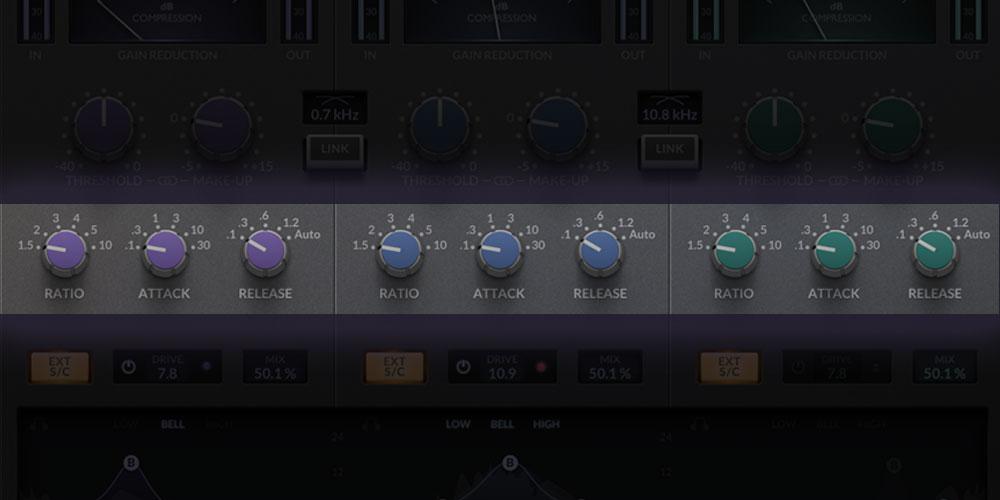
Classic SSL "glue" compression
With 3 bands of classic SSL "glue" compression, the G3 MultiBusComp delivers the same unparalleled sonic characteristics that SSL is known for, now frequency-dependent. Whether you're mixing, mastering, or working in post-production, the G3 MultiBusComp is the ultimate tool for achieving a professional sound.
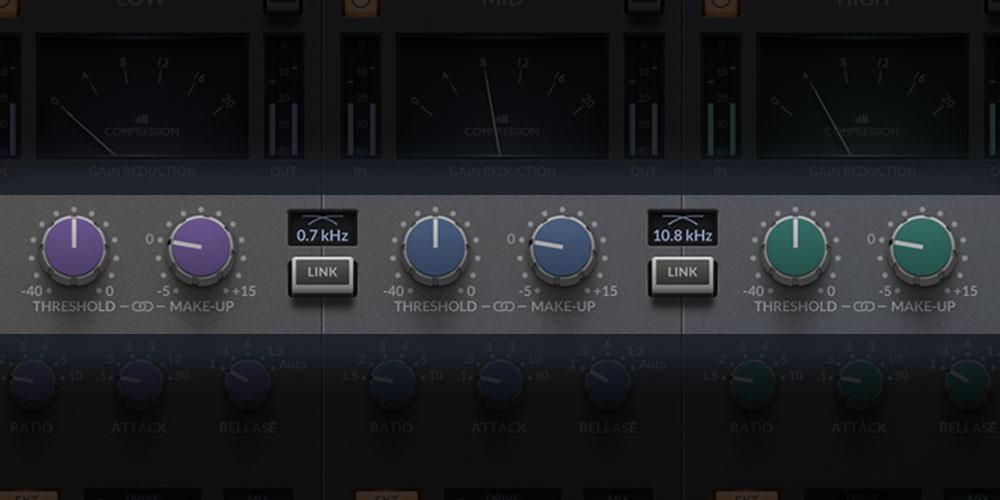
Parameter link
The G3 MultiBusComp allows you to link parameters and apply quickly and easily inverse changes between the input/output gain or the threshold and makeup gains in each frequency band. Simply hit the ‘link’ icon or hold down the shift key.
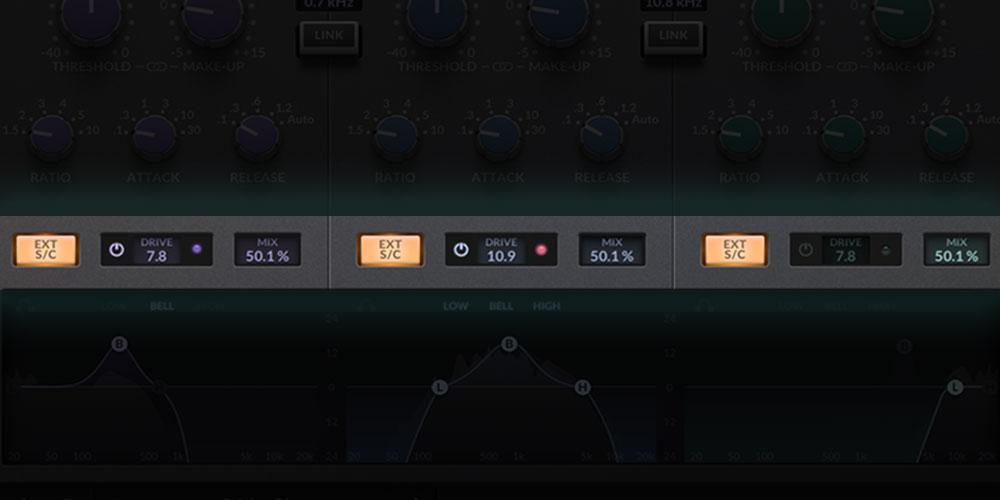
'4K’ drive
With the G3 MultiBusComp's per-band drive feature inspired by ‘4K’ drive circuit, you can add warmth and character to your mix all while retaining dynamic control of your signal.
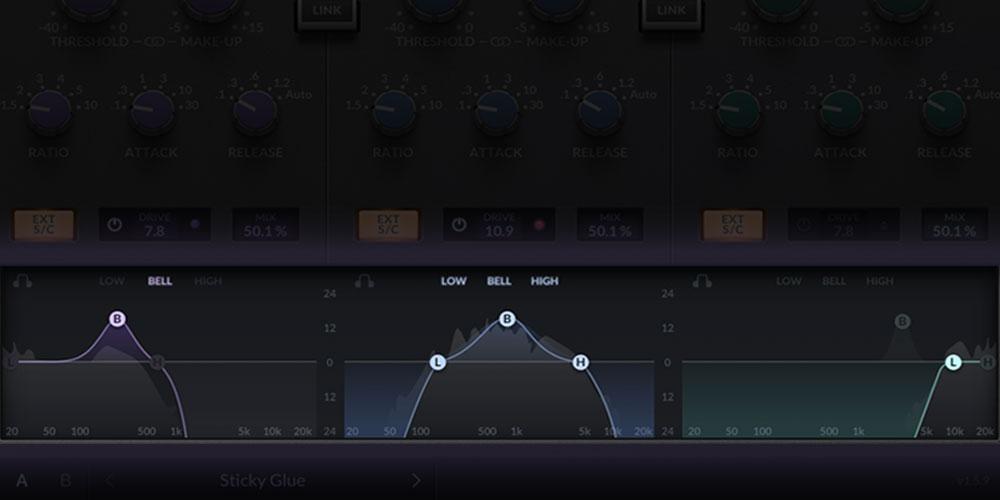
Band graph view
The band graph view provides an intuitive way to set your threshold and frequency crossovers, giving you greater control over your mix and allowing you to achieve the sound you want with precision and accuracy.
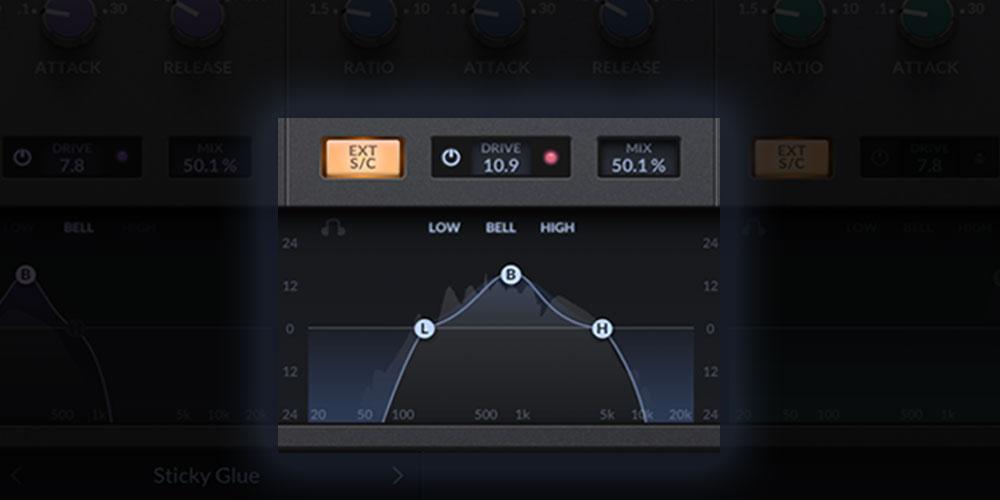
Powerful sidechaining and filtering options
The G3 MultiBusComp lets you customize your sidechain filters to accentuate or diminish response to certain frequencies. Unlink the sidechain filters from the band crossover and external sidechaining to drive the dynamics from a different frequency band, or a completely different signal entirely.
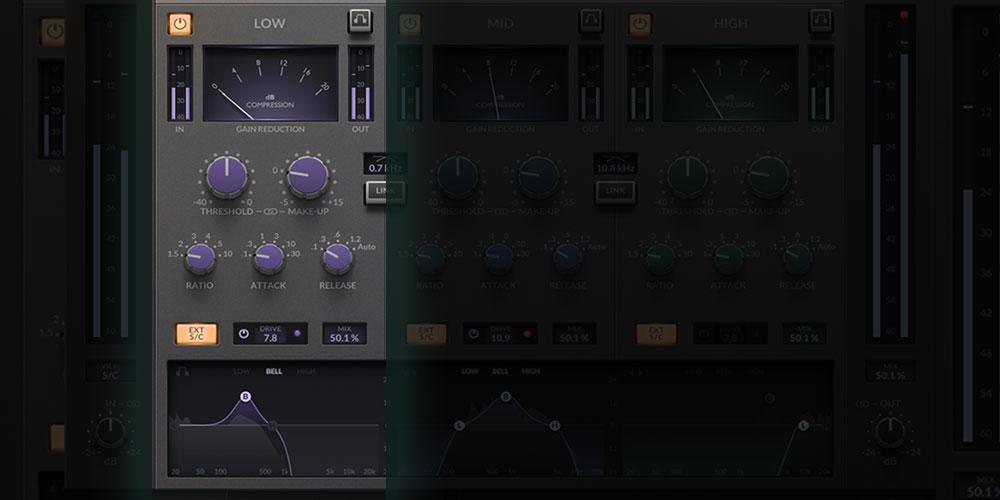
Auditioning
You can use the mutually exclusive soloing on each band and each band's sidechain input to make informed decisions about your mix. This feature allows you to hear each band in isolation and fine-tune your settings to perfection.
Resizable GUI
The G3 MultiBusComp's resizable and high-resolution GUI lets you work the way you want, with a customizable user experience that can be adjusted from 50% to 200%.
Features
- 3 bands of classic SSL “glue” compression
- Powerful per-band external sidechaining features
- Parameter linking quickly applies inverse changes to thresholds and make-up gains
- Per-band ‘4K’ drive harmonic control for adding warmth and character
- Band graph view for intuitively setting threshold and frequency crossovers
- Fully rescalable GUI – from 50% to 200%
System Requirements
Windows
- Windows 10 - Windows 11 (64-bit only)
Mac
- macOS 11 Big Sur - macOS 13 Ventura (64-bit only) (M1 Mac supported)
Reviews Summary
While it aims to provide a helpful overview, it may not capture every perspective or detail. We encourage you to read individual reviews to make an informed decision.
Reviewers overwhelmingly praise this SSL multiband compressor for delivering signature SSL glue and musicality across three frequency bands. It is widely praised as an essential tool for mix buses, drum buses, and tone shaping, with users highlighting its clean sound, intuitive interface, and great drive feature. While a few noted desires for more presets or additional bands, general sentiment is exceptionally positive, especially regarding its value when bought on sale.


