


 Log In

Free gifts available with your purchase
Dynamic Sculpting Effect
Designed to inspire fast workflows with precision sound, Fuse Compressor is a powerful tool that allows you to focus on creating your best work.
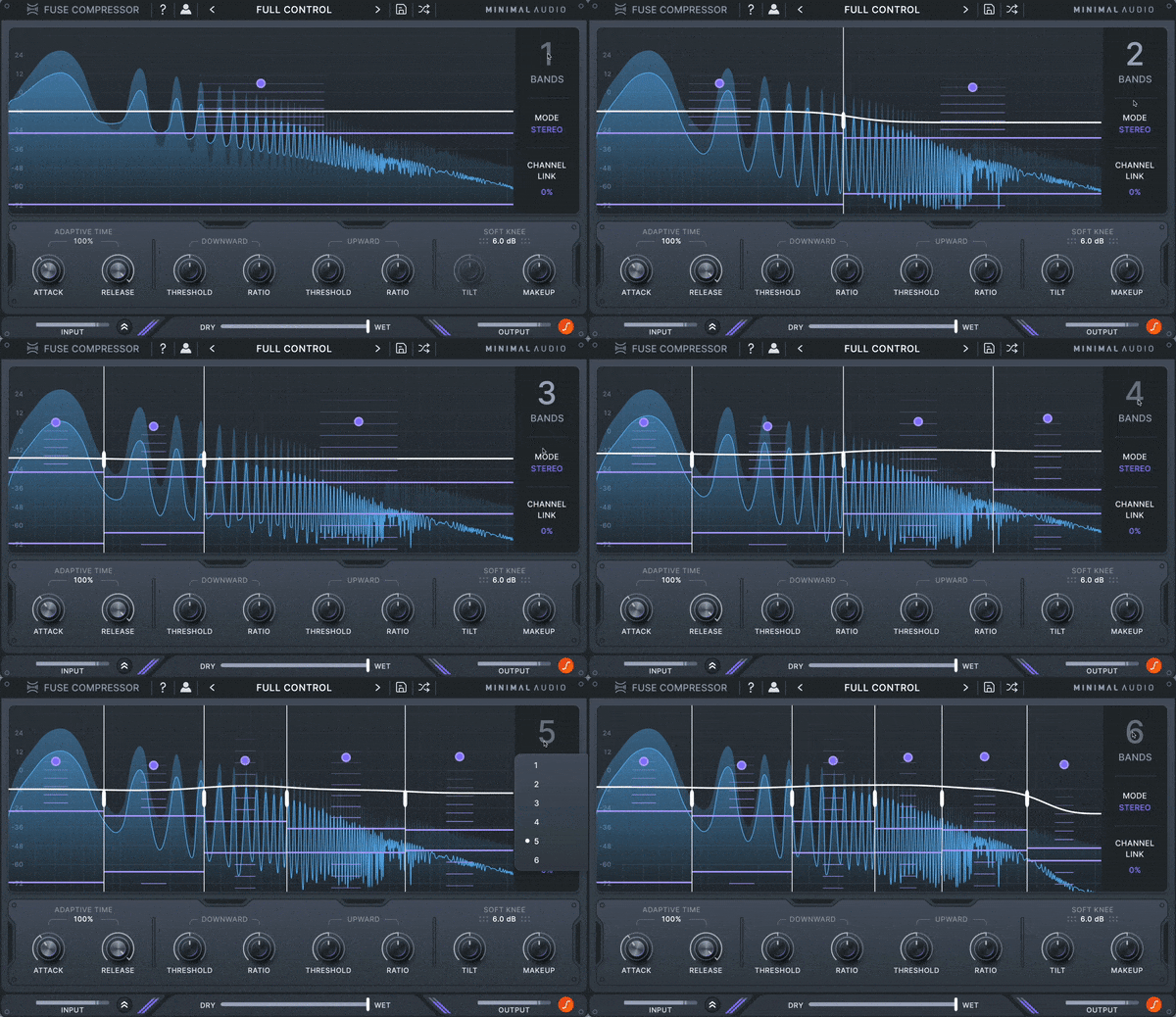
Deep Dynamics Shaping
With up to six bands of dual compression, you can create effects that range from transparent glue to hyper-detailed enhancement, and much more.
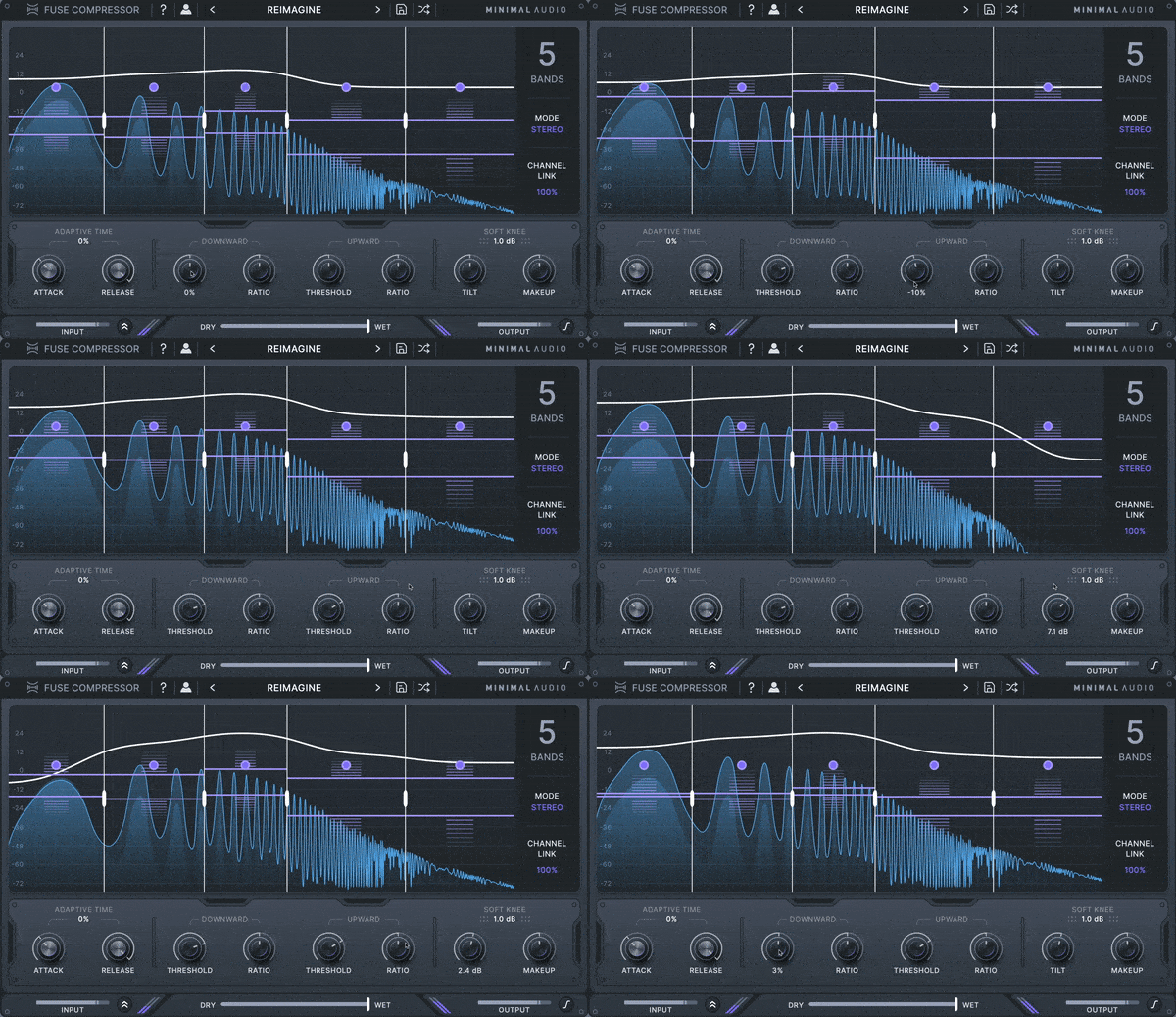
All About the Workflow
Multi-band compression can be hard. That's why we've included features like macro ratio control, spectral tilt, and adaptive time. So you can make music without getting lost in the details.

Precision When You Need It
Mid-side processing, soft knee, channel linking, and individual band control allow you to quickly dial in your settings when needed.
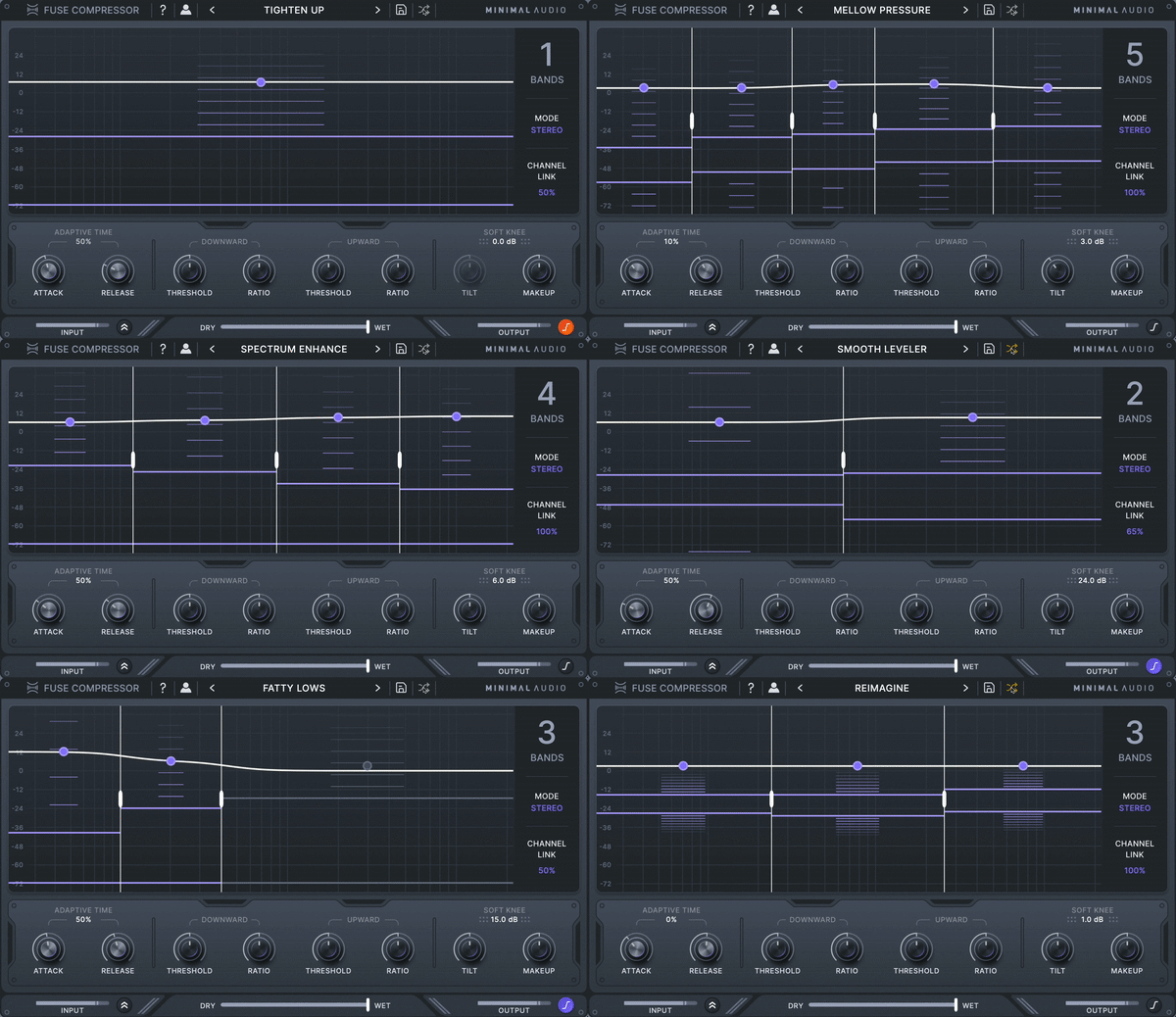
Diverse Preset Library
Choose from 40+ versatile presets ranging from classic control to new over-the-top configurations.
Features
- Multi-band engine
Apply up to six bands of independent upward and downward compression.
- Dynamic spectrum display
See exactly how you’re compressing across the spectrum with the dynamic response curve.
- Spectral tilt
Quickly adjust the internal multi-band dynamics to increase or decrease the distribution of compression across low to high frequencies.
- Adaptive time
Automatically adjust the attack and release times for each frequency band to create cleaner or more exaggerated compression characters.
- Macro controls
Use multi-band compression like a standard compressor by adjusting all per-band thresholds or ratios simultaneously.
- Per-band settings
Set per-band thresholds, ratios, makeup gain, bypass, and solo individually for total flexibility.
- Mid-side and stereo control
Combine stereo and mid-side modes, and use variable channel linking to control your stereo image.
- Inspiring presets
Access expertly designed presets that cover a variety of use cases, from transparent mixing to over-the-top character compression.
- In-App Tooltips
Become an expert with built-in tooltips that make learning Fuse Compressor a breeze.
System Requirements
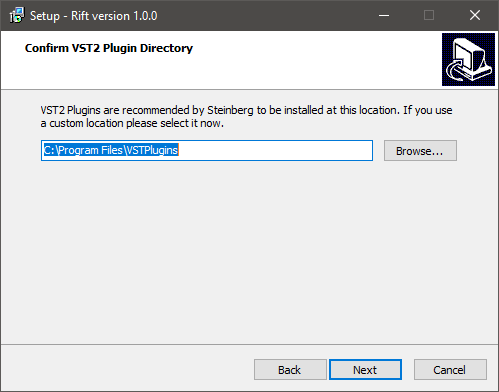
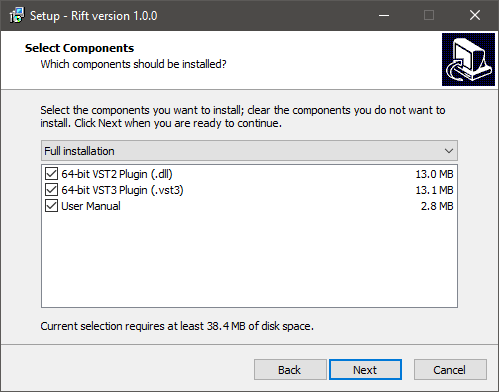
- Formats: 64 bit AU, VST, VST3, and AAX
- Works on:
- macOS 10.9 or higher
- Windows 10 or higher
- Activation: An internet connection is required for activation
Reviews Summary
While it aims to provide a helpful overview, it may not capture every perspective or detail. We encourage you to read individual reviews to make an informed decision.
Users widely praise the compressor as an advanced, flexible, and modern alternative to OTT, highlighting its clean sound, innovative capabilities, and intuitive interface. Although a few reviewers note it can take time to configure or has a more focused feature set compared to some alternatives, the overall reception is overwhelmingly positive for both quick dynamics control and creative sound design.


