Buy Things – Voice, get a free gift with purchase:
Voice-Optimized Compressor
Things – Voice is a simple one-knob “throw it on and it sounds good” compressor for voice-over and vocals. Based on the channel strip Dials it gives you everything you need to make your voice loud yet smooth. The compressor is an unusual and complex design from a German 1950 radio broadcast instrument. If you desire to get even closer to that unit’s vintage tone, add authentically modded tube gain with the saturation button. For an authoritative bass boost Audiothing have added a rather euphonic EQ that excites just the right frequencies. This is the seventh plugin in the ongoing collaboration with Berlin musician and video personality Hainbach.
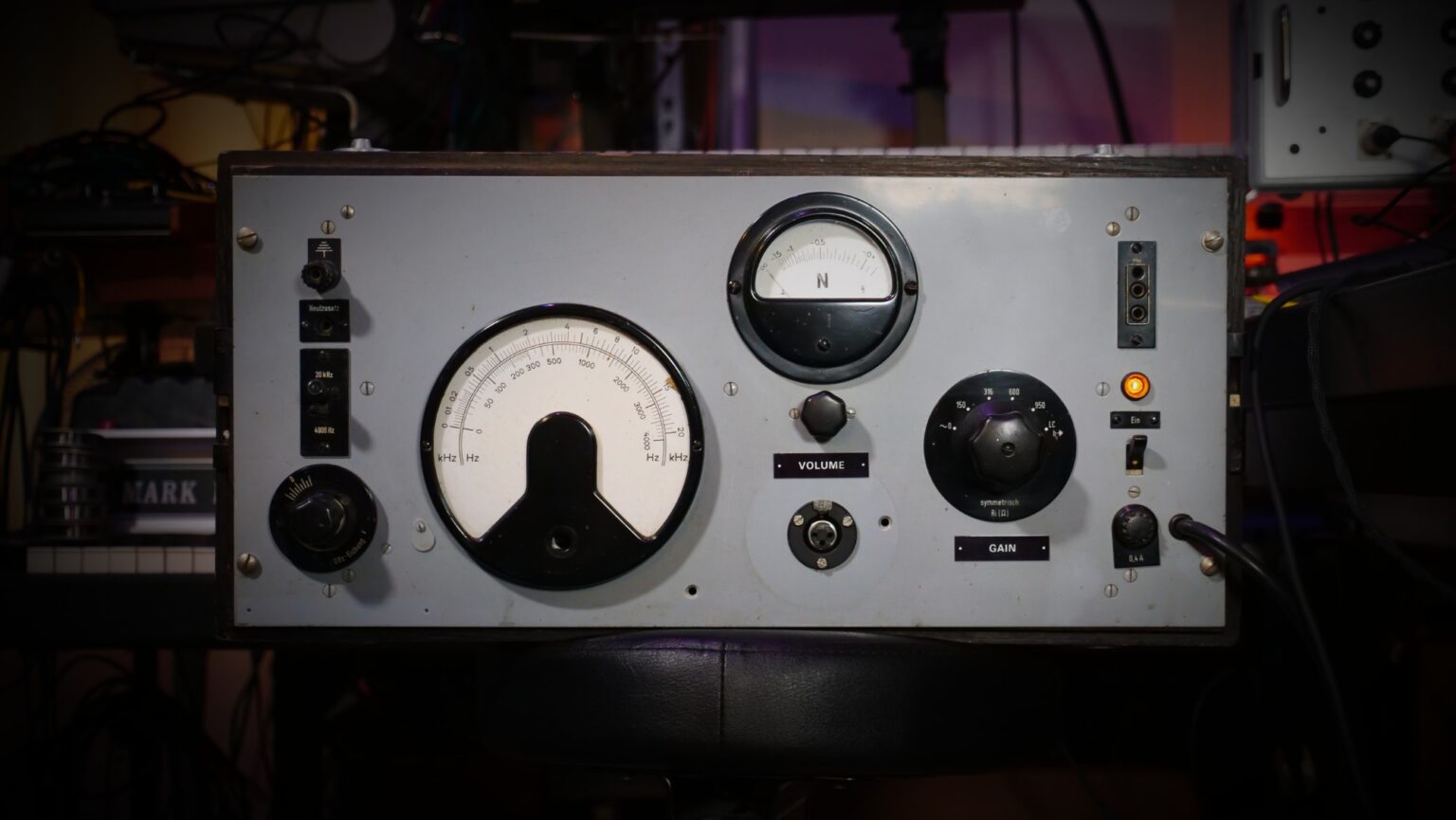
The Hardware
This 1950s/60s German measurement instrument was originally used to send a fixed level and frequency to a radio transmitter. On the receiver end, it could then be checked how much of that signal came through and what adjustments had to be made. Analog specialist Wojcek Czern of Rogalow Audio (PL) discovered that it could be adapted to be a high-quality mic preamp on par with studio legends like the V72 and V76. It is Hainbach’s main preamp for voice, acoustic mono recordings and processing synths.
One welcome side-effect of this massive steel-tubed amplifier is that it compresses the signal pleasantly. Singing into it is a joy in itself. We analyzed the effect and made it adjustable, so you get the wonderful overtone rich gain of the preamp separately from the compressor.
Hainbach
Based out of Berlin, Germany, electronic music composer and performer Hainbach creates shifting audio landscapes THE WIRE called “One hell of a trip”. He has been fascinated with electronic sounds since he discovered the dial on the radio. Never losing his childhood wonder, he still searches for the sounds in between on modular synths, tape, and test equipment, making even the unmusical “music”. Through his YouTube channel, Hainbach brings experimental music techniques to a wider audience.
Features
- Vintage Radio Broadcast Compressor
- Tube Saturation
- Bass Boost
- Preset System with Randomizer
- Resizable Window
System Requirements
Windows
- Windows 7-11
- 2GHz CPU, 4 GB RAM
- VST2, VST3, AAX, CLAP (64-bit)
Mac
- OS X 10.9 – macOS 14 Sonoma
- Apple Silicon (M chips) Native (Universal 2 Binary)
- 2GHz CPU, 4 GB RAM
- VST2, VST3, AU, AAX, CLAP (64-bit)
- Universal 2 Binary
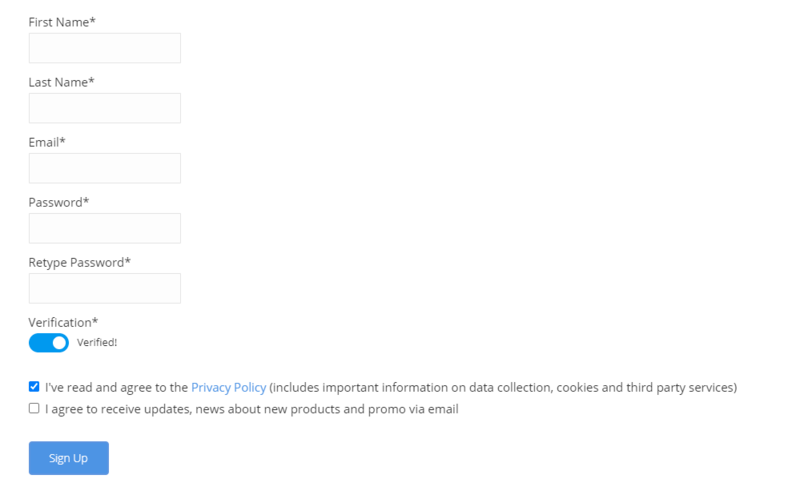
Note: Wave Box is used as the example.
Windows
1. Visit the AudioThing Account Signup Page and enter your personal details to set up an account. Click the Verification and "I've read and agree to the Privacy Policy" > Click Sign Up.
Note: If you already have an existing AudioThing account, Login here and skip to step 3 of the installation process.

2. A confirmation email will now be sent to your registered email > click the link within the email to activate your account and Login here.
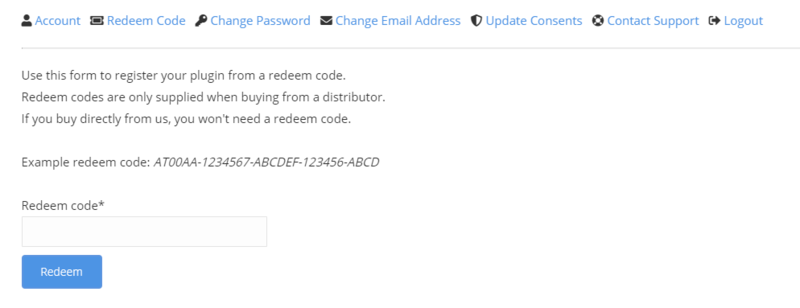
3. Once logged into your account, visit the Redeem Page and enter Redeem Code from your Plugin Boutique User Account into the box > Click 'Redeem'.

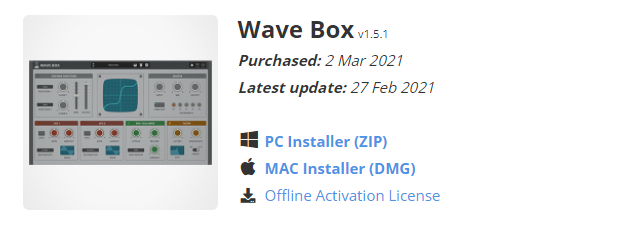
4. Download the PC installer and the Offline Activation License.
Note: Save the Offline Activation License to a memorable location on your computer for activating the software.

5. Double-click the downloaded .zip folder to extract its contents.
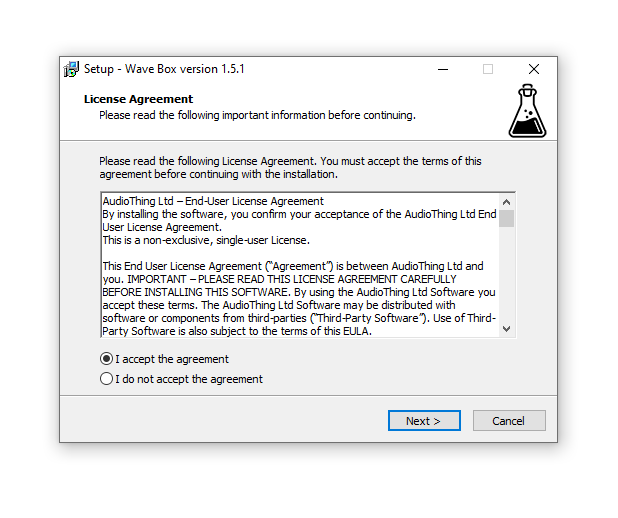
6. Double-click the extracted .exe file > click 'I accept the agreement and click 'Next'.

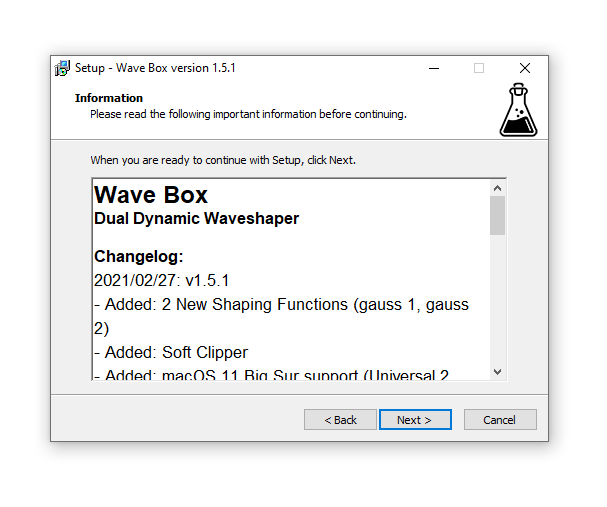
7. Click 'Next'.

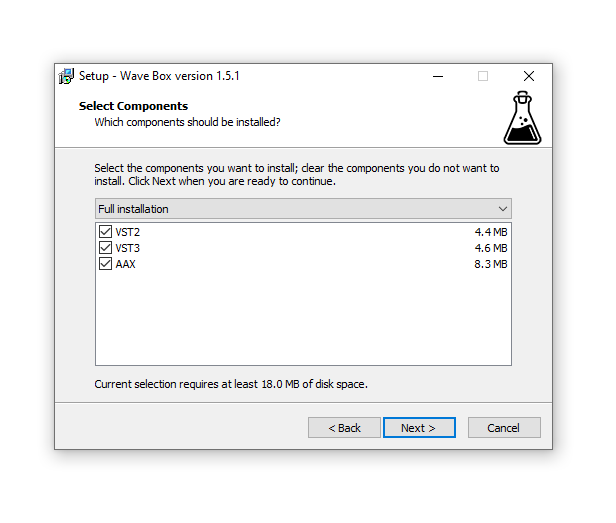
8. Select the components that you wish to install > Click ‘Next’.

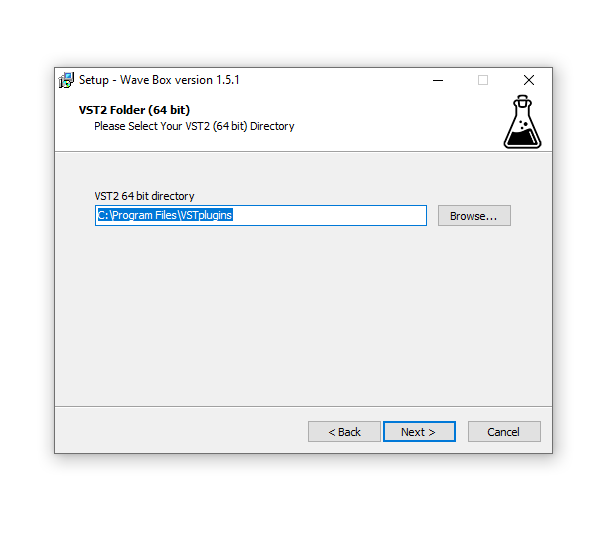
9. Click ‘Next’.

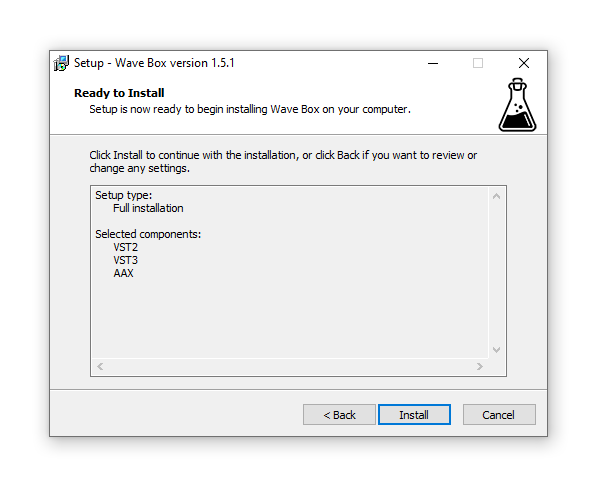
10. Click 'Install'.

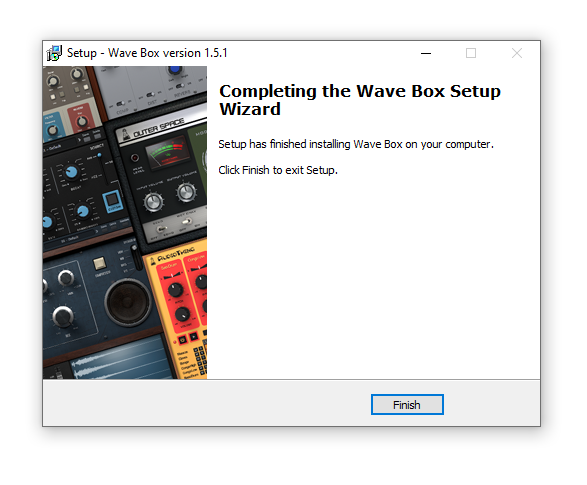
11. Click ‘Finish’.

Offline Activation
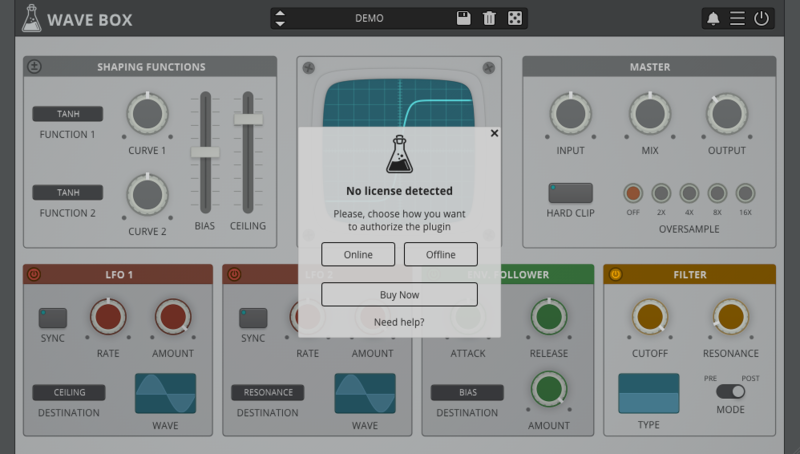
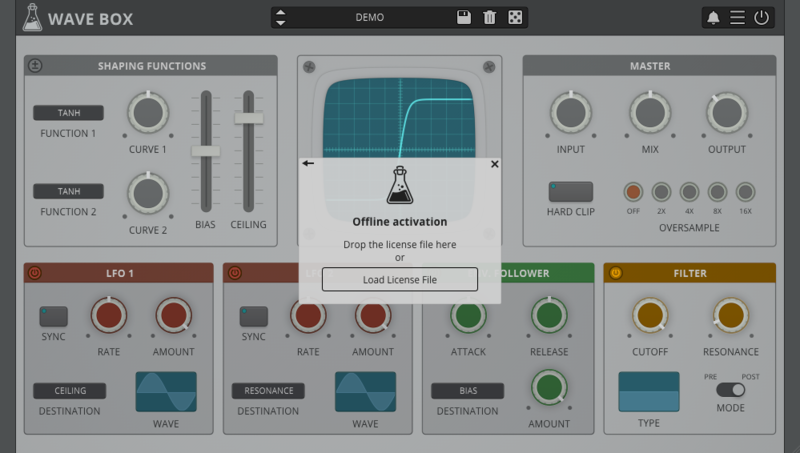
1. Open Wave Box inside of your DAW > Click 'Offline'.

2. Click 'Load Licence File' and navigate to your Offline Activation License.

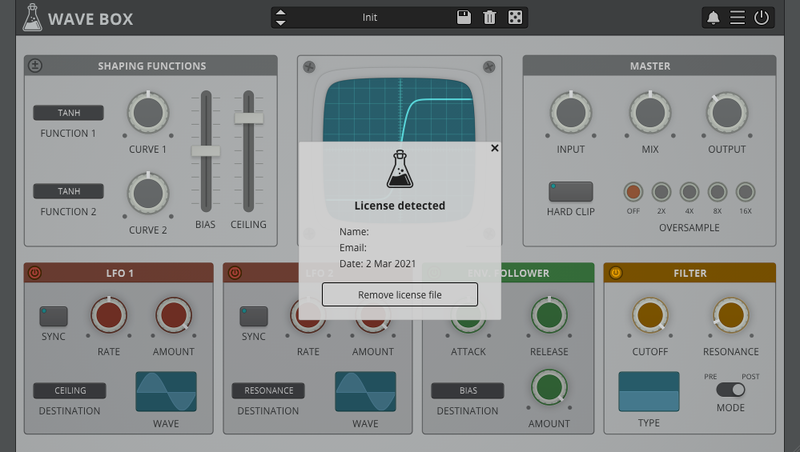
3. Click the X to close the box.

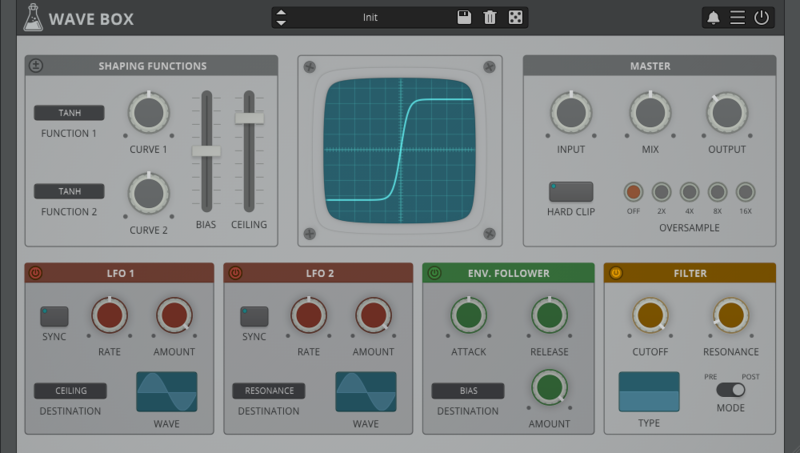
The software is now activated and ready to use inside your DAW!

Online Activation
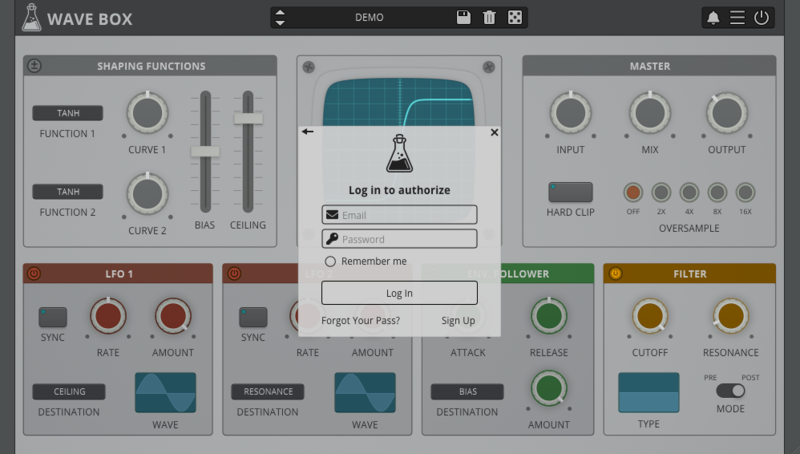
1. Open Wave Box inside of your DAW > Click 'Online'.

2. Enter your AudioThing email and password > Click 'Log In'.

3. Click the X to close the box.

The software is now activated and ready to use inside your DAW!

Mac
1. Visit the AudioThing Account Signup Page and enter your personal details to set up an account. Click the Verification and "I've read and agree to the Privacy Policy" > Click Sign Up.
Note: If you already have an existing AudioThing account, Login here and skip to step 3 of the installation process.

2. A confirmation email will now be sent to your registered email > click the link within the email to activate your account and Login here.
3. Once logged into your account, visit the Redeem Page and enter Redeem Code from your Plugin Boutique User Account into the box > Click 'Redeem'.

4. Download the MAC installer and the Offline Activation License.
Note: Save the Offline Activation License to a memorable location on your computer for activating the software.

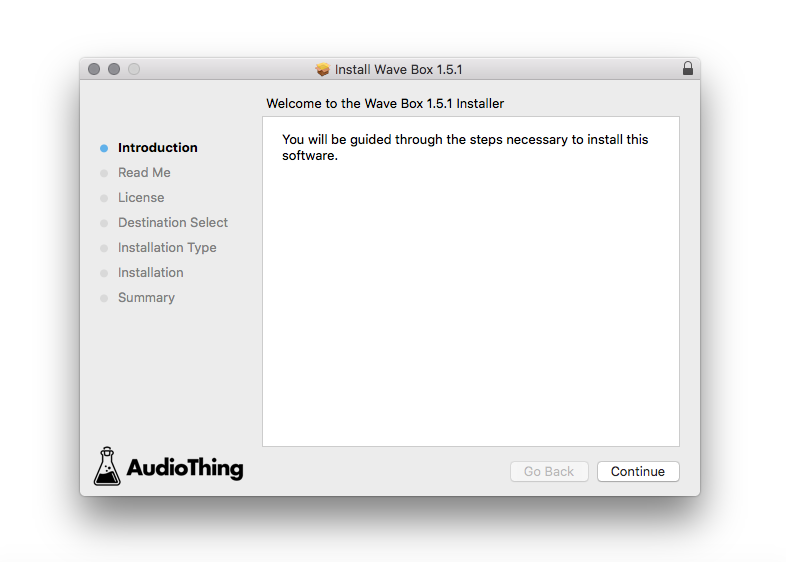
5. Double-click the downloaded .dmg folder to extract its contents > Double-click the .pkg file to run the installer
6. Click 'Continue'.

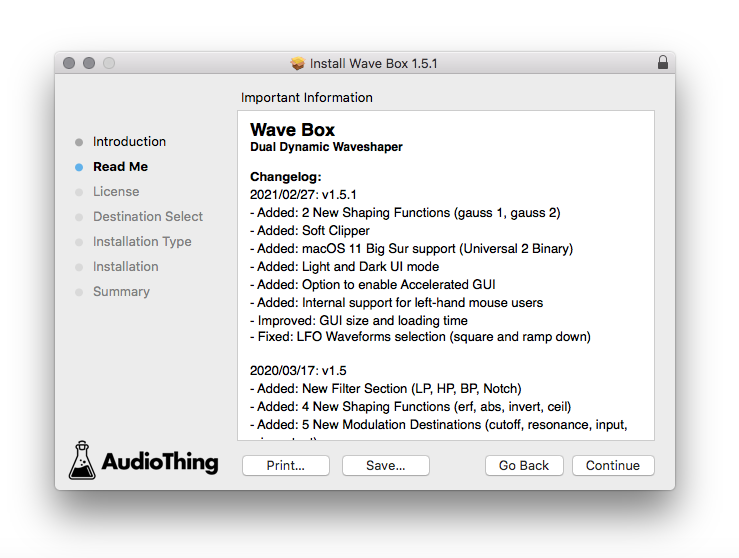
7. Click ‘Continue’.

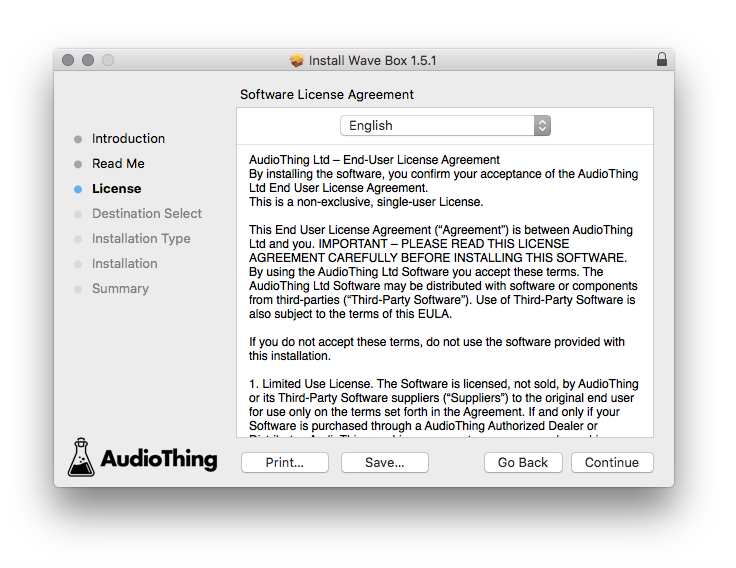
8. Click 'Continue'.

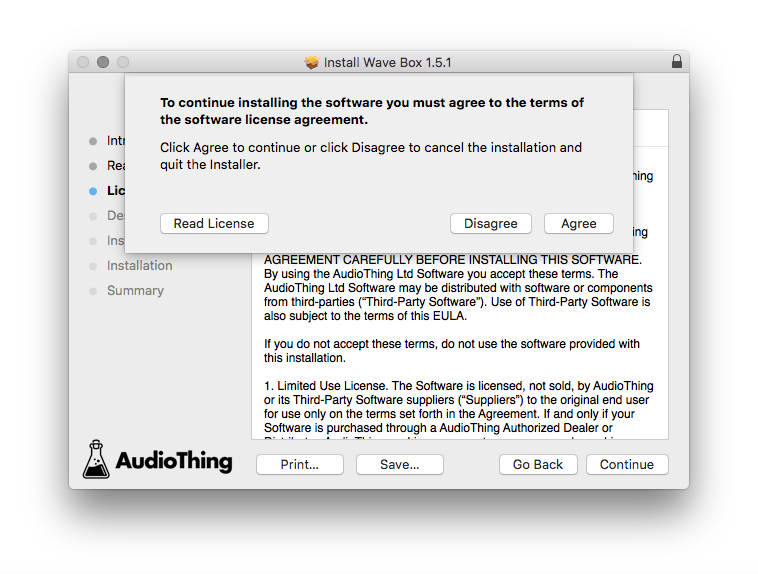
9. Click ‘Agree’.

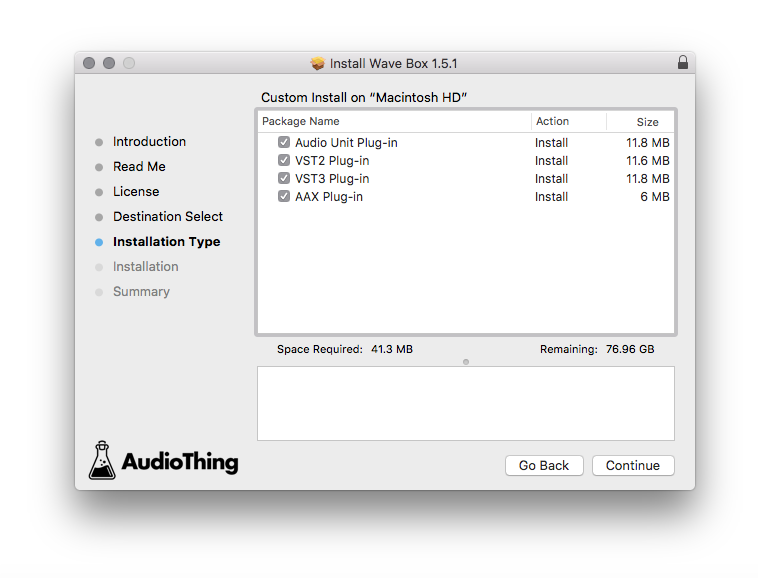
10. Select the components you would like to install > Click 'Continue'.

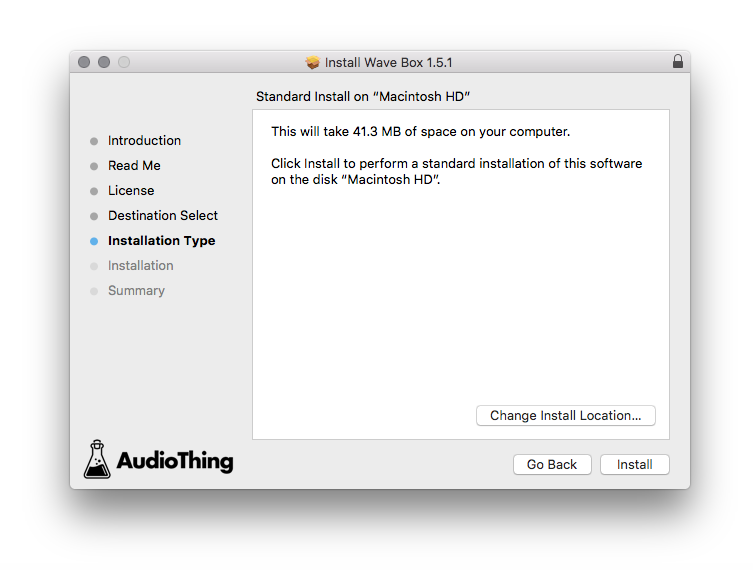
11. Click ‘Install’.

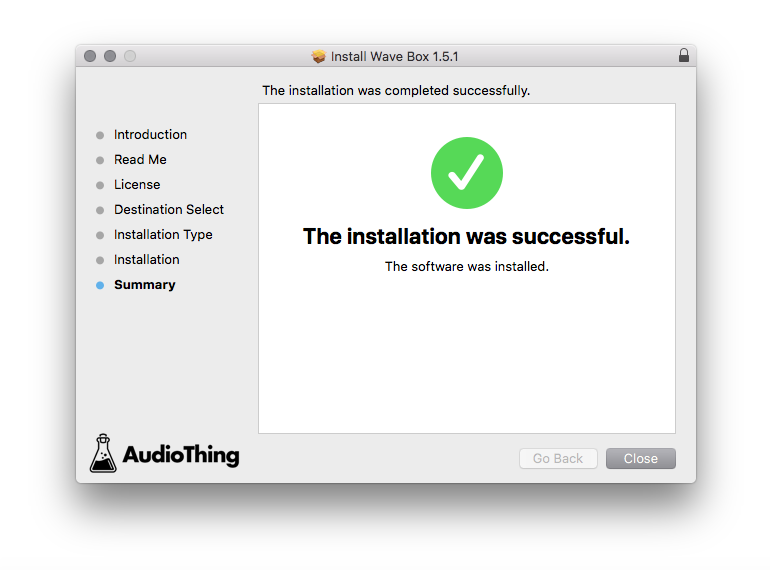
12. Click 'Close'.

Offline Activation
1. Open Wave Box inside of your DAW > Click 'Offline'.

2. Click 'Load Licence File' and navigate to your Offline Activation License.

3. Click the X to close the box.

The software is now activated and ready to use inside your DAW!

Online Activation
1. Open Wave Box inside of your DAW > Click 'Online'.

2. Enter your AudioThing email and password > Click 'Log In'.

3. Click the X to close the box.

The software is now activated and ready to use inside your DAW!