


 Log In

Free gifts available with your purchase
Product information
Renaissance Axx
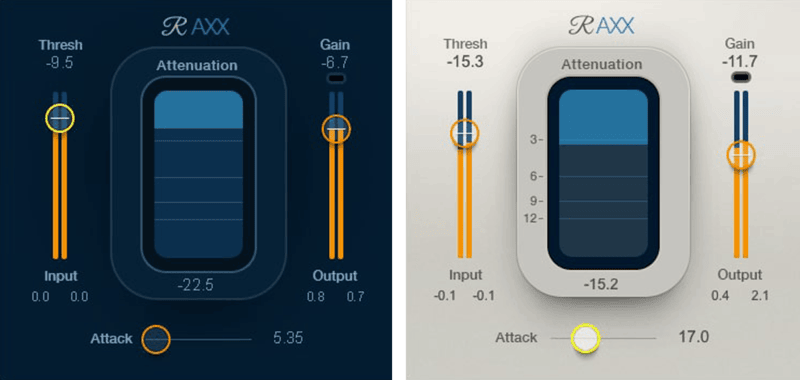
Insert. Play. Click. Done.
For guitar, bass, and other stringed instruments, all-purpose compressors that also have to handle vocals, drums, stereo mixes, and so on—are unnecessarily complex. You would probably just set-and-forget most parameters, and tweak the two or three you actually need.
So, welcome to Renaissance Axx—which optimizes “under the hood” parameters for stringed instruments and similar sounds like plucked synths. The result: Ease of use, with the gorgeous sound of high-end studio compression.
Features
- Adjust only 3 controls to dial up perfect compression in seconds
- Increase sustain with guitar, fullness with bass
- Place before amp sims for smooth, creamy distortion
- Equally effective with “plucked” synth sounds
- Calculates ratio and release time dynamically and automatically
- Includes 28 dazzling artist and factory presets
- More consistent levels help tracks sit better in any mix
- Informative metering speeds up the tweaking process
- Choose from light, dark, or legacy skins
- Automatic limiting catches occasional peaks
System Requirements
Mac
- macOS Monterey 12, Ventura 13, Sonoma 14, Sequoia 15
- VST / AU / AAX
PC
- Windows 10+
- VST / AAX
Installation Instructions














