/ Compressor / OneKnob Louder
Waves

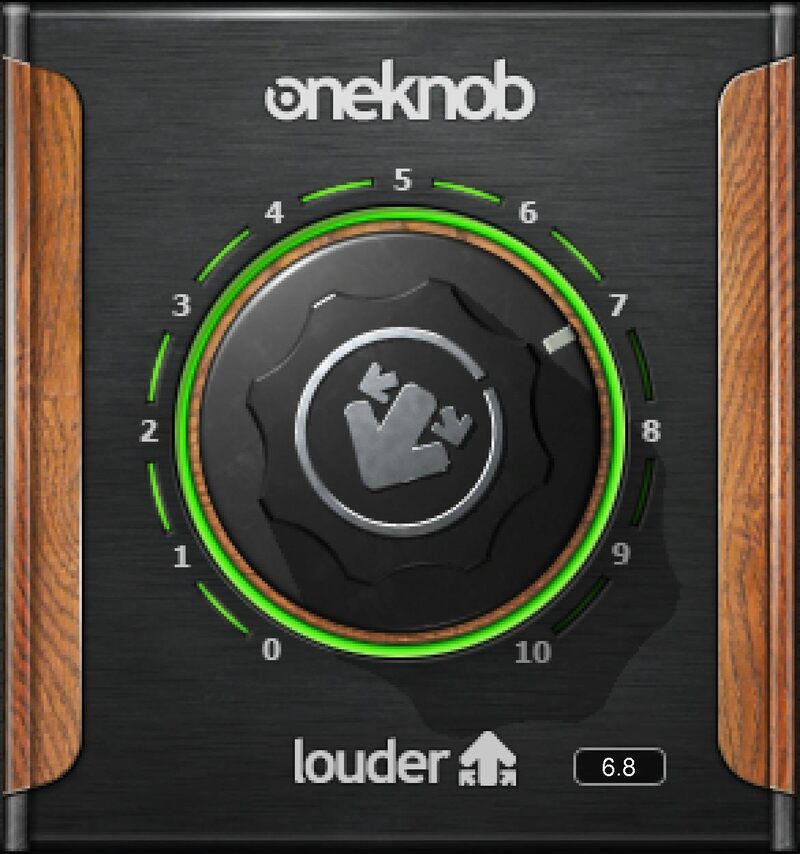
OneKnob Louder

5.0 (1 Reviews)
$24.99 $49.00

49% off until Dec 07

Waves OneKnob Louder
Waves OneKnob Louder gallery thumbnail
Buy Now
Product information

OneKnob Louder

Pump Up the Volume—and Make Mixes Pop

Your mix sounds fine, but doesn’t “pop” in a playlist the same way as commercial recordings. Problem solved: OneKnob Louder brings up the level with peak limiting, low-level compression, and automatic makeup gain to give the results you want in seconds—without destroying dynamics.

But OneKnob Louder isn’t only about mixes. Make vocal levels stronger and more consistent, increase guitar sustain, turn drums into monsters, enhance effects buses, and more… with just one knob.

Features

  • Minimizes unwanted level variations for individual tracks
  • Ideal for songwriters who need to dial in powerful sounds quickly
  • Musician-friendly—distills engineering skills into one knob
  • Open-sounding, natural dynamics without harshness
  • Strengthen the impact of effects by adding OneKnob Louder to buses
  • Easily match loudness levels of commercial recordings

System Requirements

Mac

  • macOS Monterey 12, Ventura 13, Sonoma 14, Sequoia 15
  • VST / AU / AAX

PC

  • Windows 10+
  • VST / AAX
Installation Instructions

1. Head to https://www.waves.com/create-account

2. Enter your email and choose a password to create an account (if you already have a Waves account, choose Log in, enter your details and head to Step 5) > click 'Submit'

3. Open your email inbox > click the activation link in the email from Waves

4. Click 'Log in here' > Log in to your Waves account

5. Click 'Register New Products'

6. Enter the Serial Number found in your Plugin Boutique user account > click 'Submit'

7. Click download in your Plugin Boutique user account or head to https://www.waves.com/downloads/central > download the Waves Central app for your operating system

8. Install Waves Central > Open Waves Central

9. Click 'Log in' > enter your log in details

10. Click the 'Install Products' tab

11. Tick the blue dot on all products you wish to install or click the top dot to install all products > click 'Install & Activate'

12. Click 'OK'

13. Open your DAW > open the Waves plugin

Your Waves plugins are installed and ready to use, enjoy!

Plugin Boutique Rewards

Discover the most rewarding loyalty programme among all plugin retailers.

  • Free Loopmasters Samplepacks
  • Discounts on products and courses
  • Extra Virtual Cash claimed immediately at checkout
Find out more

Follow us:

X (Twitter) Facebook YouTube Instagram
Logo Logo

Plugin Boutique Limited, Part of the Beatport Group LLC.

Copyright © 2011-2025 Plugin Boutique. All rights reserved