Log In

Free gifts available with your purchase


A Game-Changing Diode Bridge Compressor
Revolutionizing The Industry
Heritage Audio’s SUCCESSOR diode bridge compressor, which transformed the industry, is now available as a plugin.
When Heritage Audio first released the SUCCESSOR stereo mix bus compressor, it was the first of its kind, allowing engineers, producers, and musicians to apply warm, colorful, and fat compression. Prior to its release, only clean and transparent VCA-based processors were available for mix bus duties. While those options were often adequate, they lacked the mojo, energy, and vitality that the SUCCESSOR delivers.
Beyond The Mix Bus
Originally designed for mix bus applications, the SUCCESSOR has become a popular choice for various aspects of music and sound production. It has been widely adopted for tracking sessions, subgroup processing, and even mastering. Used by top-tier engineers like Chris Lord-Alge and present in thousands of studios worldwide, the Successor has established itself as an essential tool for shaping modern music production.
Bringing The Successor To The Digital World
Over the years, Heritage Audio received numerous requests from plugin manufacturers to recreate the SUCCESSOR's unique mojo, energy, and tonal characteristics. However, Heritage Audio insisted on developing it in-house to ensure an authentic recreation. Now, the SUCCESSOR plugin is available to anyone who wants to harness the features of its legendary hardware predecessor—plus even more.
Introducing The New ‘Nuke’ Mode
Pushing the boundaries of traditional compression, the newly added ‘Nuke’ feature takes signals to the next level. By adding an extra +20dB before compression, this feature forces a more extreme response from the compressor. Users can then adjust the output stage to compensate for any or all of the +20dB gain, unlocking new creative possibilities and an exaggerated compression effect.
Heritage Audio continues to push the boundaries of analog warmth and digital flexibility, ensuring the SUCCESSOR Plugin delivers the same legendary sound that made its hardware counterpart an industry favorite.
Features
- Diode Bridge Compression: Delivers true vintage tone by introducing 2nd order harmonic distortion while eliminating unpleasant odd harmonic content
- Ultra-Fast Attack & Release: Provides flexibility beyond vintage designs, allowing for FET-like compression and volume maximization without transient artifacts
- Advanced Sidechain Filtering: Includes traditional high-pass filters, mid-band peak filters, and high-frequency compression for enhanced bus correction
- Blend Control: Enables built-in parallel compression without external gear, with a dedicated Blend ON/OFF button for instant A/B comparisons
- NUKE Mode: Adds an extra +20dB before compression, creating extreme compression reactions while allowing full output control
System Requirements
-
Formats:
- VST3, AU, AAX (64-bit)
-
Platforms:
- macOS: 10.15.7 and up (Both INTEL and Native Apple Silicon M1/M2/M3 Compatibility)
- PC: Windows 10 and 11
-
DAWs supported:
- All major DAWs, including Ableton Live, Pro Tools, Logic Pro, FL Studio, Cubase, Studio One, Bitwig, Reaper, Reason etc
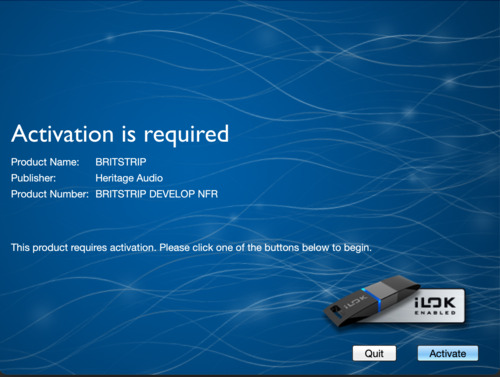
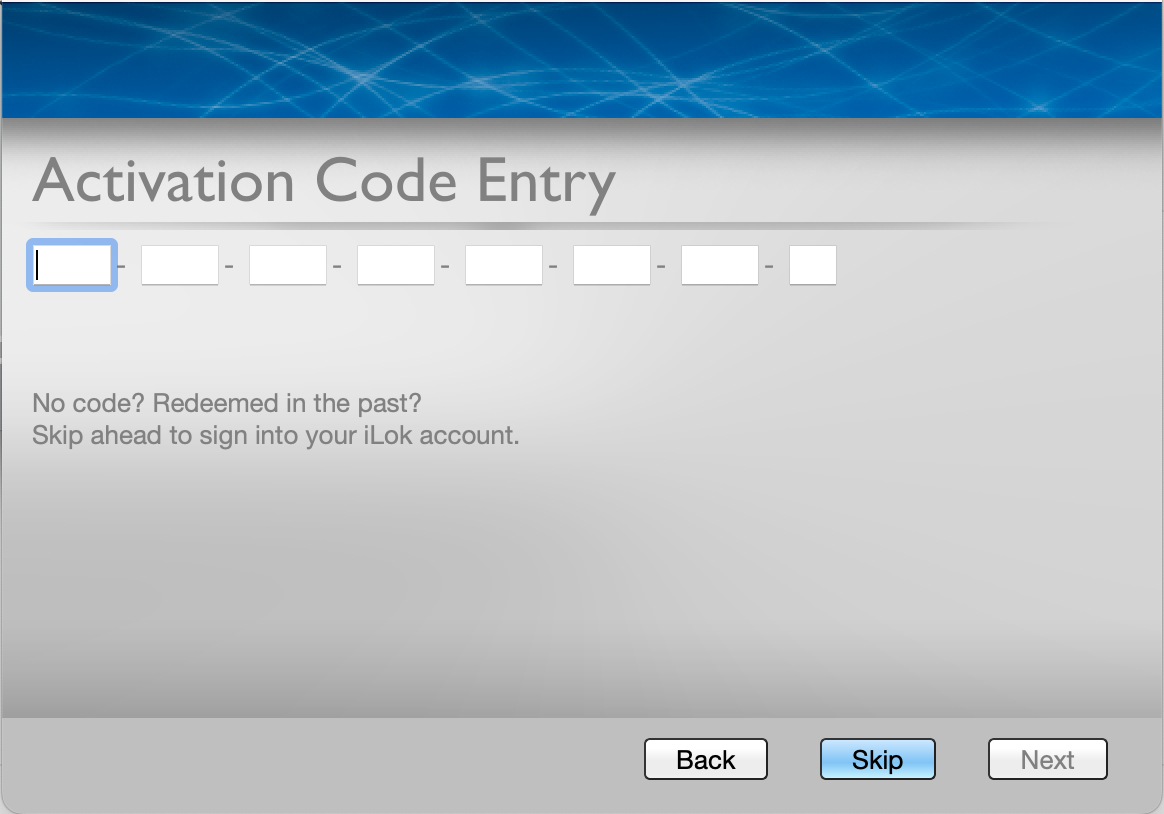
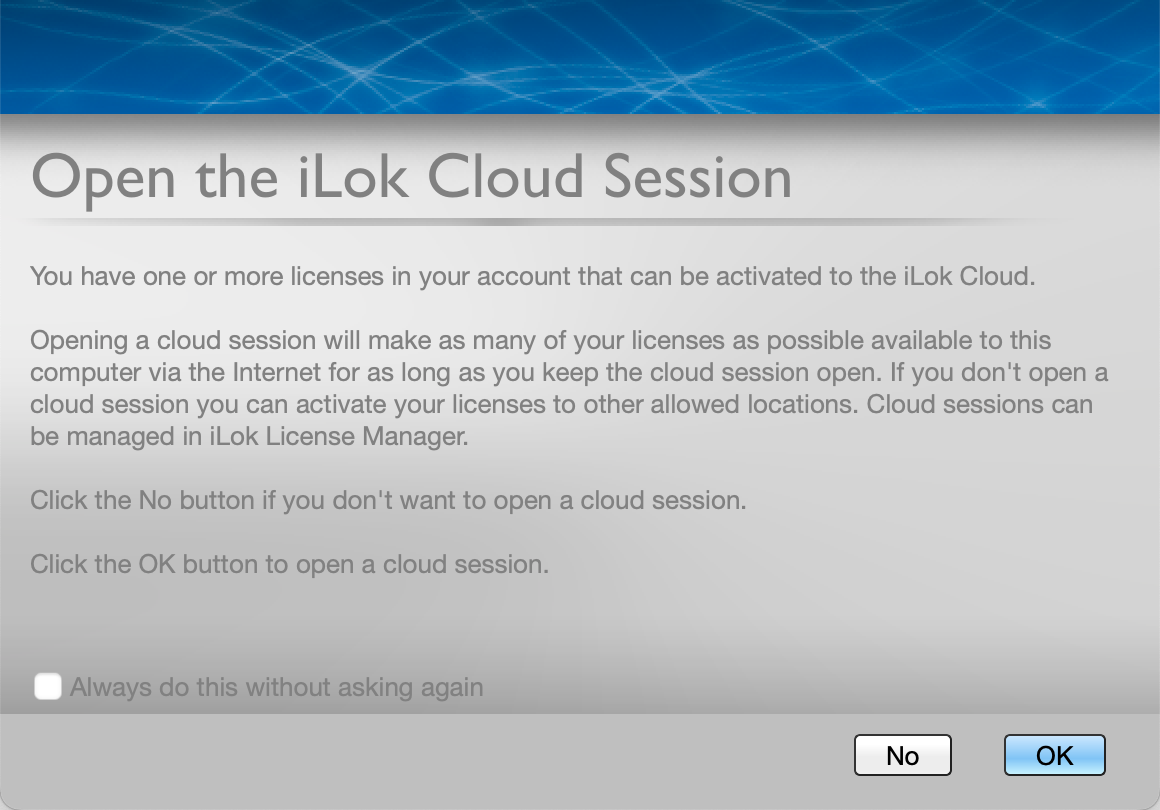
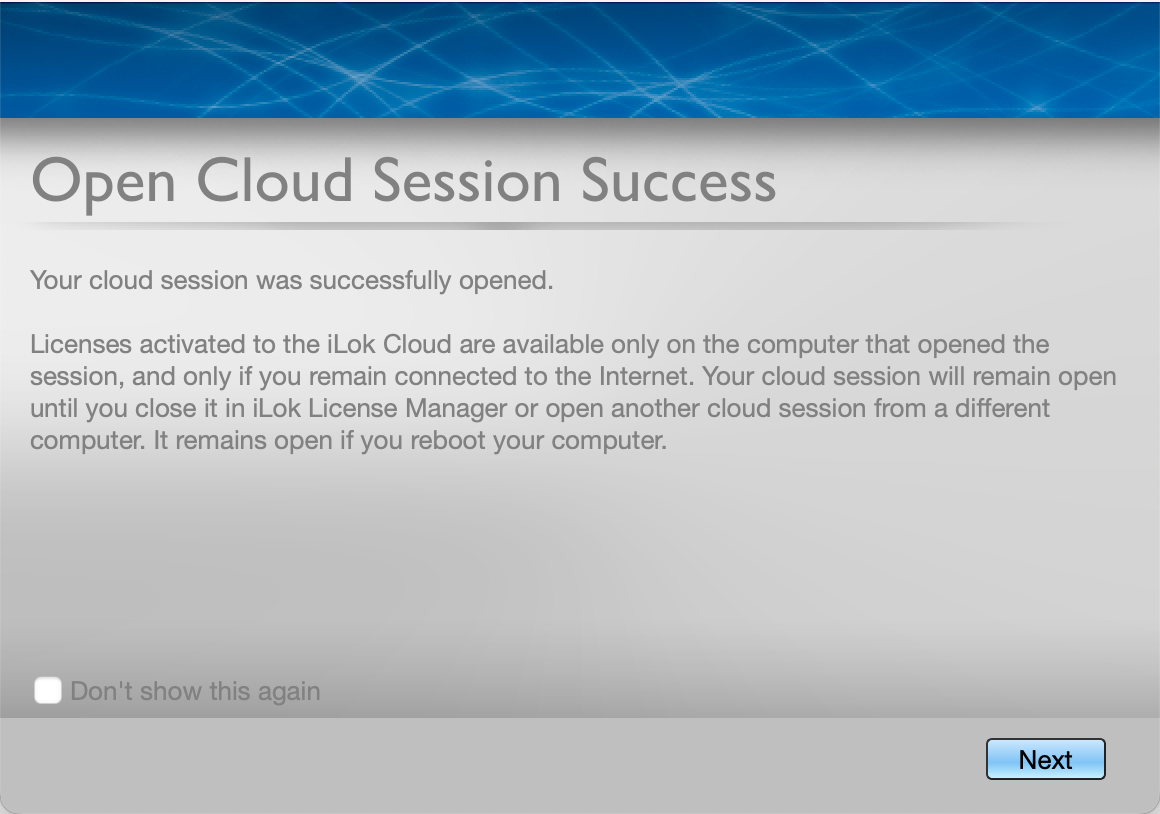
Please note: A free iLok cloud account is required to install and authorise this product