Important Note: Minimal Audio - Rift is used as an example.
Serial Code Redemption
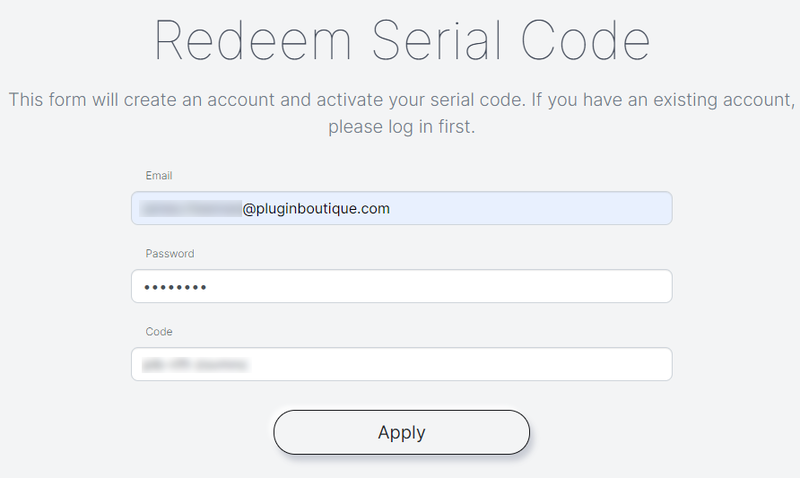
1. Visit https://www.minimal.audio/activations/new
2. Enter email address & password into the corresponding areas.
N.B if you do not already have a Minimal Audio account then you can still use this form to create one.
3. Enter redemption code, which is available within your Plugin Boutique User Account > Click the 'Apply' Button.

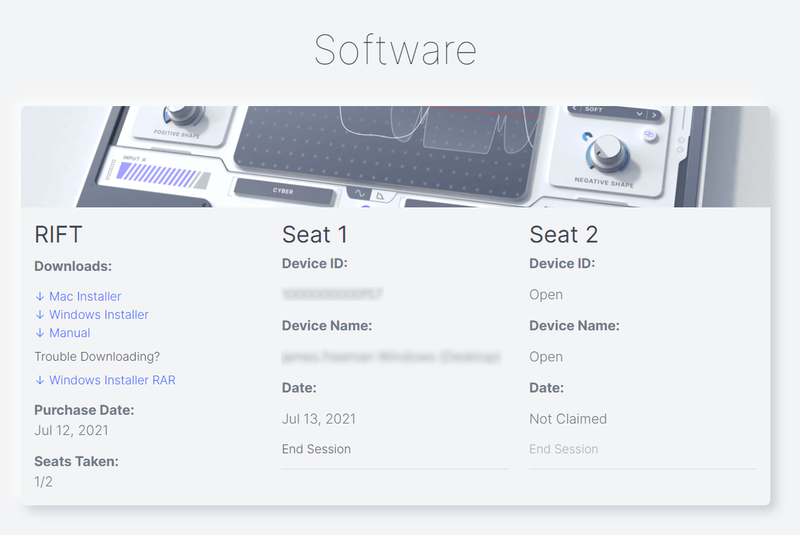
4. Scroll down to 'Software' and locate the 'Downloads' section > Click to download the correct installer file.

Windows Installation & Activation
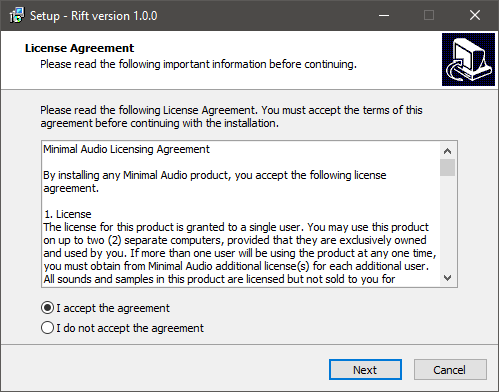
1. Open the installer .exe file and allow the app to make changes to your device.
2. Select 'I accept the agreement' > Click 'Next'.

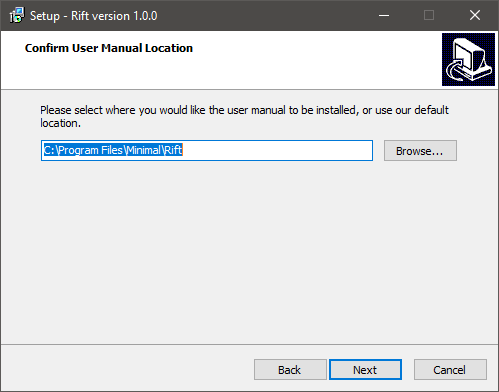
3. Confirm the location of the User Manual > Click 'Next'.

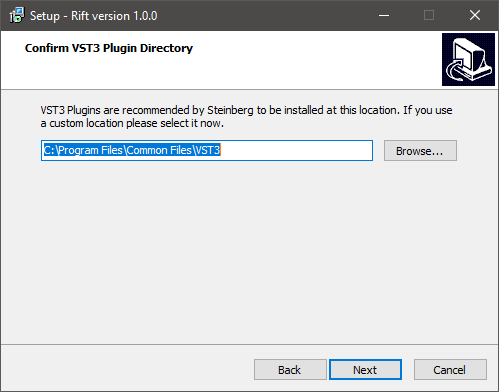
4. Confirm the location of your VST3 Plugin Directory > Click 'Next'.

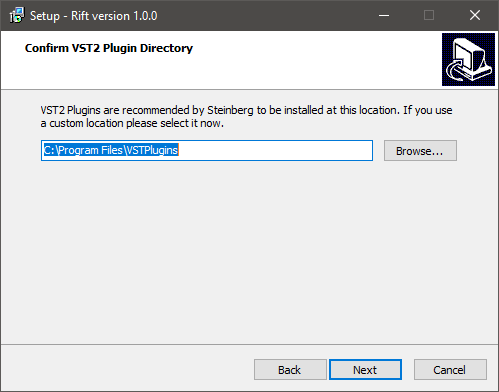
5. Confirm the location of your VST2 Plugin Directory > Click 'Next'.

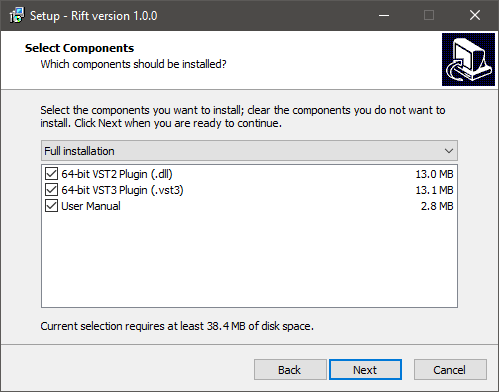
6. Select components to be installed > Click 'Next'.

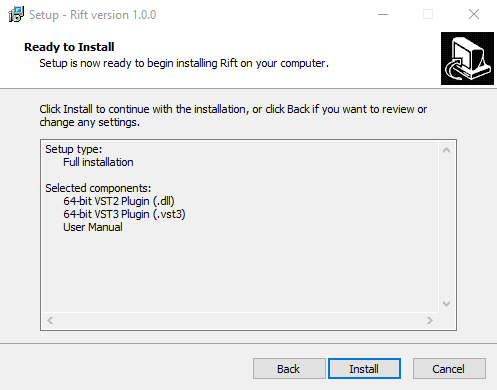
7. Click 'Install'.

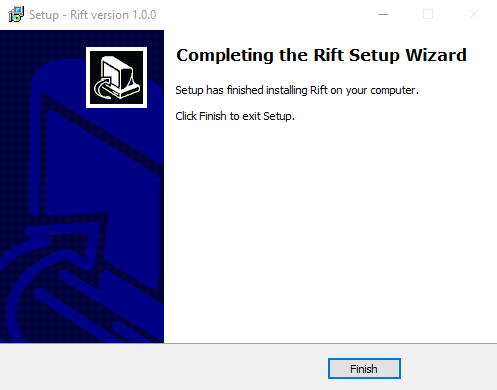
8. Click 'Finish'.

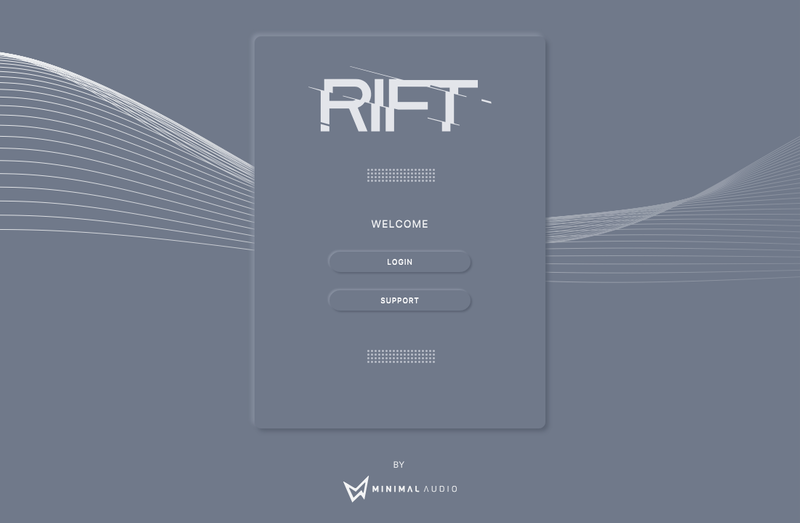
9. Open the plugin inside of your DAW. If the is not showing, rescan your list of plugins in your DAW.

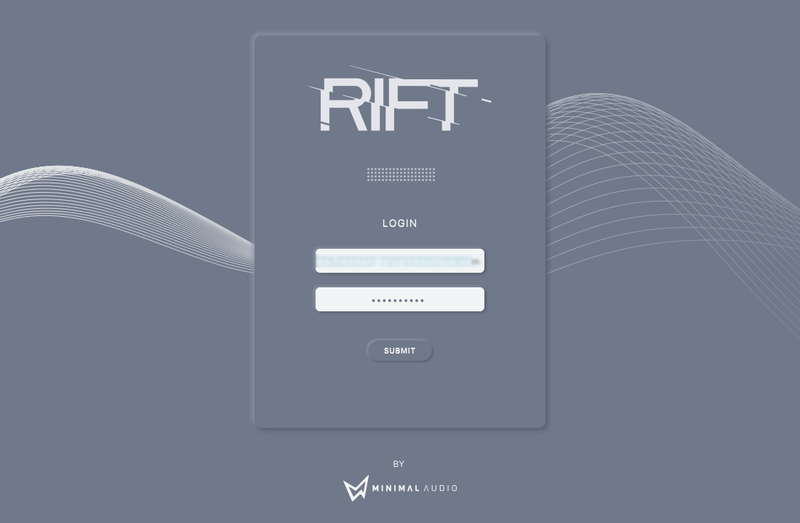
10. Click 'Login' > Enter the details of your Minimal Audio account > Click 'Submit'.

Your software is now activated and ready to use inside of your DAW!

Mac Installation & Activation
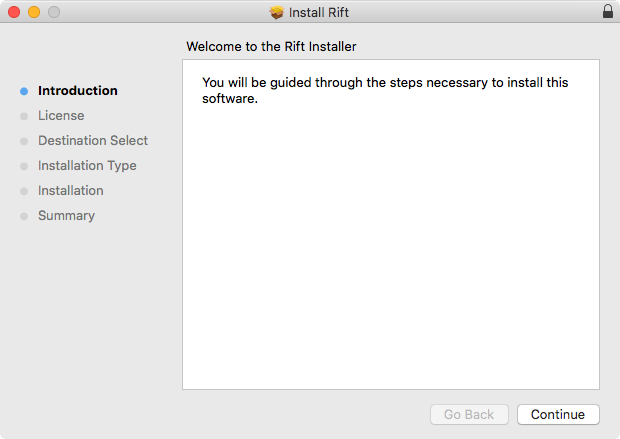
1. Open the installer .pkg file > Click 'Continue'.

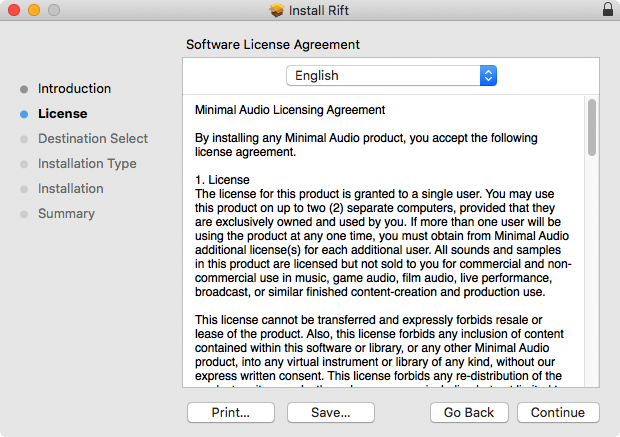
2. Read the software Licence Agreement > Click 'Continue'.

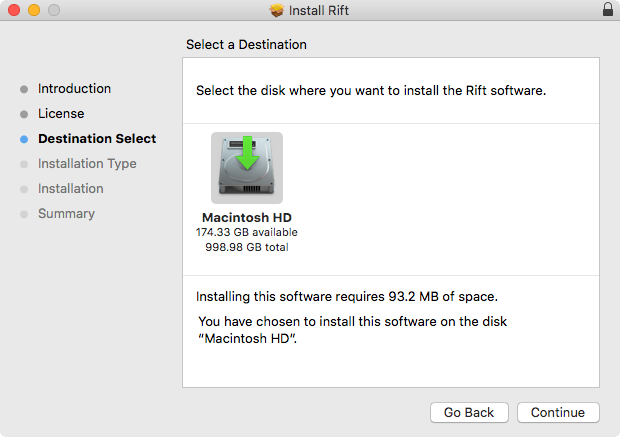
3. Select the disk location you wish to install software on > Click 'Continue'.

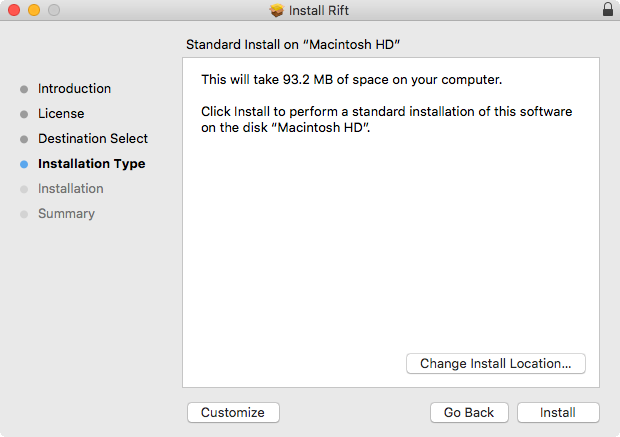
4. Click 'Install' > Enter system password.

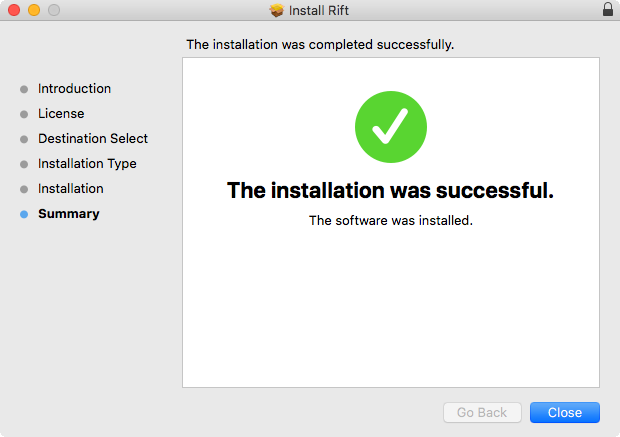
5. The software has now been installed > Click 'Close'.

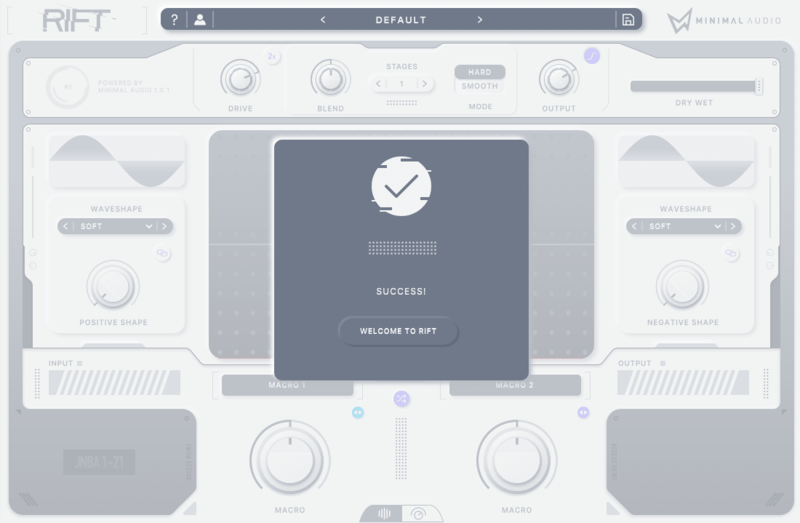
6. Open the plugin inside of your DAW. If it is not showing, rescan your list of plugins in your DAW.

7. Click 'Login' > Enter the details of your Minimal Audio account > Click 'Submit'.

Your software is now activated and ready to use inside of your DAW!