Log In

Free gifts available with your purchase
DYN 3000 NATIVE
Midas-Powered High-End Dynamics Channel
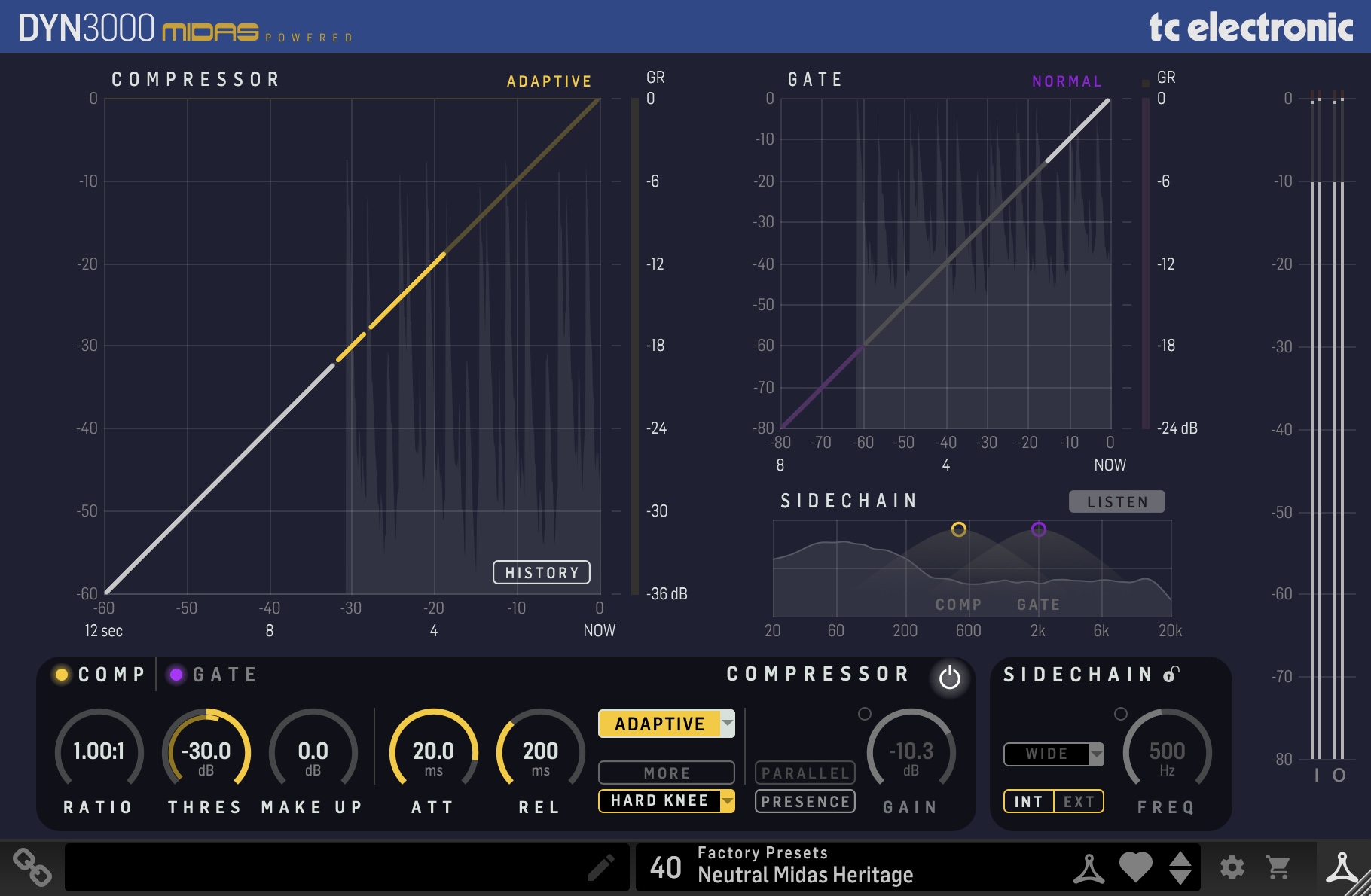
The DYN 3000 Compressor/Gate plug-in is part of the Icon Series of plug-ins. In combination with an optional dedicated Desktop Controller, it takes mixing audio to a new level.
The DYN 3000 is a truly versatile compressor and gate effect for both channel, bus, and master operation, based on the Midas Heritage consoles. Its class-leading dynamics processing is acclaimed for its rich, warm sonic performance and flexibility.
In the Box
DYN 3000 is designed to be the ultimate dynamics processing tool for professional audio engineers or home studio owners. With 4 classic compressor types and 3 gate types, unique built in presence control, upward and parallel compression functionality, and external sidechain input, it gives all the flexibility and functionality you’d dream of from a modern dynamics processor without sacrificing the rich, warm sonic performance that Midas compressors are known for.
The compressor features four different content and use dedicated types:
- Adaptive
- Corrective
- Creative
- Vintage
These, in combination with the unique Presence and Parallel compression, and the flexible sidechain filtering, make the DYN 3000 second to none in dynamics processing.
The Gate adds noise suppression, envelope capabilities, and level control, through three available types:
- Normal
- Transient
- Ducker
To assist in the delicate mixing process, the DYN 3000 also features:
- Scrolling History of signal and Gain reduction
- Constant-Q Real-Time Analyzer for sidechannel signal investigation
Industry-Leading Performance
Designed with the modern studio in mind, the DYN 3000 is a perfect recreation of the acclaimed dynamic processing from the Midas Heritage 3000 with several added features that can’t be found on the original. Combine it with the PEQ 3000 EQ plugin and you have all the power and flexibility of a Midas channel strip within your DAW.
Powerful Presence
The DYN 3000 has adjustable presence control similar to what’s found in many Midas Pro series consoles which allows you to add some subtle air to your compressed signal. This is ideal for making a vocal sound more open and natural without losing the dynamic control from the compression. Or, you may want to go for parallel or New York style compression to save the precious transients while thickening the beat.
Authentic Look and Feel
The optional hardware controller for DYN 3000 has a high-resolution color display which shows the dynamics processing overview and all the essential parameters so you can tweak your settings regardless of whether the plugin window is open, saving precious monitor real estate. With the same look, feel, and layout as Midas console controls, the DYN 3000 desktop controller gives you an authentic feeling experience and workflow.
Custom Built Presets
DYN 3000 comes with a treasure trove of custom-built presets from your favorite producers and engineers, as well as a powerful bank of tailored settings for dedicated purposes from our own engineering team. With these presets loaded you are more than ready to tackle any creative challenge and any delivery scenario.
Features
- Versatile compressor and gate based on Midas Heritage 3000
- Four compressor types: adaptive, corrective, creative, vintage
- Three gate types: normal, transient, ducker
- Presence control for added air and clarity
- Parallel and upward compression for dynamic control
- Sidechain filtering and external input options
- Scrolling gain reduction history for precision adjustments
- Real-time analyzer for detailed signal investigation
- Custom-built presets from top producers and engineers
- Optional hardware controller with Midas console feel
System Requirements
Operating systems
- macOS 10.14 (Mojave) through 15.x (Sequoia), Intel and Mx hardware
- Windows 7 or above
Plugin formats (64bit)
- AAX-native
- Audio Units
- VST3
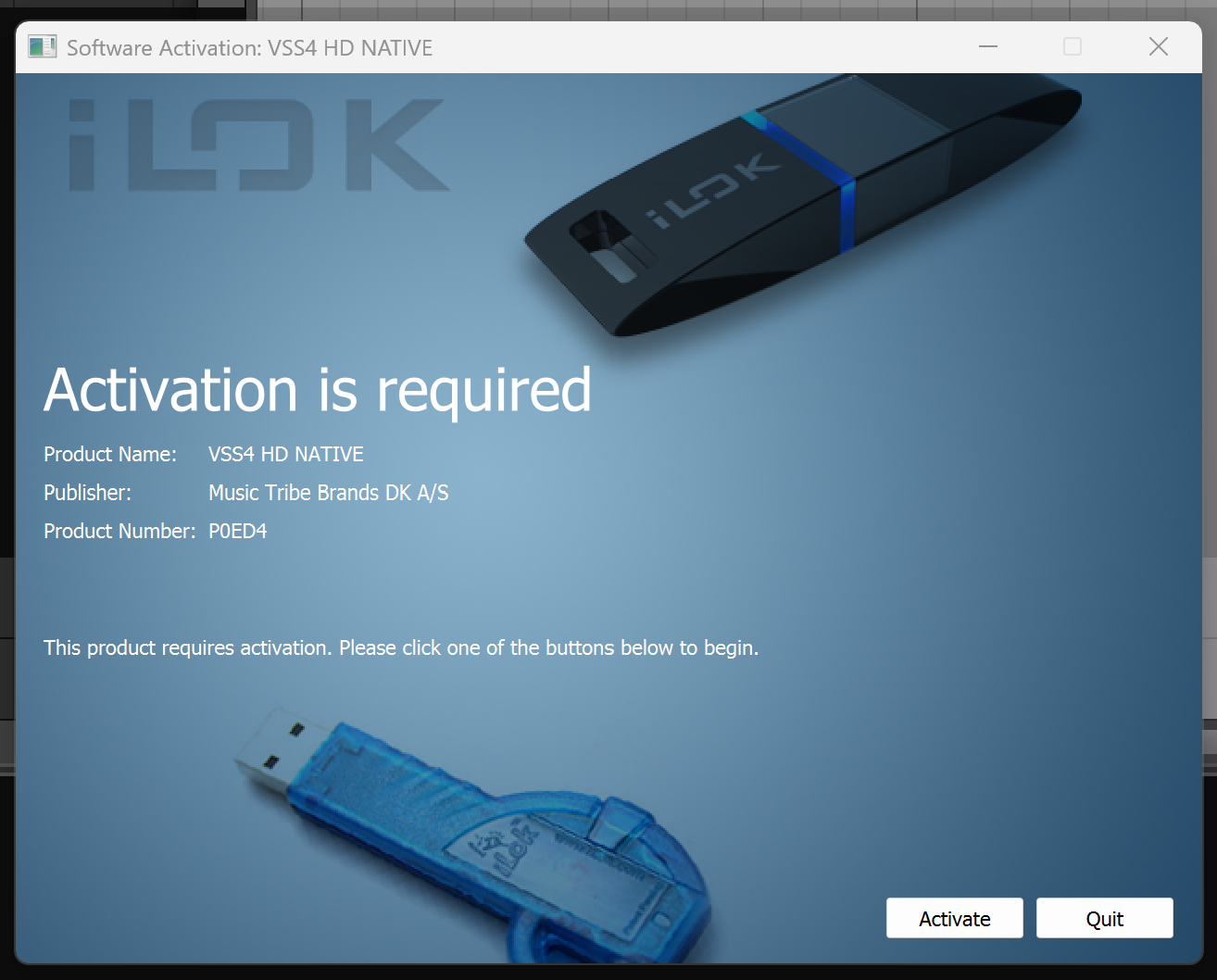
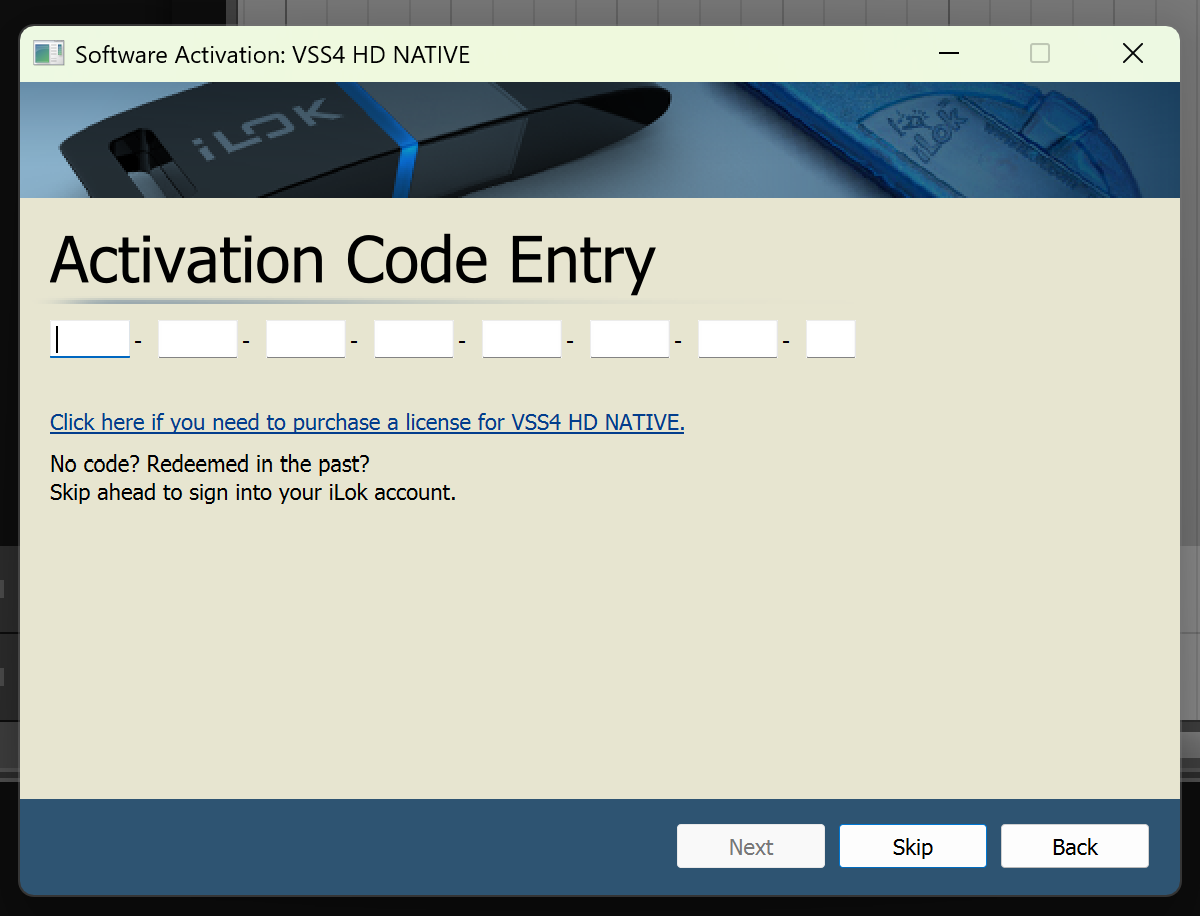
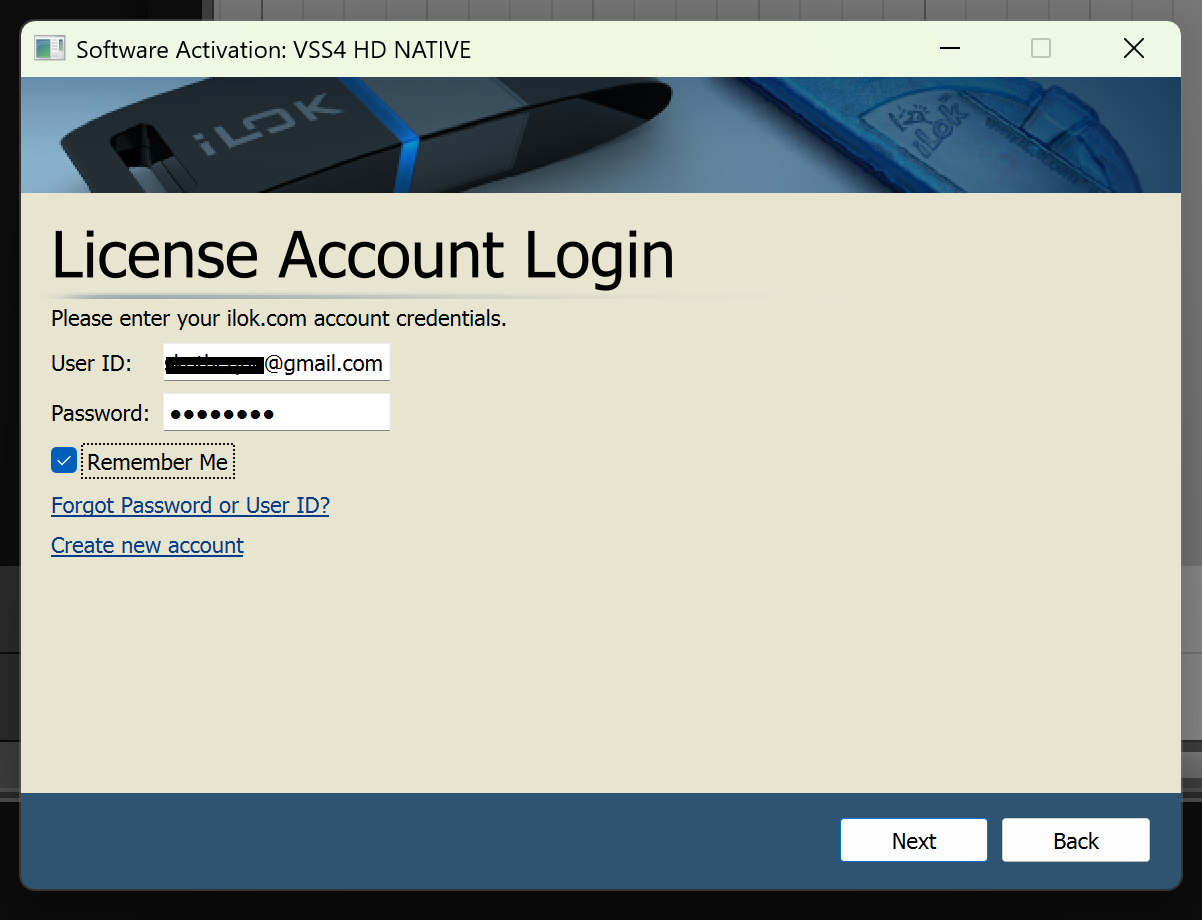
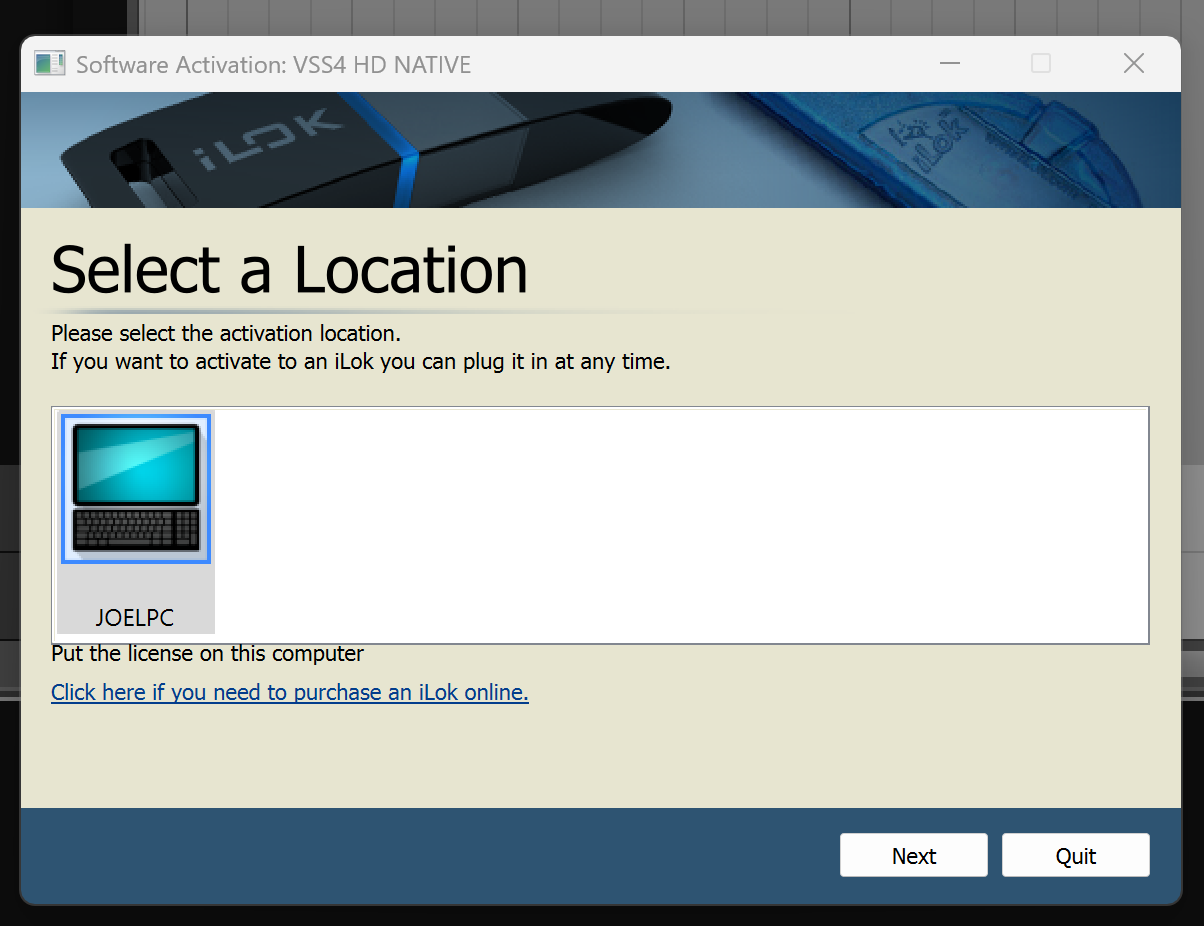
Important Note: No iLok dongle is required to run this software - only a FREE iLok account/Manager is required for authorisation.