Log In

Free gifts available with your purchase
PSP oldTimerMB is a vintage-style multi-band compressor designed for demanding track processing, buss and mix compression, and mastering. PSP's aim in developing this plug-in was to design a high-end multi-band processor based on the algorithm from their best-selling PSP oldTimer compressor. The result is a musical and warm sounding processor with a range of controls making it a vital tool for virtually any kind of music. Switchable and adjustable output valve emulation gives you a choice of additional colour to the sound.
Features
- High quality signal processing algorithms.
- All internal processing done with 64 bit double precision floats.
- 32 and 64 bit floating point audio streams supported.
- ZERO samples of latency.
- Up to 192kHz sample rates supported.
- x32 and x64 support for Windows and Mac OSX systems.
- Library of presets.
System Requirements
Windows
Windows
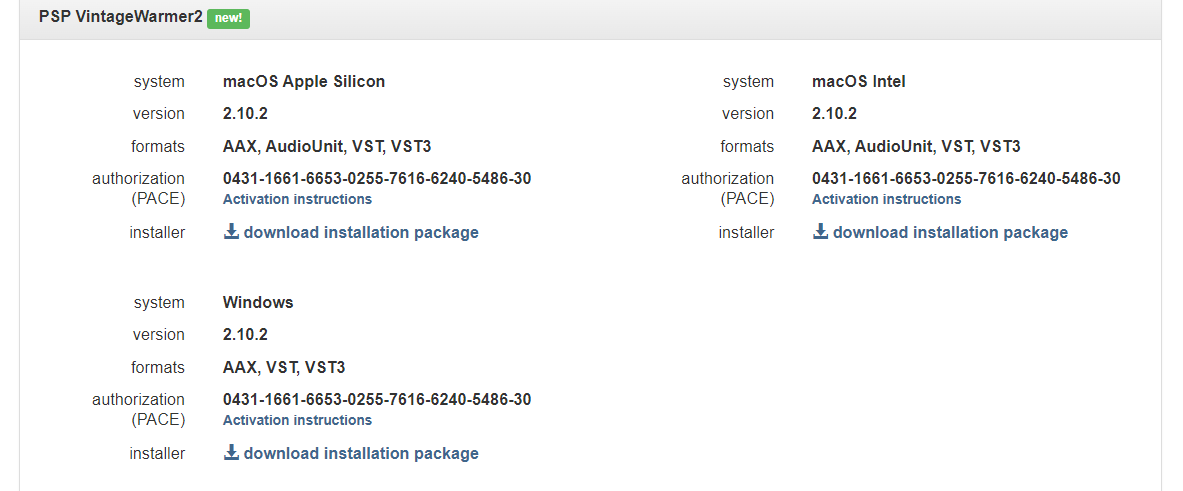
- Windows 7 – Windows 11(64-bit only)
- VST3/VST/AAX
- The latest iLok License Manager application installed
macOS
- macOS 10.12 – macOS 13 Ventura (Apple Silicon supported) (64-bit only)
- VST3/VST/AAX/AU
- The latest iLok License Manager application installed

Count, aka Mikael Eldridge
Producer & Engineer | Tycho, DJ Shadow, Radiohead, No Doubt, Galactic, Mavis Staples, The Revivalists & more.
"PSP oldTimer has been one of my favourite compressor plugins for a long time, and the new multi-band version is an important addition to my mixes."

Steve Levine
Engineer | The Clash, Culture Club, The Beach Boys, Motorhead, Ziggy Marley & more.
"It’s even better than I had imagined! PSP have combined all the vibe of the original but now with forensic controls."

Barry Wood
Audio Specialist | The Other Room.
"Unlike most multi-band compressors, the oldTimer can be used for subtle band compression and warmth without adversely affecting the overall tonal balance."