/ Compressor / Dragon Fire
Denise Audio

Dragon Fire

4.7 (212 Reviews)
$29.00 $69.00

57% off until Dec 09

Main Image
Main Image
Shape your Kick the tonal way with the Dragon Fire gallery thumbnail
How to use the Push-Pull Graph on the Dragon Fire gallery thumbnail
Shape the sound of the Compressor with the Dragon Fire gallery thumbnail
Dragon Fire plugin - Showcase video gallery thumbnail
Mixing Vocals: Dragonfire (Push Pull Opto Trick) - from the famous LA2A trick of Andrew Scheps gallery thumbnail
denise Dragon Fire - Finally something NEW! | White Sea Studio gallery thumbnail
denise Dragon Fire - The 'ALL in ONE' Compressor?! gallery thumbnail
denise Dragon Fire - UI
Buy Now
Product information

The First Tonal Compressor with Shape Technology

Dragon Fire introduces a monstrous new and easy way to tame and colour the dynamics of your tracks called tonal compression and on top adds Shape™ technology to finely shape the sound and behaviour of your compressor. The Dragon Fire offers the ease of use of an equalizer with its push-pull graph, but more freedom, power and simplicity than a multi-band compressor. Speed up your workflow and add creativity and fun to your production process keeping your ears fresh, creative and healthy.

When denise started to conceptualize a ‘denise style’ compressor, they wanted to go beyond emulating a classic compressor. It’s after all denise's mission to take inspiration from the analogue world, but create plugins with their own unique soul, craziness and character. denise wanted their compressor to give you the freedom to tune the sound of the compressor itself - imagine fine-tuning the compressor's saturation amount based on the gain reduction, or tweaking the envelope follower to sound more analog or vintage.

Secondly, they wanted to make compressing multiple bands easy, controlled and more flexible than with a traditional multiband compressor. To achieve this, denise integrated the push-pull technology from denise's popular God Mode, so you can target the compression towards specific elements in your mix, like the snare in a full beat. These new features and technology made us rethink the mixing process entirely.

Features

Dragon Fire with its Shape™ technology offers multiple creative features to tune the sound of the compressor, from vintage to transparent and anything in between. Create that original and vintage sound, for example with the:

  • RMS and Knee functions to soften the compression sound.
  • Interpolate between a fast and slow release curve for an ‘optic’ style response.
  • Adaptive saturation: This lets you control the amount of saturation based on the gain reduction.

Besides its Shape™ features it offers a:

  • Push-pull graph: an easy-to-use, eq-style graph to control how the compressor reacts to different frequency ranges.
  • Transparent clipper function at the end of the signal chain.
  • Easy switch to use the compressor in classic mode as a single band compressor.
  • Comes with various presets including instruments like guitars, bass, vocals & drums.

System Requirements

Mac

  • OS X 10.7 or newer (Apple Silicon Native)
  • VST, VST3, AU, AAX (64-bit only)

PC

  • Windows 7 and higher 
  •  VST, VST3, AAX (64-bit only)

Awards
Product Reviews
Denise Audio Dragon Fire review at MusicTech

This 'tonal compressor' plug-in might be complex, but it could also be the last compressor you ever need. Verdict - The Dragon Fire is a tone-shaping compressor that once setup makes everything sound better. This plug-in could become a core part of your signal chain. Overview - 10/10 Pro...

Read More
Installation Instructions

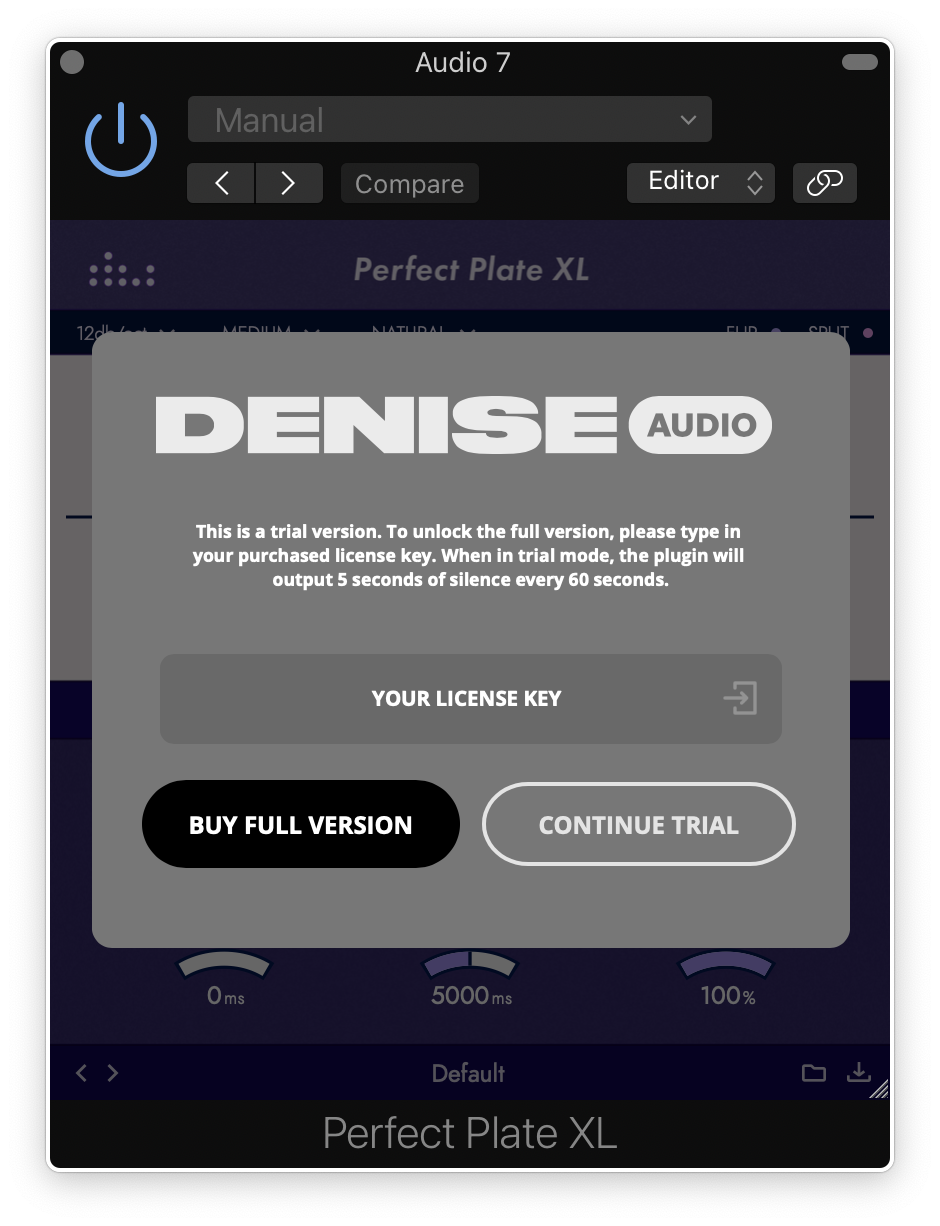
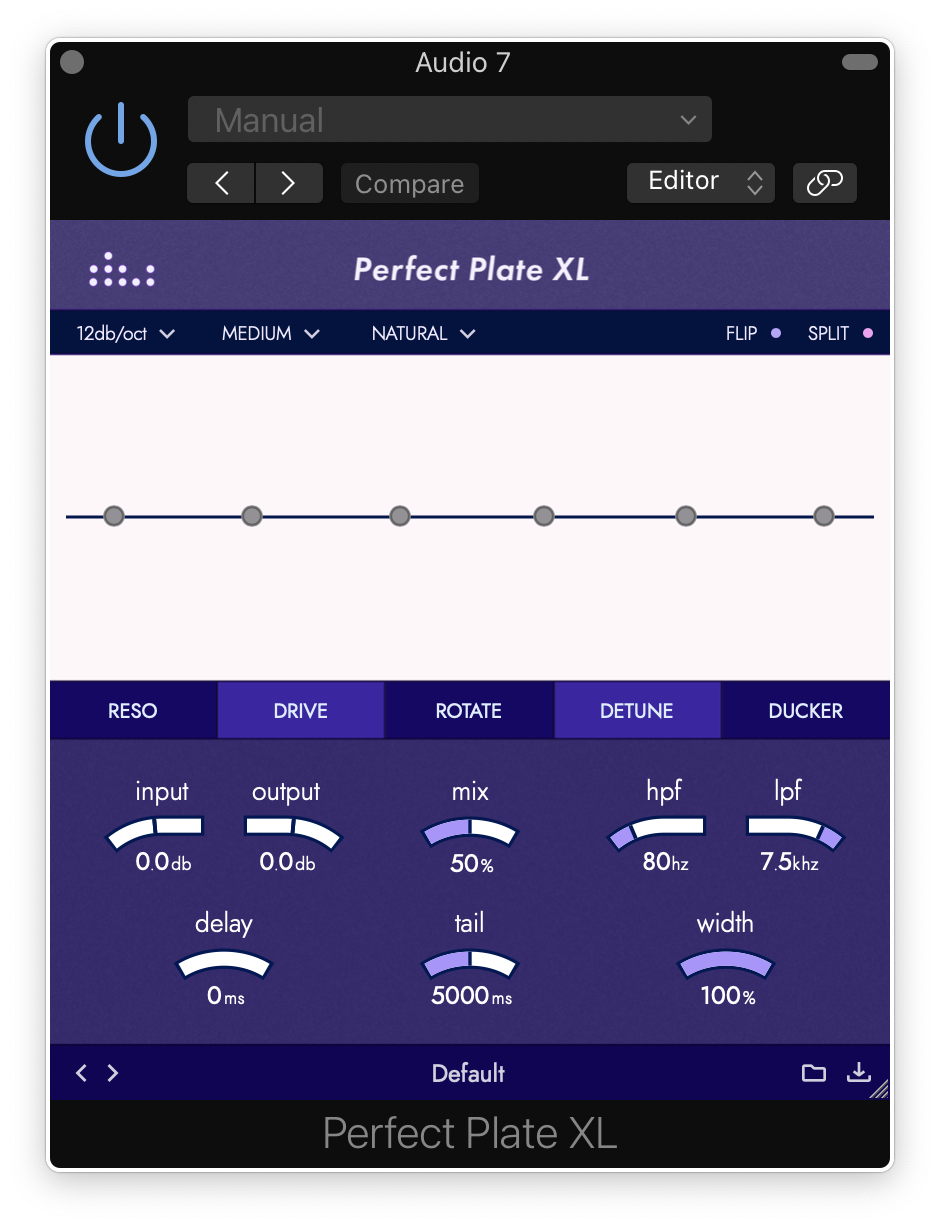
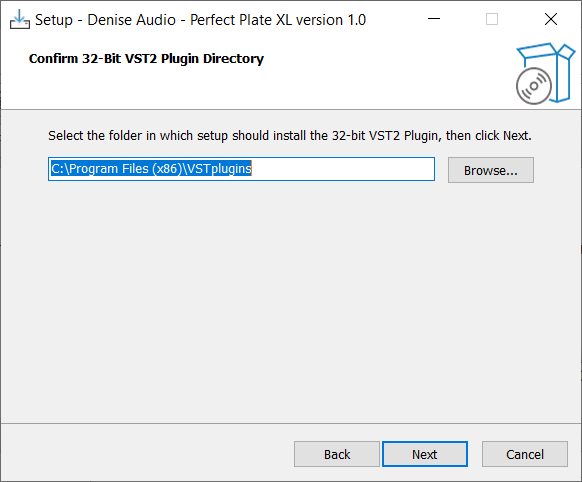
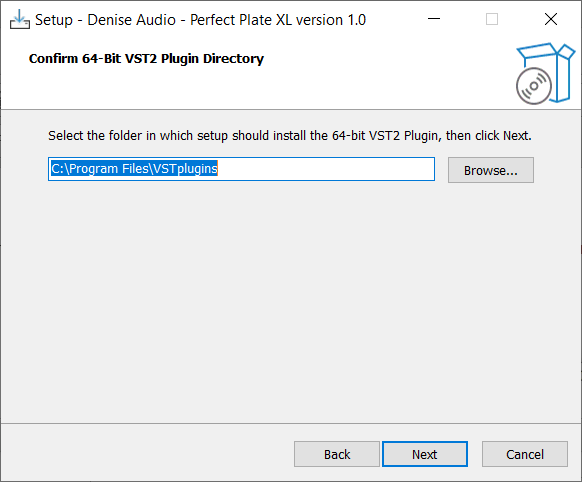
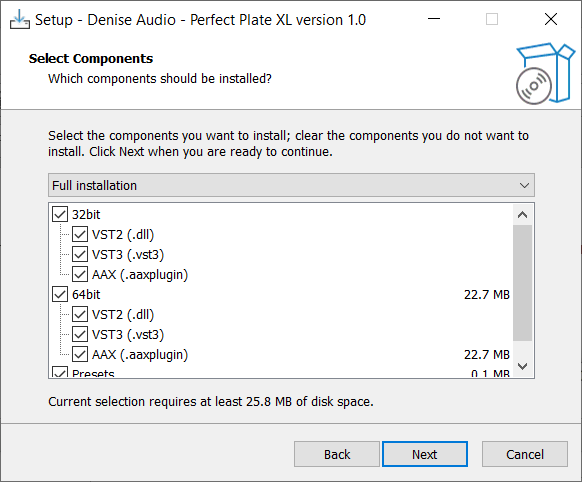
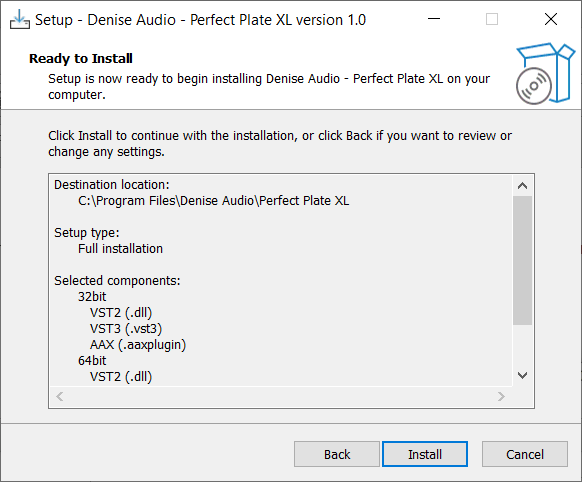
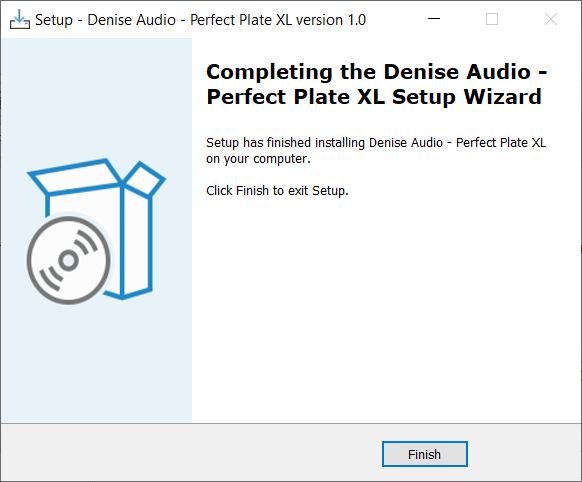
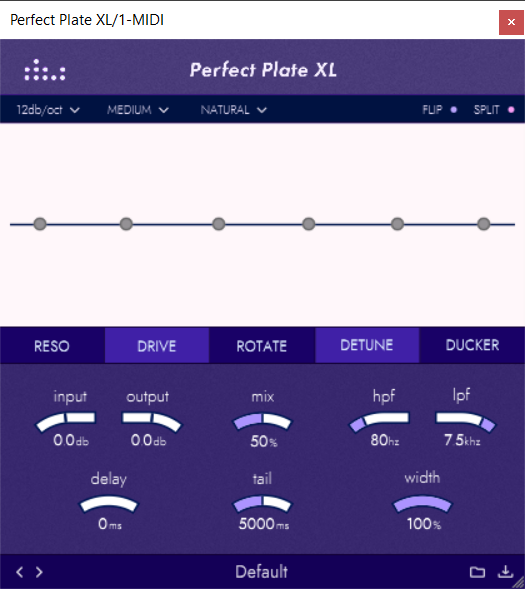
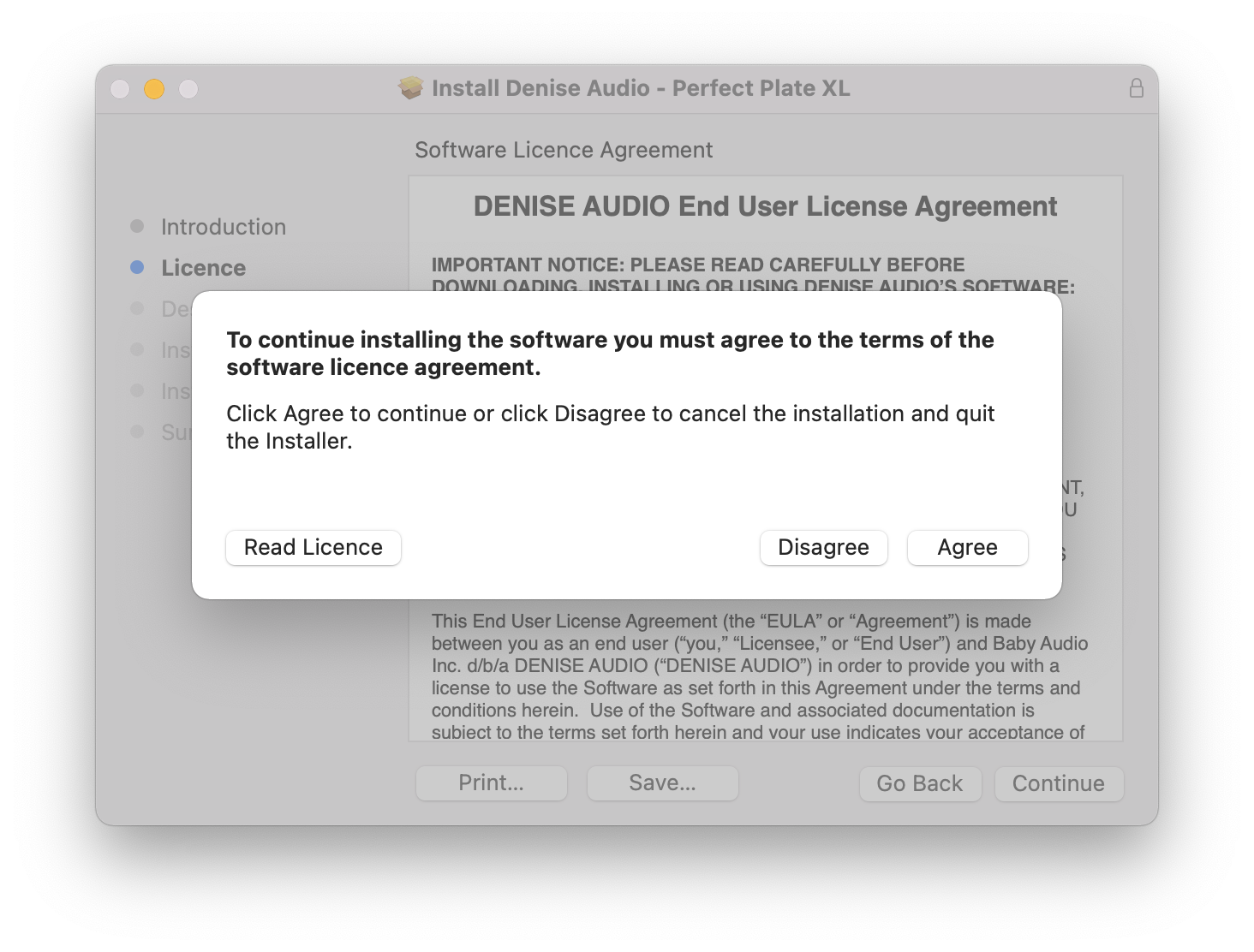
Note: Perfect Plate XL is used as an example.

Mac

Installation

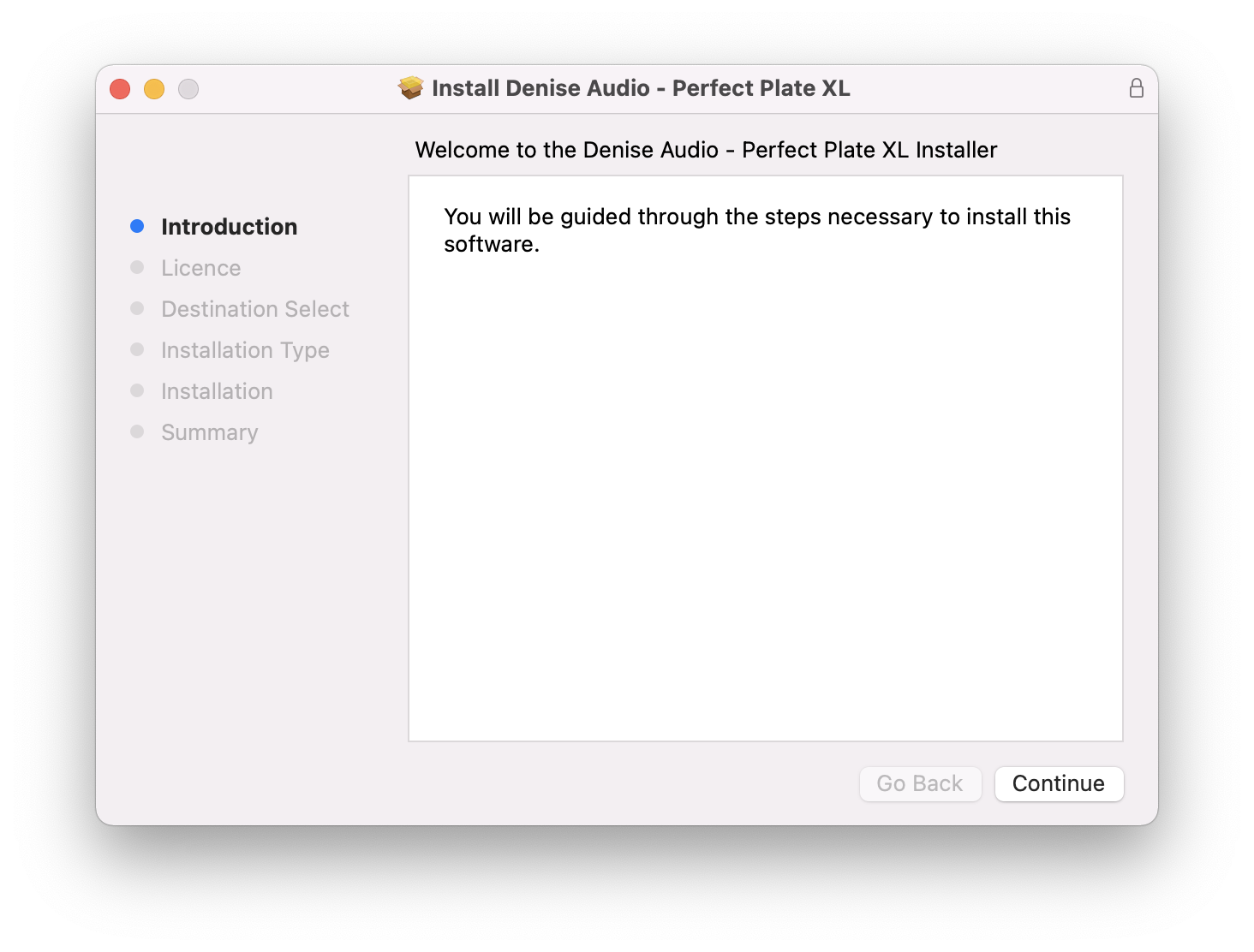
1. Download the installer from within your Plugin Boutique account and double-click the .zip file to extract the contents > Double-click the .pkg file to begin the installation process.

2. Click 'Continue'.

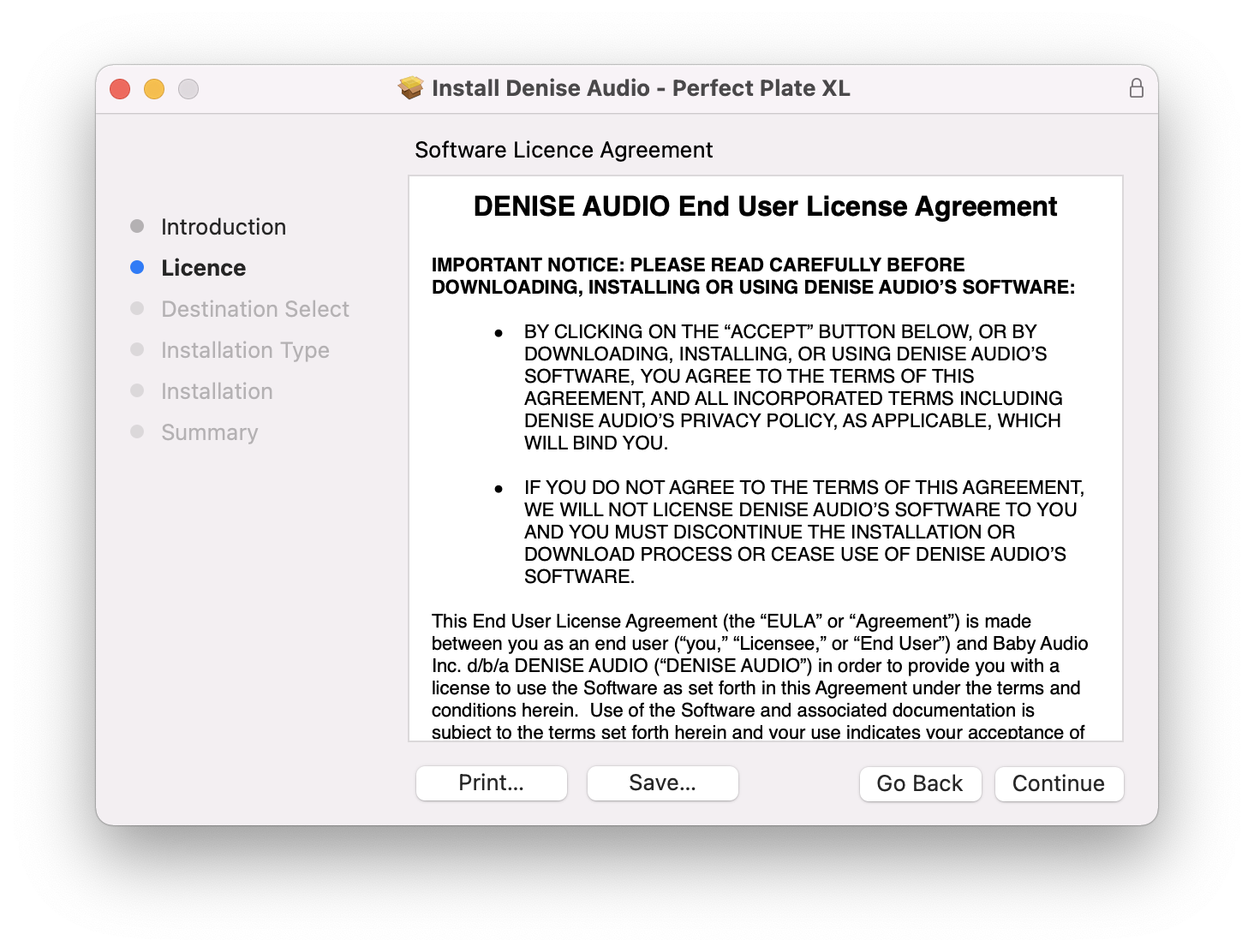
3. Click 'Continue'.

4. Click 'Agree'.

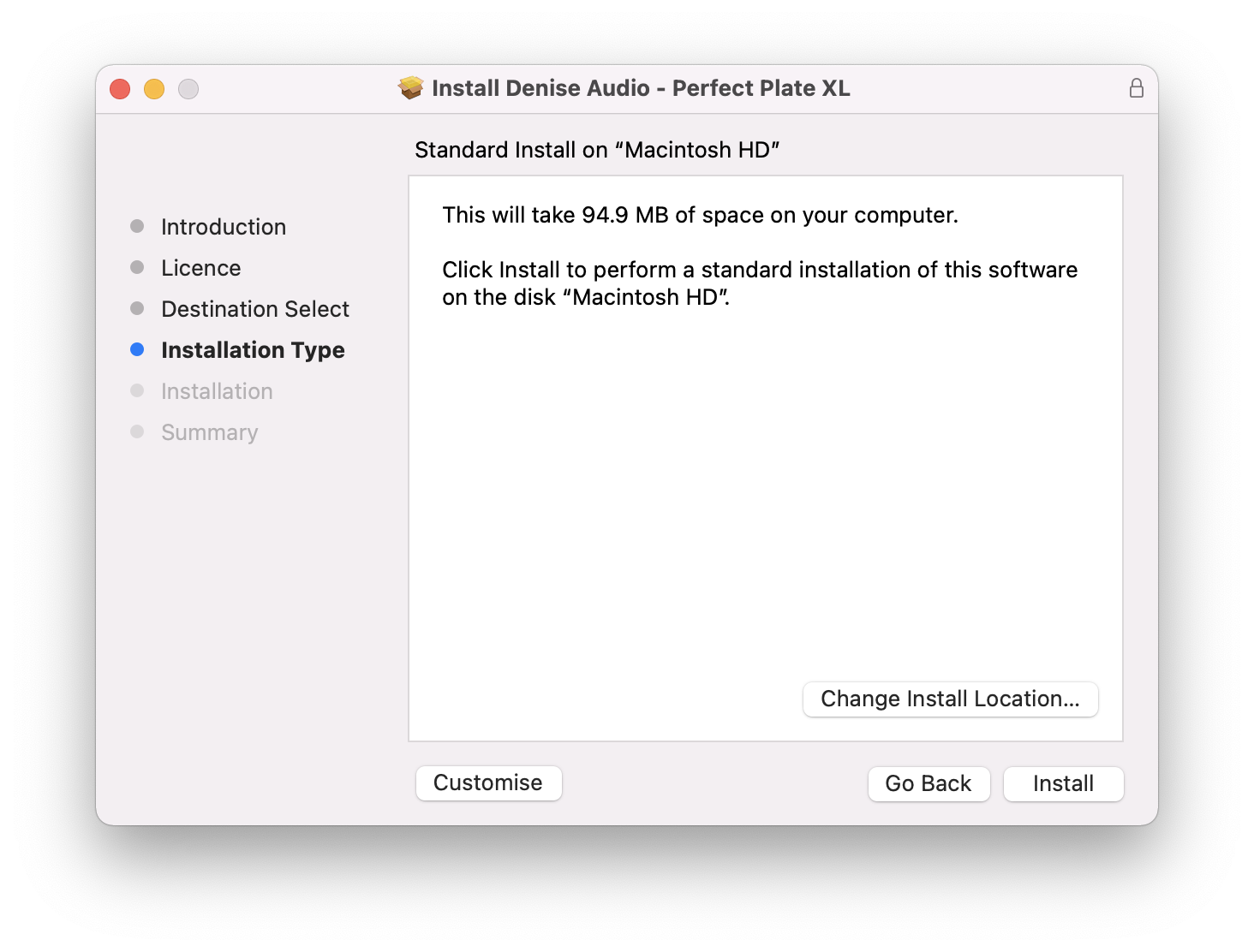
5. Click 'Install'.

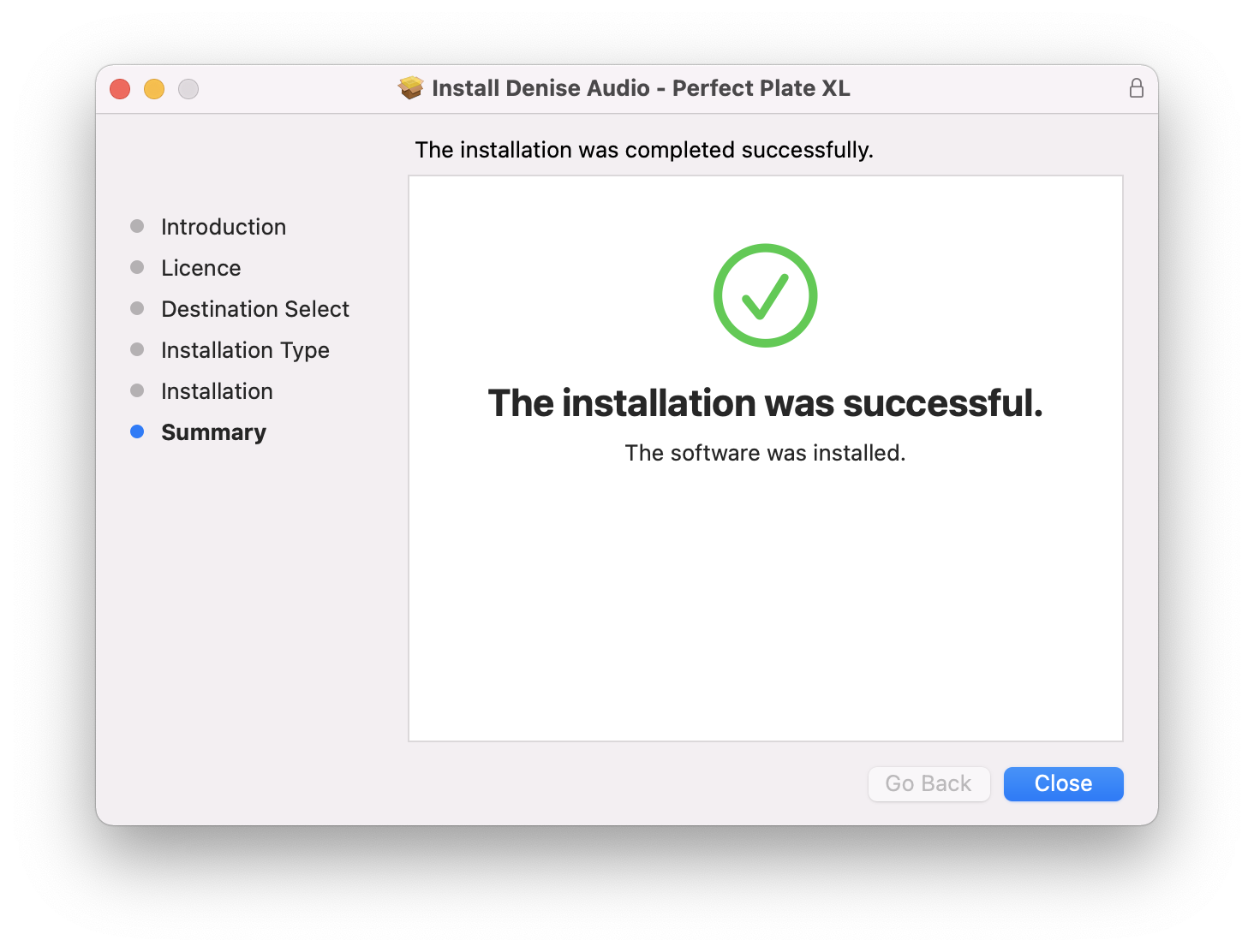
6. Your installation is complete > Click 'Close'.

Activation

1. Open the plugin within your DAW and enter the serial number found within your Plugin Boutique account > Click anywhere to redeem the code.

Your software is now activated and ready to use within your DAW.

Windows

Installation

1. Download the installer from within your Plugin Boutique account and double-click the .zip file to extract the contents > Double-click the .exe file to begin the installation process.

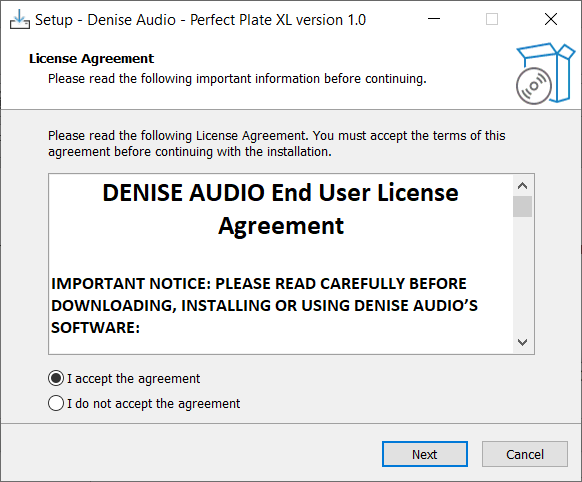
2. Select 'I Accept the Agreement' > Click 'Next'.

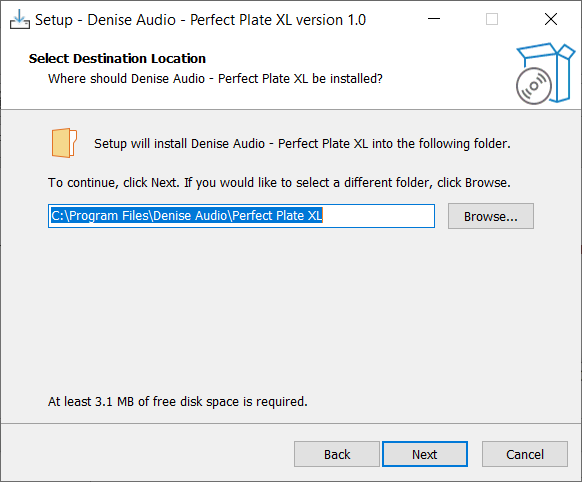
3. Click 'Next'.

4. Click 'Next'.

5. Click 'Next'.

6. Click 'Next'.

7. Click 'Install'.

8. Your installation is complete > Click 'Finish'.

Activation

1. Open the plugin within your DAW and enter the serial number found within your Plugin Boutique account > Click anywhere to redeem the code.

Your software is now activated and ready to use within your DAW.

Bundle & Save

Denise Audio Total Bundle
$99.00
$199.00 (50% off)

Plugin Boutique Rewards

Discover the most rewarding loyalty programme among all plugin retailers.

  • Free Loopmasters Samplepacks
  • Discounts on products and courses
  • Extra Virtual Cash claimed immediately at checkout
Find out more

Follow us:

X (Twitter) Facebook YouTube Instagram
Logo Logo

Plugin Boutique Limited, Part of the Beatport Group LLC.

Copyright © 2011-2025 Plugin Boutique. All rights reserved