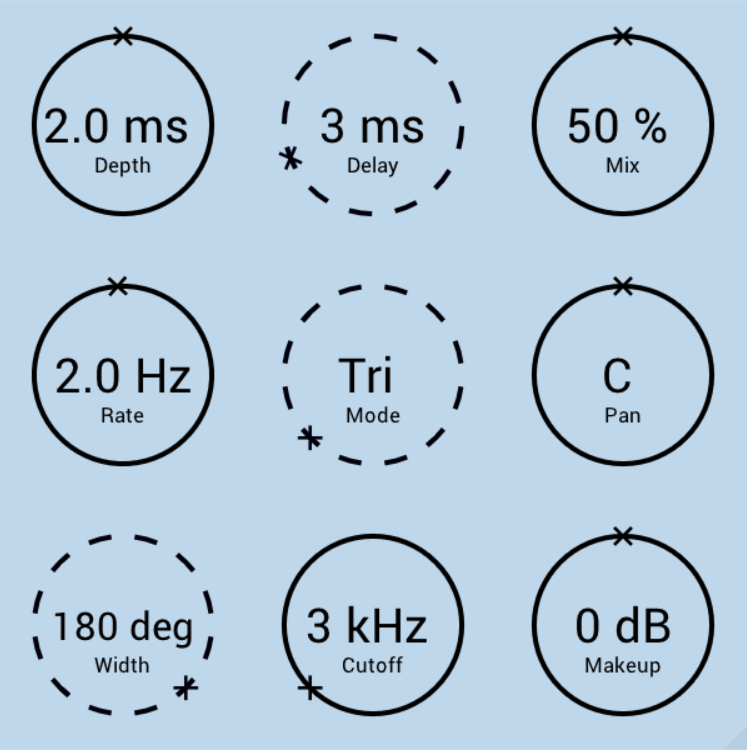
TheExpressor is a coloured upwards/downwards (Ex)pander/Com(pressor).
Features
- Colour - Change slightly to soften the knee or boost/cut up to 24 dB for extreme emphasis.
- Extremely Low Aliasing - Better quality than 6x oversampled plugins without the oversampling overhead or any delay*.
- Bounded - Output is at most 6 dB louder than the input when Makeup is 0 dB.
System Requirements
- Windows / Mac (M1 Apple Silicon supported) (64-bit only)
- VST3 / AU compatible host
Please Note: TheChorus has been used as an example.
Mac Installation Instructions
1. Click 'DOWNLOAD' from within your Plugin Boutique account.

2. Double-click to open the .zip folder.

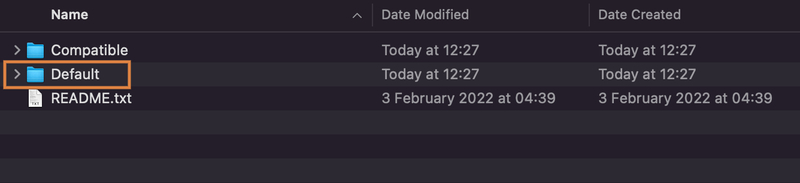
3. Click 'TheChorus_1.1.2_Mac' > click 'Default'.


3. Drag the 'TheChorus.component' and 'TheChorus.vst3' files to your default Component and VST3 folder directories.

(Usually this is 'Macintosh HD > Library > Audio > Plug-Ins > Components' and 'Macintosh HD > Library > Audio > Plug-Ins > VST3')
4. Open your DAW and launch 'TheChorus'.

Your free product is now installed and ready to use!
Windows Installation Instructions
1. Click 'DOWNLOAD' from within your Plugin Boutique account.

2. Double-click to open the .zip folder.

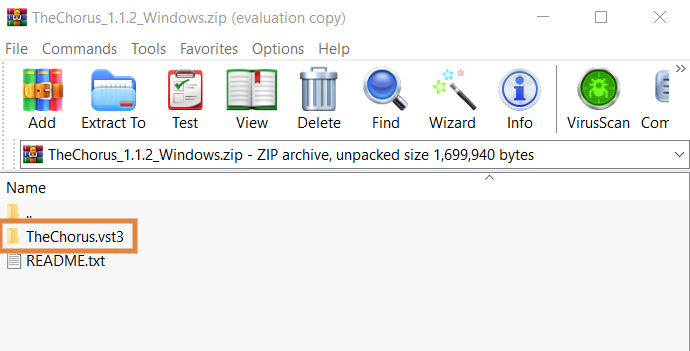
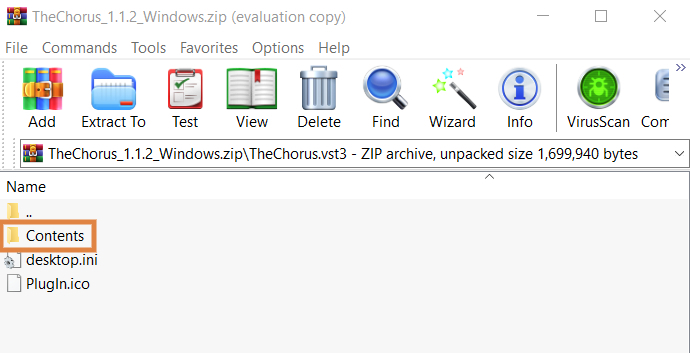
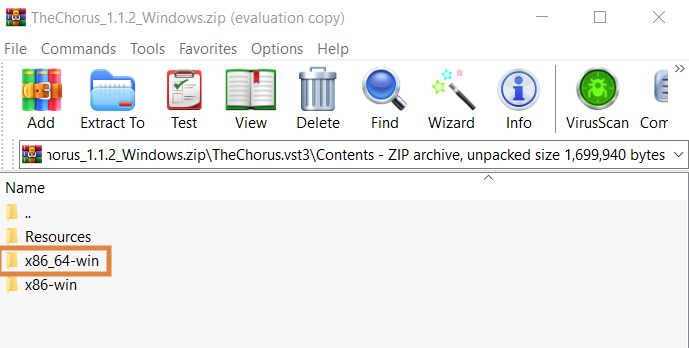
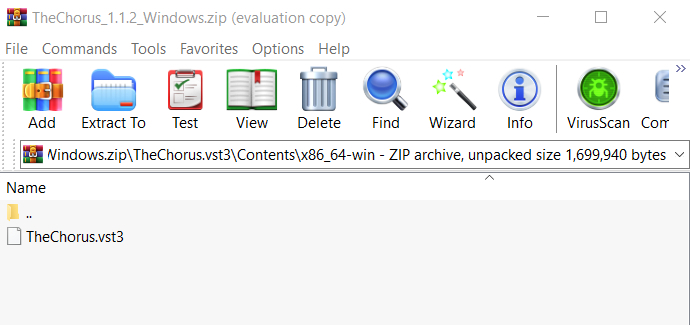
3. Click 'TheChorus.vst3' > click 'Contents' > click 'x86_64-win'


3. Extract the 'TheChorus.vst3' file to your default VST3 plugins folder directory (usually this is 'C:\Program Files\Common Files\VST3')

4. Open your DAW and launch 'TheChorus'.

Your free product is now installed and ready to use!