.jpg)
Buy smart:comp 2 Upgrade from smart:comp 1, get a free gift with purchase:
Important Note: Anyone who bought smart:comp AFTER June 1st 2022 can upgrade to smart:comp 2 for free. Please email support@pluginboutique.com with your order number to obtain your free upgrade.

The Spectro-Dynamic Compressor
Putting Dynamics Into Shape
smart:comp 2 automatically delivers transparent, precise results; providing you with the creative tools that will transform your sound from nice to extraordinary.
- Spectral processing for tonal and dynamic balance
- Automatic parametrization with a single click
- Tools for creative dynamics shaping
Up Your Compression Game - Audio Compression Powered by AI
Incredible Sound – Your Tracks Deserve Nothing Less
smart:comp 2’s AI-powered automatic parametrization, spectral compression, and ducking abilities when used with an external sidechain all aim for one goal: clean, well-balanced compression results that remain true to your input signal – no matter whether you are working on single instruments, instrument busses or entire mixes. By analyzing the characteristics of your material, its intelligent processing will enhance transparency and preserve crucial details without compromising the integrity of the signal. Supported by such a sound base you are free to go ahead and let your creativity flow. sonible’s smart:engine drives the intelligent processing of smart:comp 2. It’s a content-aware system based on deep learning technology, a vast amount of data, psychoacoustic principles and extensive hands-on mixing experience. Choose a profile and let smart:comp 2 learn your track. The plug-in takes only a few seconds to deliver extremely precise compression results.
Tap The Full Potential Of Shaping Dynamics - Inspiration hits with more possibilities
Shaping dynamics to achieve distinctive sounds has never been easier than with smart:comp 2. This exceptionally versatile compressor is packed with features that enable you to give any track your unique vibe. Gradually shape the character of the compressor with the style dial and give your results a darker or brighter vibe using the color dial. The free-form transfer function with its templates allows you to achieve sophisticated level mapping. You can also fine-tune the temporal attack and release behavior without restrictions and apply a different compression to the ambience and center by using mid/side processing.
Everything You Need At A Glance - Smooth handling and real-time monitoring
Working with smart:comp 2 is straightforward and intuitive. All crucial compression parameters take center stage – their handling will feel as familiar as working with a common single band compressor. With input level riding you can focus directly on shaping the dynamics of your track instead of worrying about level issues. Having more insight means making better informed decisions. smart:comp 2 provides you with real-time monitoring elements such as instant impact prediction which immediately reflects every parameter change across the entire signal, compression mapping and an RMS level histogram that outlines the overall dynamics of a track.
smart:comp 2 is an invaluable assistant – whether you're a mastering/mixing professional or an aspiring talent.
Features
- Automatic compression parametrization with a single click
- Spectral processing for tonal and dynamic balance
- Frequency-dependent ducking to create space for the sidechain signal
- Free-form transfer function and templates for complex compression goals
- Color and Style dials to change the character of the compression results
- Automatic output gain, mid/side processing, input level riding, surround sound support
System Requirements
Mac
- macOS 10.9+ (M1 Apple Silicon supported) (64-bit only)
- RAM - at least 4 GB (recommended)
- CPU - at least Intel DualCore i5 (recommended)
- Plugin Formats - AU, VST2, VST3, AAX, MultiRack Native
- Supported Sample Rates - 44.1 kHz to 192 kHz
PC
- Windows 10+ (64-bit only)
- RAM - at least 4 GB (recommended)
- CPU - at least Intel DualCore i5 (recommended)
- Plugin Formats - VST2, VST3, AAX, MultiRack Native
- Supported Sample Rates - 44.1 kHz to 192 kHz
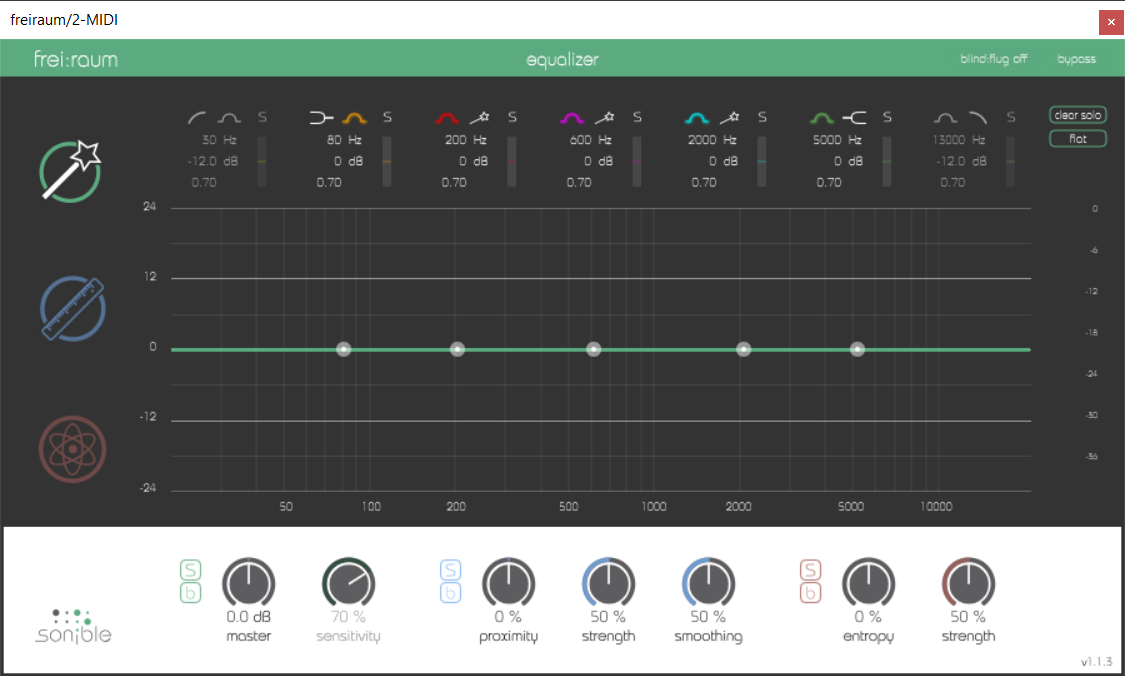
Please Note: frei:raum is used as an example.
Mac Installation
1. Download the installer file from your Plugin Boutique account.
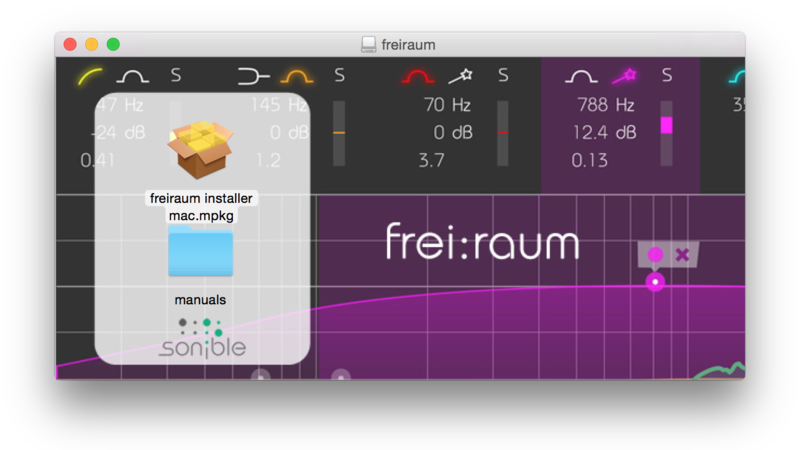
2. Double Click and open the installer file > Double-click the ‘frei:raum installer mac.mpkg’ file.
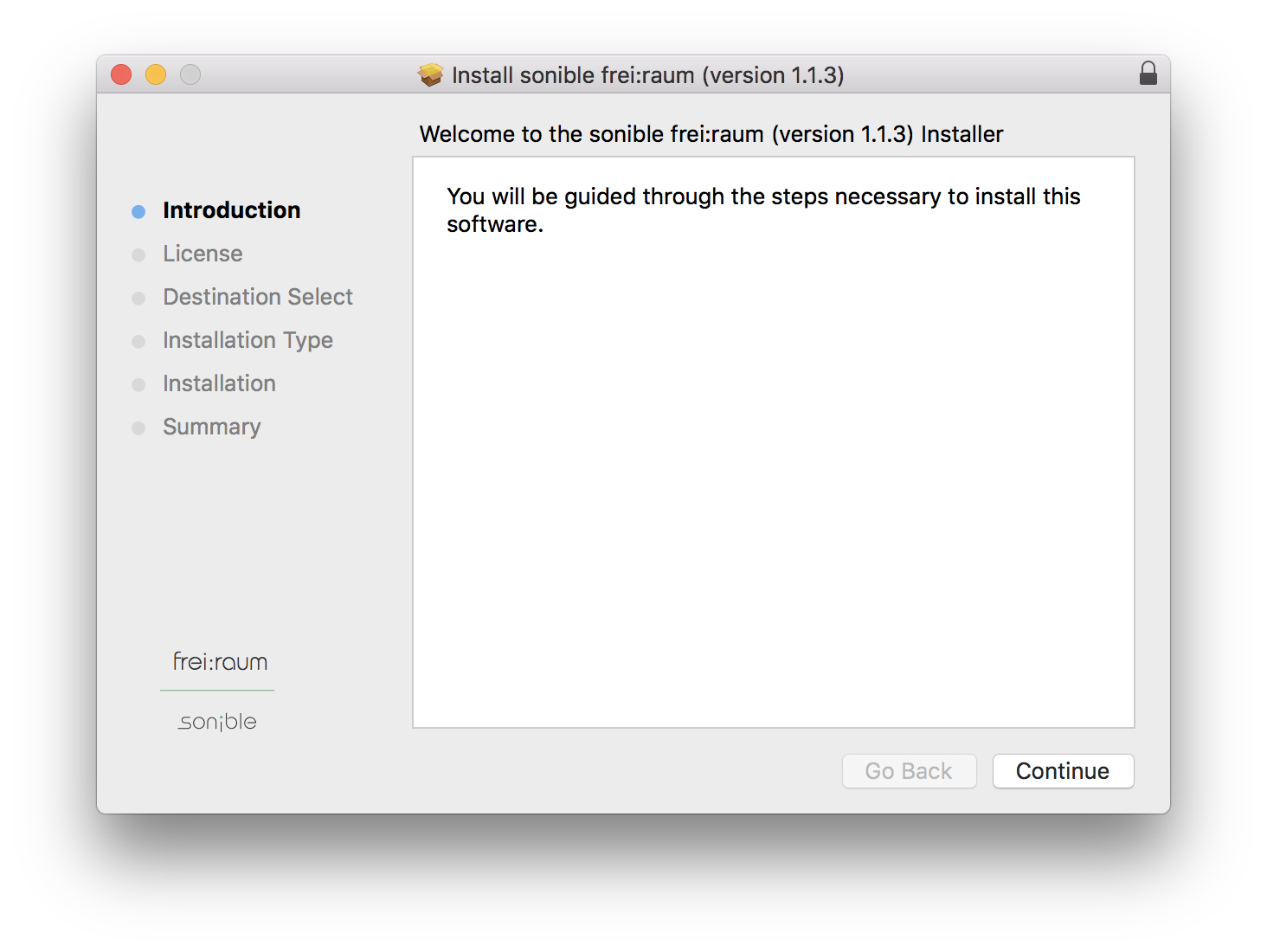
3. Begin the Installation Process > Click Continue.
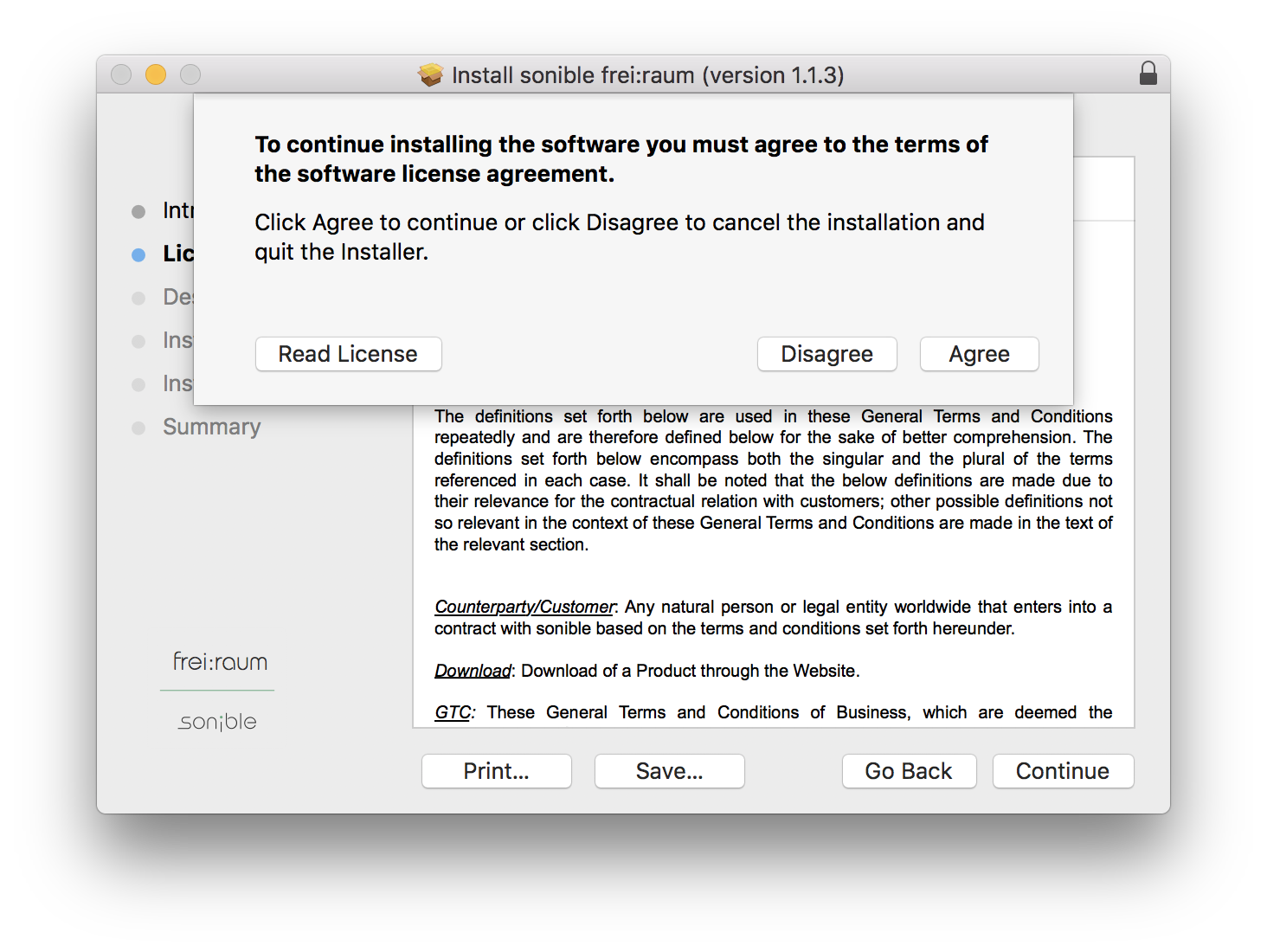
4. Read through the Terms & Conditions of the Licence Agreement > Click Continue > Click Agree.
5. Select which software formats you wish to Install > Click Continue.
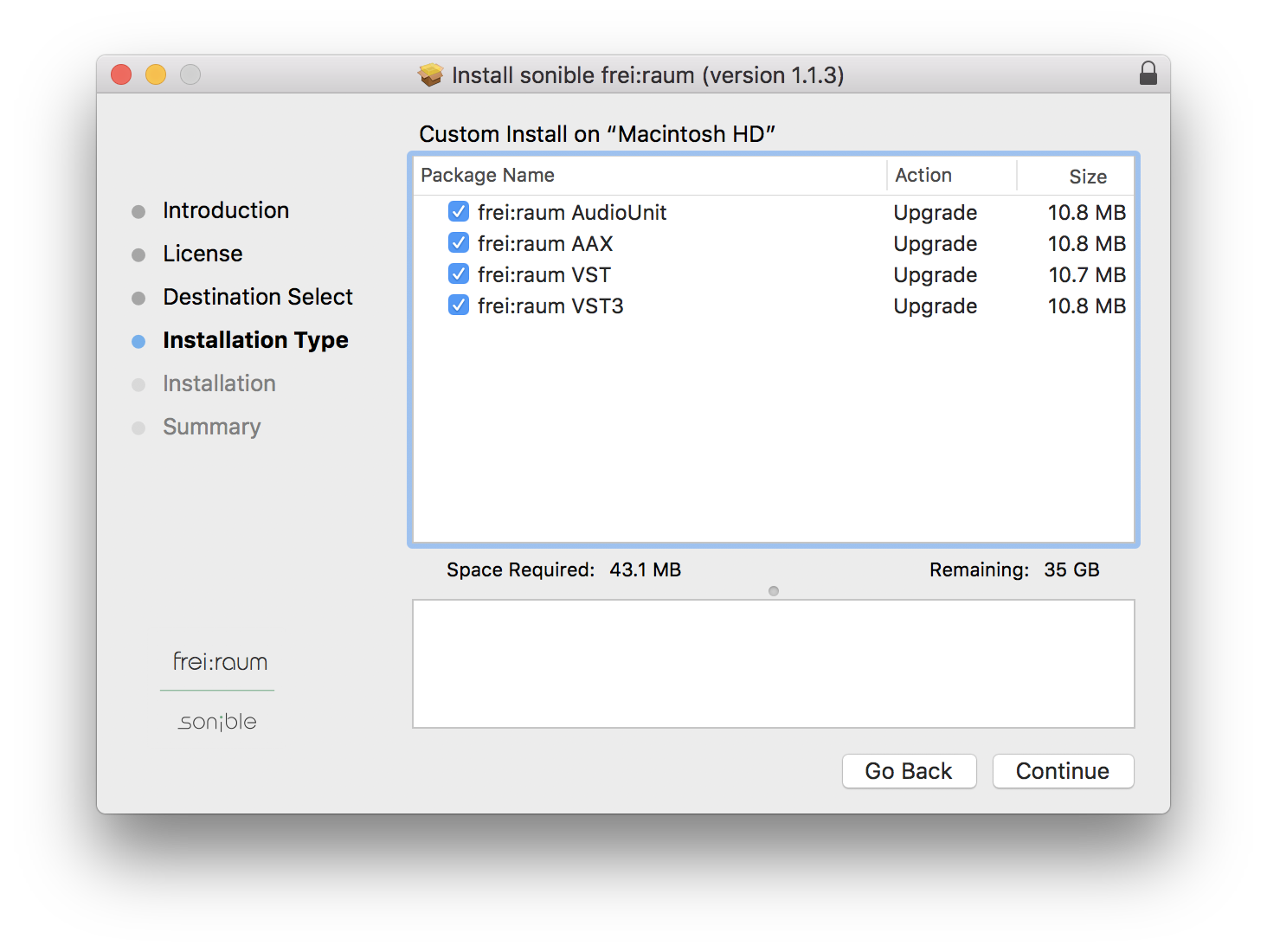
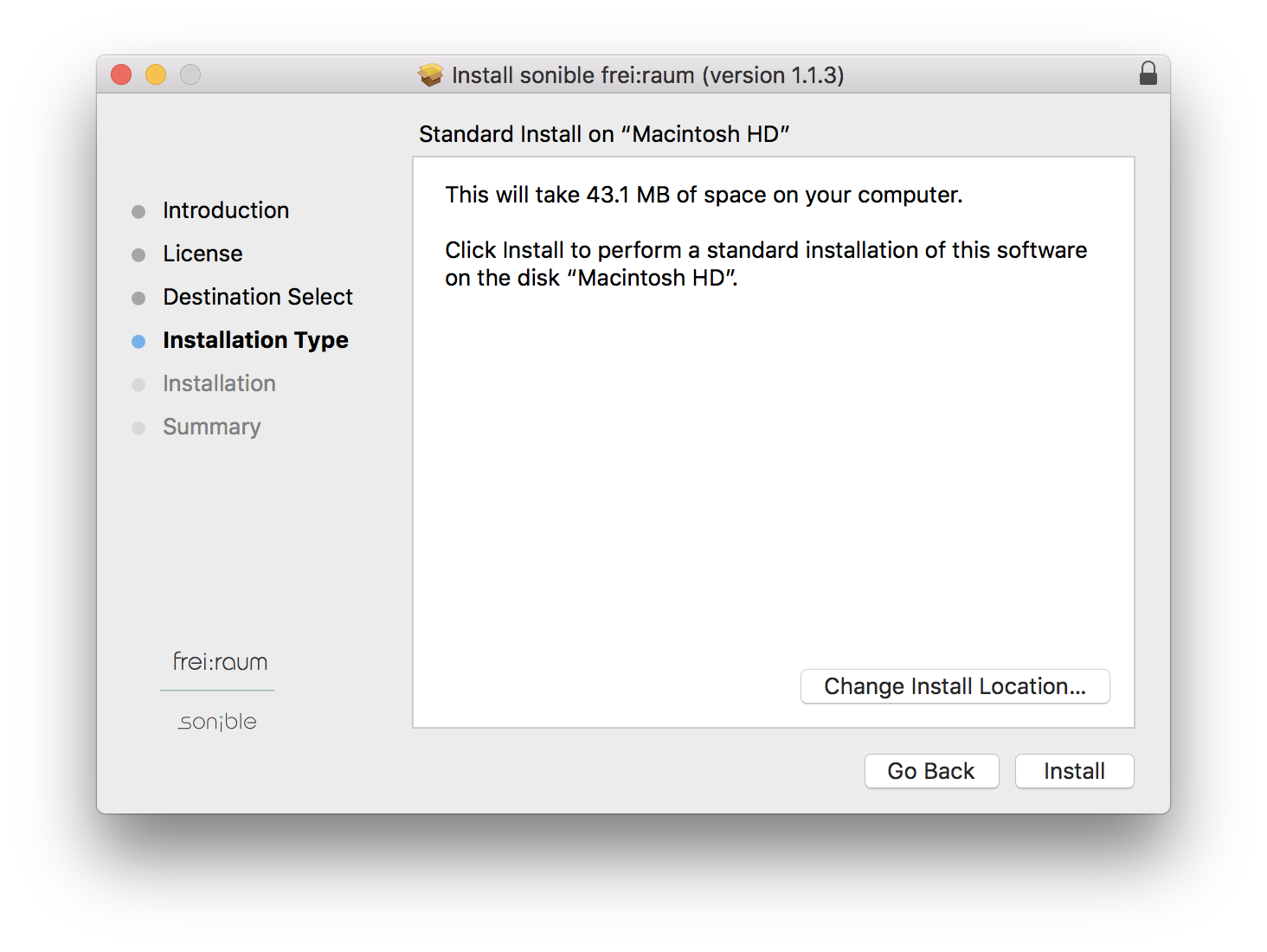
6. Confirm the Installation > Click Install.
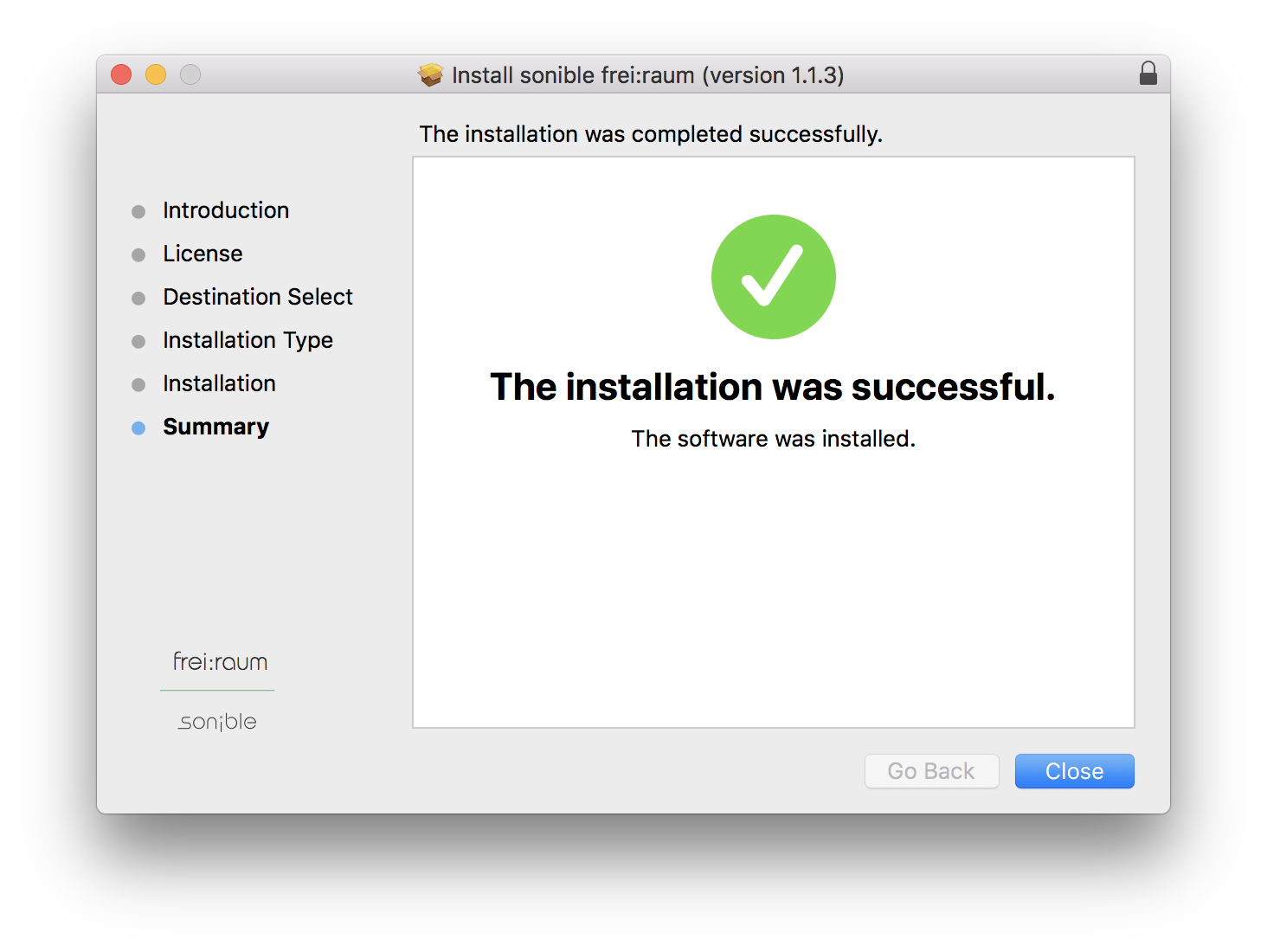
7. The Installation of your software has completed > Click Close.
8. Open/restart your DAW and load your sonible software. Please note that you may need to refresh/rescan your DAW plugin list if you can't locate it.
Standard Activation Instructions
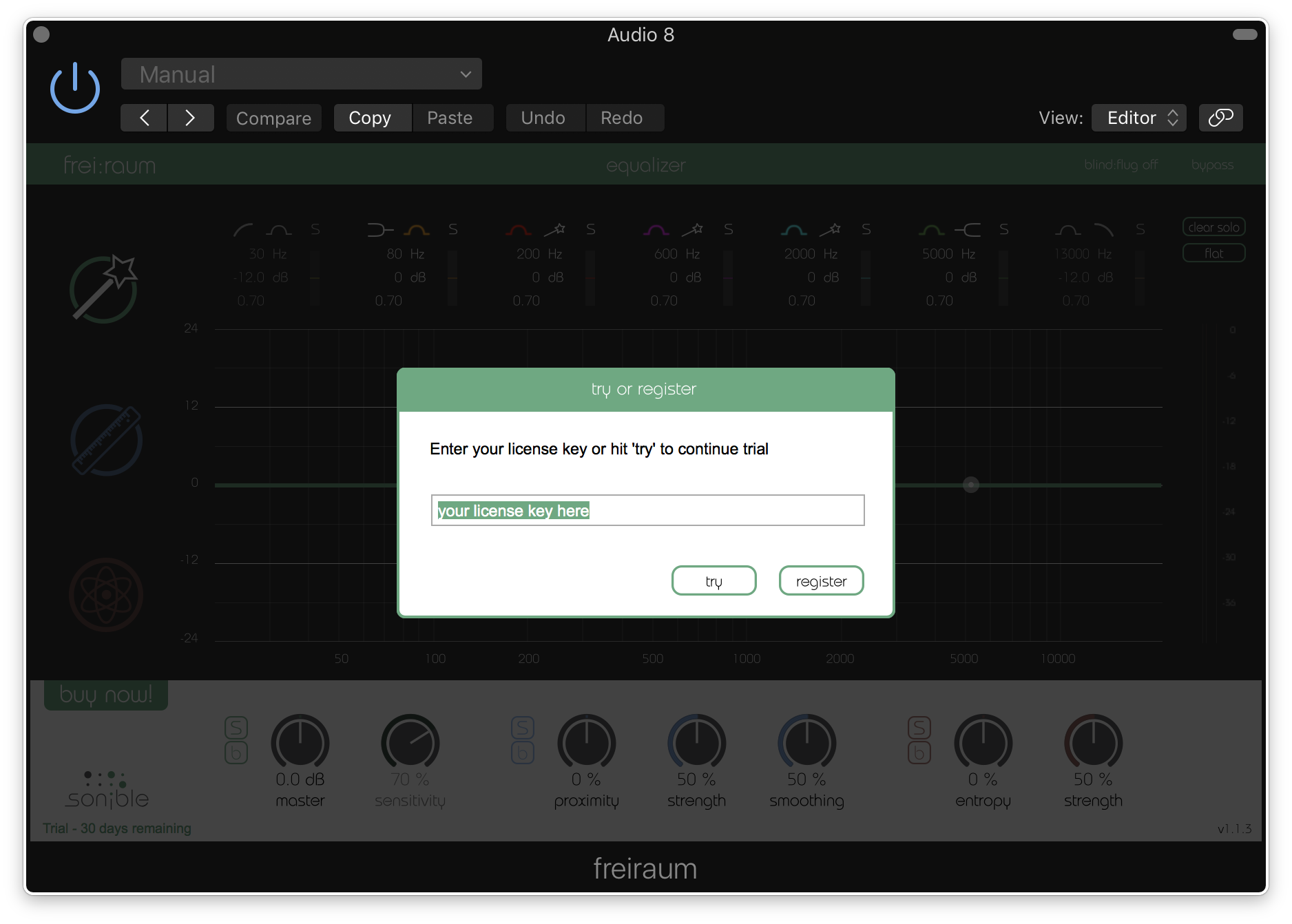
1. Locate and open the sonible software in your DAW.
2. Copy & paste/manually enter the licence key/serial code that is available in your Plugin Boutique account > Click Register.
3. Your sonible software has now been successfully registered and authorised > Click Close.
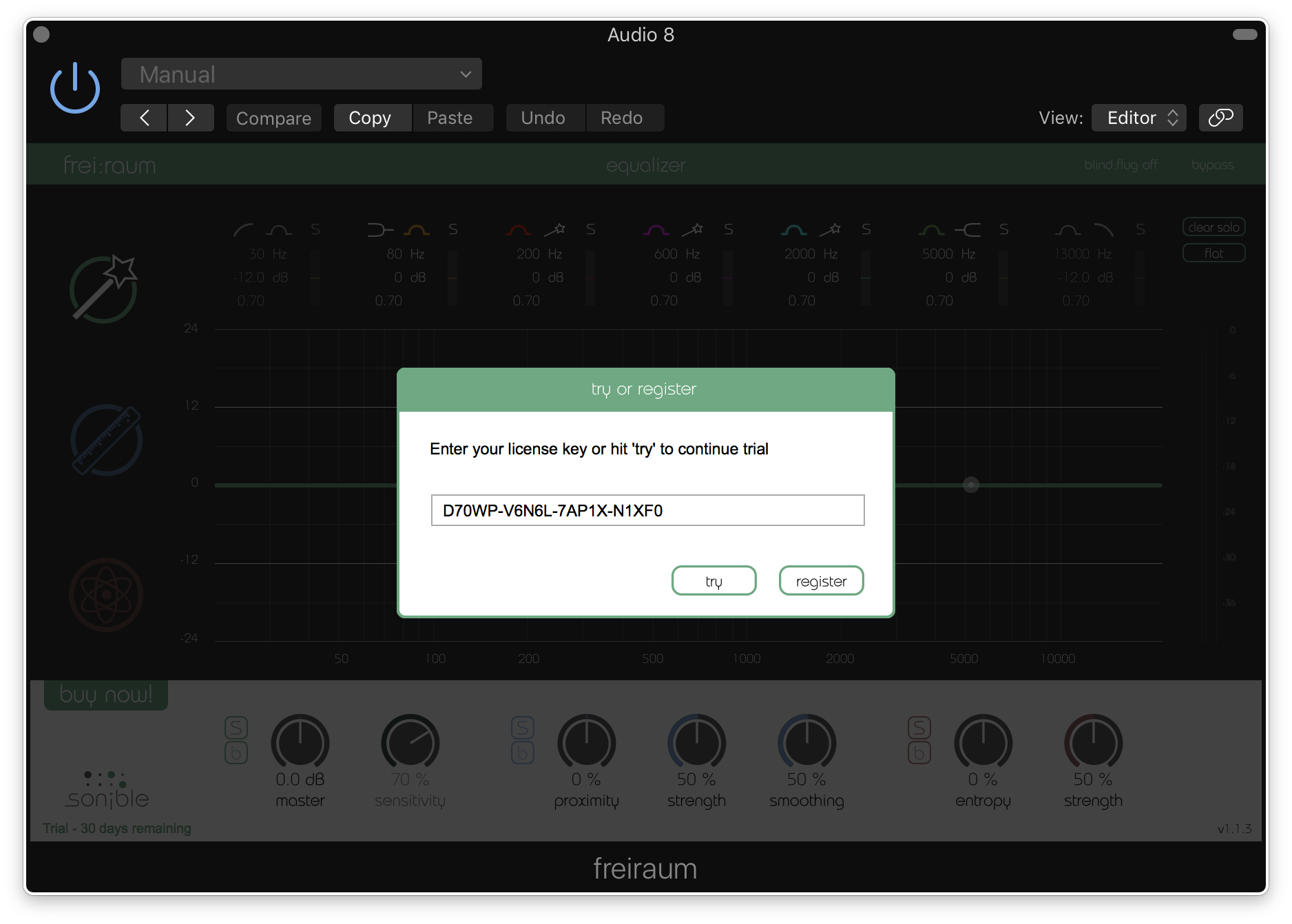
Your software is now activated and ready to use in your DAW!
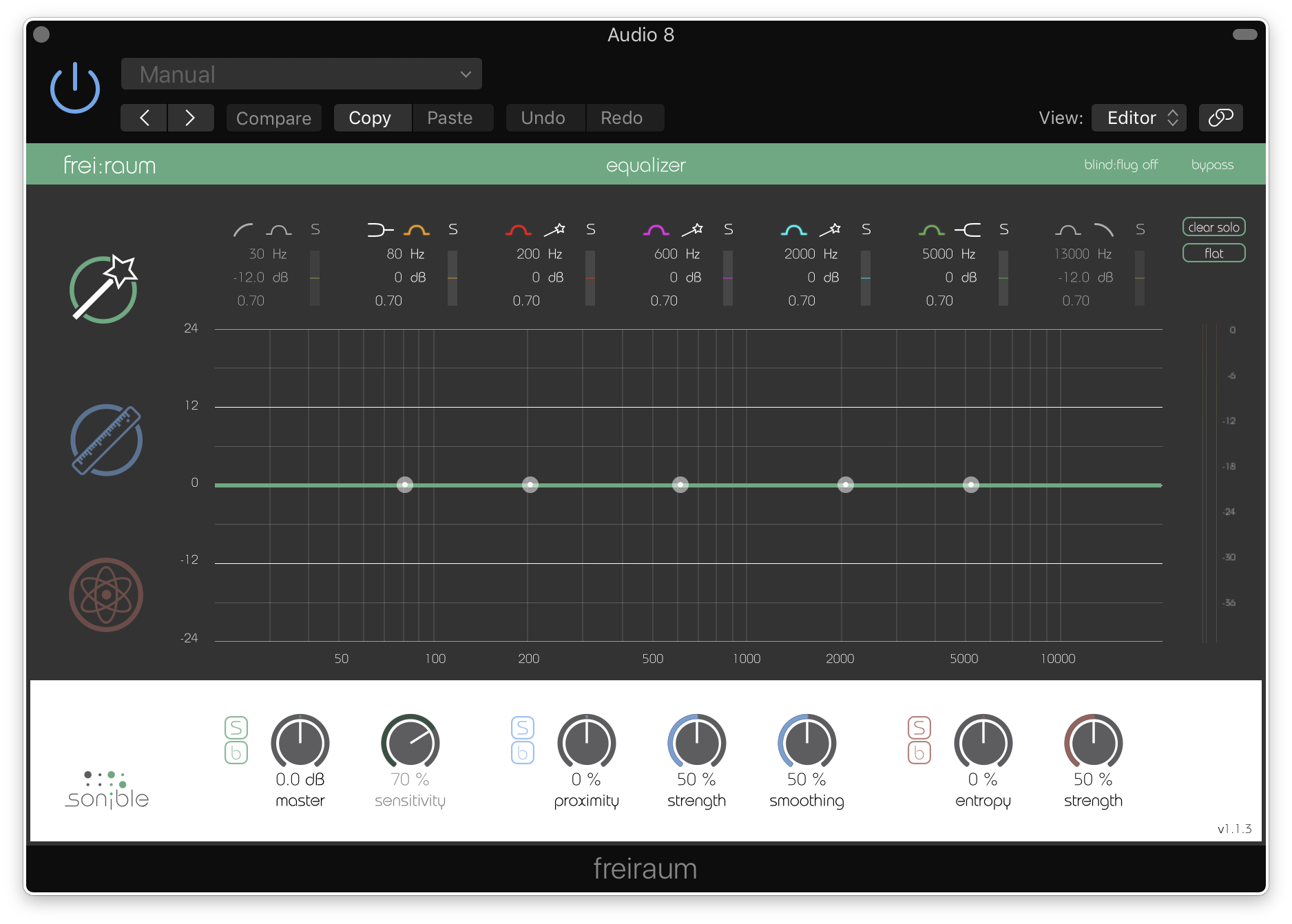
PC Installation
1. Download the installer file from your Plugin Boutique account.
2. Unzip the downloaded folder and Double click the file to open/run the installer.
3. Select which version or versions of the software that you wish to install (32/64-Bit) > Click Next.
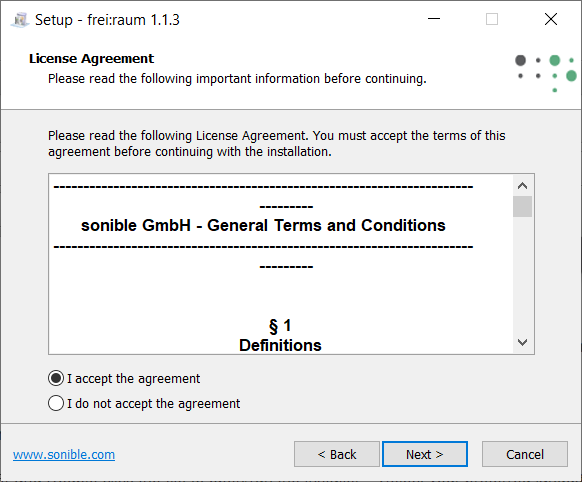
5. Read the Terms & Conditions of the Licence Agreement > Select 'I Accept the Agreement' if you accept the terms > Click Next.
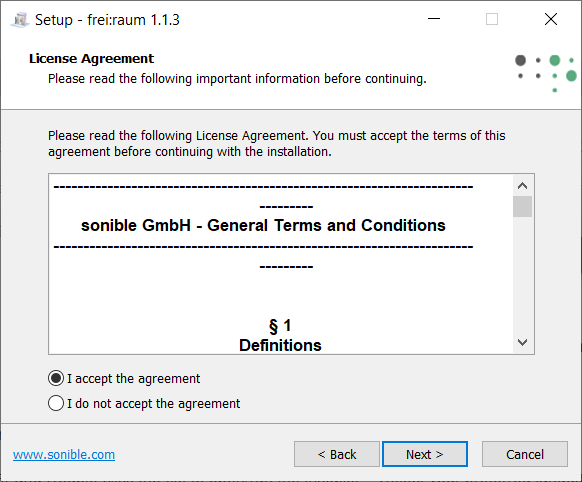
6. Your software is now ready to install on your computer > Click Install.
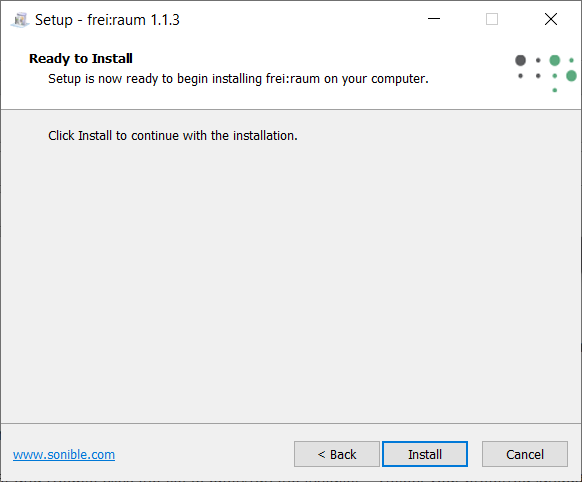
7. Your software is now installed > Click Finish.
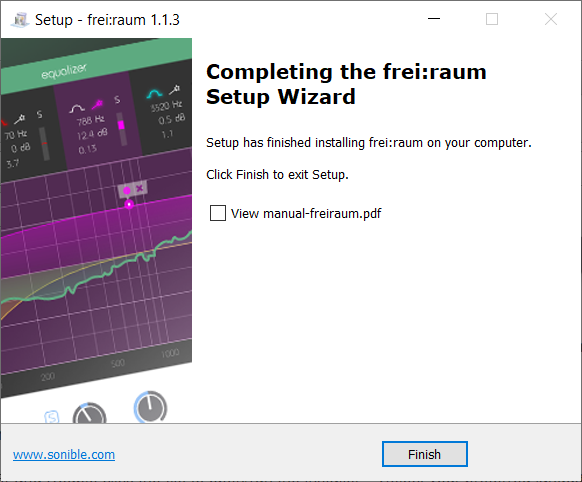
8. Open/restart your DAW and open your sonible software. Please note that you may need to refresh/rescan your DAW plugin list if the software fails to appear.
Standard Activation Instructions
1. Locate and open the sonible software in your DAW.
2. Copy & paste or manually enter the licence key/serial code that is available in your Plugin Boutique account > Click Register.
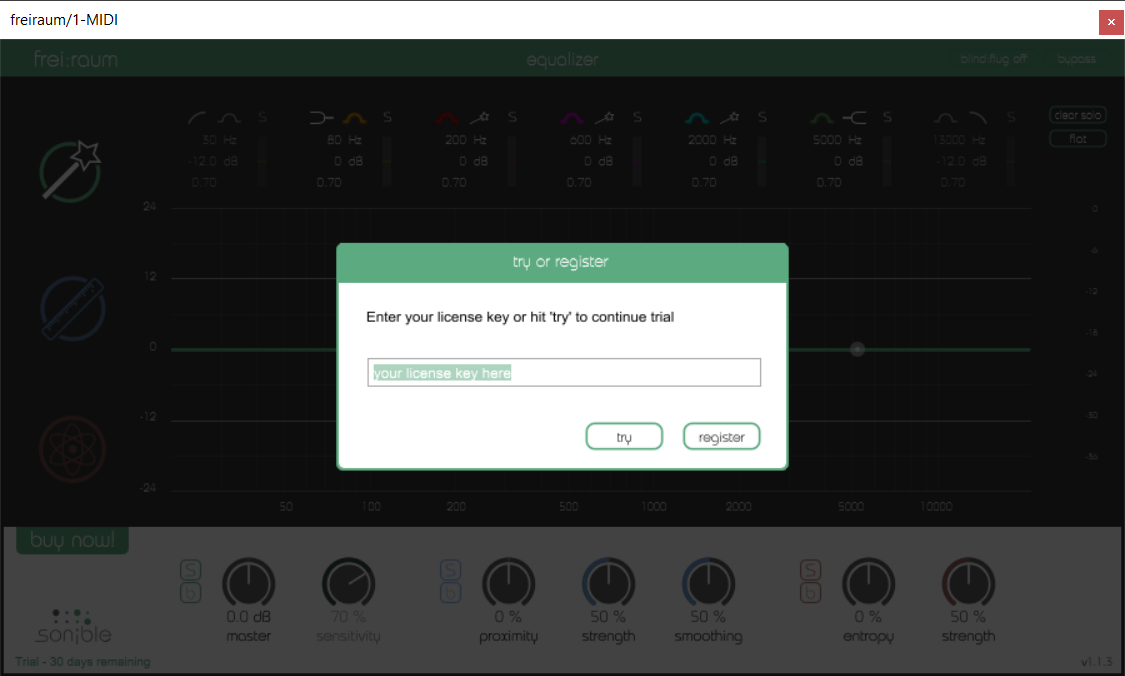
3. Your sonible software has now been successfully registered and authorised > Click Close.
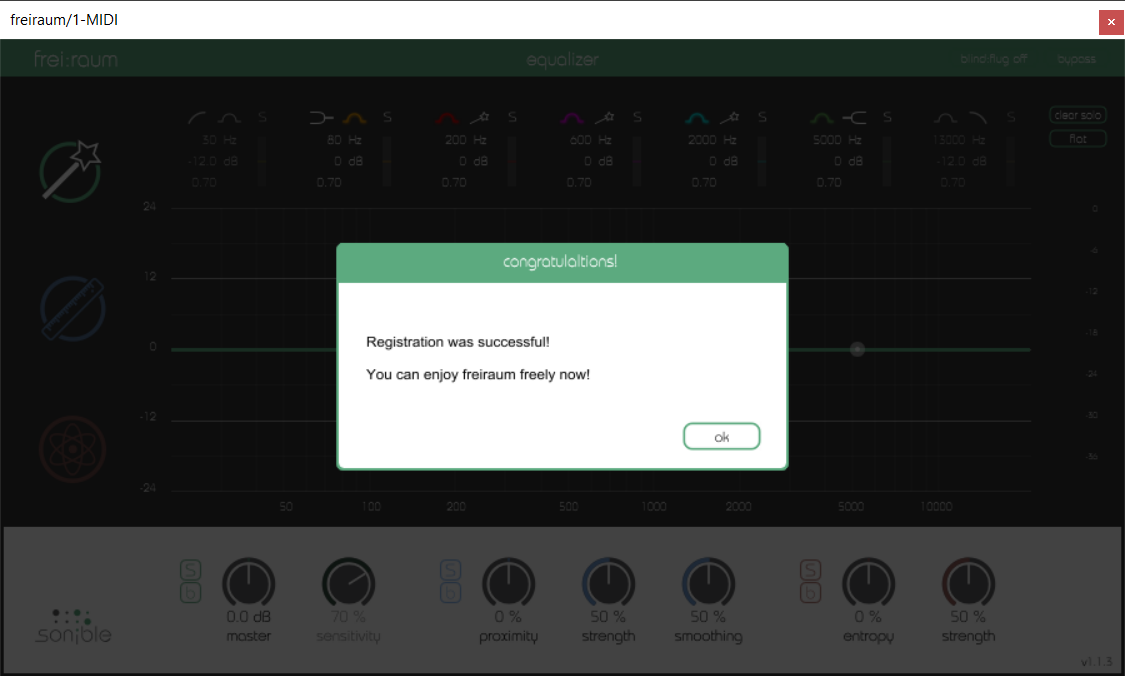
Your software is now activated and ready to use in your DAW!