/ Compressor / Invigorate
Newfangled Audio

Invigorate

4.8 (89 Reviews)
$39.00 $99.00

60% off until Jan 05

Invigorate - User Interface
Introducing Invigorate Bus Compressor by Newfangled Audio gallery thumbnail
Explore Newfangled Audio's Invigorate Plug-in: Overview/Demo gallery thumbnail
Buy Now
Product information

Add life to your tracks

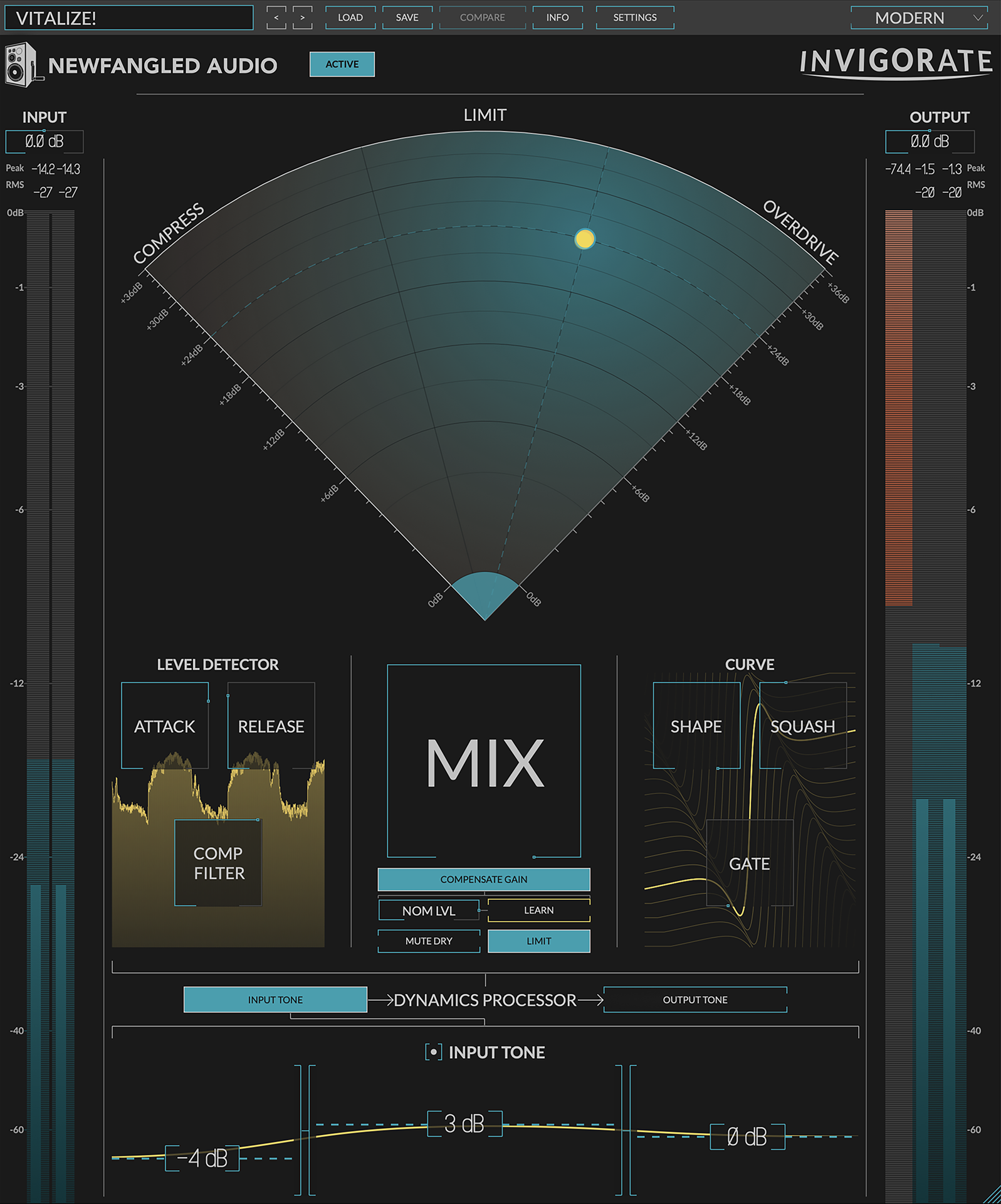
Here’s a little secret: compression, limiting, and overdrive are all the same thing—and all of them can be used to add energy and excitement to your music. Invigorate is a deconstructed compressor, limiter, and overdrive distortion fine-tuned to add life to your mix, drum bus, or any other element. The intuitive design allows you to effortlessly morph from pumping compression, through hard-hitting limiting, to rich distortion while dialing in the perfect sound with the prominent MIX control. The result is guaranteed to bring your mix forward and make it sound bigger.
Features

  • Combines the best elements of compression, limiting, and overdrive to make your audio sound bigger and more energetic.
  • Unique Radar control allows you to dial in the perfect amount of gain while morphing from compression, through limiting, to distortion.
  • Prominent MIX knob allows you to dial in just the right amount of character.
  • SENSITIVITY tone controls allow you to tailor the frequencies of the sidechain signal.
  • INPUT EXCITER tone controls allow you to overdrive the dynamics processor.
  • OUTPUT TONE controls allow you to tailor the sound of the wet signal before the mix control.
  • SHAPE, SQUASH, and GATE controls for the gain curve give the perfect amount of control over your tone.
  • An aggressive level detector makes the compression pump and breathe when desired.
  • Innovative gain compensation algorithm allows you to dial in the perfect sound without tricking yourself that "louder is better."
  • Oversampling and Anti-aliasing assure clean sonics with no digital aliasing.

System Requirements

Mac

  • macOS 10.9 and later (64-bit only) (macOS 12 Monterey and M1 Apple Silicon supported)
  • AAX, AU, VST2, VST3 (64-bit)
  • Please Note: AAX format is only compatible with Intel Macs (until Avid adds native M1 Apple Silicon support).

Windows

  • Windows 8 and later (64-bit only) (Windows 11 supported)
  • AAX, VST2, VST3 (64-bit)

Important Notes:

  • Newfangled Audio tests their desktop plugins in Ableton Live, Cubase, FL Studio, Logic Pro, Pro Tools, and Studio One (However, their plugins should work with any compatible host.)
  • No iLok dongle is required to run this software - only a FREE iLok account/Manager is required for authorisation.
Testimonials

Ronit Kirchman

"The way parameters interact with each other opens up fantastic new potentials for sonic enhancement. Invigorate is intuitive, fun, and easy to use, and it has earned a trusted spot in my mix palette!"

Justin Hergett

"If I'm looking for any kind of thickness or bite, Invigorate is the tool I reach for now, it's flexibility is unparalleled."

Paul "Willie Green" Womack

"A new approach to mix bus dynamics. I use a combination of compression, limiting and saturation, and Invigorate combines all three in a very unique way with tons of other options as well. This has found a home on my mix bus!"

Installation Instructions

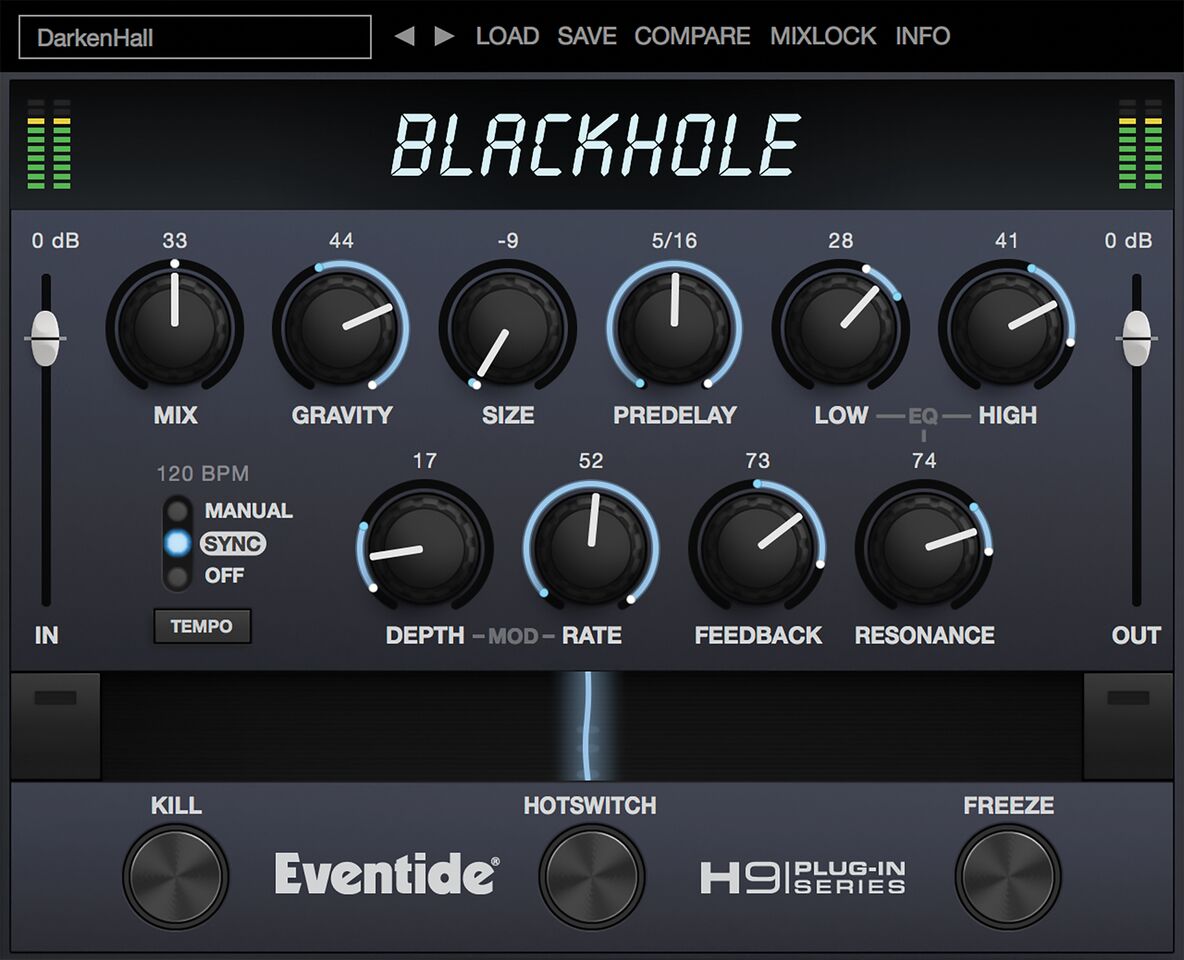
Please note: Blackhole is used as an example.

Registration

1. Create an iLok account by following the steps from our help centre article - Getting Started with the iLok License Manager. If you already have an iLok account, skip this step.

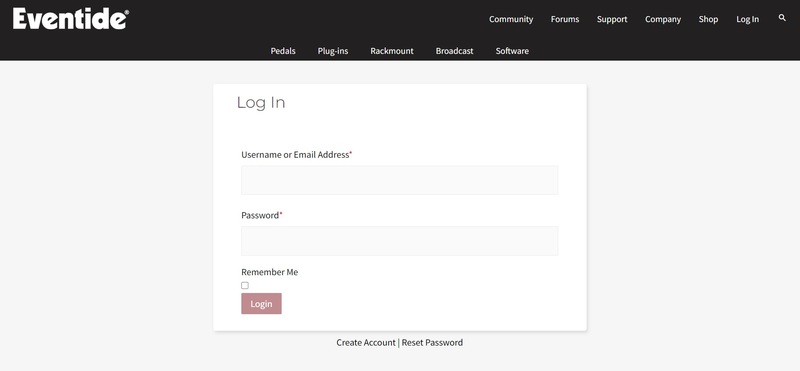
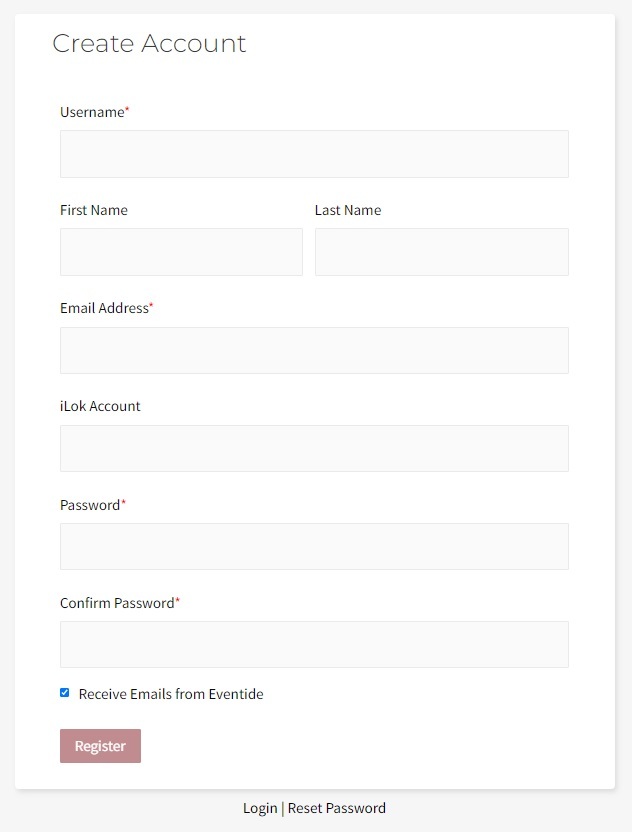
2. Go to https://www.eventideaudio.com/login > Click 'Create Account' at the bottom of the page.

3. Enter your details (including your iLok Account User ID) > Click 'Register'.

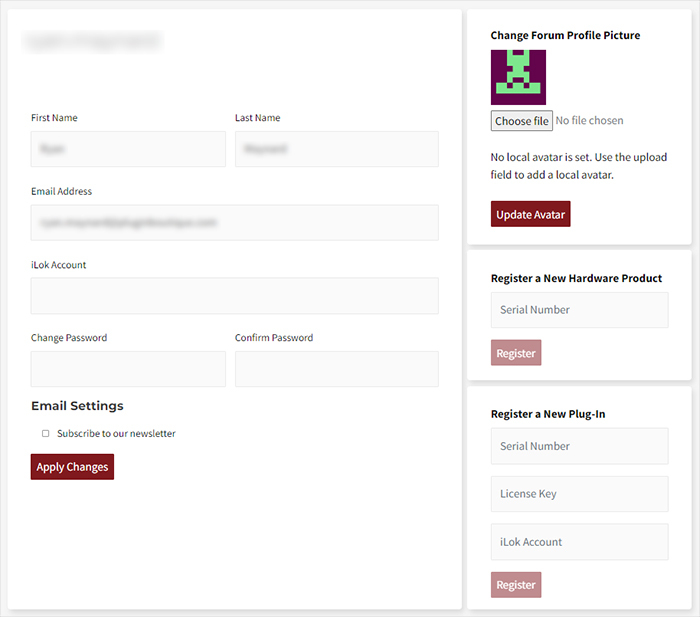
4. You will now be redirected to your My Account page.

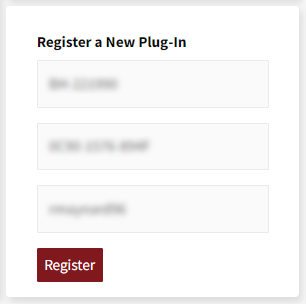
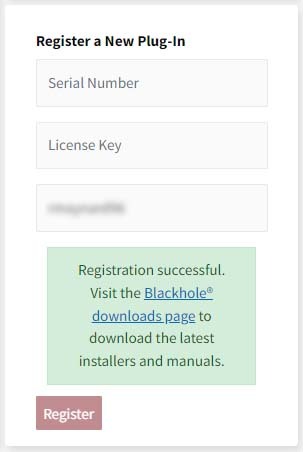
5. In the bottom right corner of the page, enter the license key (format 1234-1234-1234) found in your Plugin Boutique account, as well as your iLok Account User ID > Click 'Register'. Please note: a Serial Number is now not required

Please note: Make sure there are no spaces at the beginning or after your license key.

6. Your software is now registered.

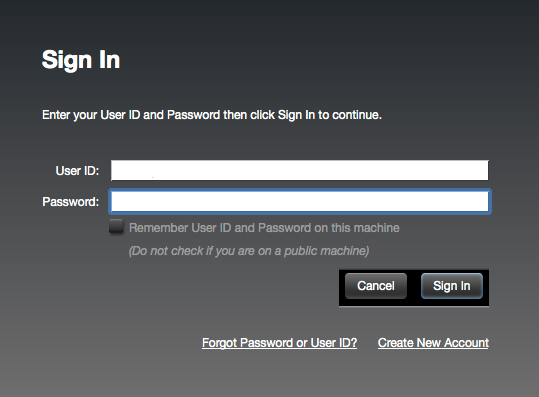
7. Launch the iLok License Manager application > Sign into your account.

8. Enter your iLok user ID and password > Click 'Sign in'.

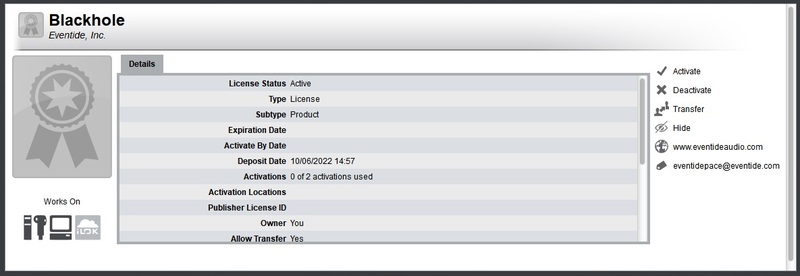
9. Your license should now be listed within your iLok account.

10. Double-click on the license to bring up additional options > Click 'Activate' (located on the right of the screen).

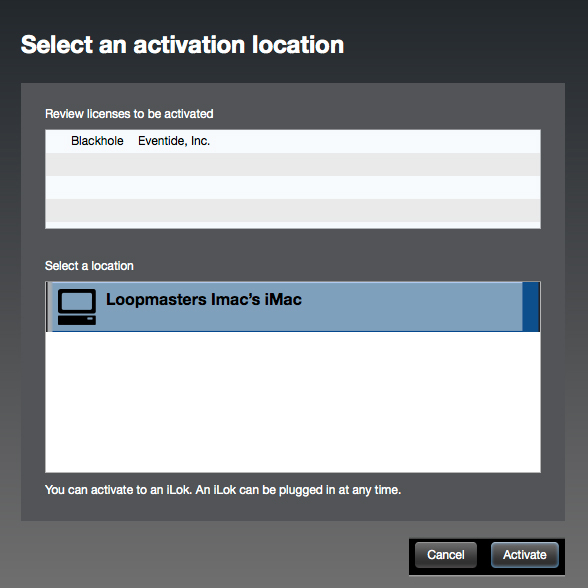
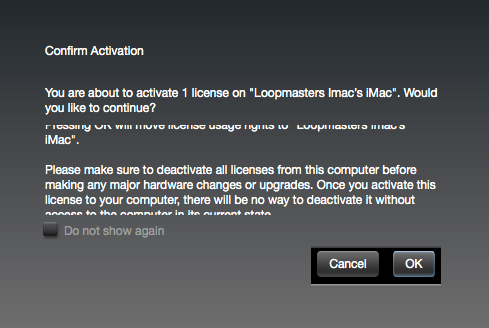
11. Select where you wish the license to be activated > Click 'Activate'.

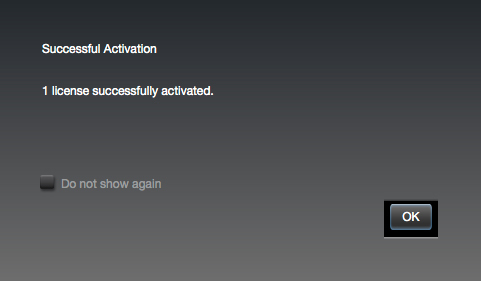
12. Click 'OK'.

13. Click 'OK'.

Mac Installation

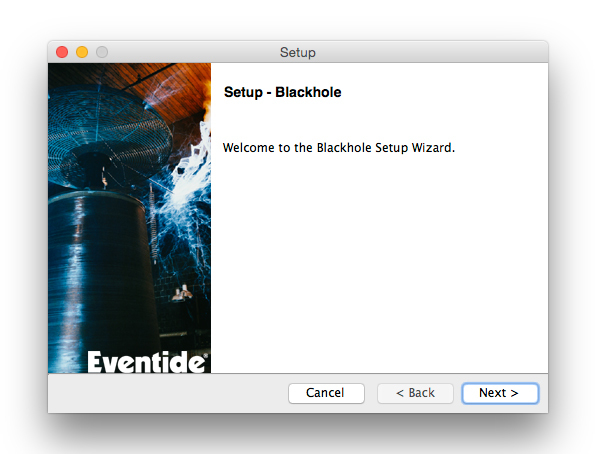
1. Download the Mac installer from https://www.eventideaudio.com/downloads/ > Run the installation > Click 'Next'.

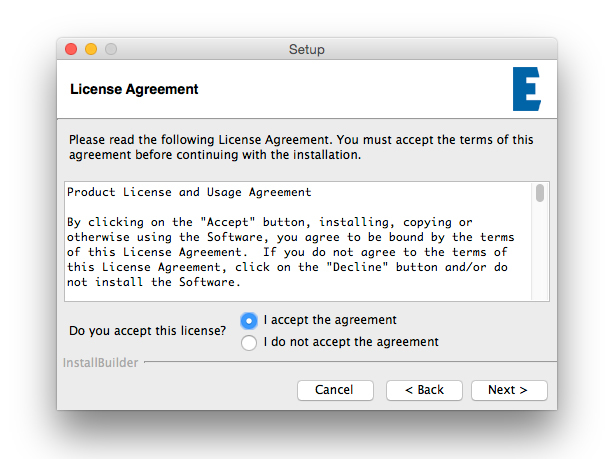
2. Click to accept the license agreement > Click 'Next'.

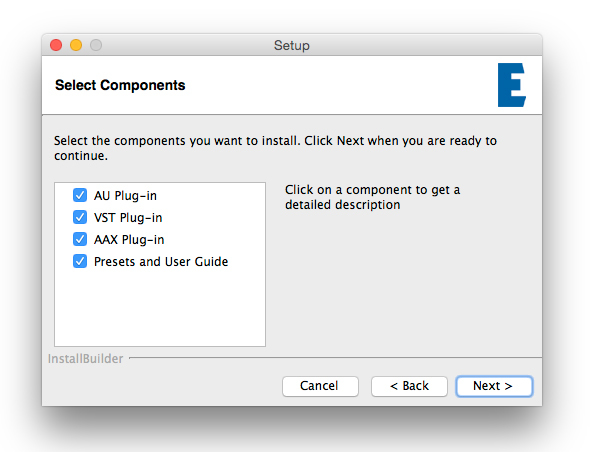
3. Choose which plugin formats you'd like to install > Click 'Next'.

Please note: If you're unsure, leave all options selected or check out our help centre article Plugin Formats Explained for more information.

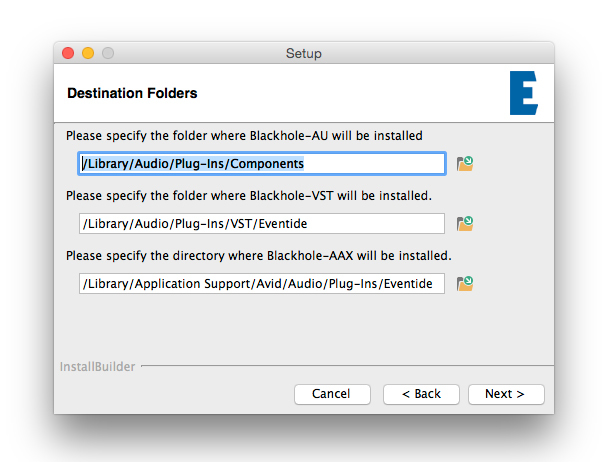
4. Select the destination folders (or leave them as the defaults) > Click 'Next'.

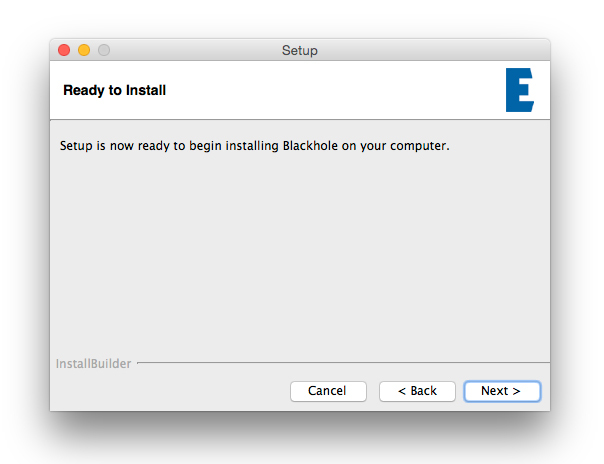
5. Click 'Next'.

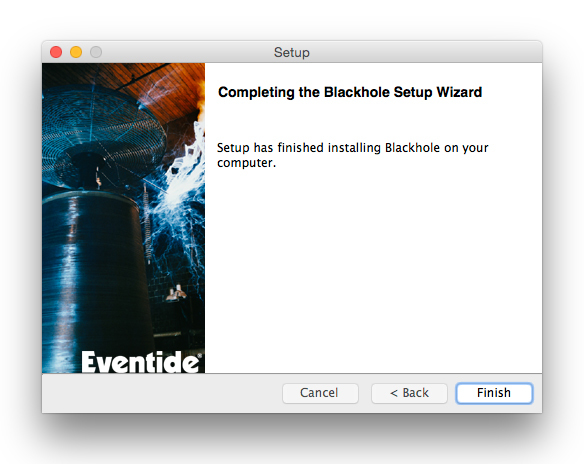
6. Click 'Finish'.

Your new software is now fully activated and ready to use within your DAW!

Eventide Blackhole Main Image

Windows Installation

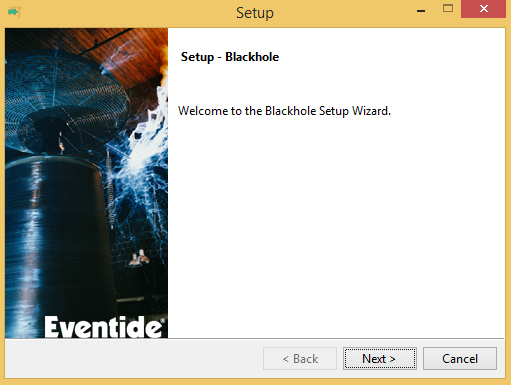
1. Download the Windows installer from https://www.eventideaudio.com/downloads/ > Run the installation > Click 'Next'.

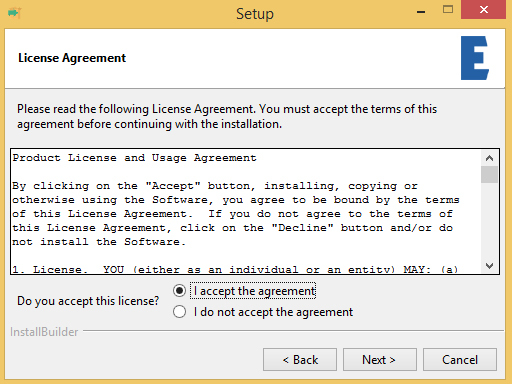
2. Read the License Agreement > Select 'I accept the agreement > Click 'Next'.

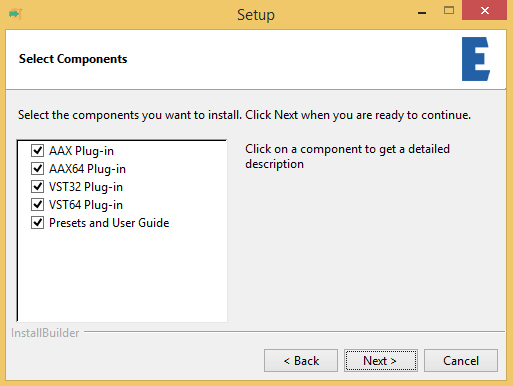
3. Choose which plugin formats you'd like to install > Click 'Next'. If you're unsure, leave all options selected or check out our help centre article Plugin Formats Explained for more information.

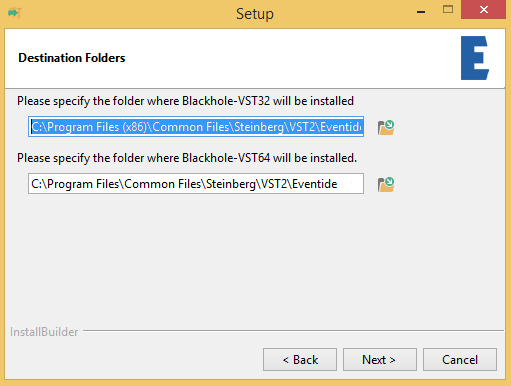
4. Select the destination folders (or leave them as the defaults) > Click 'Next'.

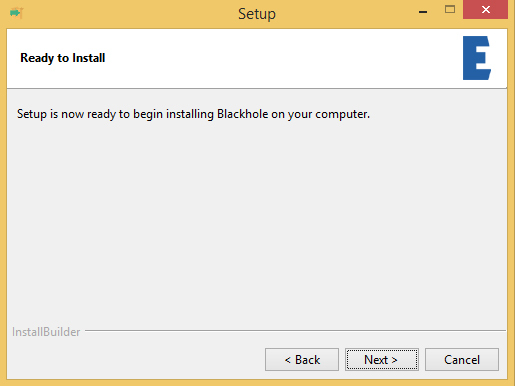
5. Click 'Next'.

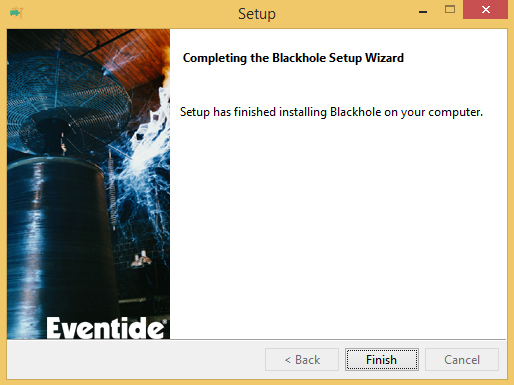
6. Click 'Finish'.

Your new software is now fully activated and ready to use within your DAW!

Eventide Blackhole Main Image

Plugin Boutique Rewards

Discover the most rewarding loyalty programme among all plugin retailers.

  • Free Loopmasters Samplepacks
  • Discounts on products and courses
  • Extra Virtual Cash claimed immediately at checkout
Find out more

Follow us:

X (Twitter) Facebook YouTube Instagram
Logo Logo

Plugin Boutique Limited, Part of the Beatport Group LLC.

Copyright © 2011-2025 Plugin Boutique. All rights reserved