Log In
Free gifts available with your purchase
American Beauty
The Challenger
The VCL-515 is a very rare and remarkable tube limiter from the 1960s. Based on a push-pull feedback topology and originally designed for US broadcast, it entered the market with technical improvements to compete with the famous 438 compressor from that era. With its smooth and harmonically rich character, the VCL-515 is Vari Mu par excellence.
Compression, Naturally Its soft-knee style compression curve creates a huge yet relaxed effect which is perfect for embedding voices and instruments into a track in the most natural manner, and it also shines as the main compressor on the mix or drum bus. Its set of esoteric triodes and custom transformers creates a wonderful, warm tone which makes the VCL-515 desirable for the sound of its circuitry alone.
One Plus Five
The original hardware basically features just a single control in form of an input gain which drives the intensity of compression. For more flexibility in everyday use, the VCL-515 plugin adds variable attack, release and sidechain filter parameters as well as an integrated mix stage with an output level control. The mode switch allows to enjoy the beautiful tube sound either with or without compression applied.
Streamline Dynamics
Its pleasant and unobtrusive tube saturation let the VCL-515 stand out with smooth and creamy thickness which is the perfect glue for your tracks. Its gentle transient handling and generous gain reduction, free of undesirable artifacts make something difficult become something really easy: Truly musical compression.
Features
- Classic Tube Limiter: Modeled after a rare 1960s push-pull feedback tube limiter, delivering smooth, harmonically rich compression ideal for vocals, instruments, and bus processing.
- Soft-Knee Compression: Naturally embeds audio into a track with a warm, relaxed tone, making it perfect for gentle, musical compression.
- Flexible Controls: In addition to the original input gain, the plugin version includes variable attack, release, sidechain filtering, mix control, and an output level adjustment for modern usability.
- Tube Saturation: Adds unobtrusive, creamy thickness and warm tone, making it ideal for gluing tracks together with a smooth transient response.
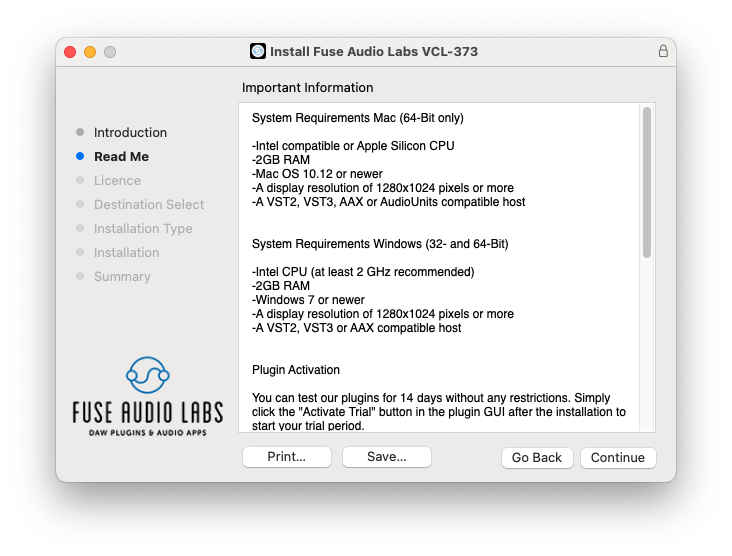
System Requirements
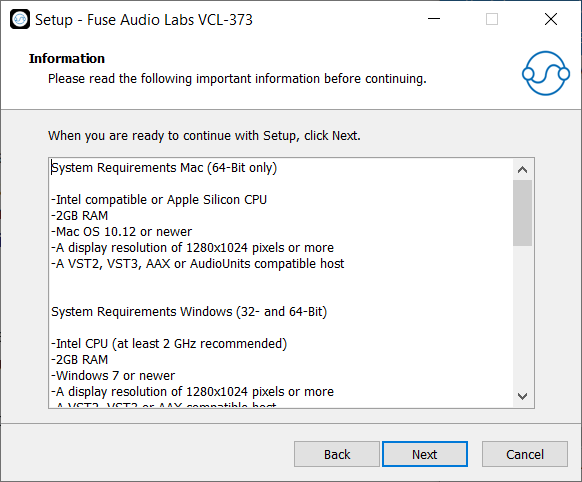
Mac (64-Bit only)
- Intel compatible or Apple Silicon CPU
- 2GB RAM
- Mac OS 10.12 or newer
- A display resolution of 1280x1024 pixels or more
- A VST2, VST3, AAX or AudioUnits compatible host
Windows (32- and 64-Bit)
- Intel compatible CPU (at least 2 GHz recommended)
- 2GB RAM
- Windows 7 or newer
- A display resolution of 1280x1024 pixels or more
- A VST2, VST3 or AAX compatible host