


 Log In

Free gifts available with your purchase
Peak Performance
Crafting Loudness
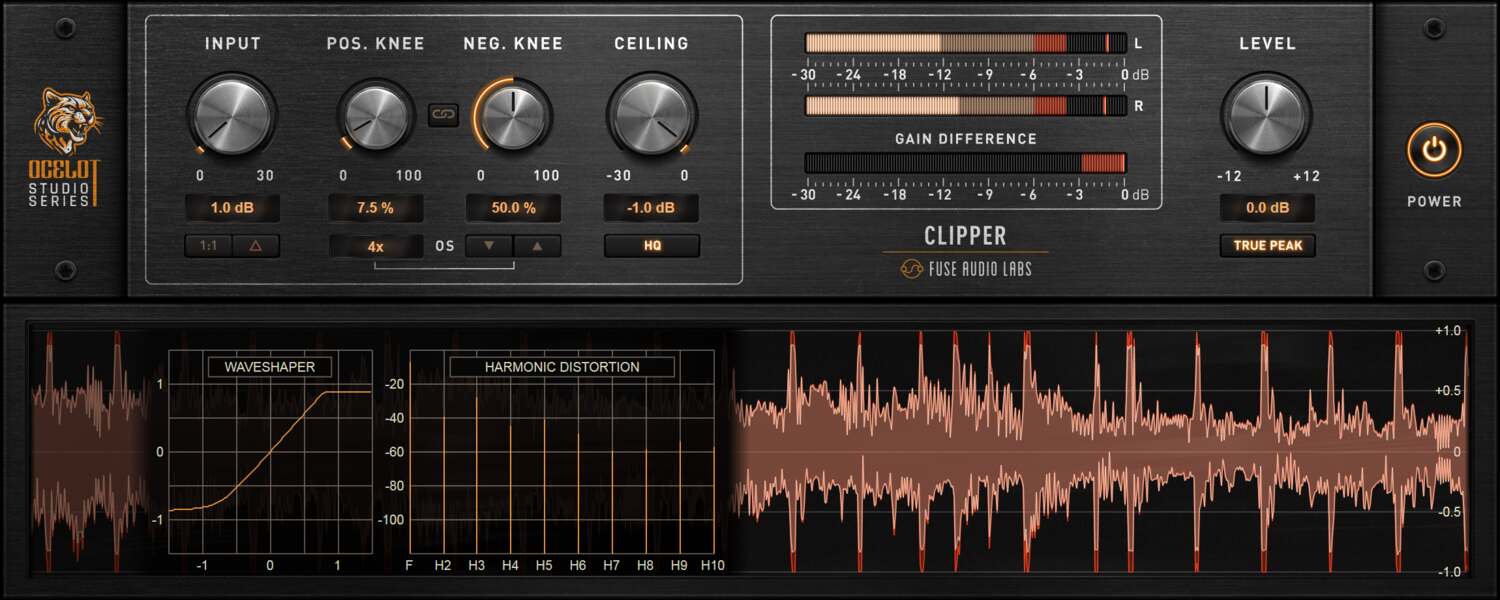
Welcome to a streamlined approach for managing loudness without sacrificing quality or introducing unwanted artifacts. The OCELOT Clipper is your ultimate tool for peak reduction and mastering dynamics, empowering you to create more headroom and deliver energetic mixes. Its intuitive interface keeps the focus where it matters – on your music, not the knobs.
Harmonic Tweaks
The OCELOT Clipper’s advanced dynamics control unlocks powerful tone shaping capabilities, offering separate knee controls for both the positive and negative swings of your signal. Sculpt the tonal balance of your harmonics with great flexibility, whether you’re adding subtle warmth, a gritty edge, or taming peaks on individual sources.
High Fidelity
The OCELOT Clipper ensures exceptional sound quality. Anti-aliasing options, including user-selectable oversampling up to 32x or ADAA technology, and a true peak mode, deliver pristine results while keeping CPU load manageable. With low latency under 1.5 ms, it’s equally effective for both live applications and studio use, keeping your workflow seamless and responsive.
Multi Display
With its efficient workflow and extended analysis display, including waveform, distortion and harmonic spectrum visualization, the OCELOT Clipper makes even tricky loudness tweaks easy to handle. It’s the perfect companion to the OCELOT Limiter, offering everything you need to shape your dynamics with precision, whether you’re a seasoned pro or just starting out.
Ocelot Series
In an ever-growing sea of plugins, a select few stand out as essential tools you rely on in every session. These gems enhance your workflow with their powerful features and intuitive user interfaces, building the core of your personal sound. They become indispensable, evolving alongside you. The Ocelot Series puts these tools right in your hands, delivering cutting-edge low CPU, zero or low latency studio essentials built with top-notch DSP tech.
Features
- Precision Loudness Control – Reduce peaks and manage dynamics without unwanted artifacts, ensuring clean and energetic mixes.
- Dual Knee Harmonic Shaping – Independent knee controls for positive and negative signal swings allow for detailed tonal sculpting.
- High-Quality Processing – Features anti-aliasing options, including up to 32x oversampling and ADAA technology for pristine sound.
- True Peak Mode – Prevents inter-sample peaks for more accurate and transparent peak reduction.
- Low Latency Performance – With under 1.5 ms latency, it's perfect for both live and studio use.
- Advanced Visual Feedback – Waveform, distortion, and harmonic spectrum displays provide real-time analysis for precise adjustments.
- Seamless Workflow – A clear, intuitive interface keeps the focus on your music, not complex controls.
- Part of the Ocelot Series – Designed for efficiency, delivering low CPU usage and zero or low latency, making it an essential tool for any producer.
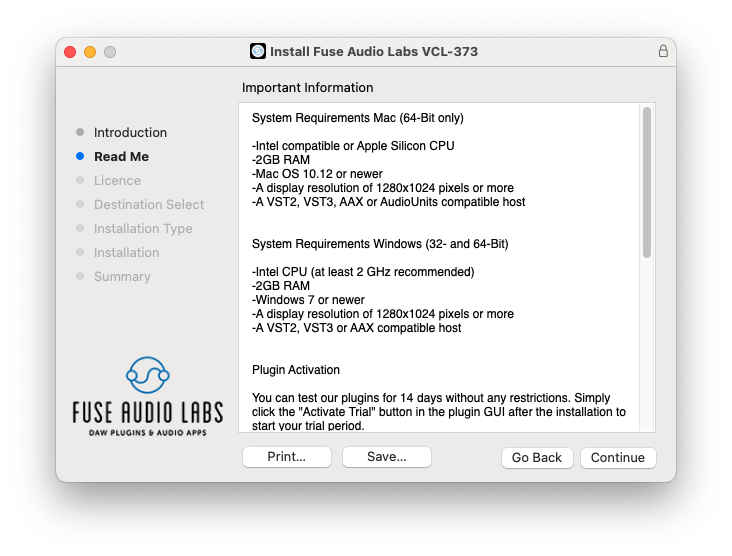
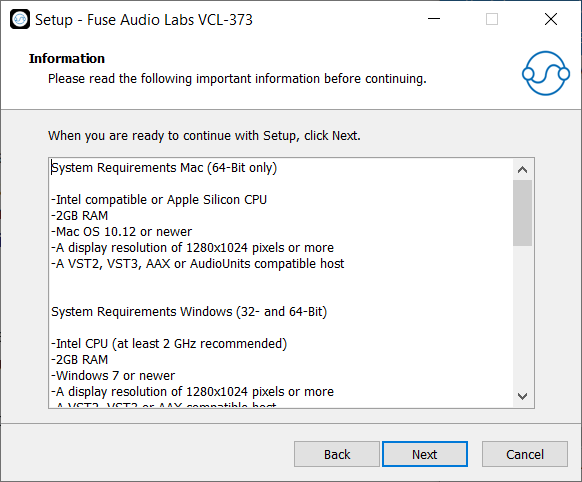
System Requirements
Mac (64-Bit only)
- Intel compatible or Apple Silicon CPU
- 2GB RAM
- Mac OS 10.12 or newer
- A display resolution of 1280x1024 pixels or more
- A VST2, VST3, AAX or AudioUnits compatible host
Windows (32- and 64-Bit)
- Intel compatible CPU (at least 2 GHz recommended)
- 2GB RAM
- Windows 7 or newer
- A display resolution of 1280x1024 pixels or more
- A VST2, VST3 or AAX compatible host




Reviews Summary
While it aims to provide a helpful overview, it may not capture every perspective or detail. We encourage you to read individual reviews to make an informed decision.
Customers highly praise this audio clipper from Fuse Audio for its exceptional, transparent, and analog-quality sound. It is described as easy to use, efficient, highly effective on the mixbus, and featured with a great interface that punches well above its weight.


