


Buy Devil-Loc Deluxe, get a free gift with purchase:
Audio Level Destroyer
A Crushing, Pounding, Aggressive Compressor for Massive Drums
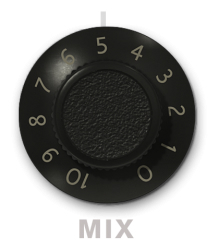
To take things beyond the hardware that inspired it and give you even more creative flexibility, Soundtoys created a deluxe version of the Devil-Loc plug-in, Devil-Loc Deluxe. The Deluxe version adds a “Darkness” control for tone, switchable slow or fast release times and a mix knob so you can mix your dry signal back in right on the front panel.
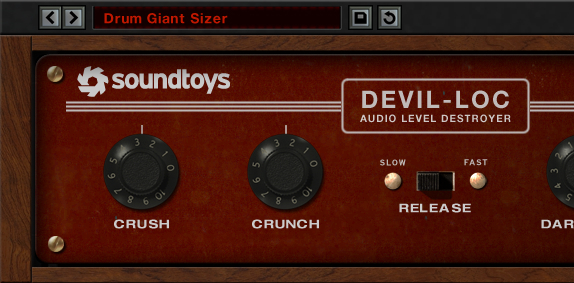
The addition of these controls opens up the sonic palette immensely. Dark thundering drums, to driven lo-fi loops, and more, and the mix control saves all that tedious routing and lets you automate mix to keep the Devil from taking over the soul of your tracks. This time, evil is good.
A Bit of History
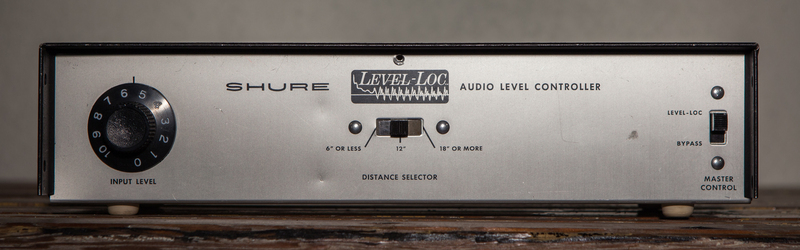
The original Shure Level-Loc from the 1960s was a brick wall limiter designed to be used in public address systems. Its extreme compression and gritty sound eventually became a secret weapon of some well-known and very creative engineers and producers.
It’s an extreme effect and can create huge sounds with drums and room mics, and in small amounts can add sizzle to things like vocals or acoustic guitar.
The controls were very simple, with only a switch for three “distance” settings based on how far from the mic you were. The M62V upped the control a bit by adding an input level knob.
The reason it became famous was largely thanks to Soundtoys user Tchad Blake and his desire to push, abuse, and do deliciously evil things to his tracks. He discovered that the Level-Loc was gritty, dirty, and unusual. The kind of compression that made drums gigantic and nasty - which is a good thing.
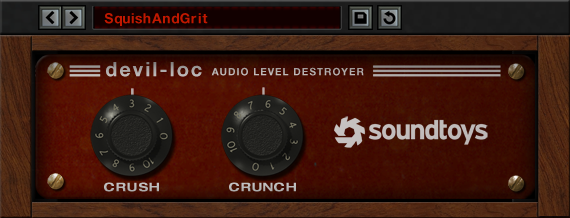
Devil-Loc Deluxe also includes Devil-Loc. It may be little with just two knobs but it is one seriously big sound.
Features
- Extreme compression effect creates huge drum sounds like nothing else
- Mix knob allows you to dial in just the right amount of grit and ambience
- Darkness control lets you shape the tone and roll off crunchy highs for a warmer sound
- Selectable fast and slow release times for added variety and control
System Requirements
Mac
- macOS 10.12 Sierra and later (Intel / Apple Silicon supported) (64-bit only)
- VST2, VST3, AU, AAX Native, AAX AudioSuite
Windows
- Windows 7 and later (64-bit only)
- VST2, VST3, AAX Native, AAX AudioSuite
Supported Sample Rates:
- Minimum - 44.1 kHz
- Maximum - 192 kHz
Important Notes:
- A FREE account at ilok.com is required (a physical USB iLok is not required)
- This software is 64-bit only and is not compatible with 32-bit systems.
Officially Supported Host Applications:
All version 5 Soundtoys products come in 64-bit VST2, VST3, AU and AAX Native plugin formats.
Supported DAWs:
- Pro Tools: 12 or higher (Mac & PC: AAX Native and AudioSuite)
- Logic Pro X: 10.7 or higher (Mac: AudioUnits)
- Ableton Live: 10.0 or higher (Mac: AudioUnits, VST2 & VST3; Windows: VST2 & VST3)
- Studio One: 4.5 or higher (Mac: AudioUnits, VST2 & VST3; Windows: VST2 & VST3)
- Cubase: 9.5 or higher (Mac & PC: VST3)
- Nuendo: 8 or higher (Mac & PC: VST3)
- Reaper: 6 or higher (Mac: AudioUnits, VST2 & VST3; Windows: VST2 & VST3)
- Bitwig: 4 or higher (Mac & PC: VST2 & VST3)
Fabrice "Fab" Dupont
"Devil Loc is the most fun, useful and inspiring audio destruction plugin I've come across since Decapitator came out. Totally addictive."
Joe Barresi
"HOLY CRAP!!! JUST PUT IT ON THE MIX BUS AND IT WAS FREAKING AWESOME!!!"
Notes:
- You need to have an iLok account in order to use the trial and purchased versions of any Soundtoys software.
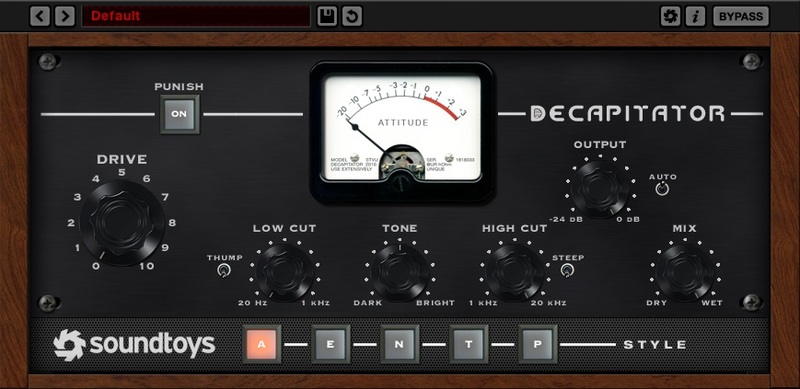
- Decapitator is used as an example.
Registration
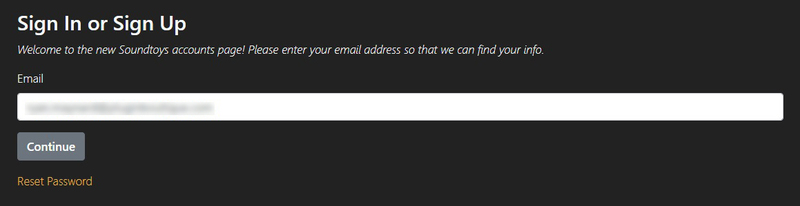
1. First you will need to create a Soundtoys account. Go to https://accounts.soundtoys.com/#/dealer-purchases > Enter your email address > Click Continue.
1. Enter your details and select your marketing preferences > Click 'I'm not a robot' > Click Create Account.
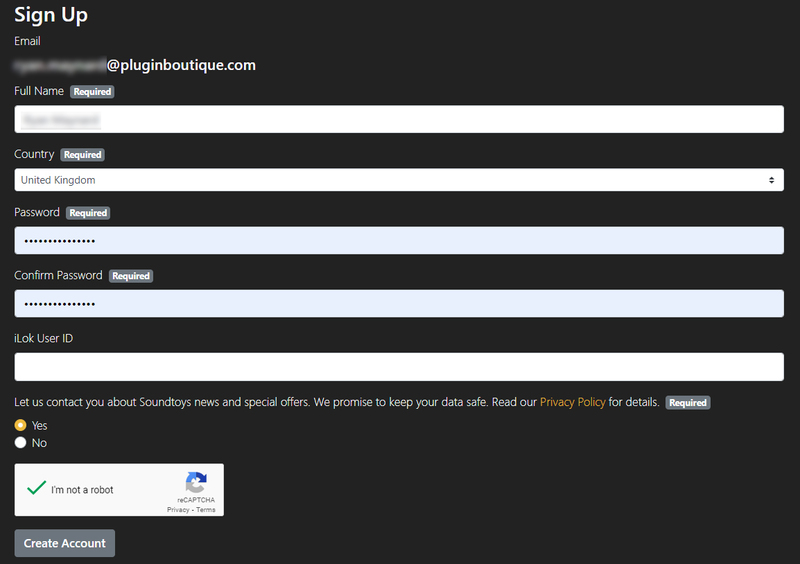
2. Your account has been created.

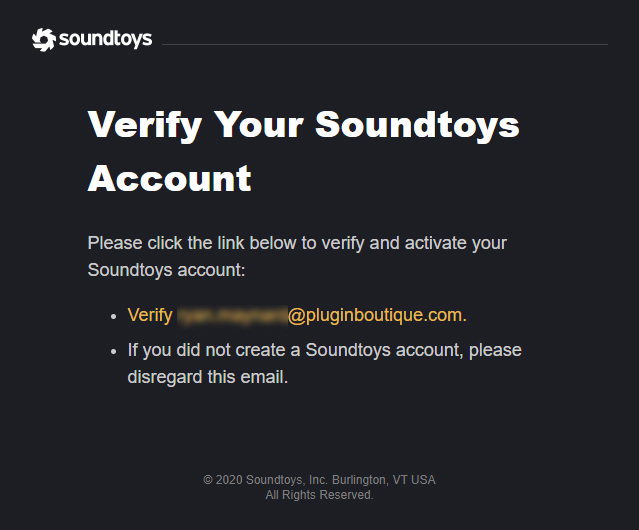
3. Go to your inbox and click the orange verification link > You will be redirected to a sign-in page.
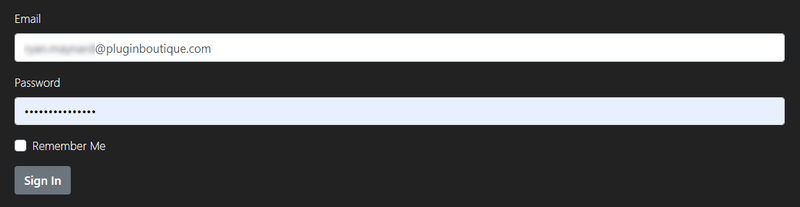
4. Enter your email and password > Click Sign In > You will be directed to your My Products page.
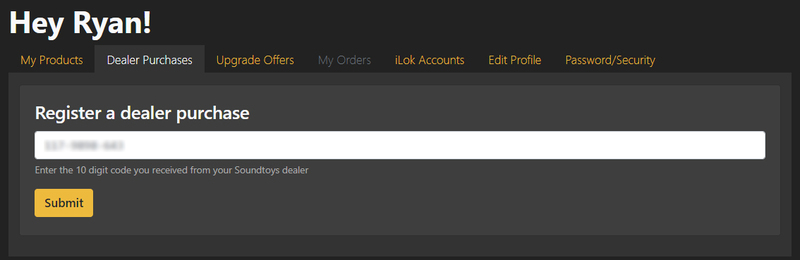
5. Click Dealer Purchases > Copy and paste the 10-digit code from your Plugin Boutique account > Click Submit.
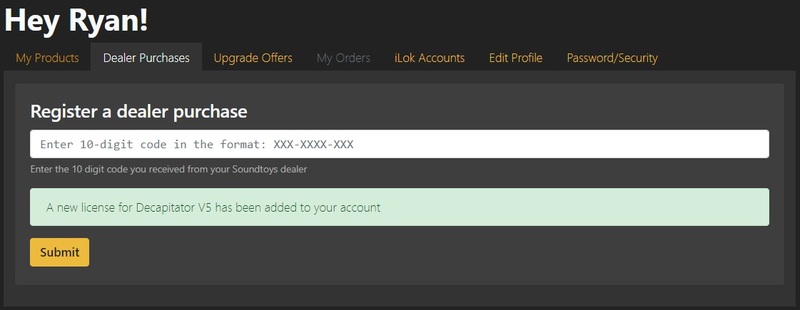
6. Your new license is now registered in your Soundtoys account.
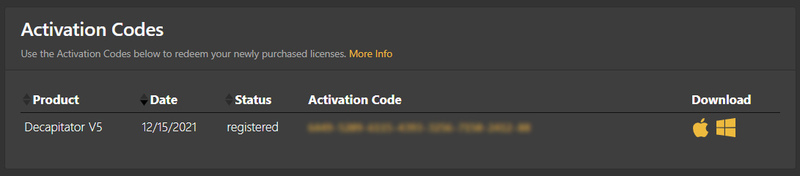
7. Click My Products > You will now see your activation code and installers.
Mac Installation
1. Download the macOS installer from your Soundtoys My Products page by clicking the Apple logo > Double-click the .dmg file then double-click the pkg file to begin the installation process.
2. Click Continue.
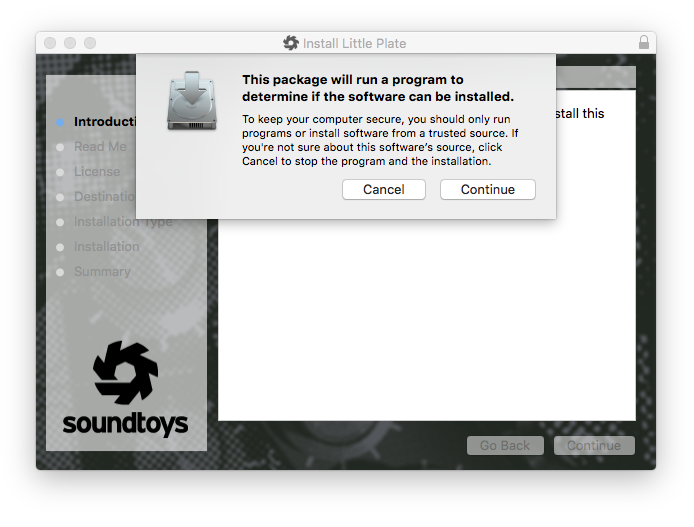
3. Click Continue.
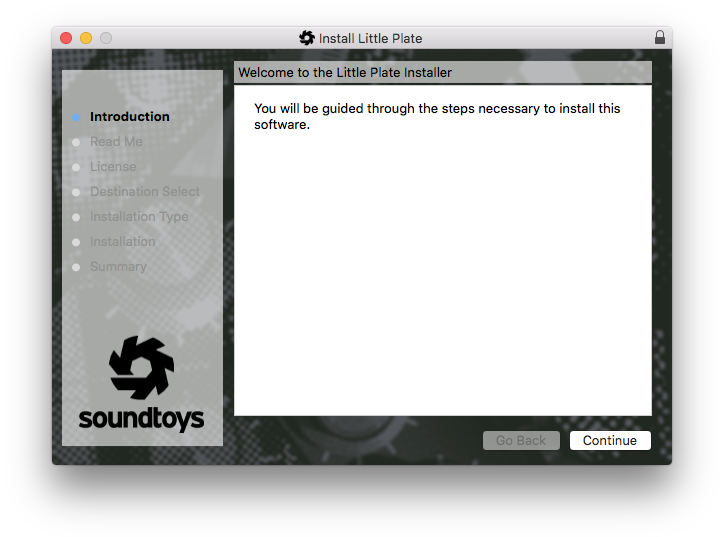
4. Click Continue.
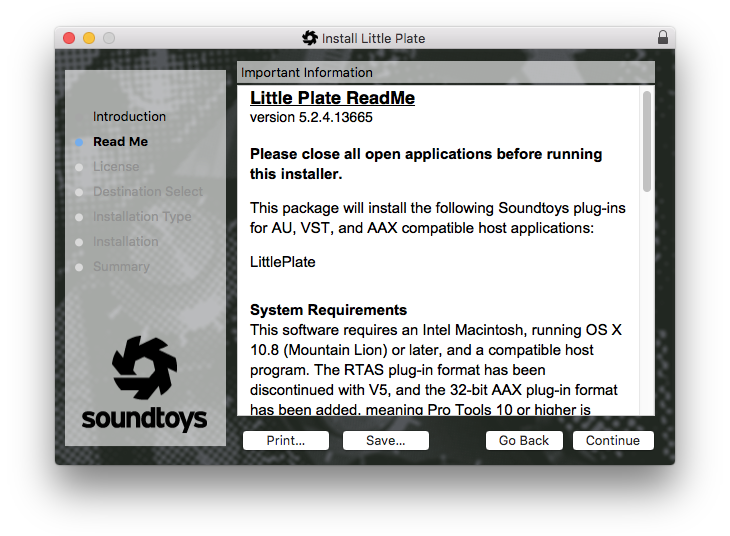
5. Click Agree.
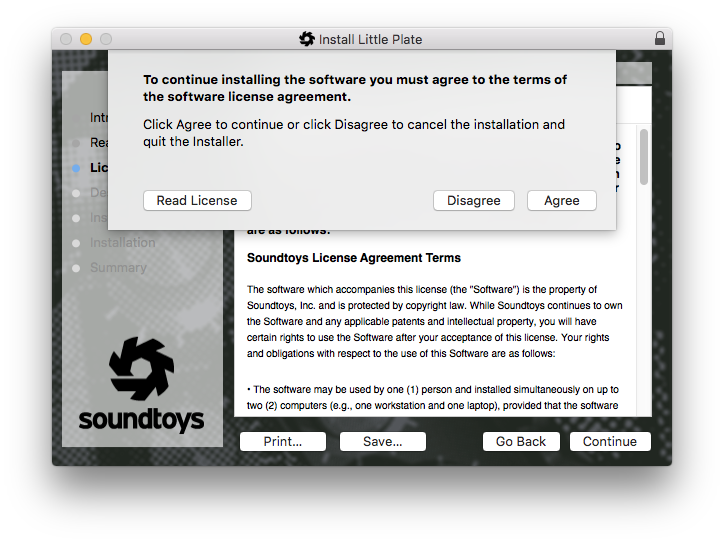
6. Click Install.
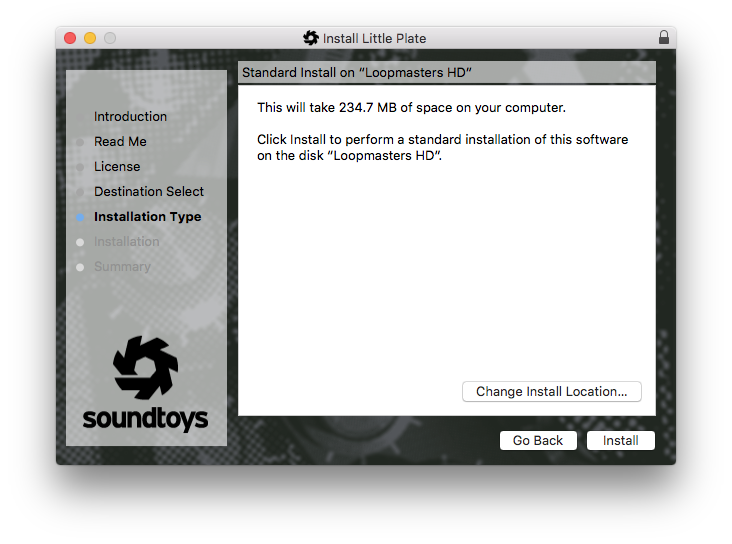
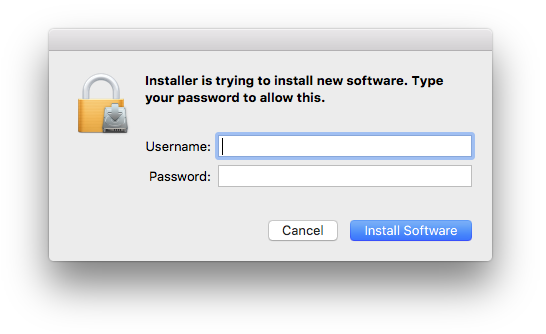
7. Enter your computer username and password > Click Install Software.
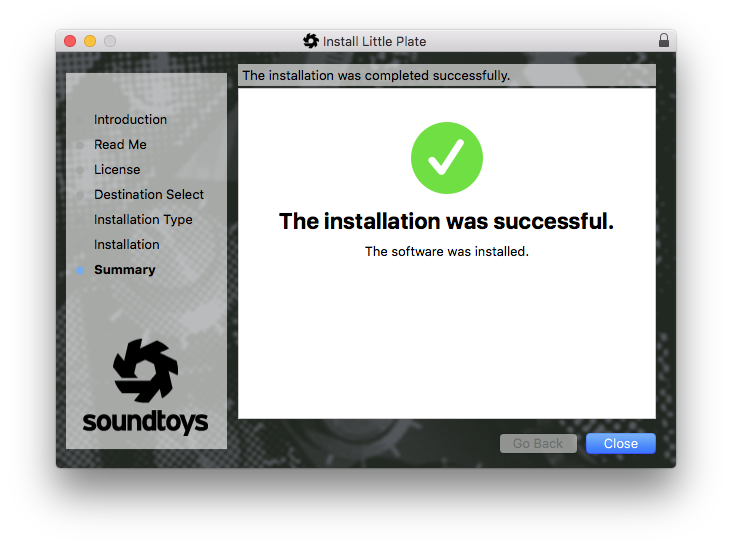
8. Click Close.
Activation
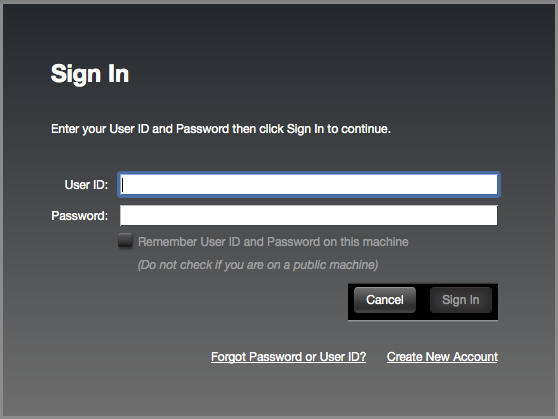
1. Open the iLok License Manager > Click Sign In.

2. Enter your iLok User ID and Password > Click Sign In.
3. Click the '• • Ɪ' icon.

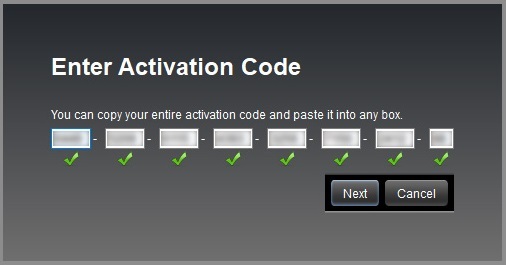
4. Enter the activation code found on your Soundtoys My Products page > Click Next.
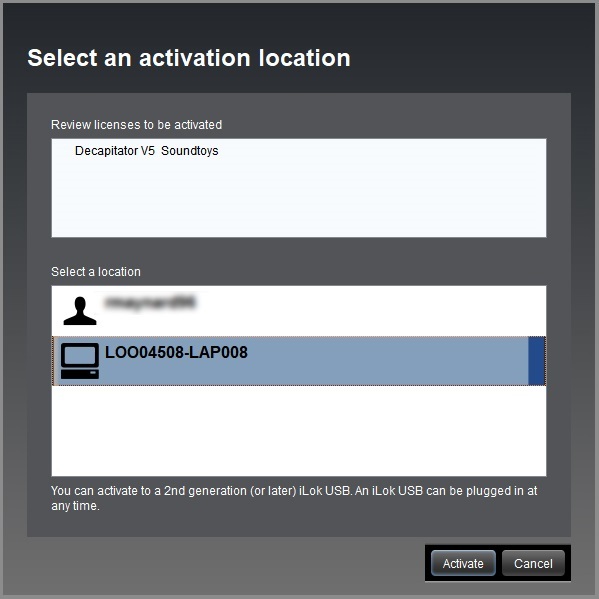
5. Select your computer as the activation location > Click Activate.
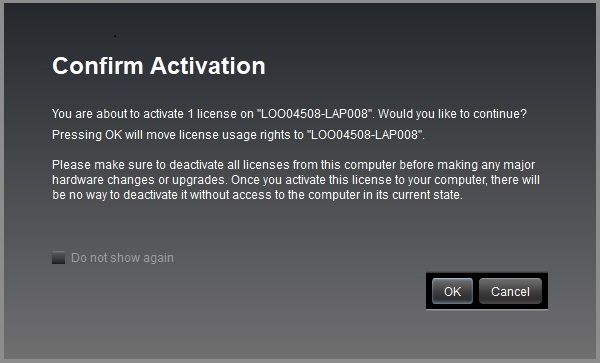
6. Click OK.
Your software is now activated and ready to use in your DAW.
Windows Installation
1. Download the Windows installer from your Soundtoys User Account by clicking the Windows icon.
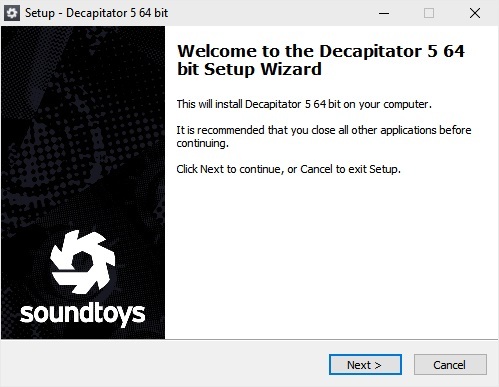
2. Double-click it to extract the contents and double-click your required installer to begin the installation process > Click Next.
3. Read the License Agreement and select 'I accept the agreement' > Click Next.
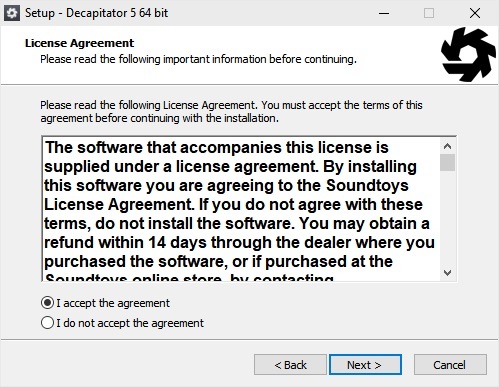
4. Click Next.
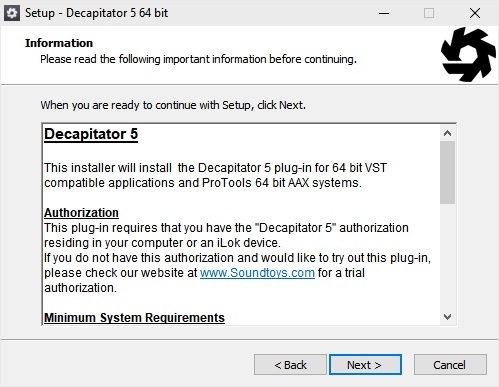
5. Click Next.
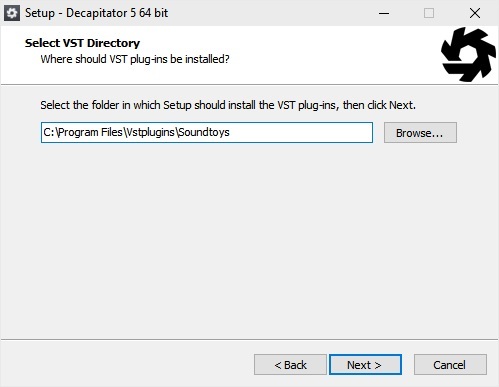
6. Click Install.
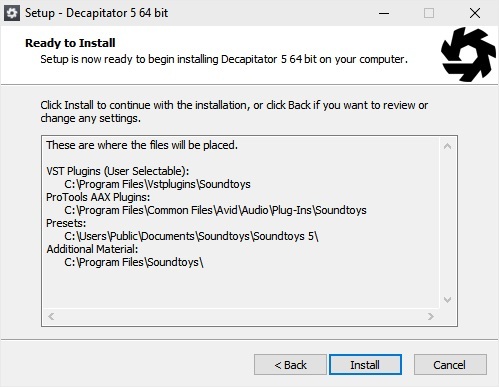
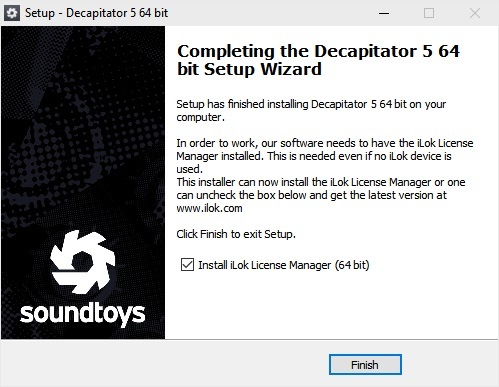
7. Click Finish (If you already have the iLok License Manager installed on your computer, feel free to deselect the tick box).
Activation
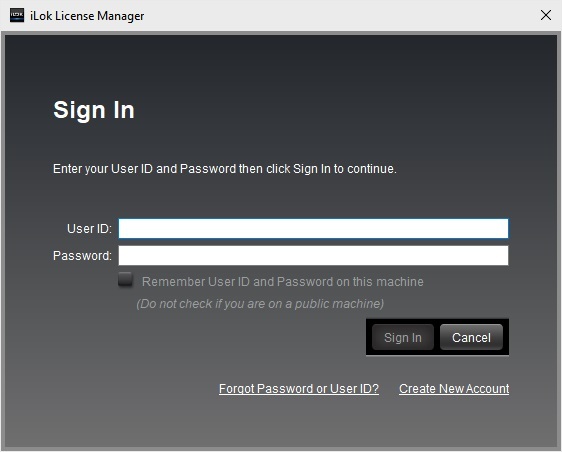
1. Open the iLok License Manager > Click Sign In.
2. Enter your iLok User ID and Password > Click Sign In.
3. Click the '• • Ɪ' icon.
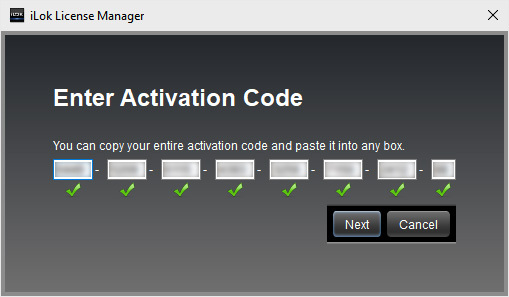
4. Enter the activation code found on your Soundtoys My Products page > Click Next.
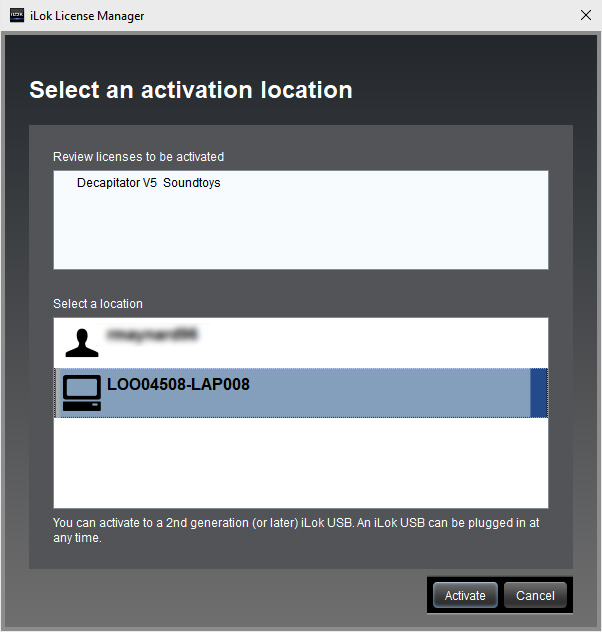
5. Select your computer as the activation location > Click Activate.
6. Click OK.
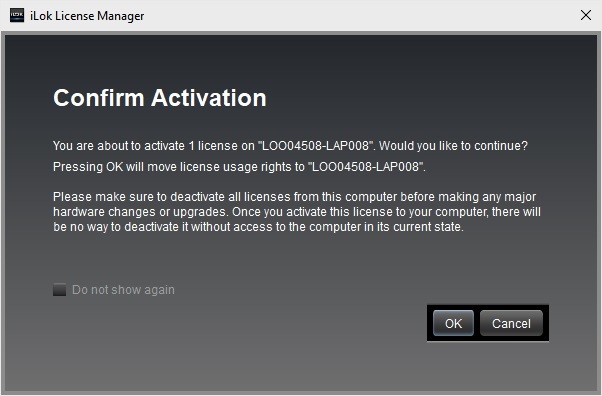
Your software is now activated and ready to use in your DAW.


