Buy LM1V Limiter, get a free gift with purchase:
LM1V is an analogue modelled brick-wall limiter, with 8x oversampling and inter-sample peak detection. It is able to achieve high loudness levels with a minimum of distortion. Results are always extremely musical.
Separate attack, release and stereo link controls, allow a wide range of settings, from near clipping to smooth limiting, all without excessive pumping or artefacts. While inter-sample peak detection catches overs to keep output levels firmly in place. LM1V is equally at home processing individual tracks as it is on the mix bus.
Features
- Low distortion multi-stage design.
- Inter-sample peak detection.
- Variable attack 0 - 10 ms.
- Variable release 0 - 2 secs.
- Input Gain 0 - 20dB.
- Output ceiling -20 - 0dB.
- Stereo unlink.
- 8x oversampled.
- 64bit internal processing.
System Requirements
- Windows 10 or above.
- Mac OSX 10.9 or above.
- 64-bit only.
- VST, VST3, AU and AAX.
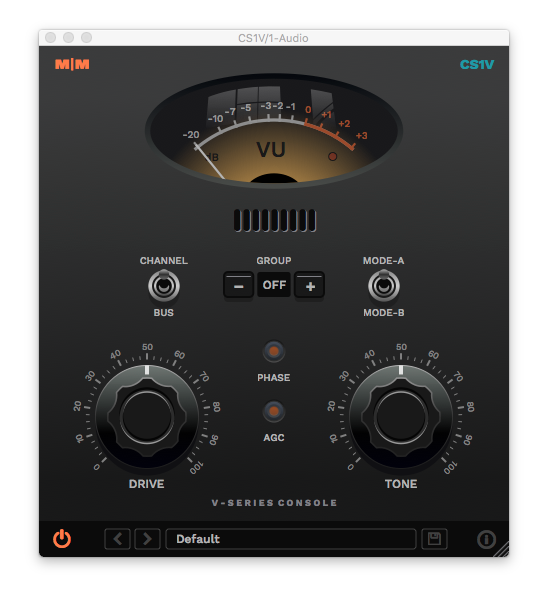
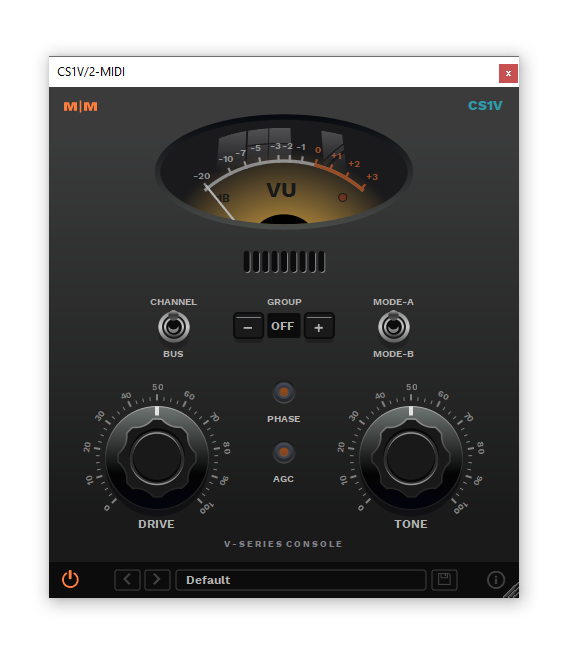
Important Note: CS1V Console Channel is used as the example.
Mac
Installation
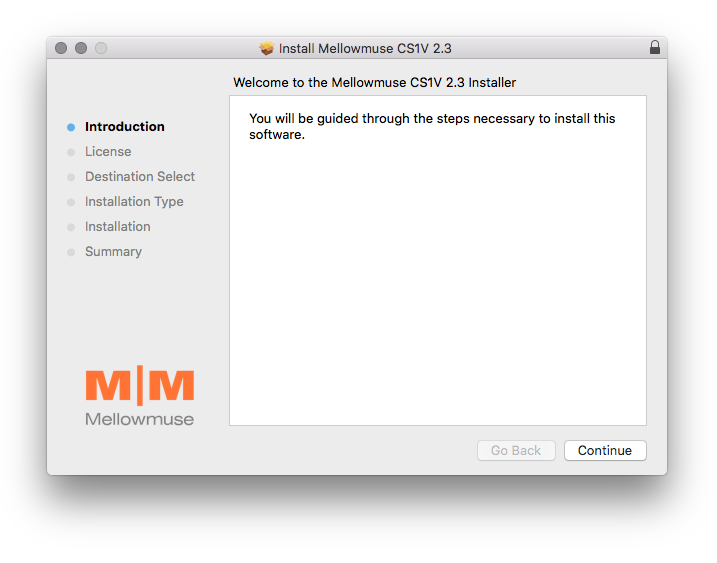
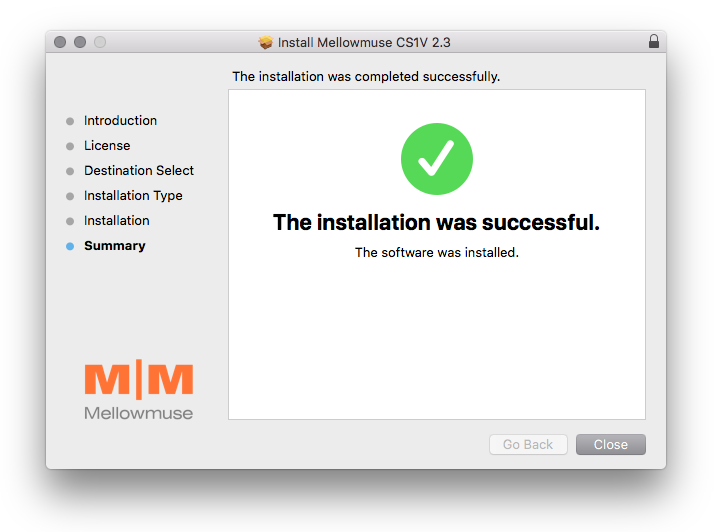
1. Download the .pkg file from within your Plugin Boutique User Account and double-click it to extract the contents.
2. Open the .dmg file to begin the installation > Click 'Continue'.

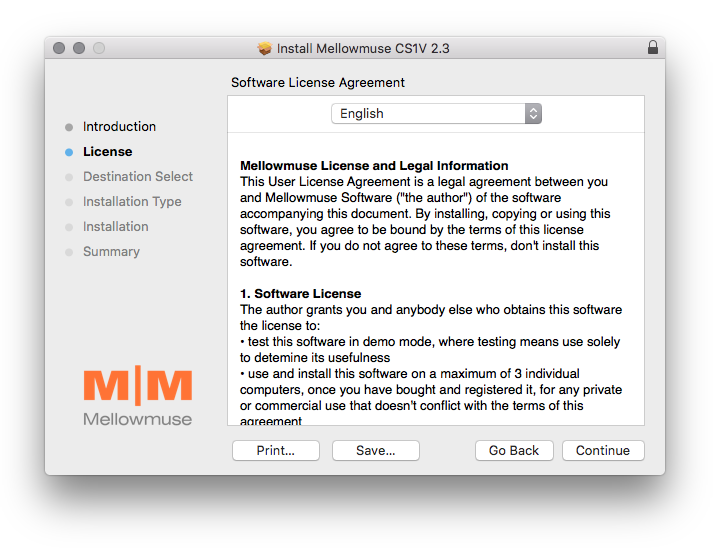
3. Click 'Continue'.

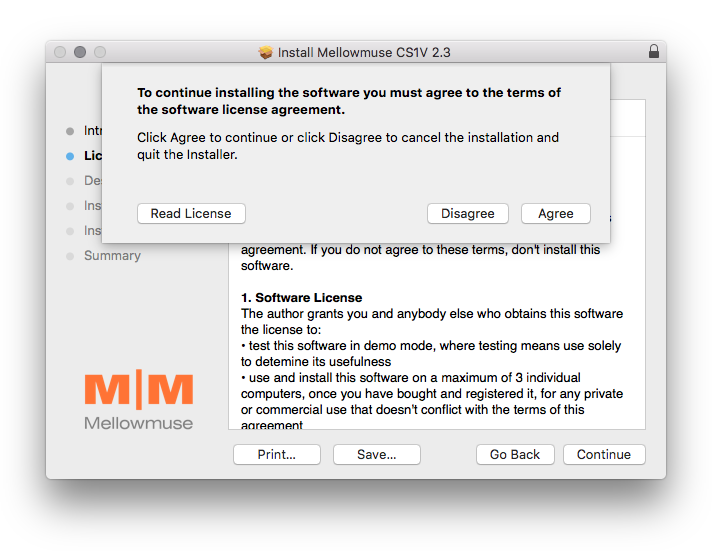
4. Click 'Agree'.

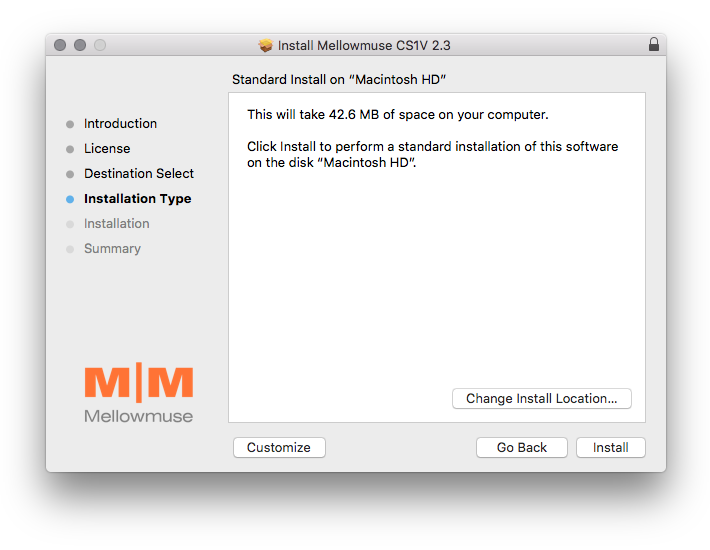
5. Click 'Install'.

6. Click 'Close'.

Activation
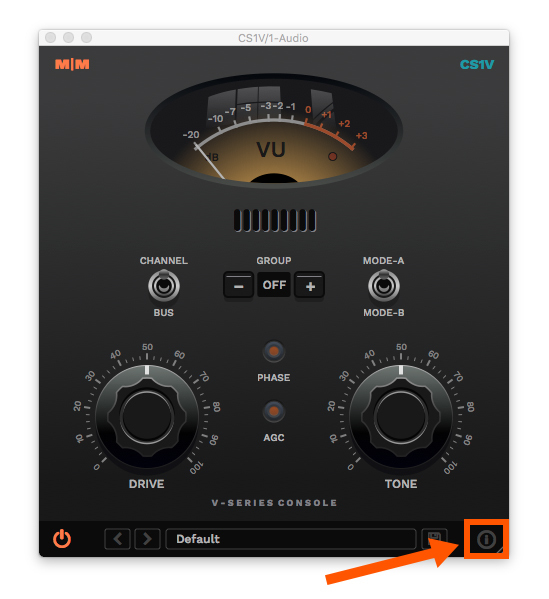
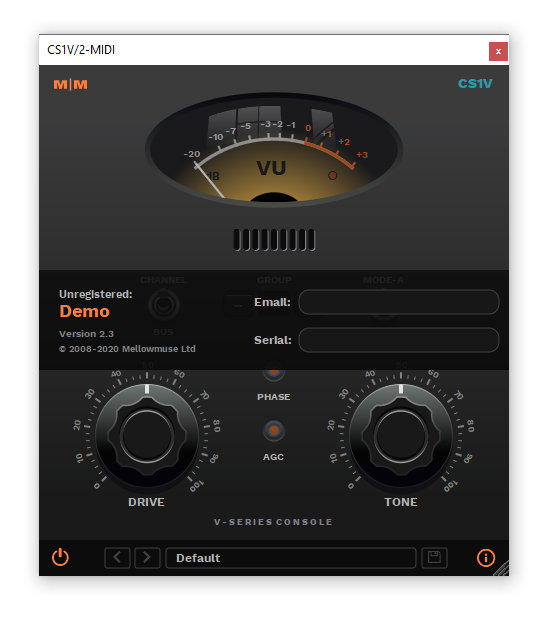
1. Open CS1V inside of your DAW > Click the i icon at the bottom right of the GUI.

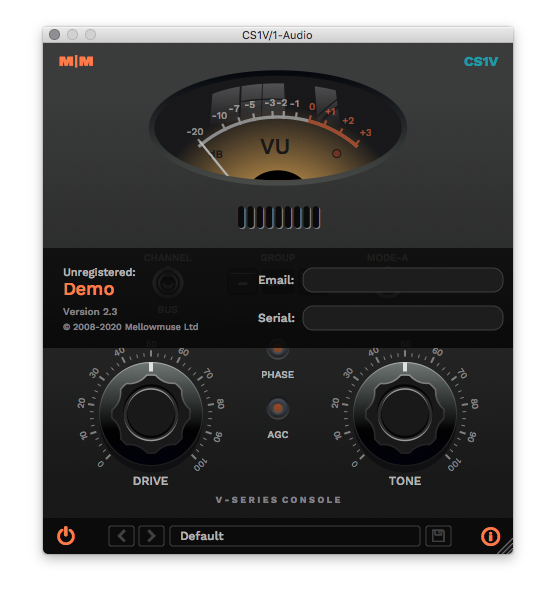
2. Enter your email address and the serial number found within your Plugin Boutique User Account > press Enter on your keyboard.

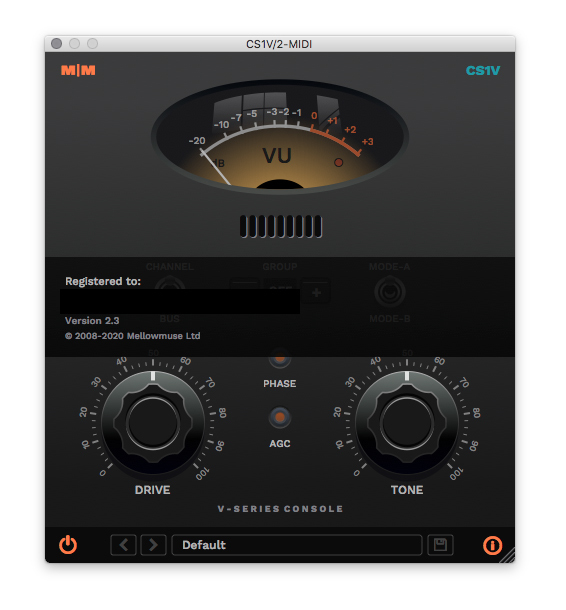
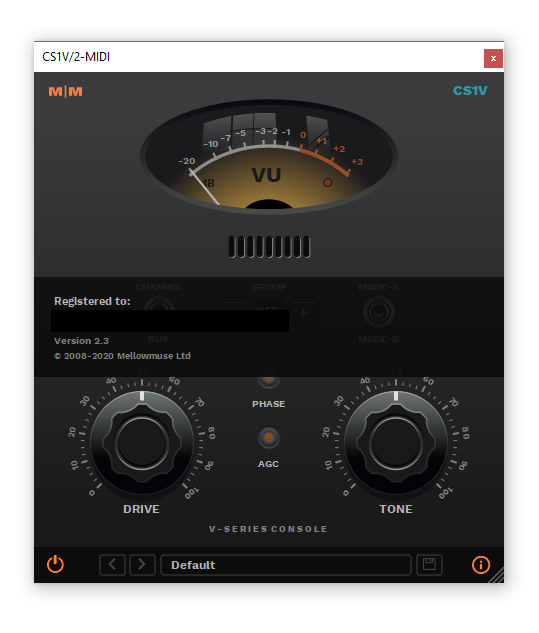
3. Click the i icon again to close the registration information.

Your plugin is now authorised and ready for use in your DAW!

Windows
Installation
1. Download the .zip file from within your Plugin Boutique User Account and double-click it to extract the contents.
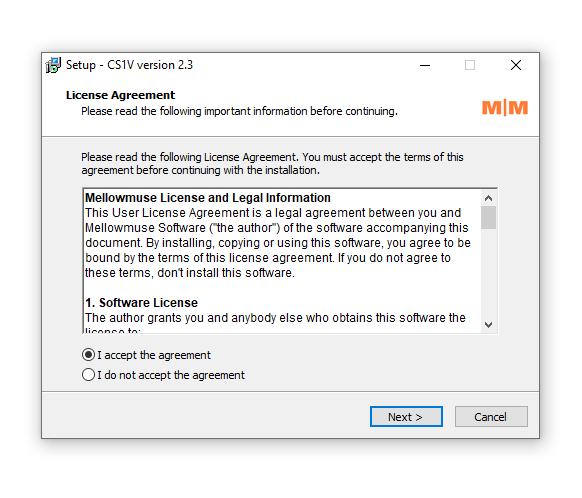
2. Open the .exe file to begin the installation > Select 'I Accept the Agreement' and click 'Next'.

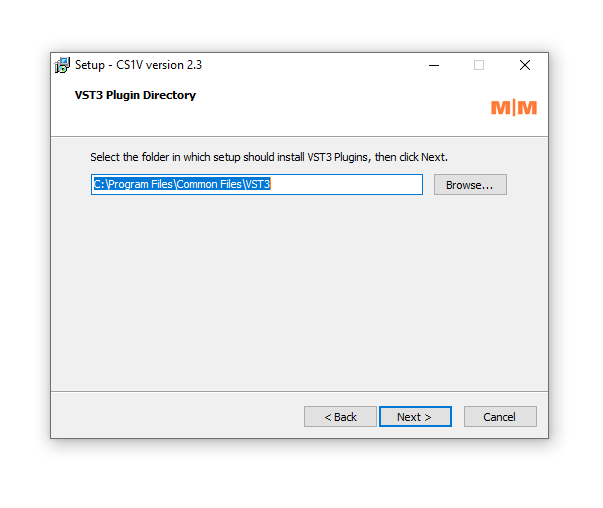
3. Check that the location of your VST3 folder is correct > Click 'Next'.

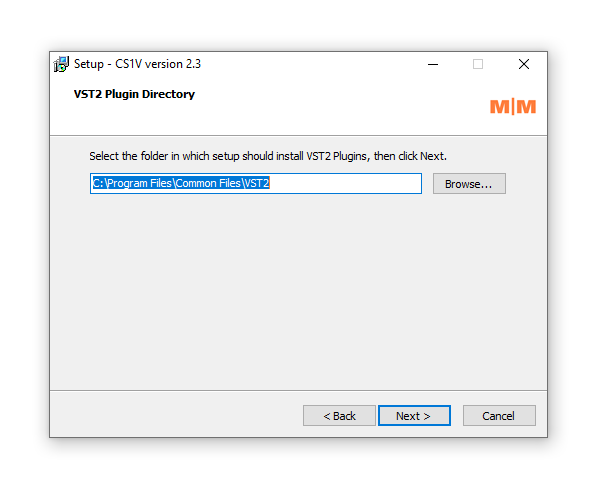
4. Check that the location of your VST2 folder is correct > Click 'Next'.

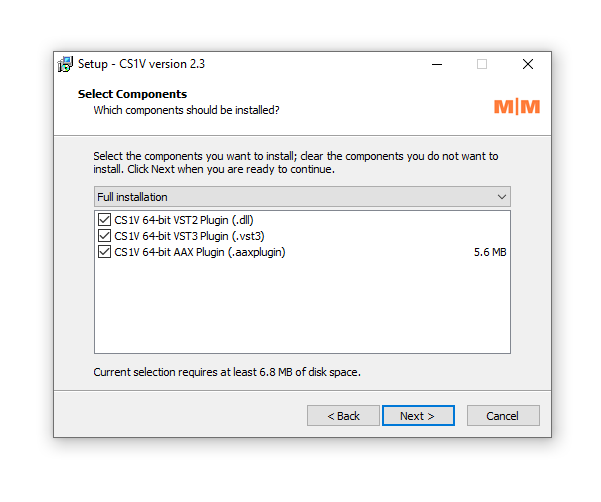
5. Click 'Next'.

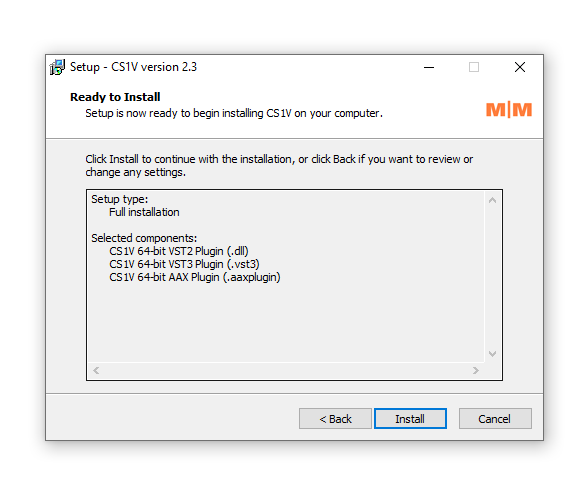
6. Click 'Install'.

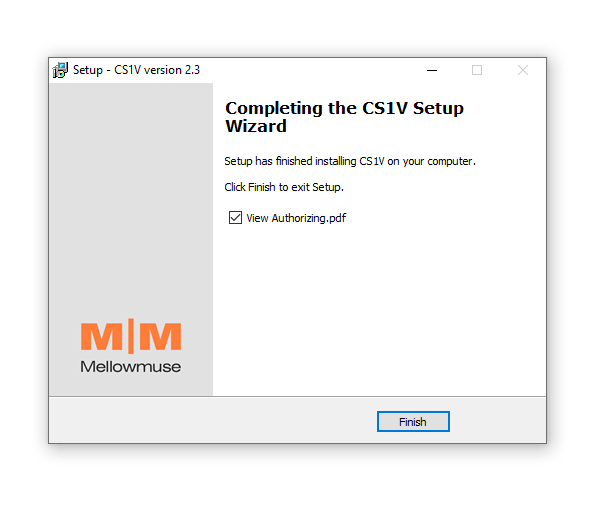
7. Click 'Finish'.

Activation
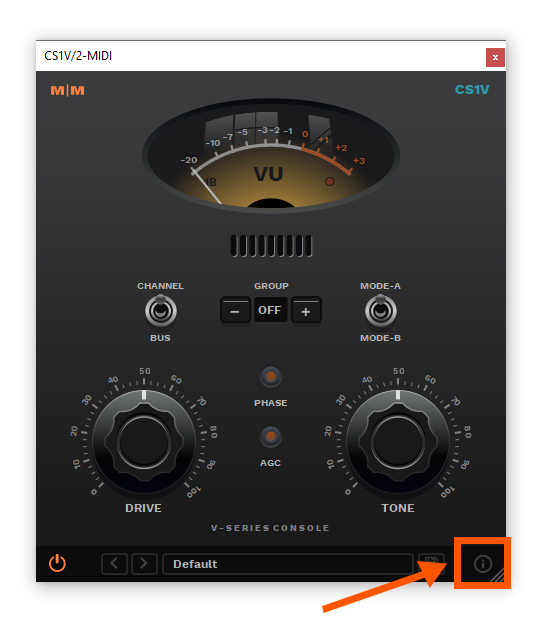
1. Open CS1V inside of your DAW > Click the i icon at the bottom right of the GUI.

2. Enter your email address and the serial number found within your Plugin Boutique User Account > press Enter on your keyboard.

3. Click the i icon again to close the registration information.

Your plugin is now authorised and ready for use in your DAW!