


 Log In

Free gifts available with your purchase

The Content-Aware Limiter
Loudness and Dynamics in tune
smart:limit delivers limiter settings that let your mix breathe and gives you all the loudness and dynamics info you need for confident publishing.
- Automatic parametrization in just a few seconds
- Extensive loudness and dynamics monitoring
- Unique set of sound-shaping tools
The one-stop-shop limiter
Straightforward “set – check – publish”
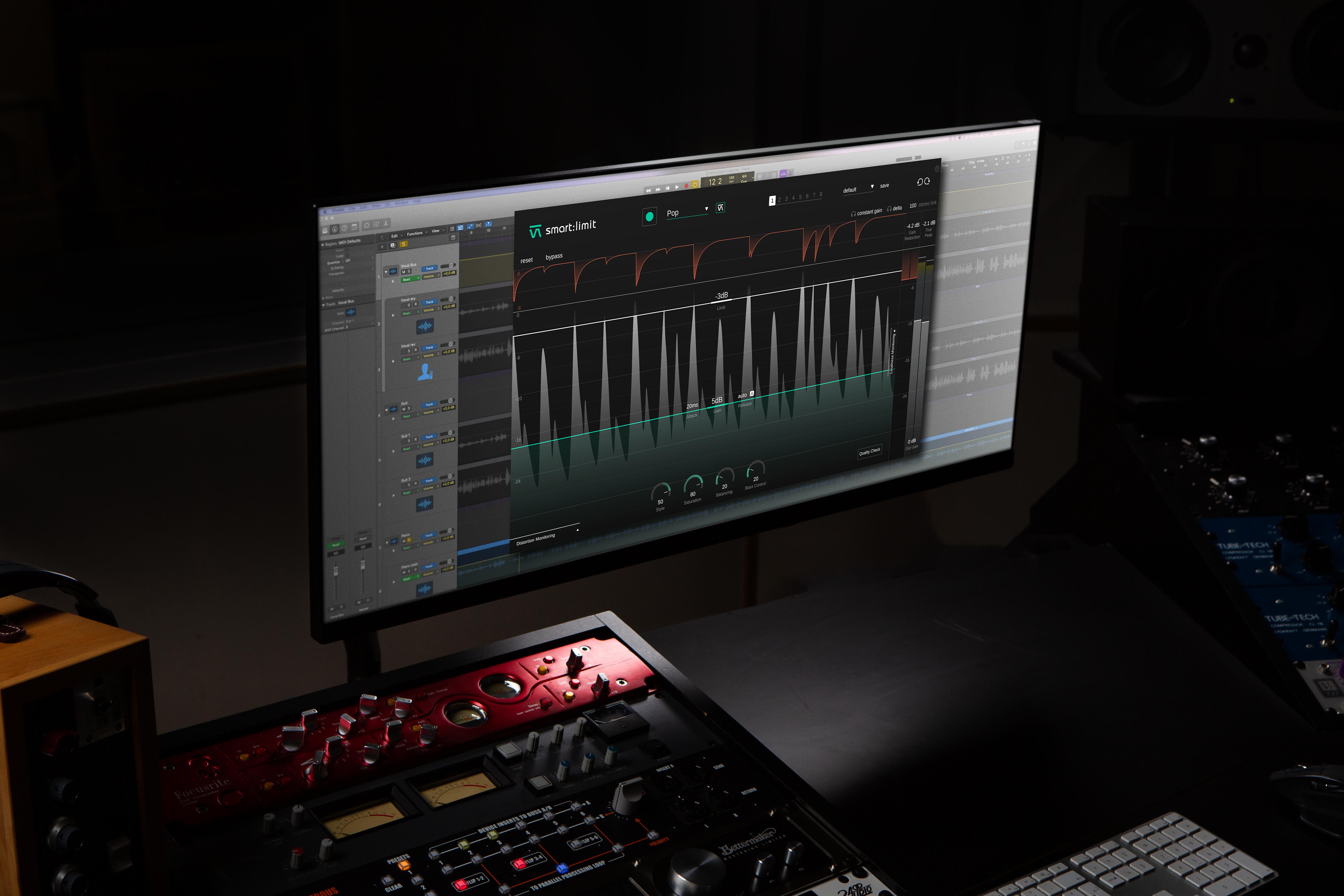
smart:limit is all about worry-free limiting: Its intelligent processing will preserve the detail of your track and provide a transparent, uncompromised limiting quality. With smart:limit's extensive loudness and dynamics monitoring, you won’t have to use any additional metering plug-ins. Besides providing you with all the necessary loudness information in real-time for confident publishing, smart:limit guides you towards hitting the safe zone requirements of streaming platforms or loudness standards and gives you feedback via interactive Quality Check hints.

Transparent sound with just one click
AI-powered parametrization for confident limiting.
Speed up your workflow with smart:limit. Its intelligent processing analyzes your signal and finds limiting parameters that let your mix breathe – all in just a few seconds. By choosing a genre-based profile that fits your mix, you can prime the plug-in for different limiting characteristics. Or instead, upload a reference track, if you are aiming for a specific limiting style. You can use smart:limit with or without the automatic parametrization – or go for a combination of both.
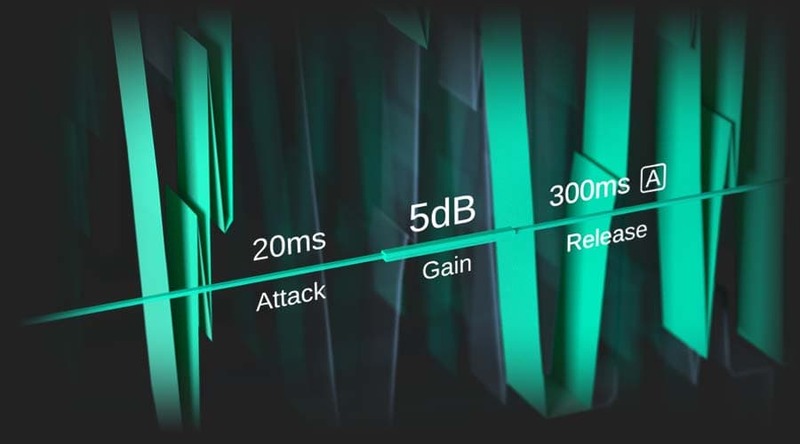
Everything under control in real-time
Extend the Loudness Monitoring section to access an extensive information hub on loudness and dynamics: Here you will find all relevant loudness readouts, visual guidance regarding different publishing targets, and information on the dynamics of your track. With the revolutionary Instant Impact Prediction feature, you won’t have to restart the loudness measurements every time you change a parameter – the change will be reflected in real-time without having to repeatedly playback the entire input signal.
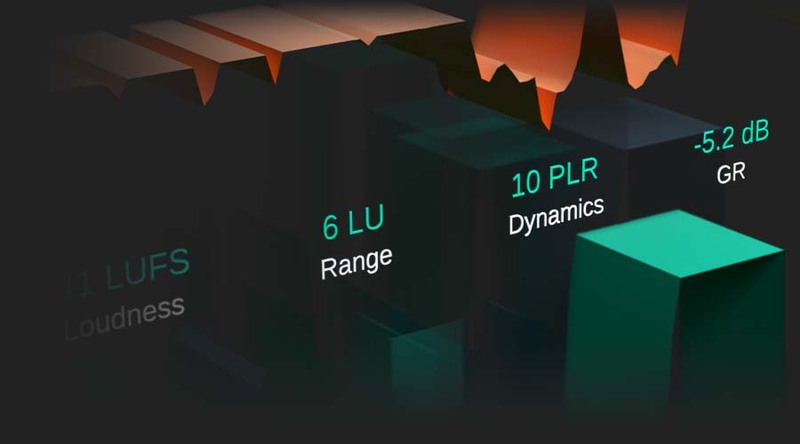
Monitor all relevant key metrics at a glance:
- Loudness [LUFS] - integrated, short-term, momentary
- Loudness Range [LU] - integrated, short-term, momentary Dynamics [dB ] - based on Peak to Loudness Ratio
- True Peak [dbTP] – using high-resolution oversampling
- Gain Reduction [dB]
Vibe is in the detail
Shape your sound to perfection.
When your sound is in need of a little bit of extra vibe, smart:limit has got you covered. Use the Style dial to freely choose between either a soft or hard limiting style. Play with saturation to add some subtle warmth or to really inflate your signal. Adapt the Balance to give your track that perfect spectral polish prior to publishing and tweak the Bass Control for a rich and compact low end.smart:limit is packed with great features that will help your sound get all of the attention it deserves.
System Requirements
Mac
- macOS 10.7+ (M1 Apple Silicon supported) (64-bit only)
- RAM - at least 4 GB (recommended)
- CPU - at least Intel DualCore i5 (recommended)
- Plugin Formats - AU, VST2, VST3, AAX, MultiRack Native
- Supported Sample Rates - 44.1 kHz to 192 kHz
PC
- Windows 7+ (64-bit only)
- RAM - at least 4 GB (recommended)
- CPU - at least Intel DualCore i5 (recommended)
- Plugin Formats - VST2, VST3, AAX, MultiRack Native
- Supported Sample Rates - 44.1 kHz to 192 kHz
Reviews Summary
While it aims to provide a helpful overview, it may not capture every perspective or detail. We encourage you to read individual reviews to make an informed decision.
Overall, users praise the limiter plugin for its exceptional transparency, speed, value, and useful visual distortion metering. Many appreciate the AI-driven parameter suggestions for accelerating the mastering workflow while still offering extensive manual controls. However, some professional engineers feel the AI features are unnecessary or overly prone to adding saturation, and a few note that the resulting sound can sometimes feel too sterile or lacking in character compared to other limiters.


