


 Log In

Free gifts available with your purchase
Ten retro-futuristic tone machines, packed with analog magic
Give your recordings the colorful saturation and effects heard on countless hip-hop, lo-fi, electronic, rock, and experimental tracks. Designed for the modern musician, beatmaker, and producer — Verve Analog Machines puts a sandbox full of playful analog sounds right in your DAW.
10 Magical Machines to Unleash Your Creativity
Verve Analog Machines puts vintage sound at the ready. Giving you ten colorful UA-designed effects with settings that are super easy to dial in, it’s like a sandbox full of analog toys right in your DAW.
Add Retro Analog Tone to Your Modern Mixes
Need to add energy to drums, guitars, vocals, synths, or your whole mix? From gluey tape warmth and hi-fi tube saturation to all-out distorted mayhem, Verve Analog Machines makes your in-the-box productions sound instantly more expressive and alive.
Play Around With Lo-Fi, Hi-Fi & Sci-Fi Sound
Whether you seek the strange sound of thrift store tape machines, that tiny speaker effect from a vintage guitar amp, or the big-studio luster of a premium tube channel strip – Verve Analog Machines instantly levels up any mix with off-the-wall analog color.
Included Machines
Sweeten
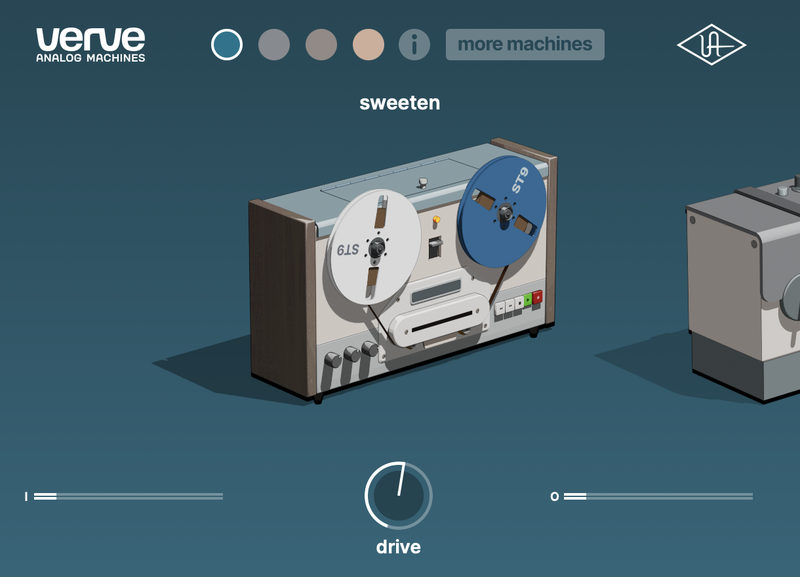
Add warmth to anything with classic reel-to-reel sound that can be gently overdriven.
Great for: Getting studio-grade tape sound on vocals, instruments, or your entire mix.
Edge
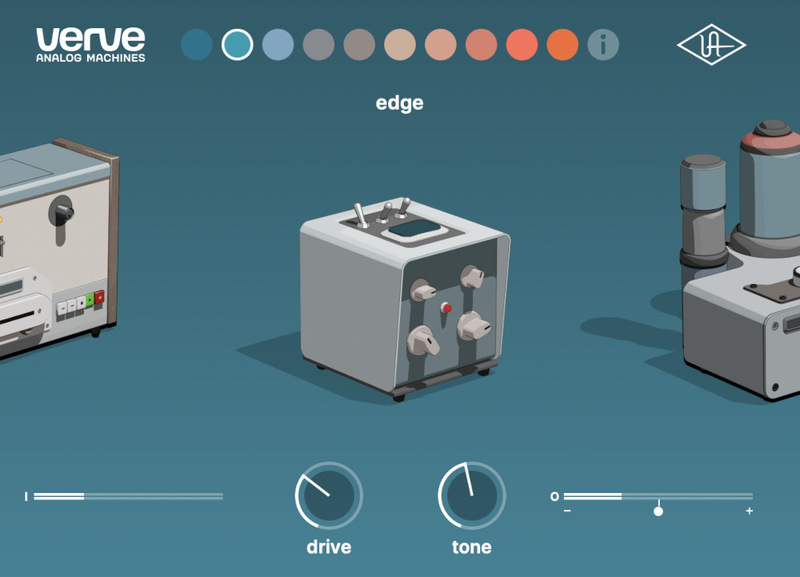
Get the effect of driving up the gain on an analog console to energize your recordings with crunchy saturation.
Great for: Bringing dull recordings to life.
Glow
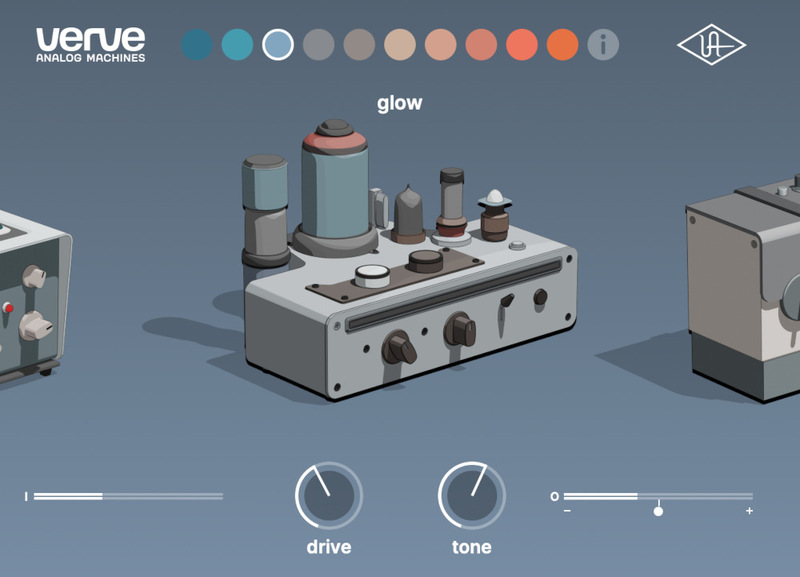
Make tracks blush with rich harmonics, like the sound you get when plugging into a high-end tube preamp or channel strip.
Great for: Warming up bright or thin-sounding tracks.
Warm
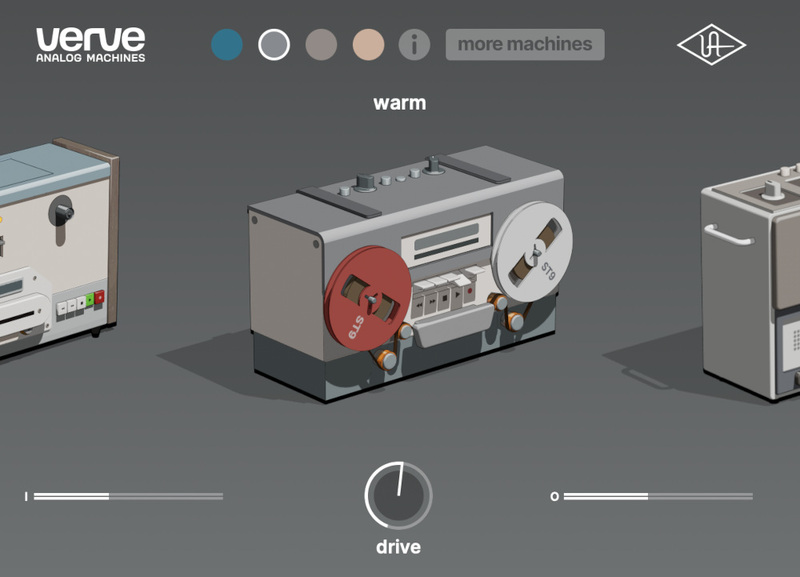
An older and bolder tape machine. It’s similar to Sweeten, but with a deeper warmth and warble.
Great for: Getting tape sound with added movement.
Thicken
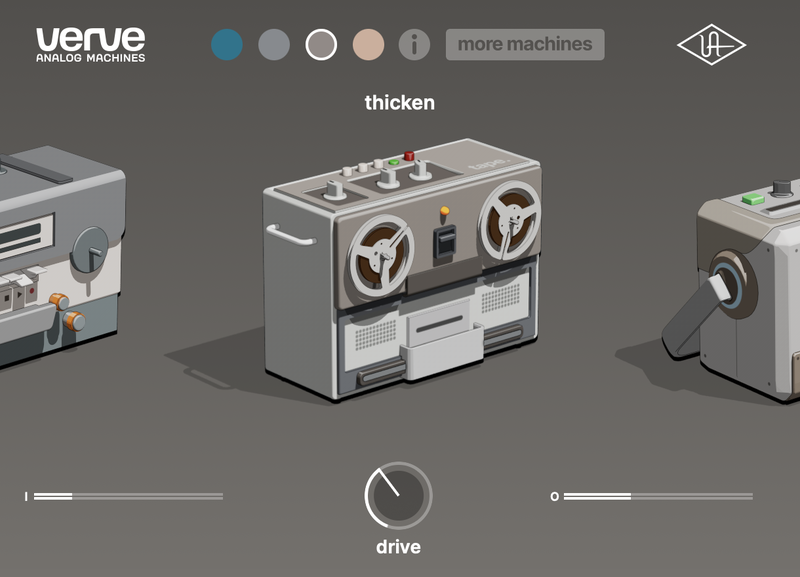
Hop in your time machine and explore gritty lo-fi textures from half a century ago.
Great for: Giving any track some added vibe and dimension.
Vintagize
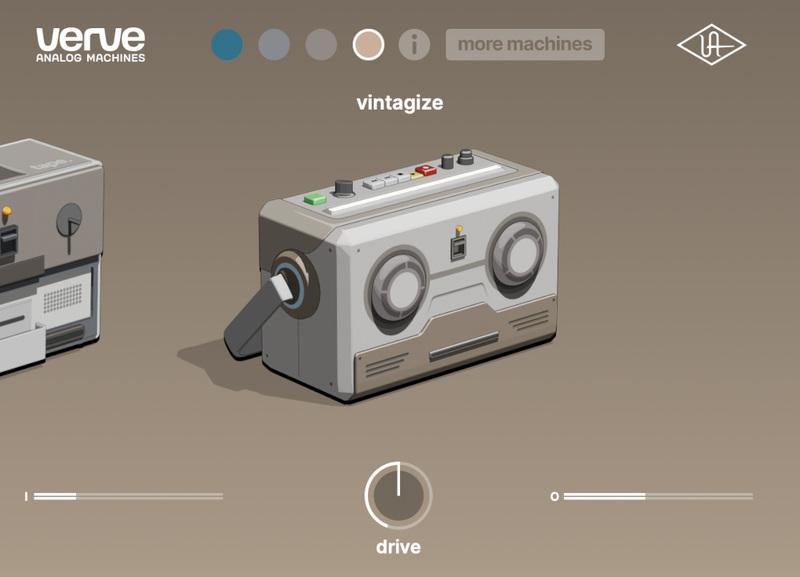
Need a tone that’s all your own? Score thriftstore tape machine sound that’s older than your grandparents.
Great for: Making modern recordings sound old.
Distort
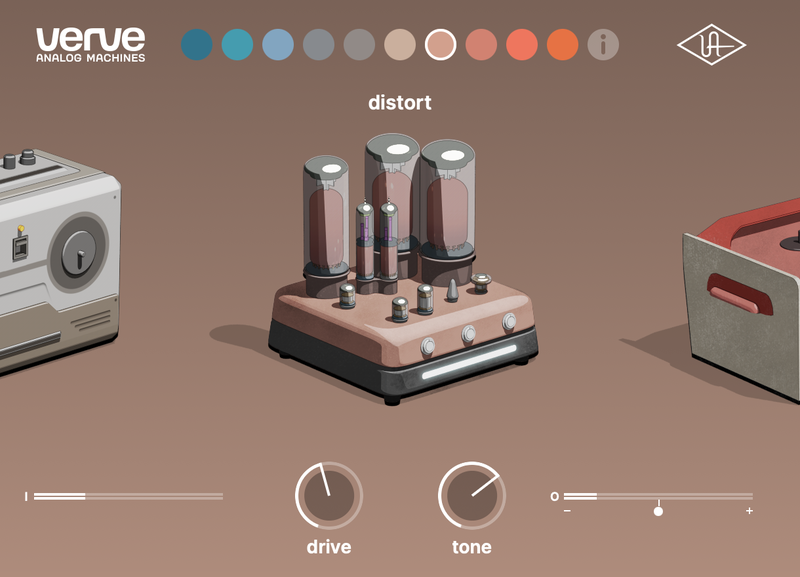
Get tube sound that’s been pushed to the edge, similar to driving an analog preamp a bit too hard.
Great for: Getting tracks to sound bold and exciting.
Overdrive
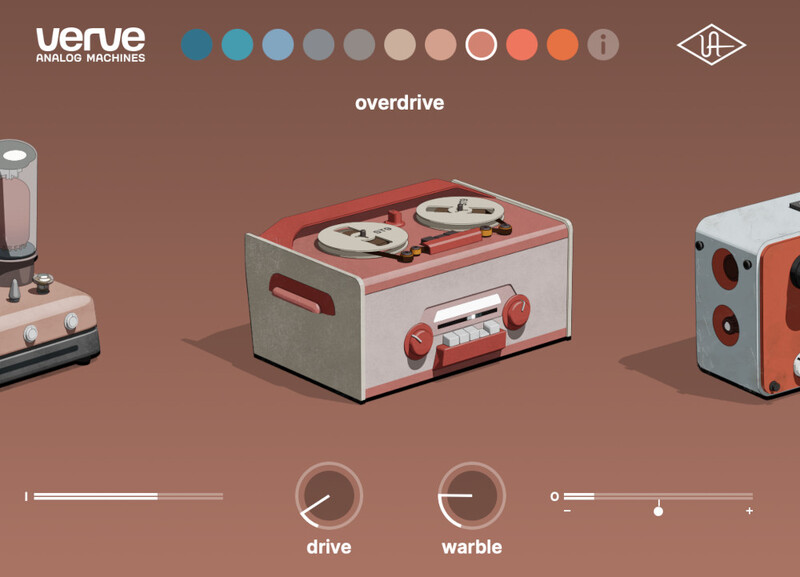
Tape tone like Thicken and Vintagize, but it grinds and roars even more.
Great for: Adding fuzzy tape tone to synths, guitars, drums, and more.
Fire
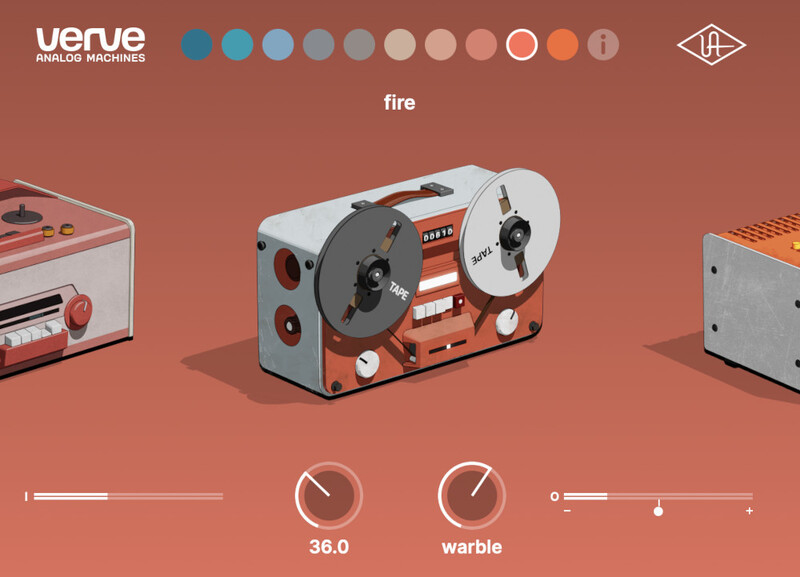
It’s that searing analog sound, like pouring liquid hot magma onto your track.
Great for: Adding texture to vocals and instruments.
Sputter
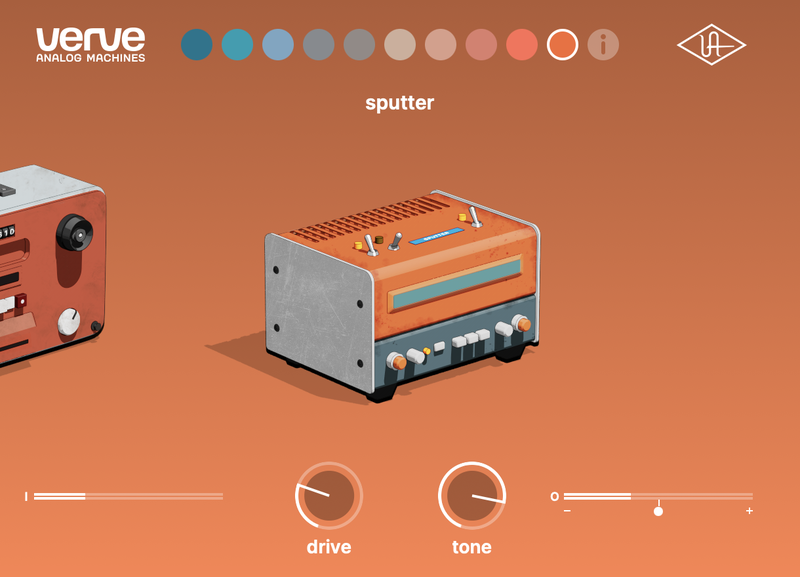
Need your recordings to sound broken, but in a cool way? Sputter gives you over-the-edge distorted mayhem.
Great for: Pushing tracks past their limits.
Features
- Add analog sound to your recordings with 10 easy-to-use machines
- Get quick tone-shaping with simple controls like drive, tone, and tape warble
- Give kicks, snares, and synths gritty tape textures or add tube warmth to vocals, guitar, bass, or your entire mix
- Make mixes sound instantly more expressive and alive with retro-futuristic analog sounds crafted by UA
System Requirements
- macOS 10.15 Catalina, 11 Big Sur, 12 Monterey, 13 Ventura
- Windows 10 or Windows 11 (64-bit only Editions)
- Intel, AMD, or Apple silicon processor
- Internet connection to download software and authorize UADx plug-ins
- Free iLok account with iLok Cloud or iLok USB (2nd generation or higher)
- A physical iLok dongle is NOT required to activate this product
You can activate this software on an online system (using iLok Cloud) or an offline system (using an iLok USB):
-
Online: an active internet connection and a FREE iLok account are required to authorise UAD Plug-ins using iLok Cloud
-
Offline: you will need a physical iLok USB (2nd generation or higher) to authorise this software
Important note: UAD plugins do not work in Apple's Garageband DAW


