Log In
Free gifts available with your purchase
Tape Revisited
Play
The TCS-68 pays homage to one of the most popular multitrack cassette tape recorders introduced in 1990, just before digital solutions started to enter the consumer recording market. While the basic technology got outdated, its high-grade lo-fi sound characteristic is something that a lot of users looking for a more organic tone are missing in their productions these days.
Record Sending your tracks through the TCS-68 creates lovely sounding crunchiness refined by the inherent tape compression effects. Pushing the pre and tape sections works pure magic on percs, single drums and full sets, as well as synths and pads. Looking for creative recording techniques, this channel is just perfect for applying unique textures to different parts of a mix.
Fast Forward
The TCS-68 offers several sections which can be used in combination or individually for special tone shaping or effects. Use the preamp to create a straight forward sound, then apply some tape to glue things back together again. The 3-band EQ complements very nicely as toneshaper or compensation for tape bass bump, high frequency rolloff, or overstated preamp edginess.
Rewind
The ultimate goal when creating the TCS-68 was to catch the original vibe and nostalgic sound quality, hence it is highly recommended for lo-fi experts, tone shapers, and all those who like to add some unconventional spices to their tracks. The emulation remains exceptionally true to the original hardware, so the results always sound convincing and real. Plus, it's so much fun and easy to use!
Features
- Nostalgic Tribute: The TCS-68 emulates a popular multitrack cassette tape recorder from 1990, offering a high-grade lo-fi sound that many seek for a more organic tone.
- Creative Crunch: Tracks processed through the TCS-68 gain lovely crunchiness and inherent tape compression, enhancing percussions, drums, synths, and pads.
- Flexible Sections: Features multiple sections for standalone or combined use, including a preamp for straightforward sounds and a 3-band EQ for tone shaping and compensation.
- Authentic Sound: Captures the original vibe and sound quality of cassette tape recordings, making it ideal for lo-fi enthusiasts and creative tone shapers, while being user-friendly and fun.
System Requirements
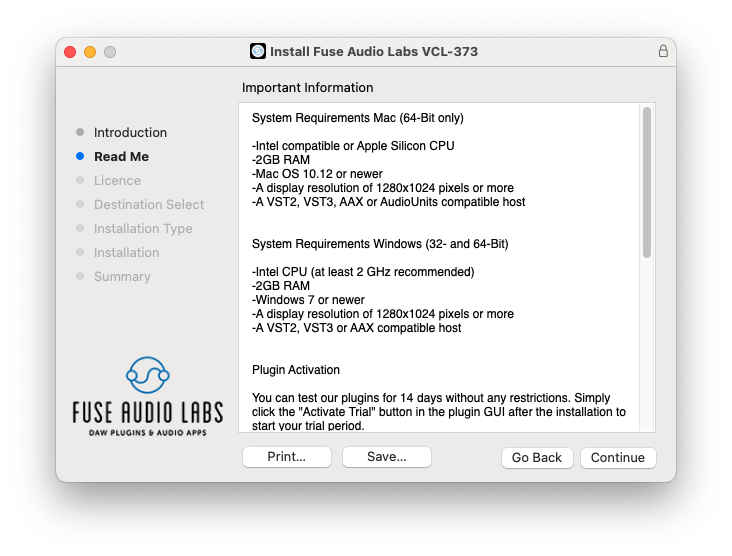
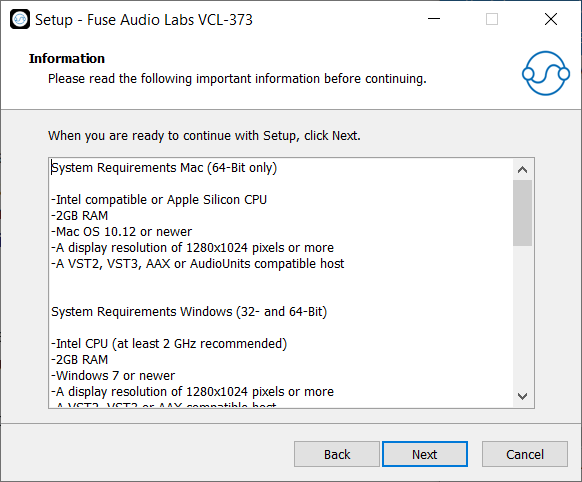
Mac (64-Bit only)
- Intel compatible or Apple Silicon CPU
- 2GB RAM
- Mac OS 10.12 or newer
- A display resolution of 1280x1024 pixels or more
- A VST2, VST3, AAX or AudioUnits compatible host
Windows (32- and 64-Bit)
- Intel compatible CPU (at least 2 GHz recommended)
- 2GB RAM
- Windows 7 or newer
- A display resolution of 1280x1024 pixels or more
- A VST2, VST3 or AAX compatible host