Log In


Supercharge your Favourite Gear with a Cloud-Connected Looper
Action-Focused Creative Hub
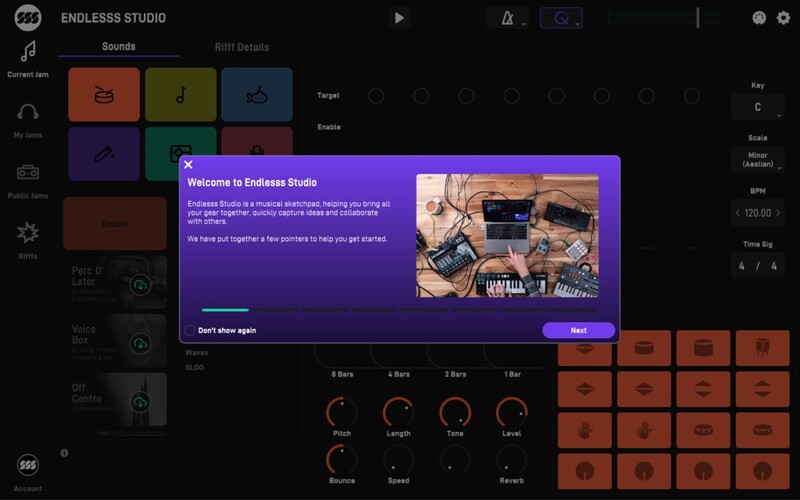
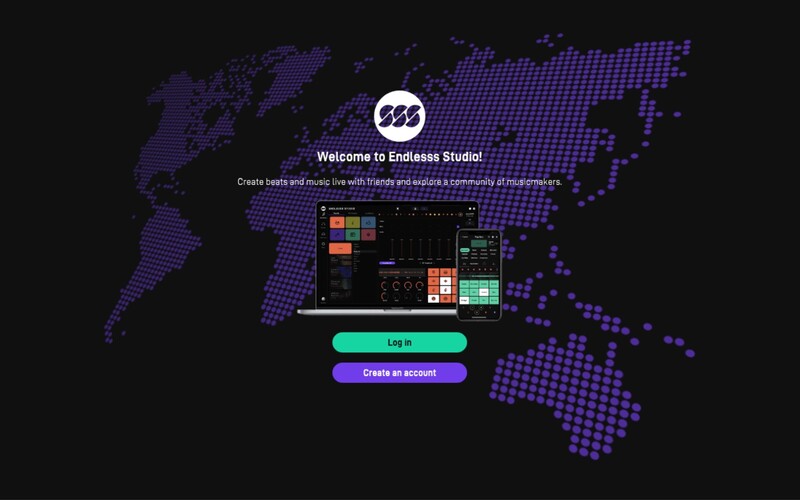
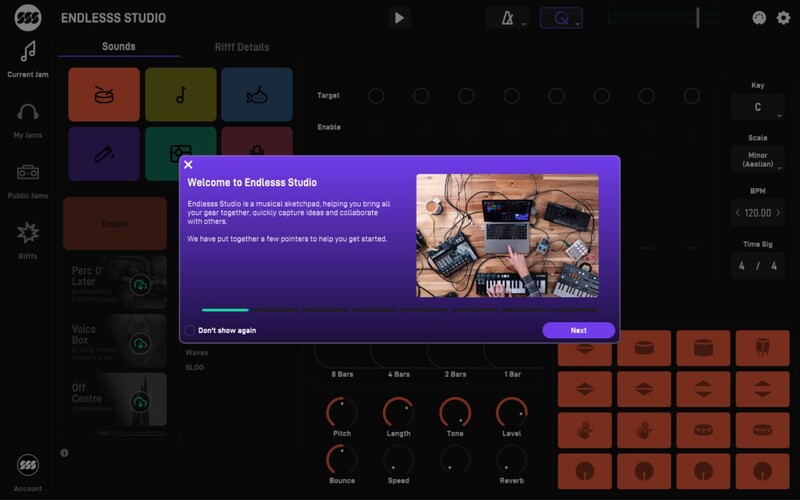
Endlesss Studio is a powerful cloud-connected looping instrument that cuts out the admin of traditional DAWs for lightning-fast composition.
Optimised for Creative Flow
Endlesss Studio accelerates your creativity by taking care of everything else: record-arming, routing, channels, clips files and backups - even level management.
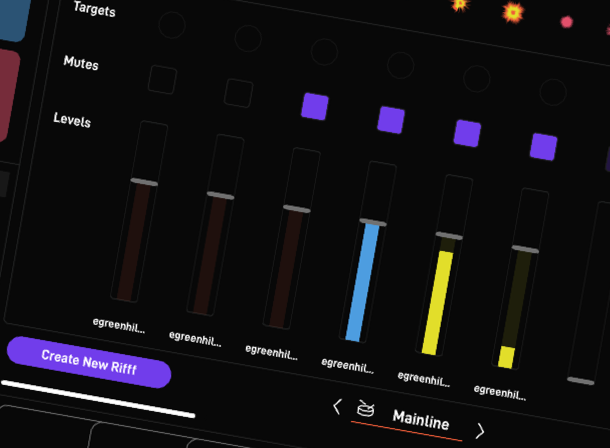
Connect All Your Gear
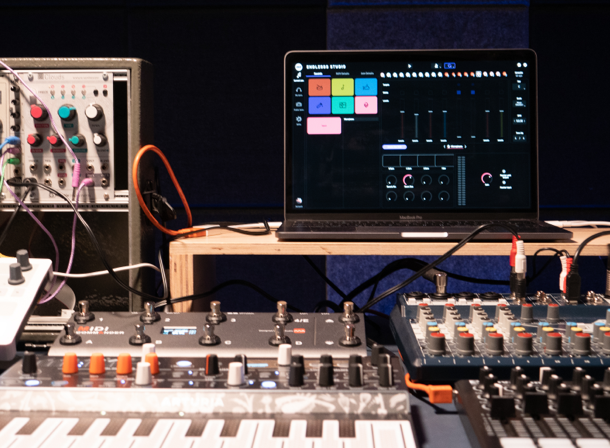
Plug in your favourite hardware, software or acoustic instruments to work swiftly and fluidly with the flexible looping engine.
Jam, Sculpt, Remix
Rapidly iterate ideas while Endlesss builds a browsable archive. Instantly jump around in time to recall the magic and build from there.
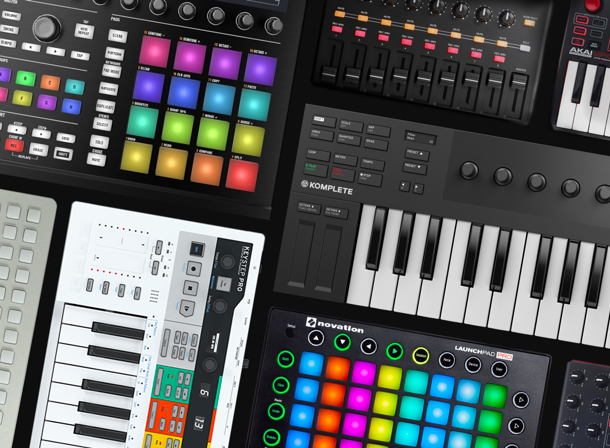
MIDI Map Anything
Quickly map every creative function to any MIDI controller - performing, looping, mixing, sculpting, browsing and more.
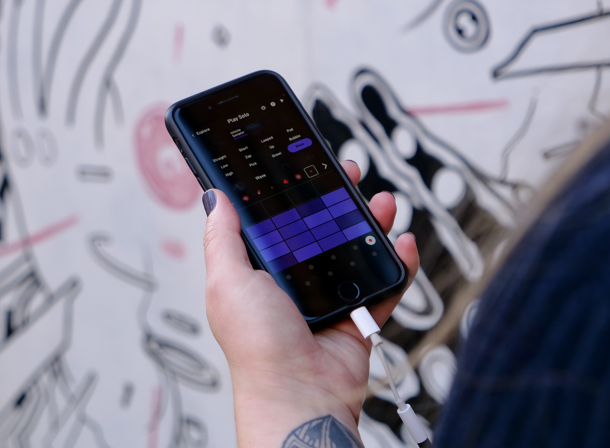
Hand-Off Between Devices
Endlesss Studio hands-off seamlessly to Endlesss Mobile for instant access to your creative flow, wherever inspiration strikes.
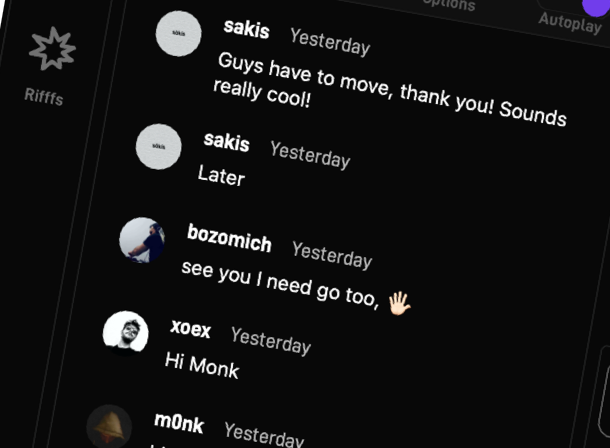
Loop in Collaborators, Live
Set up a virtual room and bring in musicians, beatmakers and performers from any corner of the globe to build a browsable archive of collaborative magic in real-time.
Features
- 8-layer retrospective looper with an intelligent layer management system.
- 24 finely curated Drum Kits, each with 16 unique sounds.
- 96 presets covering low basses, to high strings, with everything in between.
- 22 Unique and powerful, performance multi-effects, including reverb, delay, distortion and low/high-pass filters, plus many more.
- Multi-mode re-sampler instrument for completely reshaping any loops.
- Macro Controls for instruments & FXs to fine-tune and customise any sound.
- External input/mic input to capture any additional instruments.
- Extensive key/scale, tempo, time signature and quantisation settings, to help keep in tune and in time.
- Ableton Link to sync up with other apps, DAWs and Link-enabled devices.
- Ableton Push 2 integration in the standalone app.
- Create and save MIDI Mappings.
- QWERTY keyboard control of the standalone app.
- Share your ‘Riffs’ directly on Endlesss or export to video for social media.
- Instantly drag and drop to export whole Rifffs or individual stems to take ideas further.
System Requirements
Mac
- macOS 10.14 (Mojave) or higher (M1 Apple Silicon NOT supported) (64-bit only)
- Intel Core i5
- 4GB RAM & 500 MB of free storage
- Standalone, VST3, AU
- An initial internet connection to log-in
Windows
- Windows 10 or higher (64-bit only)
- Intel Core i5
- 4GB RAM & 500 MB of free storage
- Standalone, VST3
- An initial internet connection to log-in
Jon Hopkins
Grammy noiminated electronic musician and producer.
“Humans have played music together as long as there have actually been humans. Endlesss is bringing this vital experience back to a disconnected world.”
Ask.Audio
Ask.Audio is your ultimate daily resource covering the latest news, reviews, tutorials and interviews for digital music makers.
“Incredibly fun creative tool for all musicians and producers; DAW-agnostic; seamless cloud synchronization; fantastic social component; excellent design."
Imogen Heap
Pioneering singer-songwriter, record producer and audio engineer.
“You just get lost in a flow of creativity with all these incredible people from all around the world. It’s the most amazing feeling and it's the most amazing thing.”