


 Log In
Free gifts available with your purchase
Product information
W43 Noise Reduction Plugin
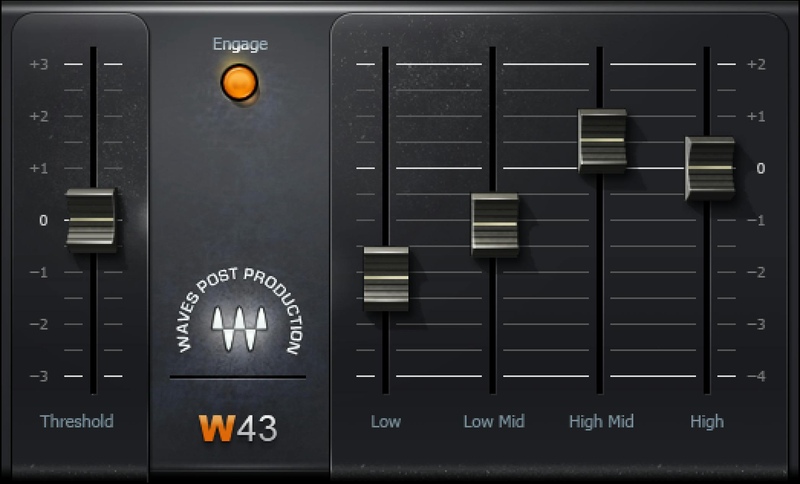
Push Background Noise Further Into the Background
W43 emulates an industry-standard hardware system, based on analog noise reduction technology, that was known for its benign, artifact-free, and efficient operation. Four dynamic EQ engines increase attenuation in bands as they become quieter, leaving louder sounds unaffected.
Free from the warbly artifacts sometimes found in broadband noise reduction, the W43 is optimized for reducing continuous noise from fans, lighting, and other low-level ambient sounds.
Features
- 4 frequency bands reduce noise selectively
- Designed for the challenges of post-production audio work
- Easy editing—set threshold, then lower slider(s) to reduce noise
- Natural, unobtrusive, artifact-free noise reduction
- Clean up on- location, audio-only recordings of sound effects
- Zero latency maintains perfect picture sync
System Requirements
Mac
- macOS Monterey 12, Ventura 13, Sonoma 14, Sequoia 15
- VST / AU / AAX
PC
- Windows 10+
- VST / AAX
Installation Instructions














