Log In

Free gifts available with your purchase
Product information
Mixing guitars has never felt this good
Taking the pain out of mixing guitars
Mixing guitars used to be hard. Harsh highs, muddy lows, and uncontrolled mids required chains of 3-5 different plugins and hours of tweaking to dial in.
Telos - Guitars streamlines the process. Whether it's cleans, leads, heavy guitars or even acoustics, you'll get the tone and control you need faster than ever.
Features
- Guitar mixing zen - EQ, compression, saturation and dynamic control, all dialed in for guitars inside one intuitive plugin. Once you use Telos - Guitars, your old workflow will feel bloated and slow.
- Cluttered to clear in seconds - Whether it's harsh highs, muddy lows, or lost-in-the-mix mids, Telos - Guitars gives you intuitive controls to fix the real problems, fast.
- Get clean, focused, professional-sounding guitars without endless tweaking.
- Built for every guitar - From tight rhythms to soaring leads, acoustics to clean strums, Telos - Guitars gives you the tools to shape tone, tame problem areas, and bring your parts forward in the mix.
- Mix guitars the way the pros do - The pros don’t waste time tweaking 10 plugins, they know what to fix and get it done fast.
- Telos - Guitars gives you that same instinctual workflow: fewer decisions, better tone, faster mixes.
System Requirements
- Mac OS X 10.15 or higher
- 64 bit compatible
- Windows 10
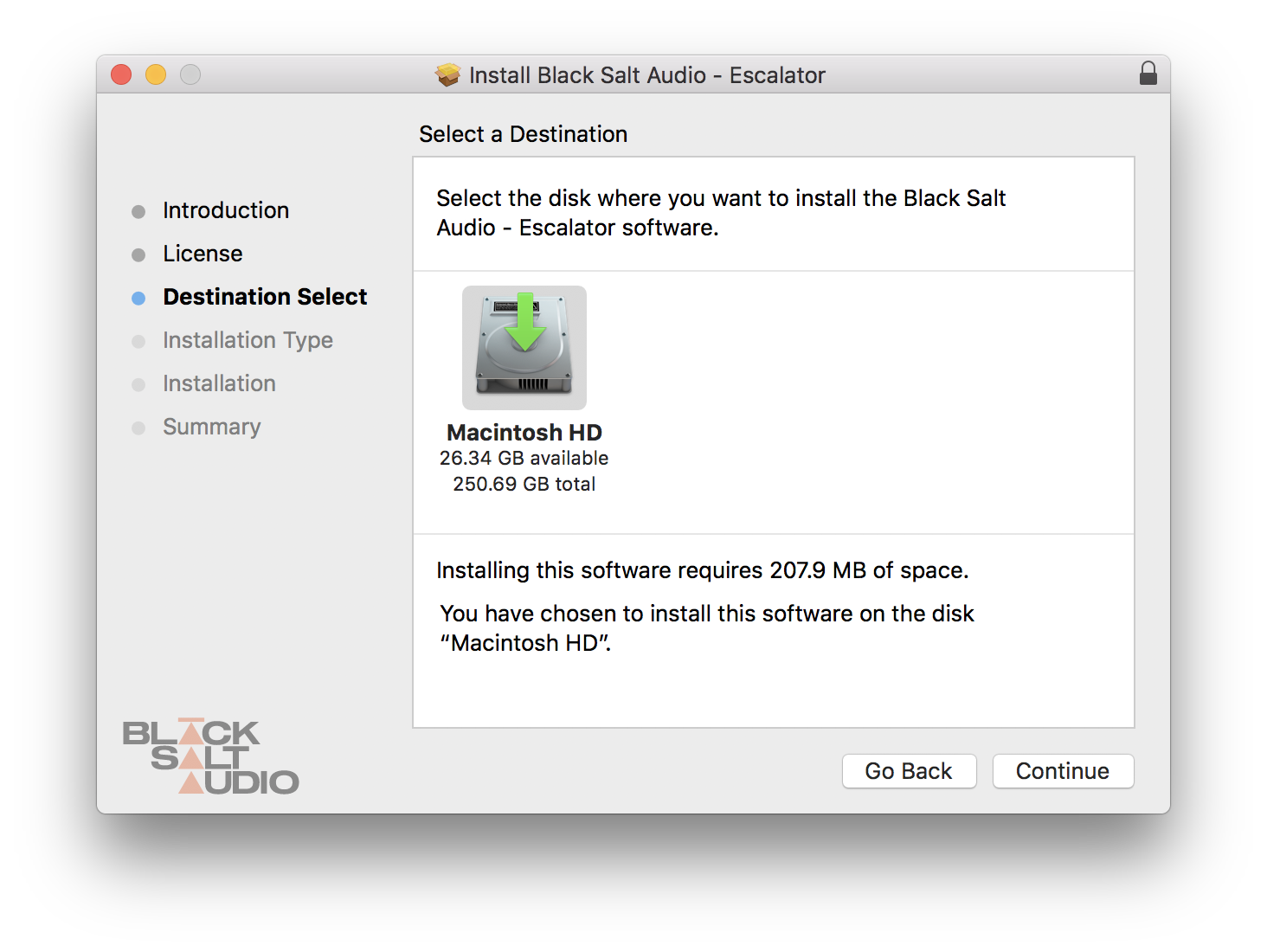
- At least 200 MB of free drive space
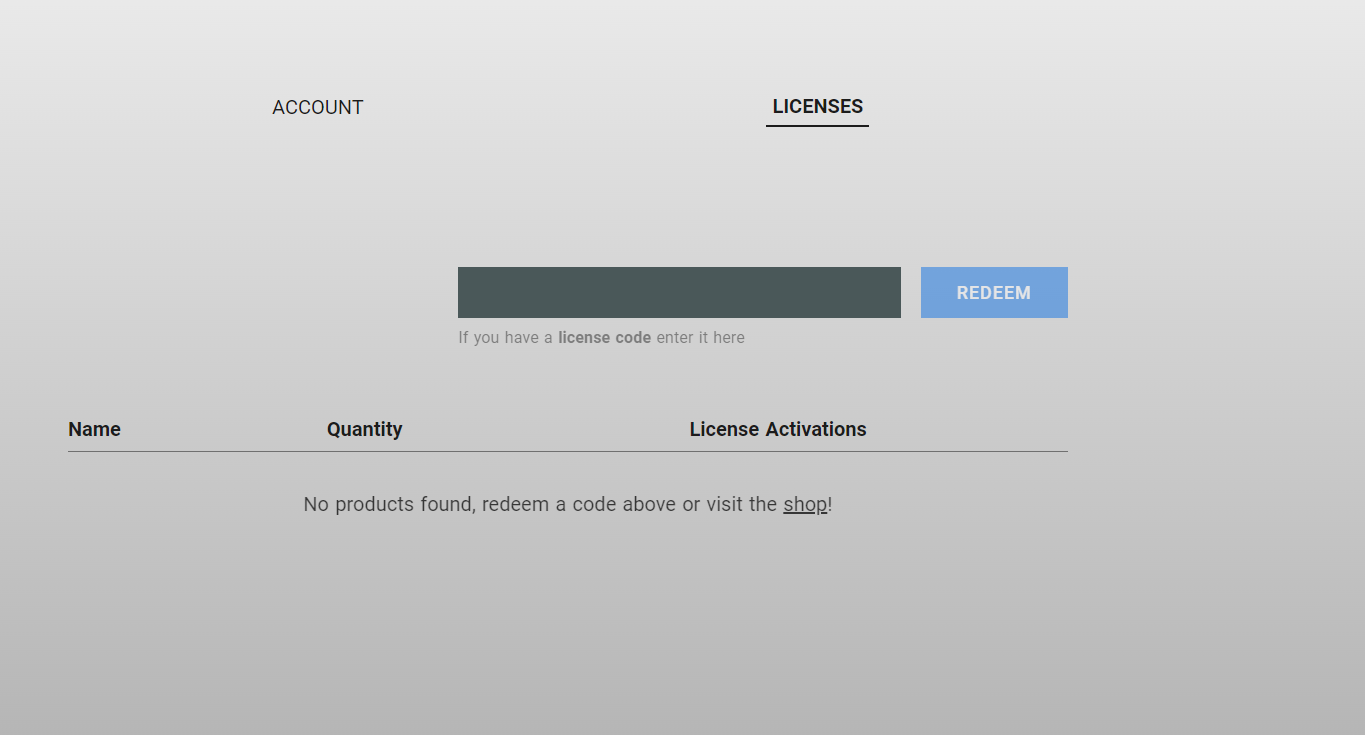
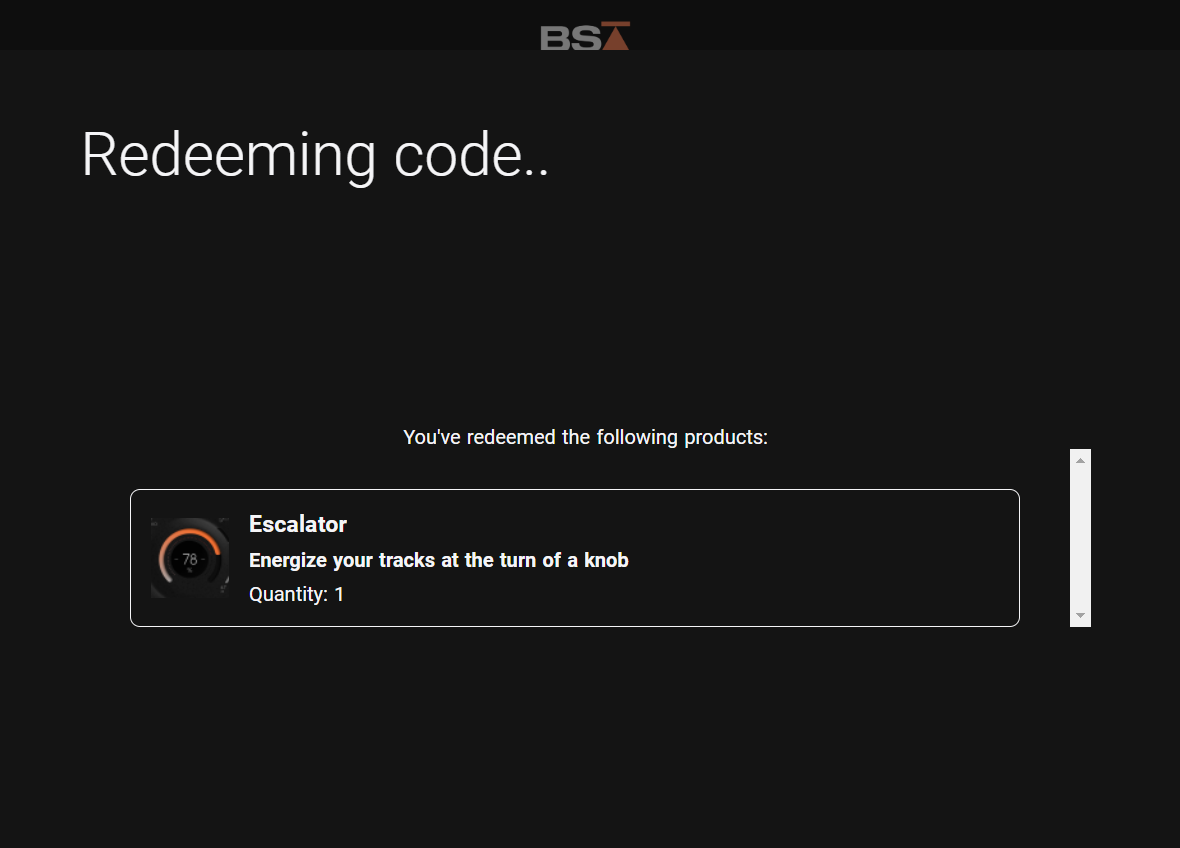
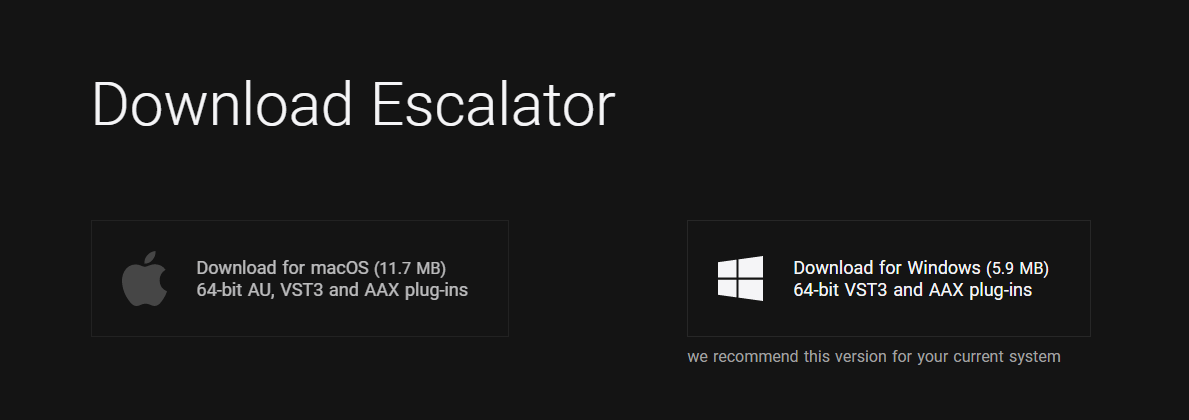
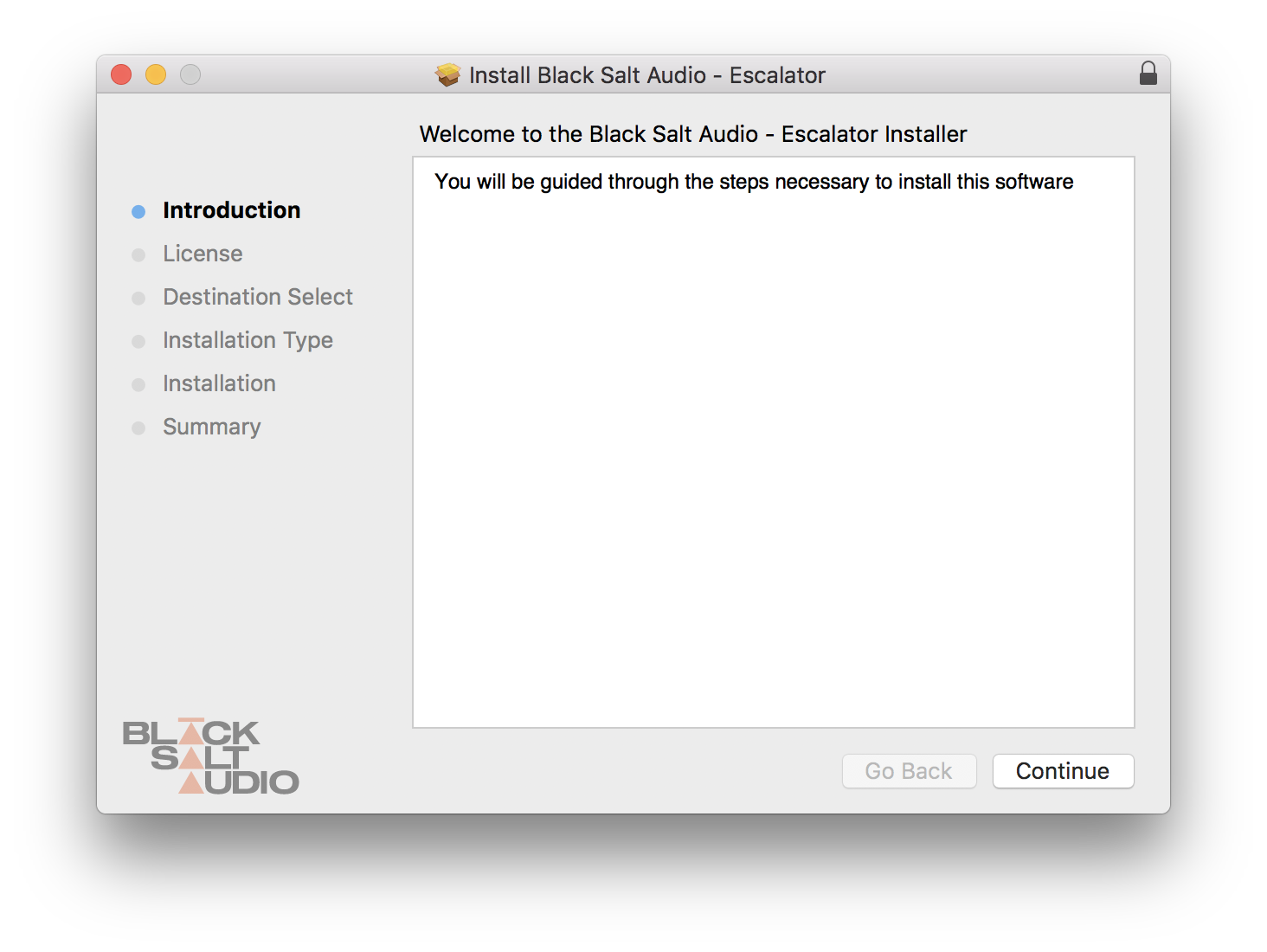
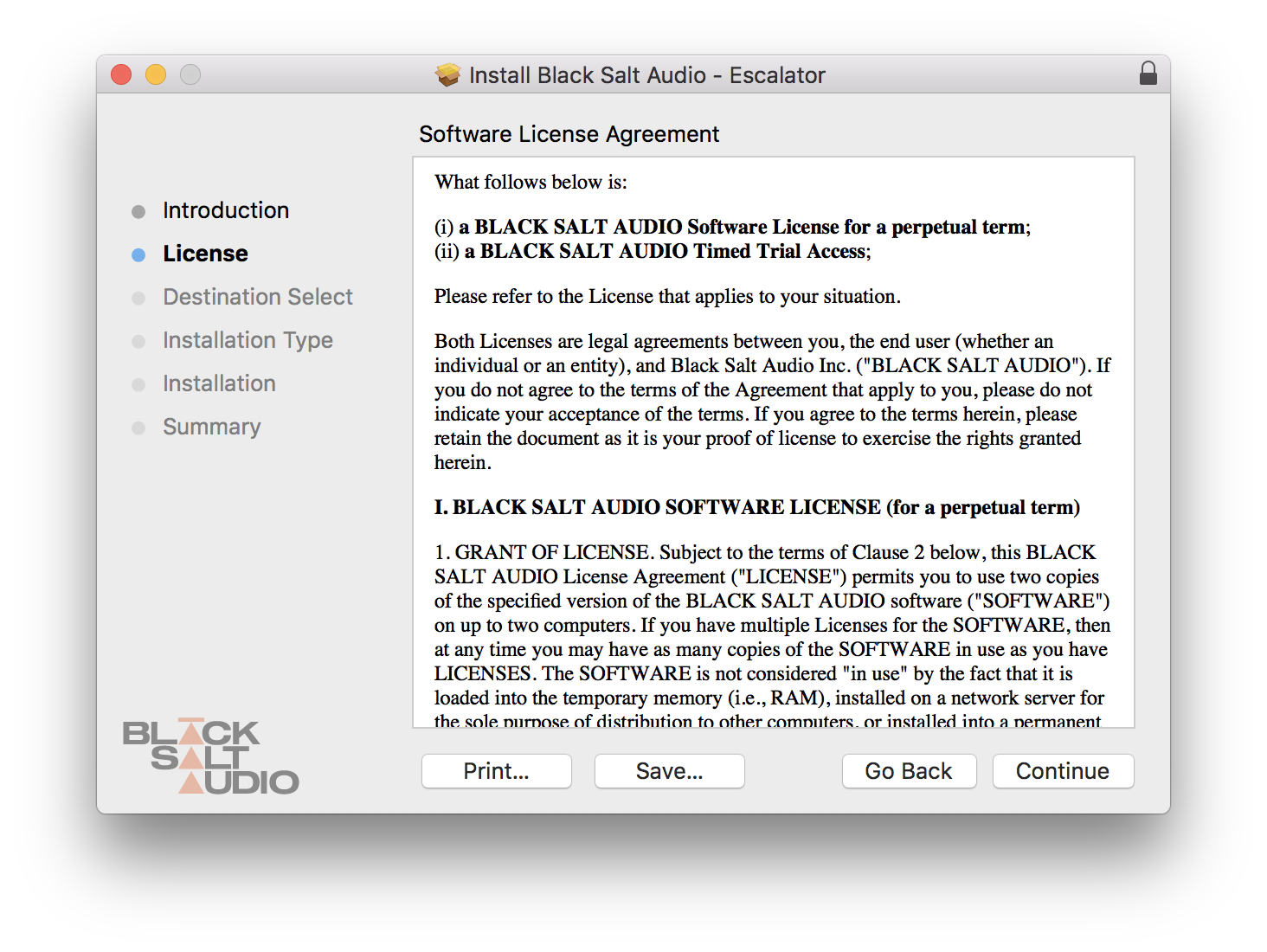
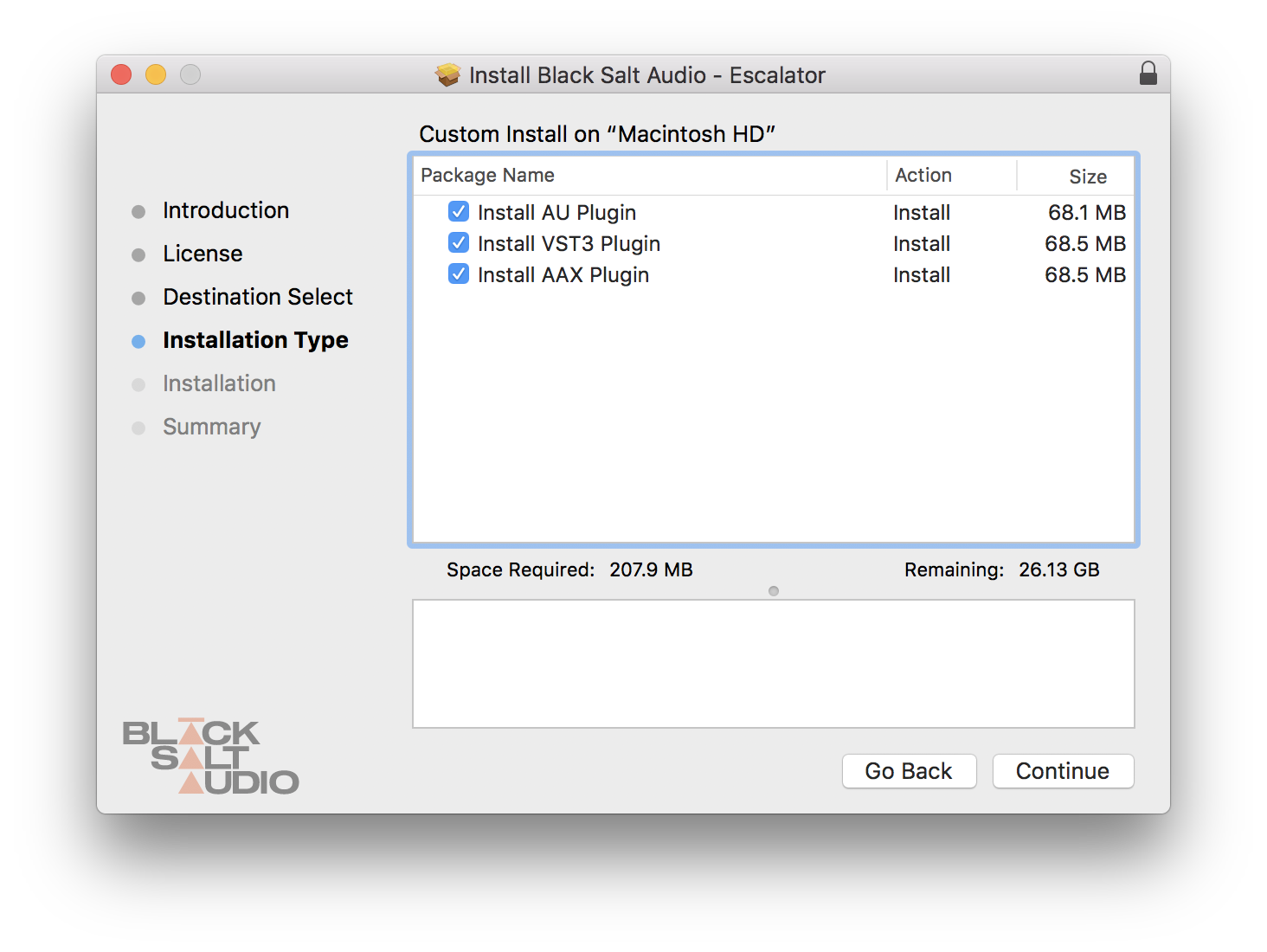
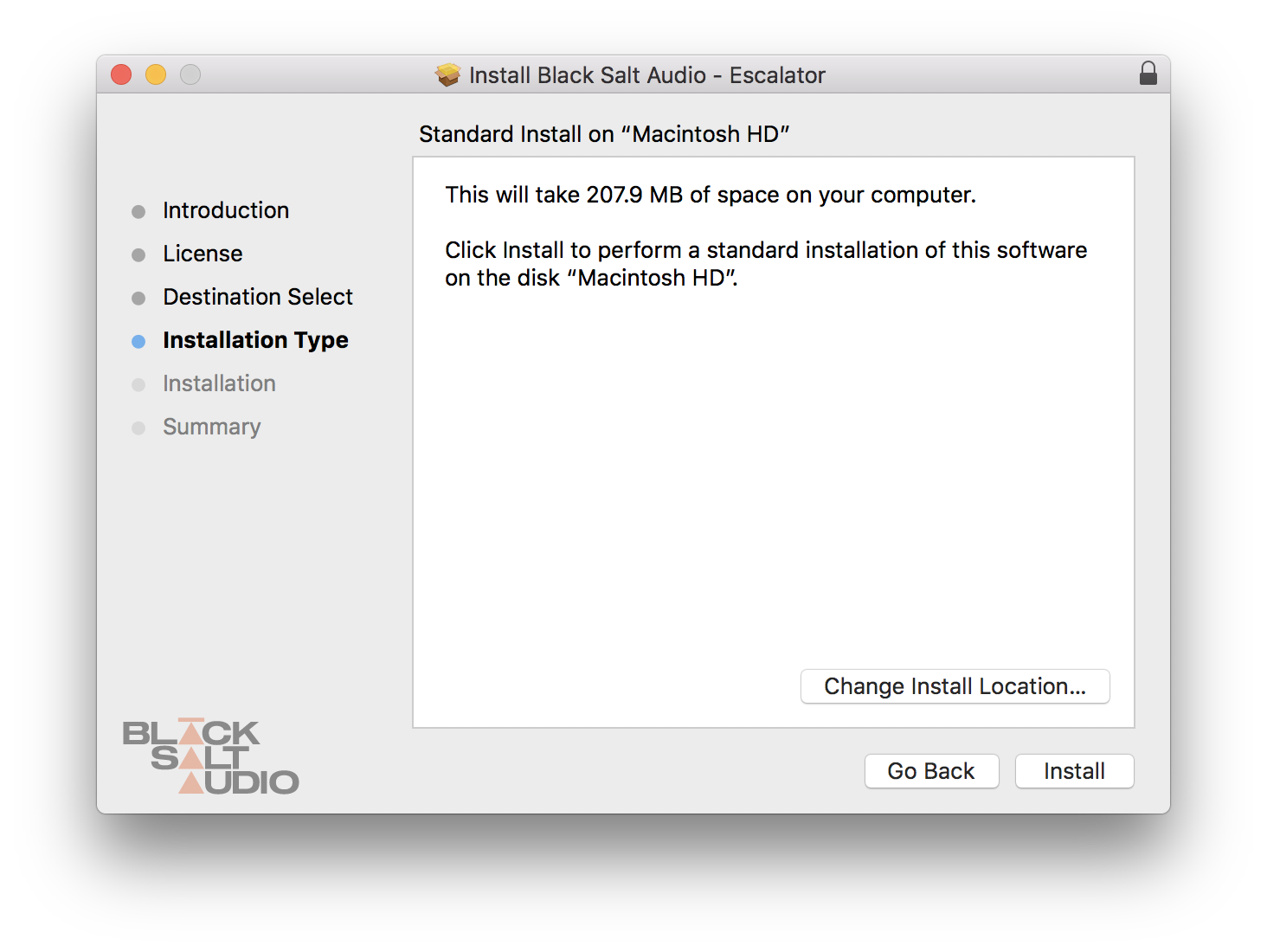
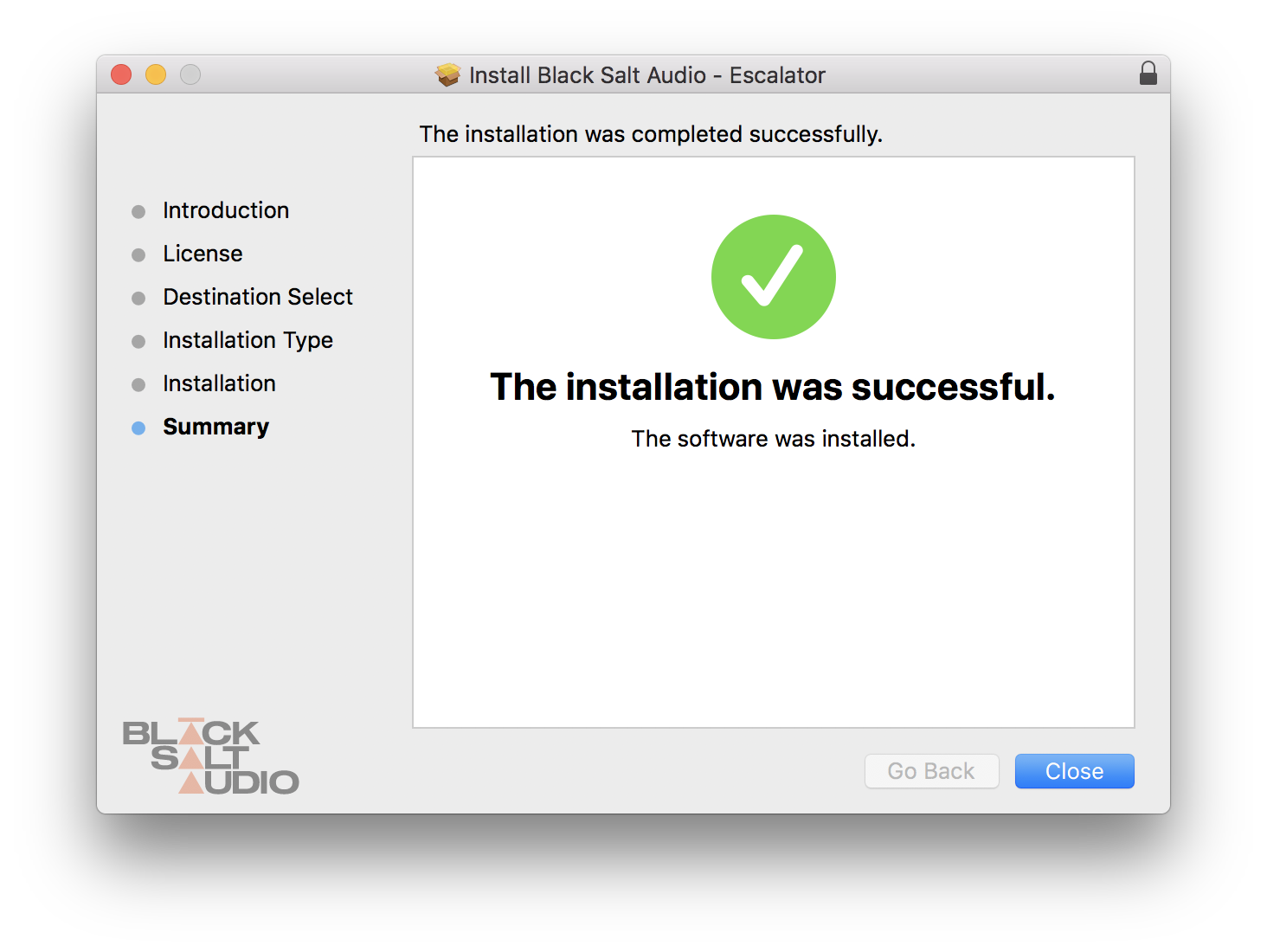
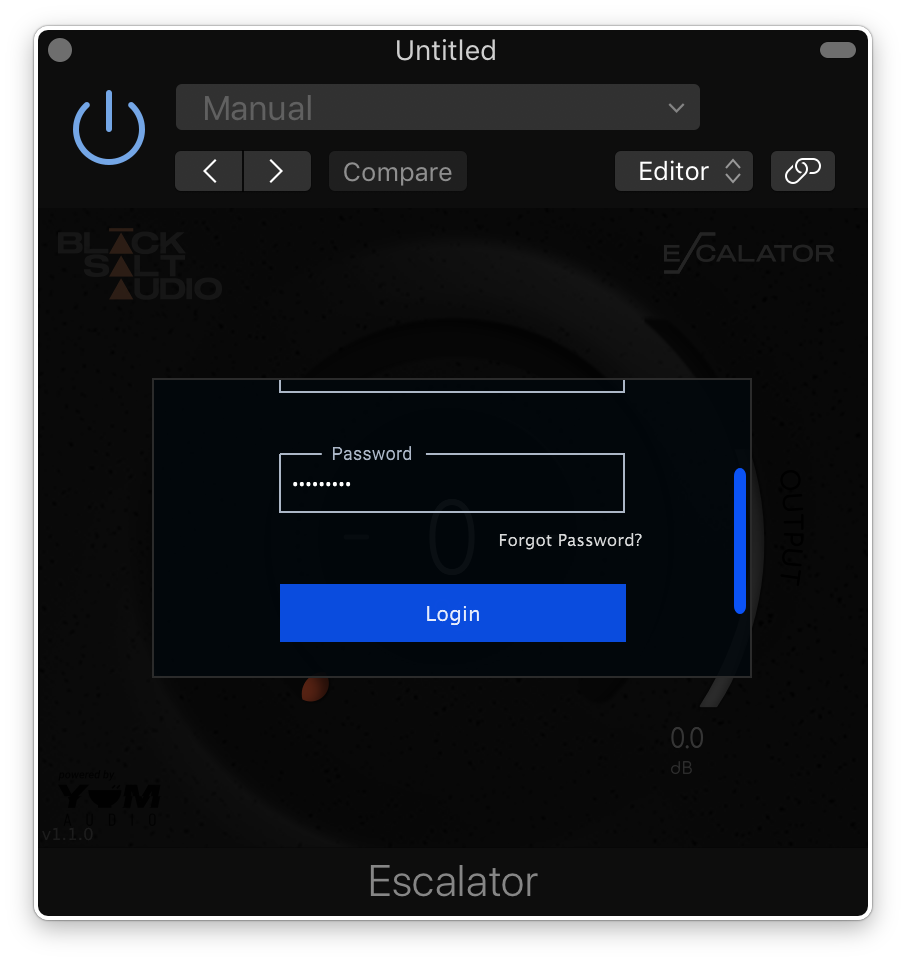
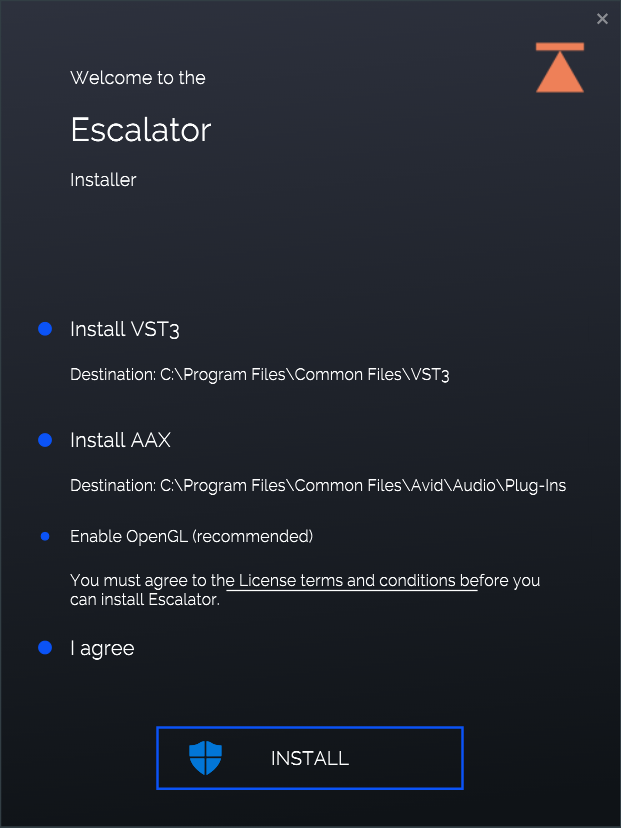
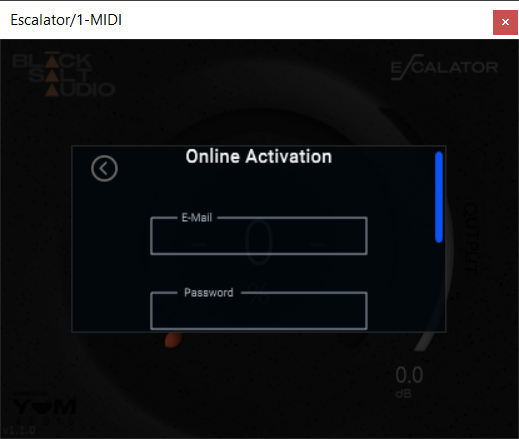
Installation Instructions