


 Log In
.jpeg)
Free gifts available with your purchase
Product information
Mixing bass has never felt this good
It's never been easier to lock in your low end
It used to require 3-5 plugins and endless tweaking to achieve tight lows, clear midrange and consistent dynamics. Telos - Bass makes it effortless. From warm and smooth to aggressive & grinding, it shapes any bass DI, amp, or synth into a tight, clear, powerful foundation for your mix in seconds.
Features
- Bass Mastery, Simplified - EQ sculpting, compression, harmonics, distortion and dynamic control. Everything your bass needs to sit perfectly in the mix, optimized inside one streamlined plugin. After using Telos - Bass, your old bass chain will feel bloated, slow, and outdated.
- Built-in Amps For Any Production - Whether the song calls for smooth definition or full-on grit, the neural-based amp section gives you the go-to bass tones every mixer needs. Blend with your DI to find the perfect mix of clean & dirty.
- We Solved Your Low-End Problems - Get a tight, controlled low end with clear midrange definition, a touch of grit for presence, and consistent dynamics that lock in with the kick while sitting in its own space in the mix. Full but not muddy, warm but detailed.
System Requirements
- Mac OS X 10.15 or higher
- 64 bit compatible
- Windows 10
- At least 200 MB of free drive space
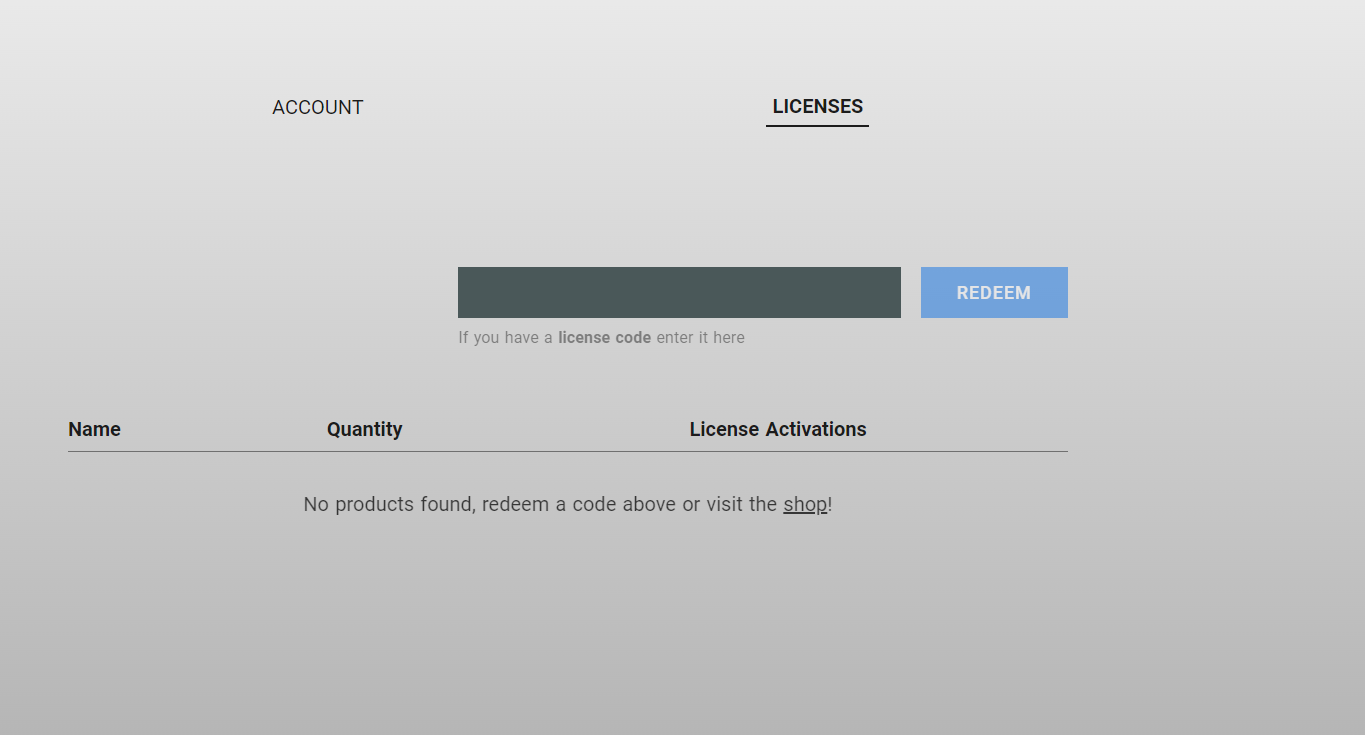
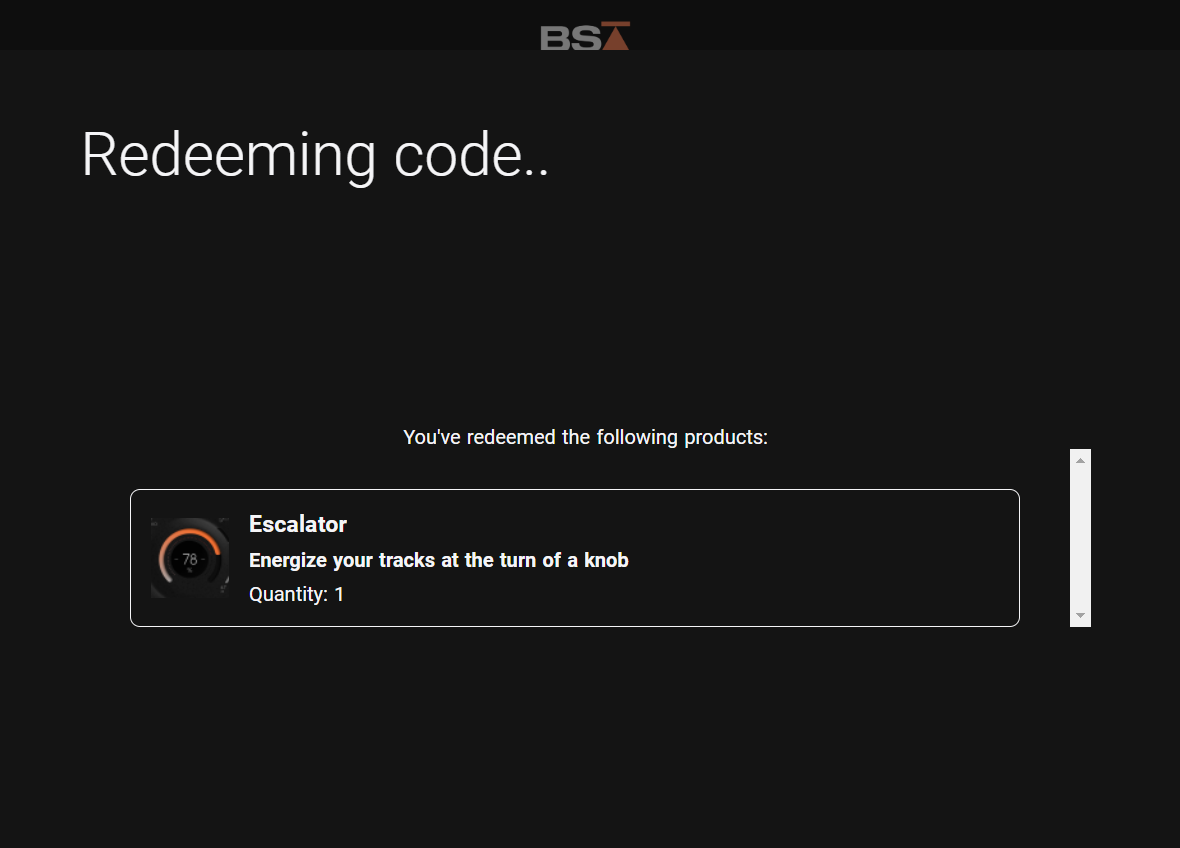
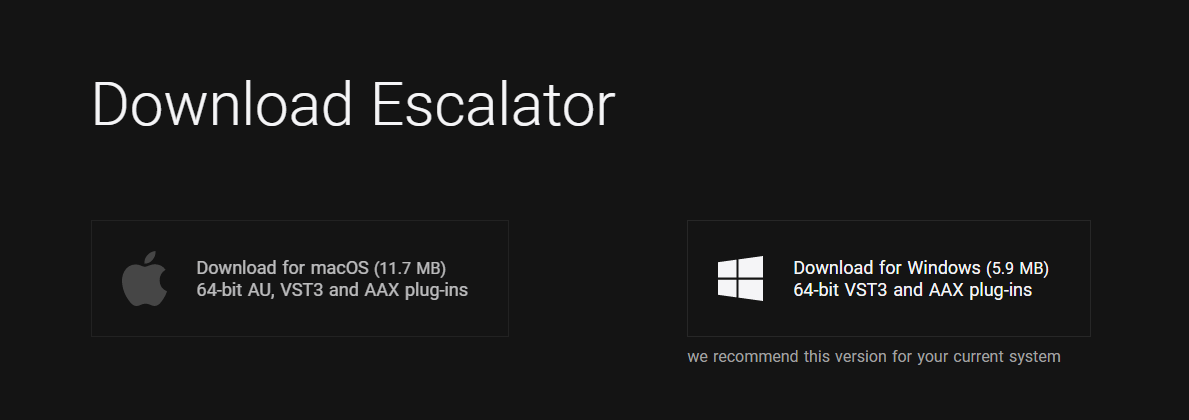
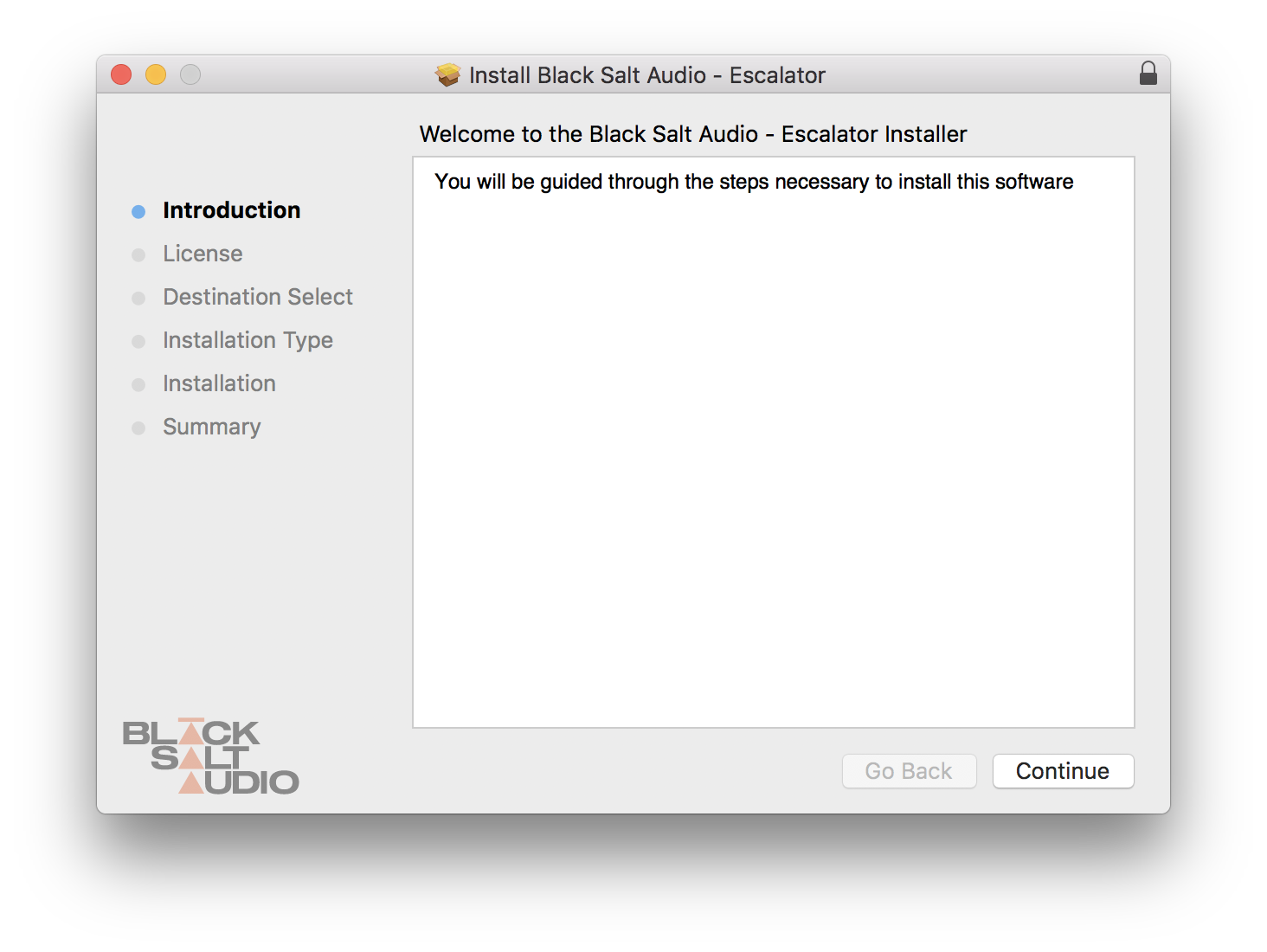
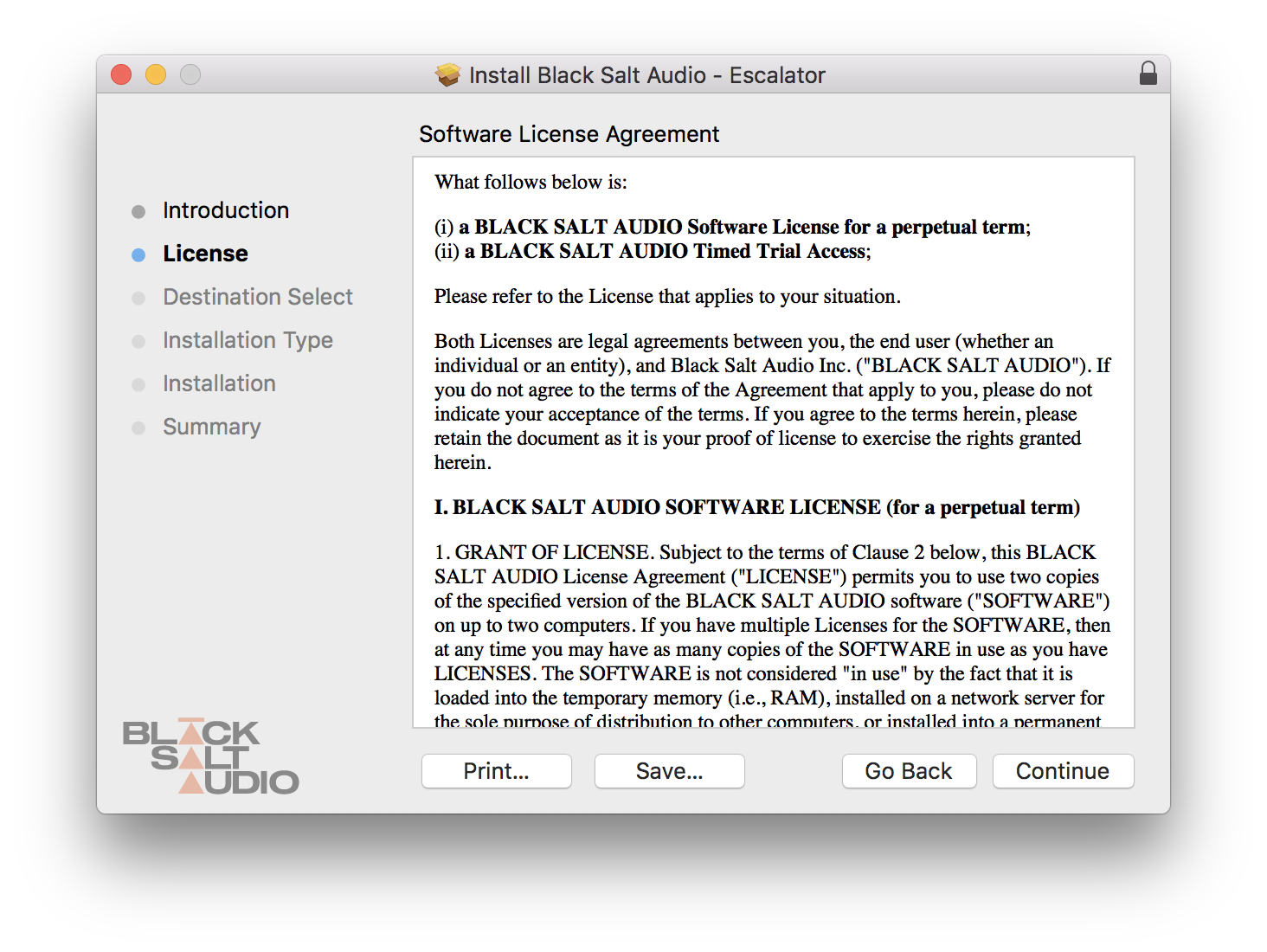
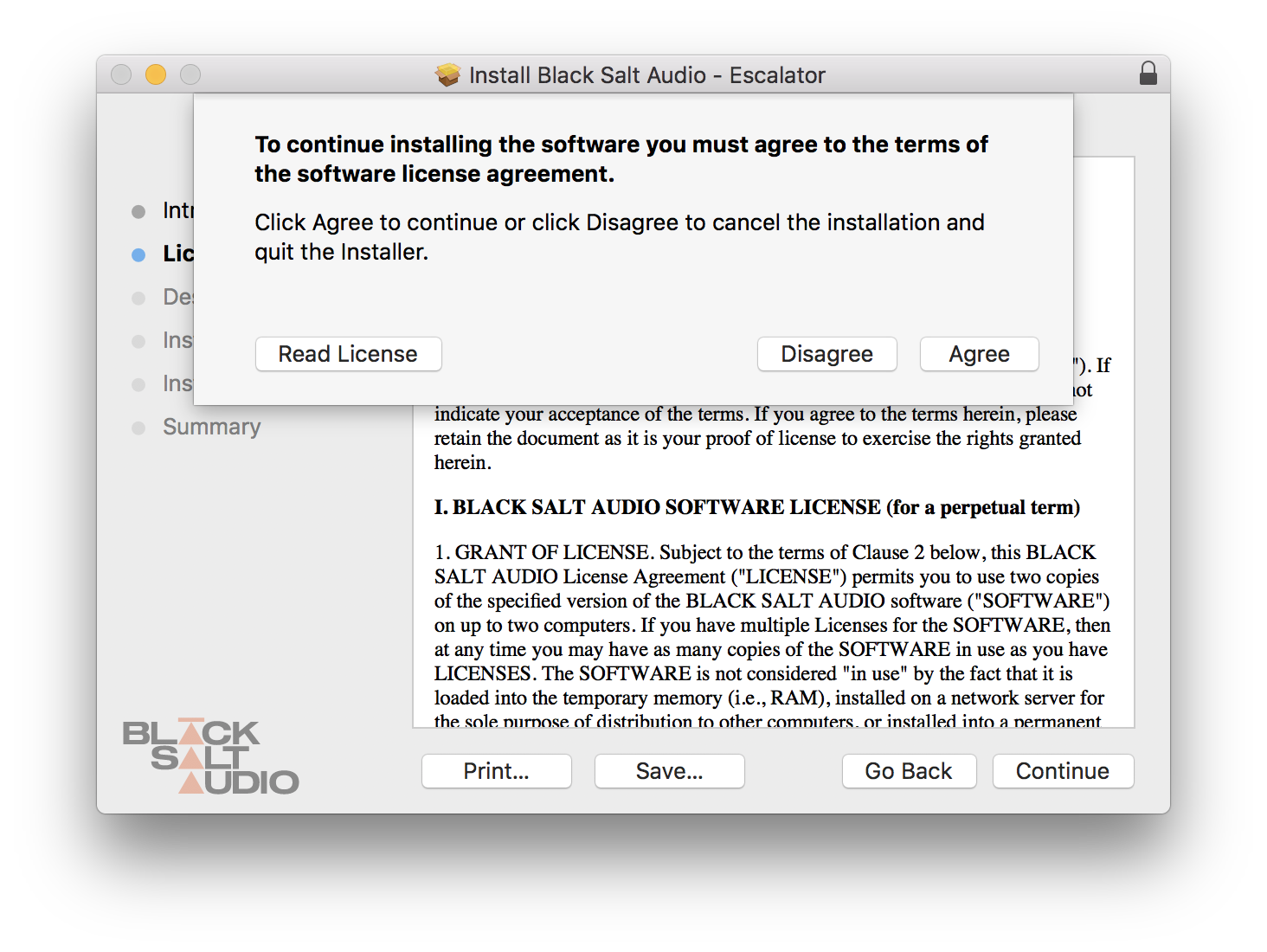
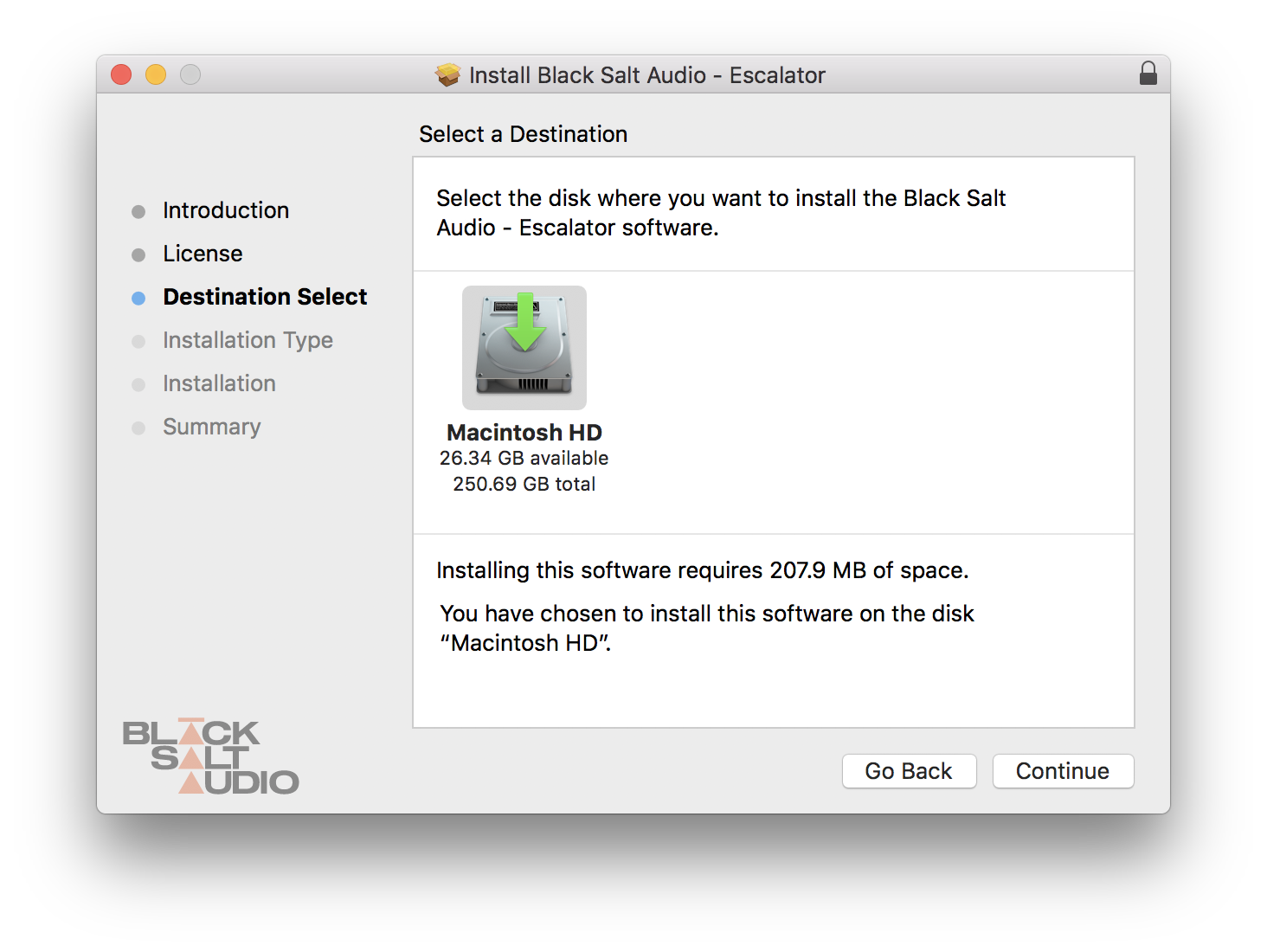
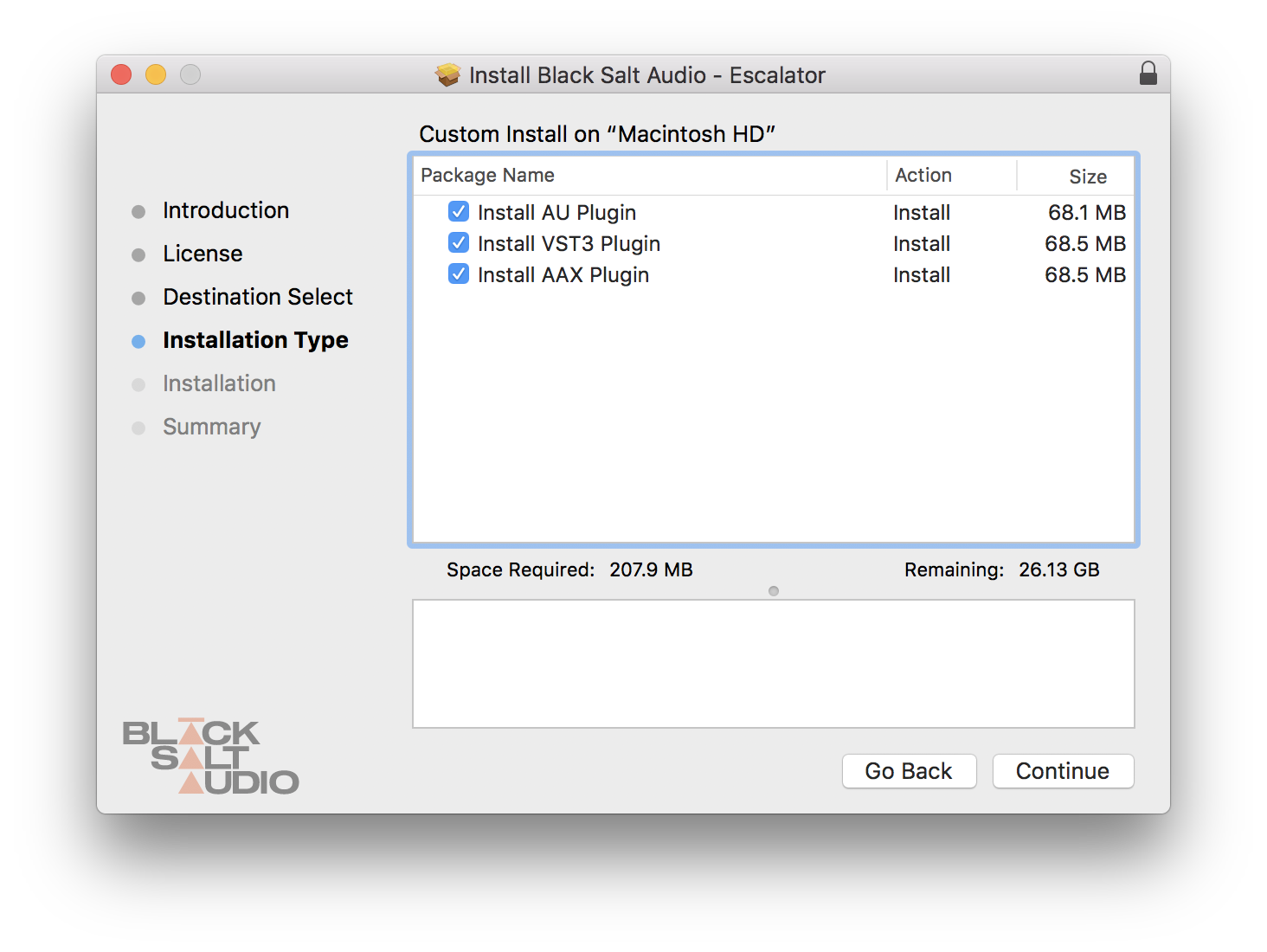
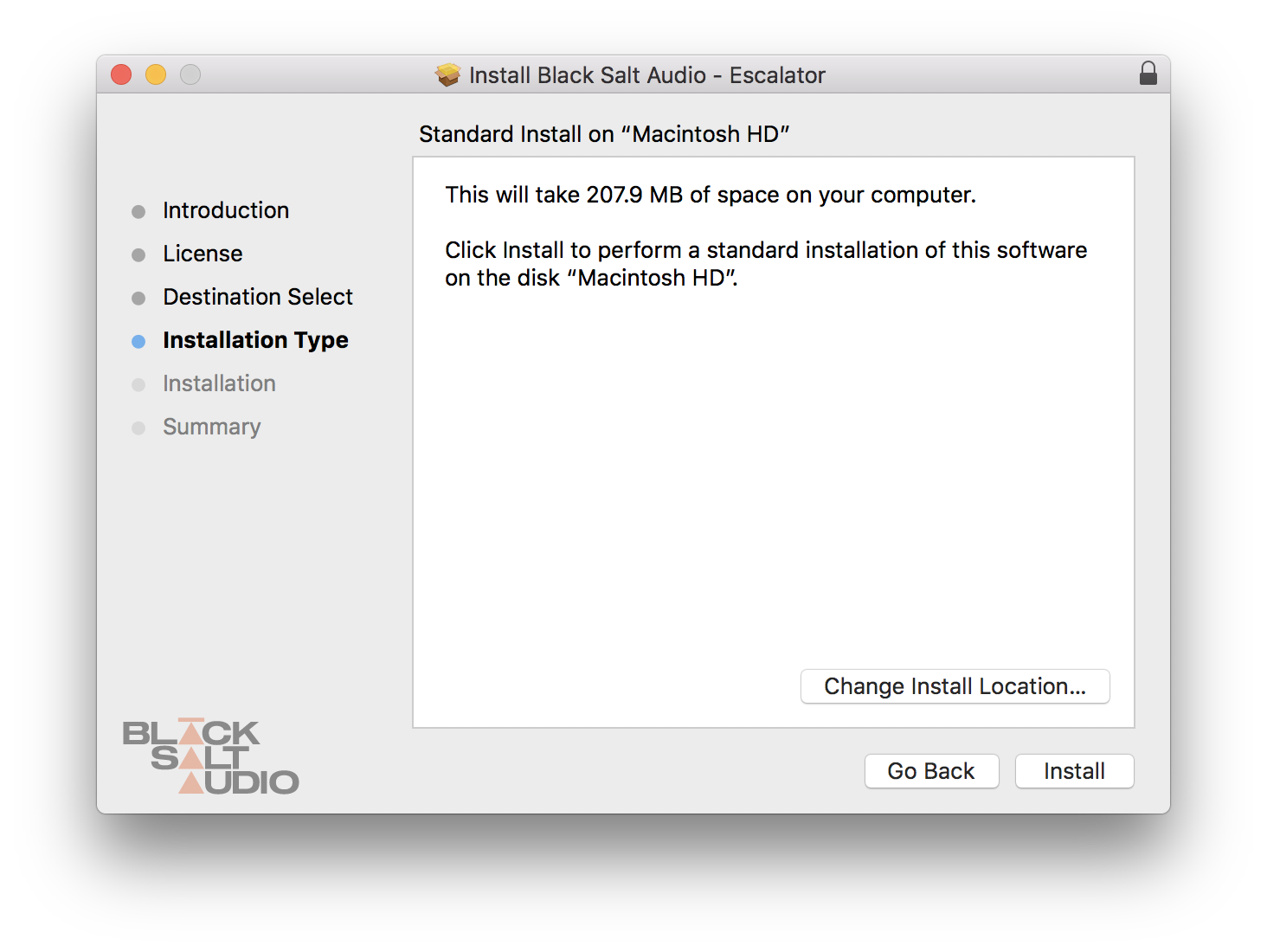
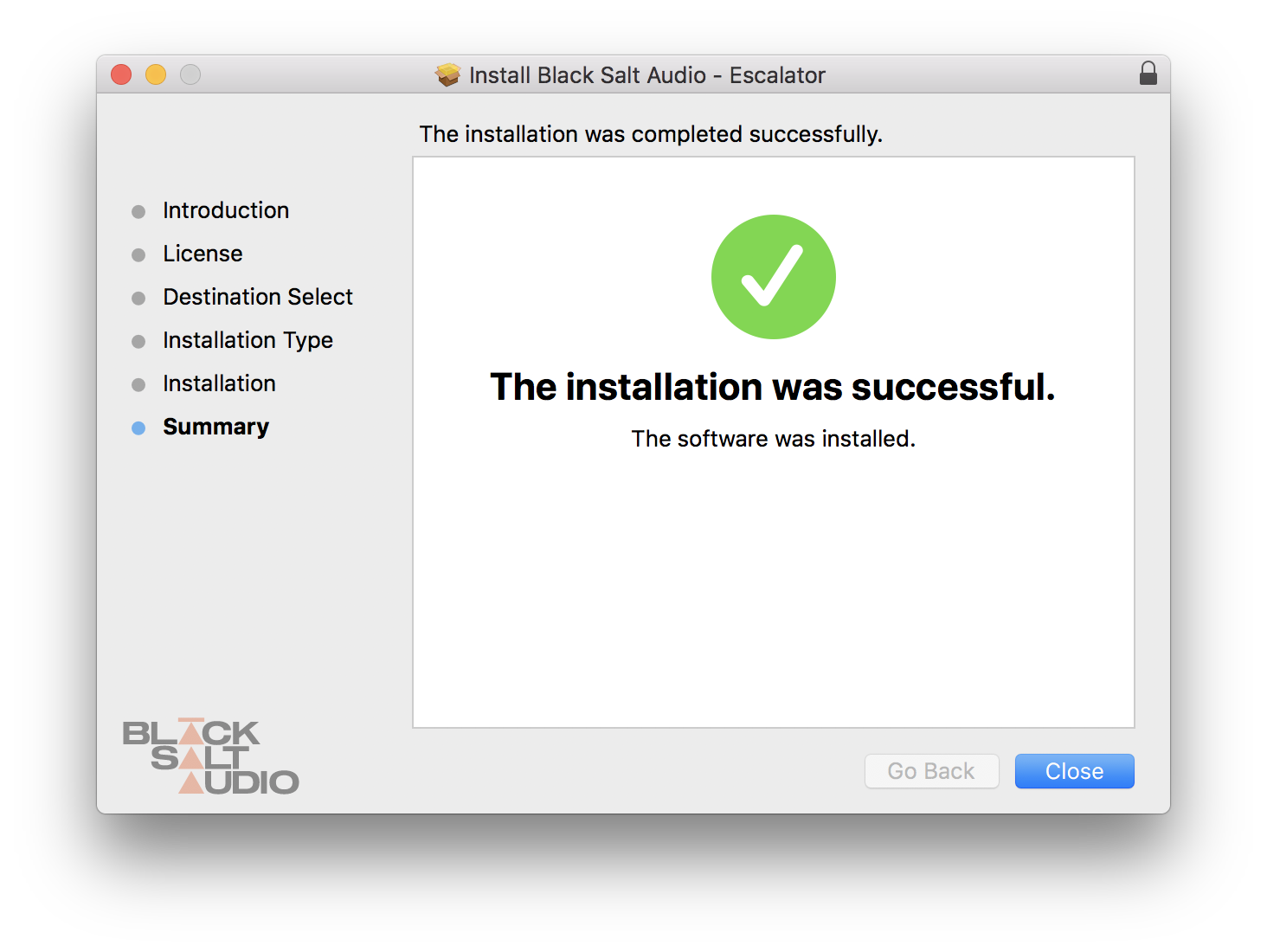
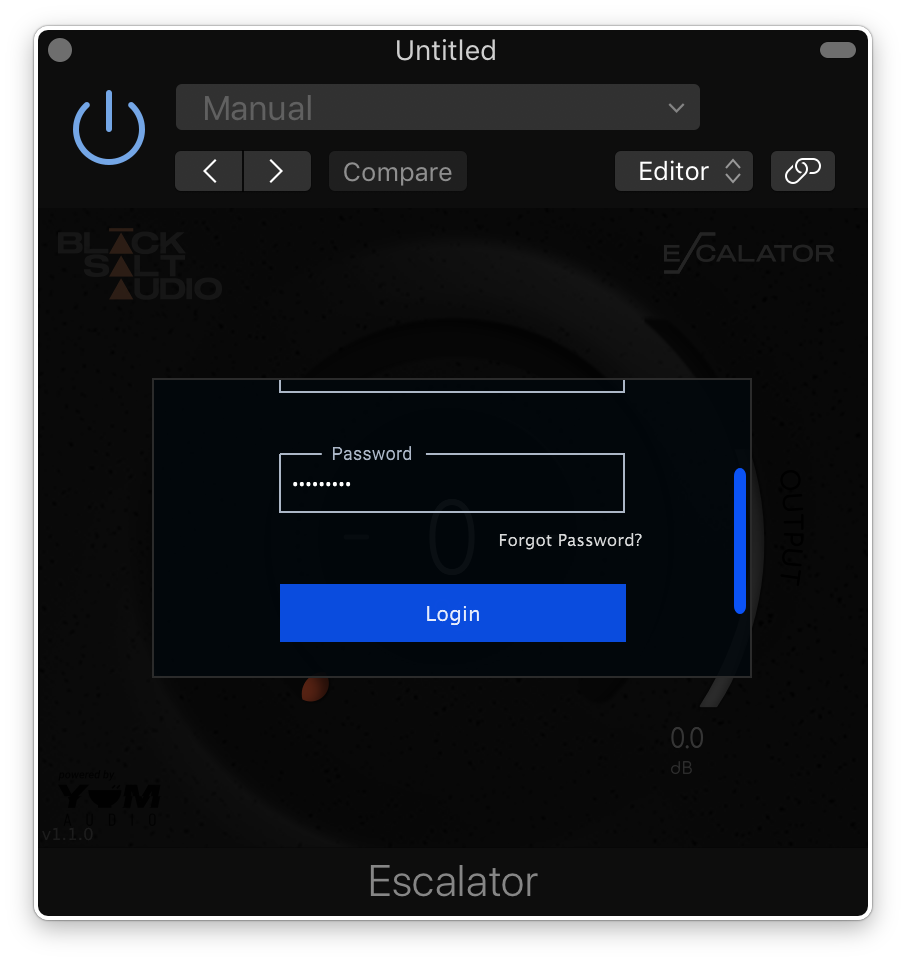
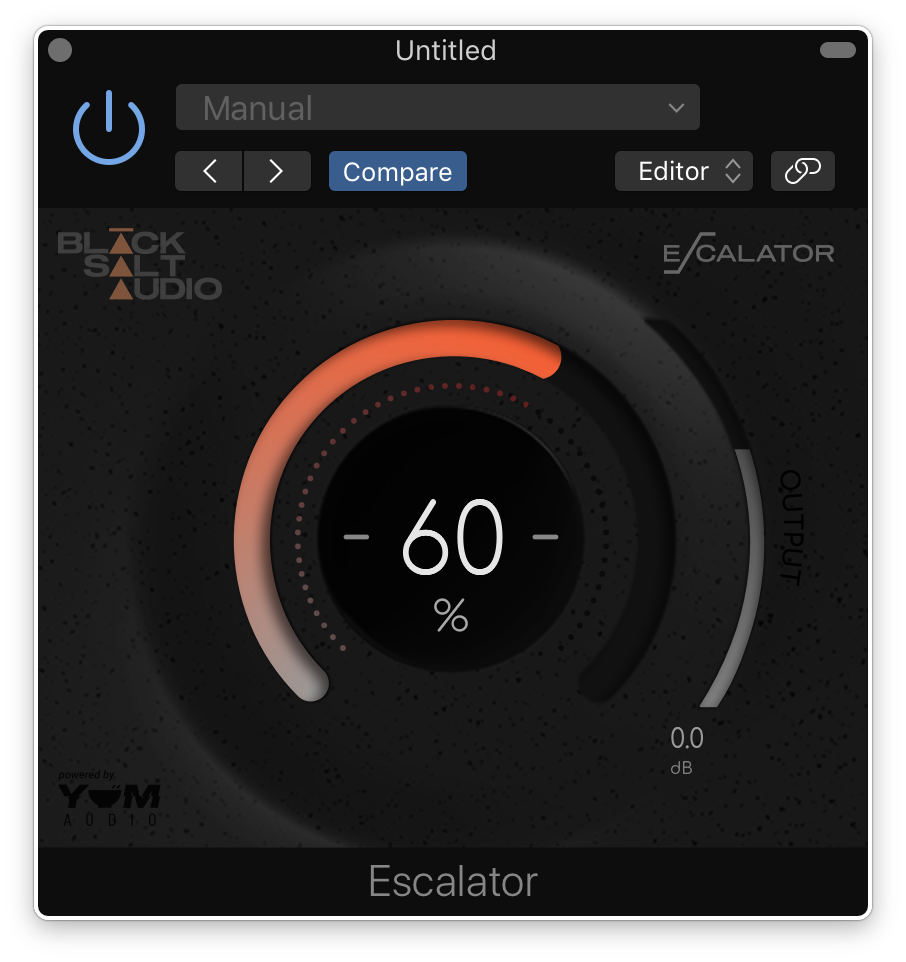
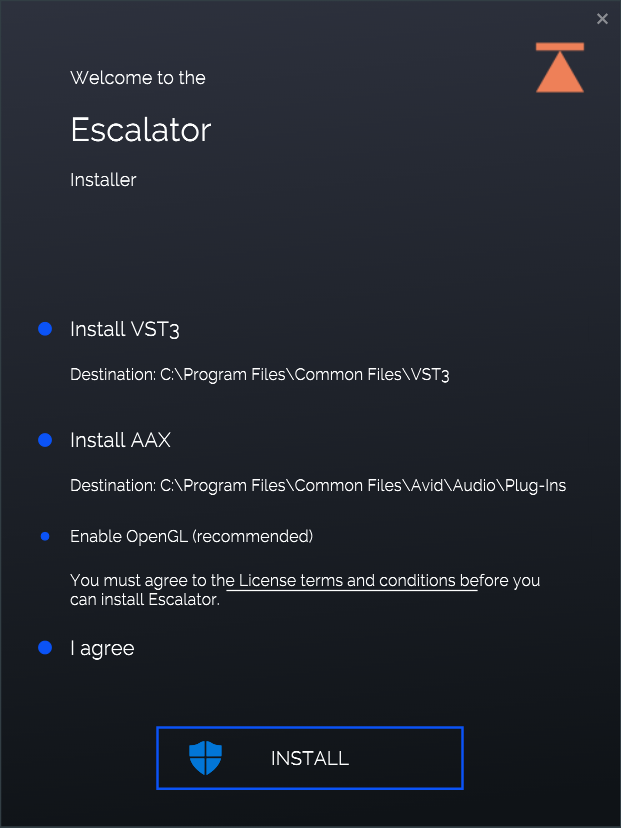
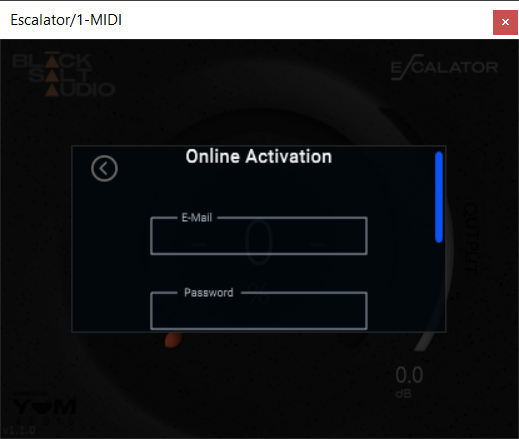
Installation Instructions





Customer Reviews
(2)


