Please note: deCoda is used as an example.
Registration
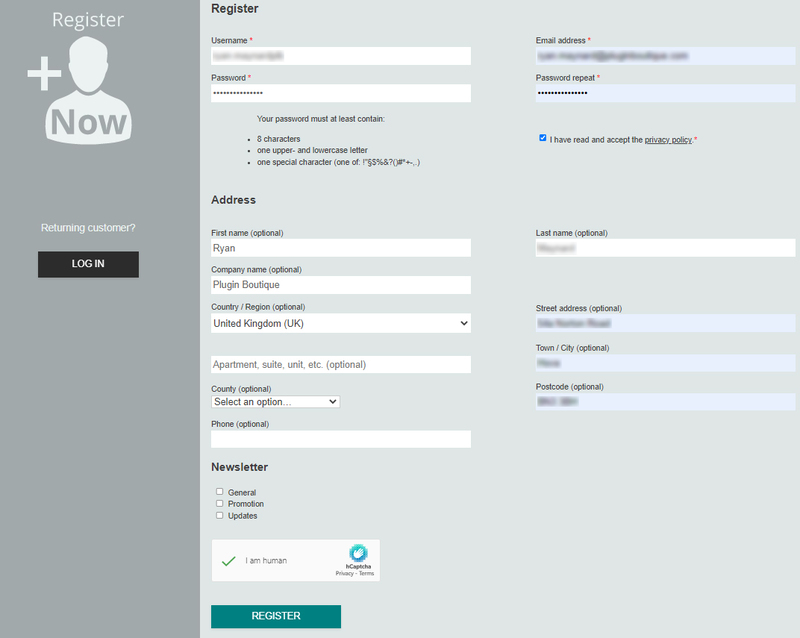
1. Go to the zplane registration page > Enter your details (make sure to select the privacy policy tick box and select 'I am human') > Click Register. If you already have an account, log in to your zplane account and skip to step 4.
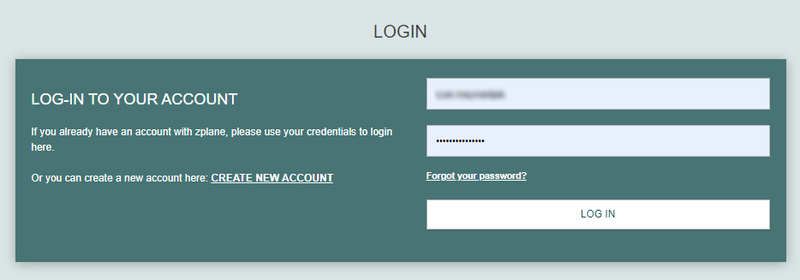
2. Click the link you were sent via email from zplane to confirm your account > Click LOG IN.

3. Enter your username and password > Click LOG IN.
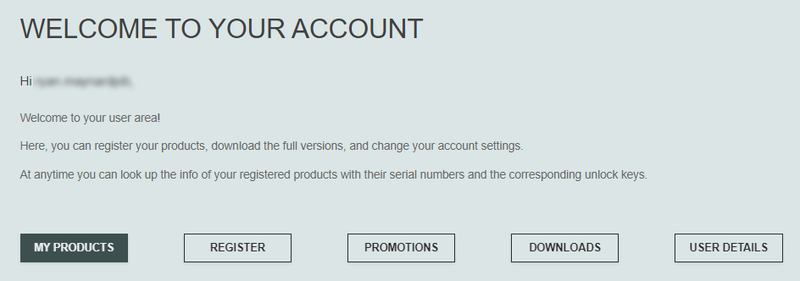
4. Click Register.
5. Copy the serial number from your Plugin Boutique account > Enter in the box on this page > Click REGISTER.
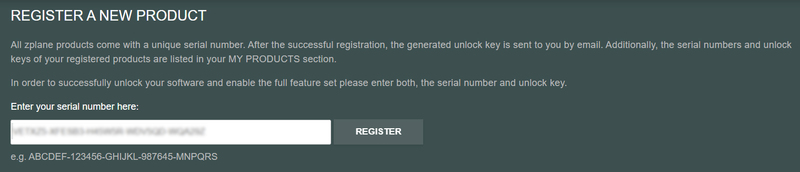
Your software is now registered.
Mac Installation
1. Download the .dmg installer file from your Plugin Boutique account > Double-click to open it.
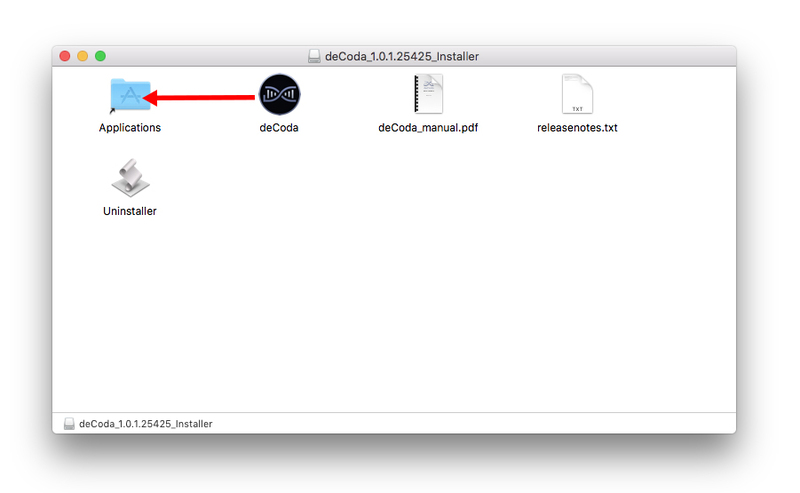
2. Drag 'deCoda' into your Applications folder.
Activation
1. Open up the recently installed software from your Applications folder.
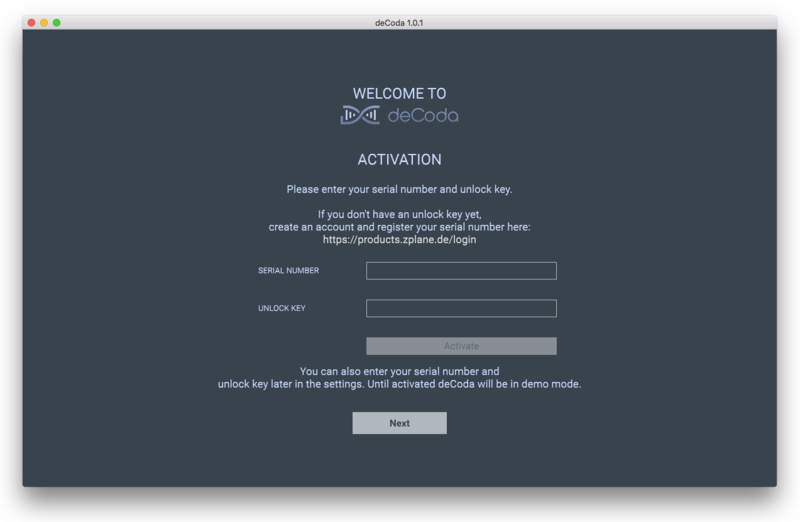
2. Enter your serial number found in your Plugin Boutique account and your Unlock Key sent to your Email > Click Activate.
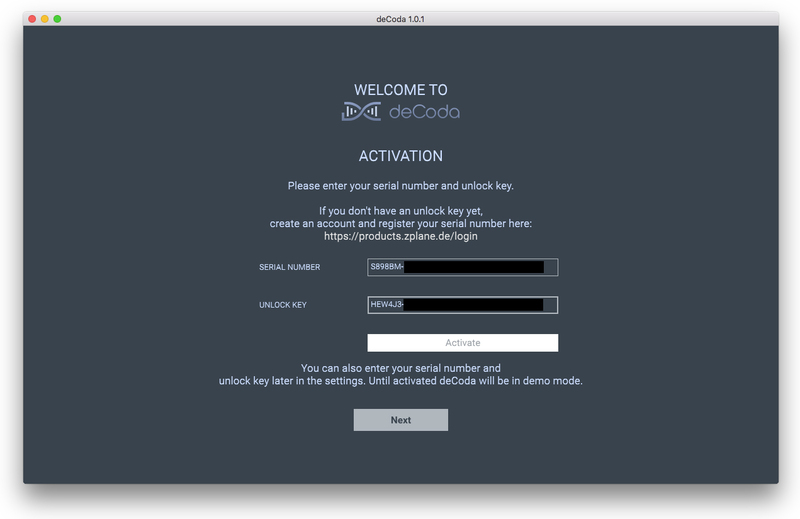
3. Click Next.
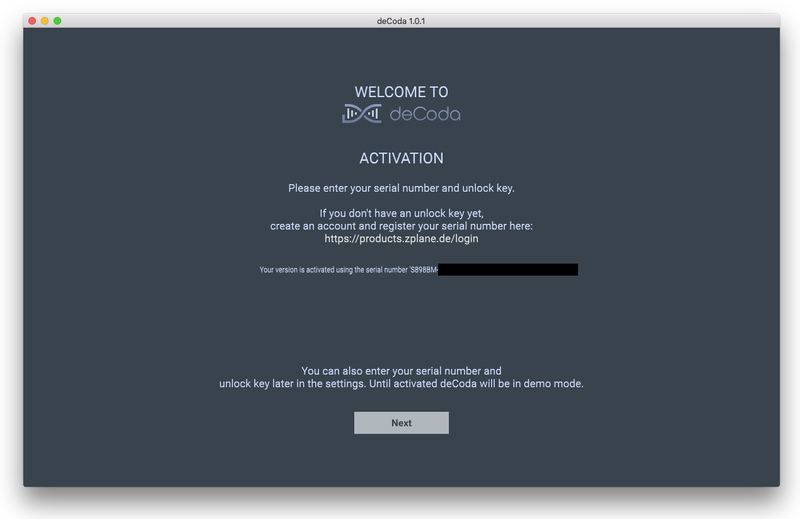
4. Confirm your audio setup is correct > Click Next.
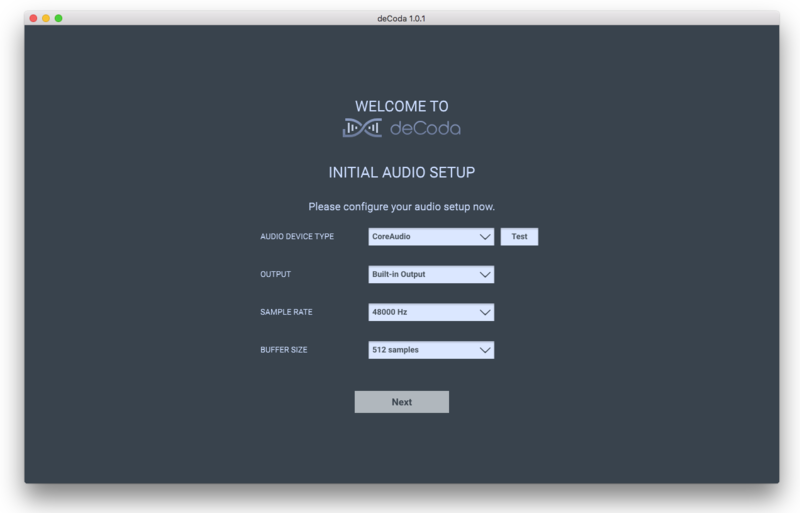
5. Start the interactive tutorial by clicking 'First steps', watch a tutorial video, or click Close.
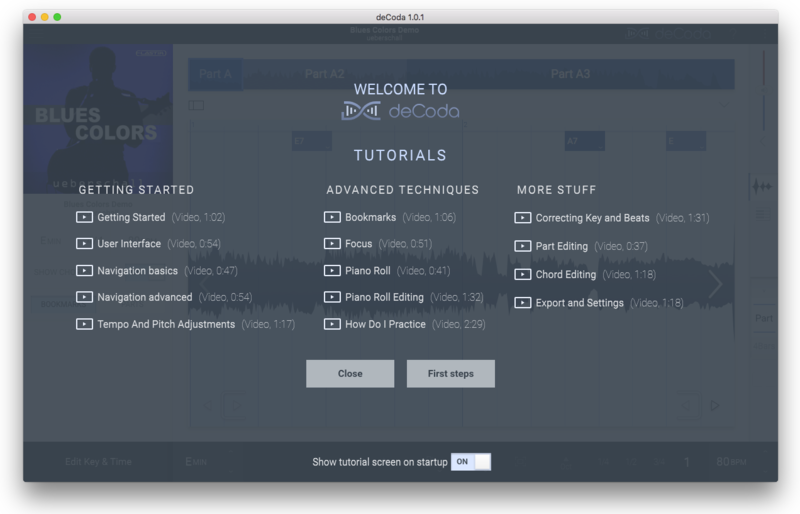
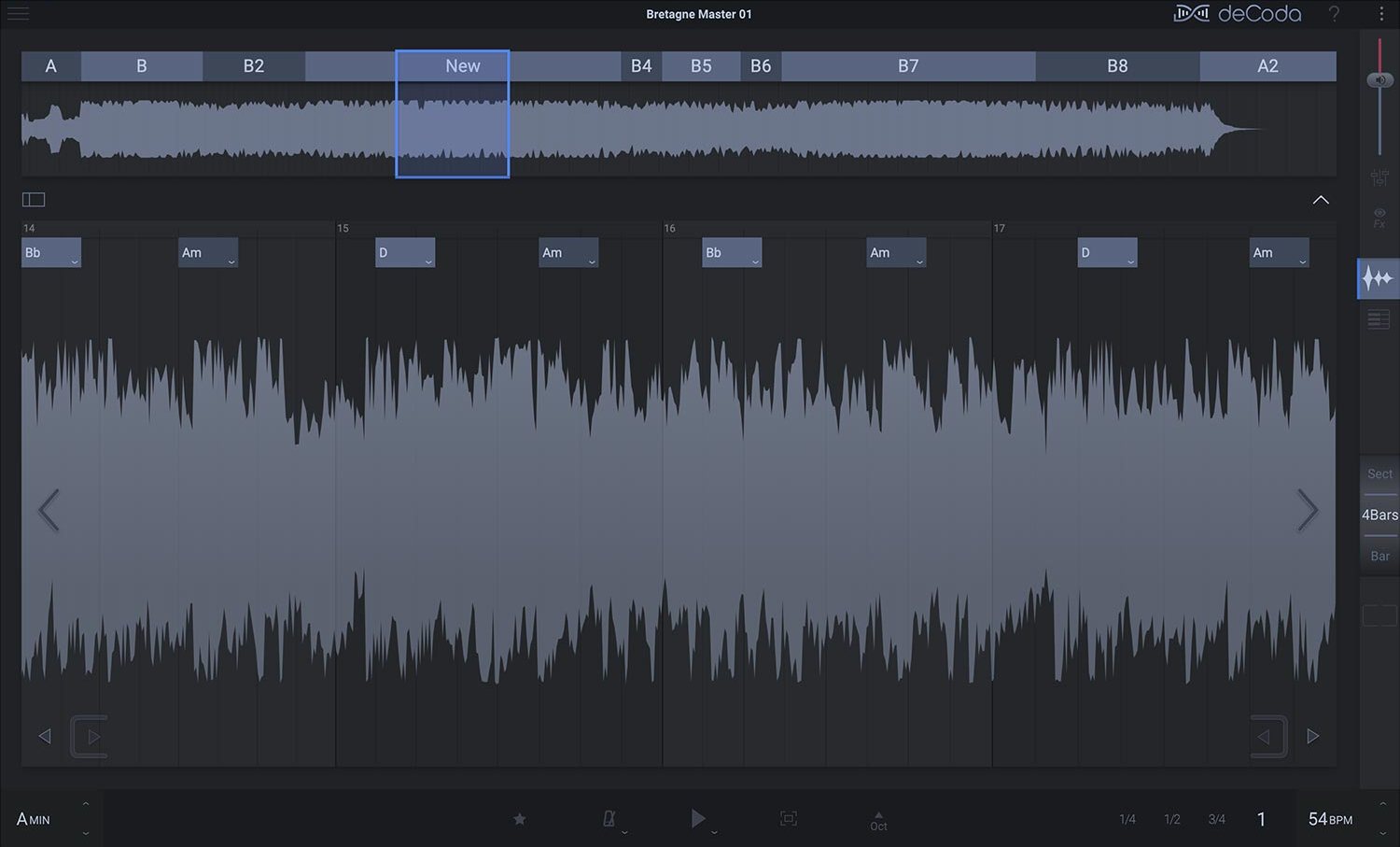
Your software is now activated and ready to use!
Windows Installation
1. Download the .zip file from your Plugin Boutique account > Double-click to extract its contents.
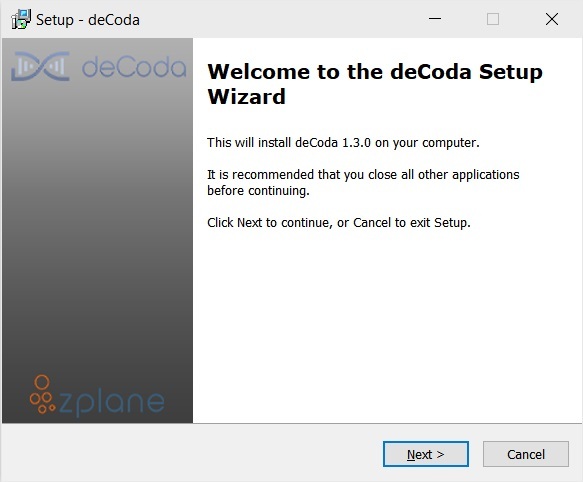
2. Double click the .exe file to run the installer > Click Next.
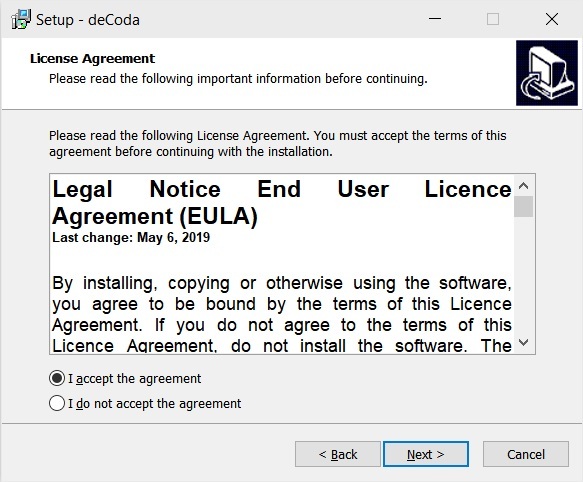
3. Read the License Agreement > Select 'I accept the agreement' > Click Next.
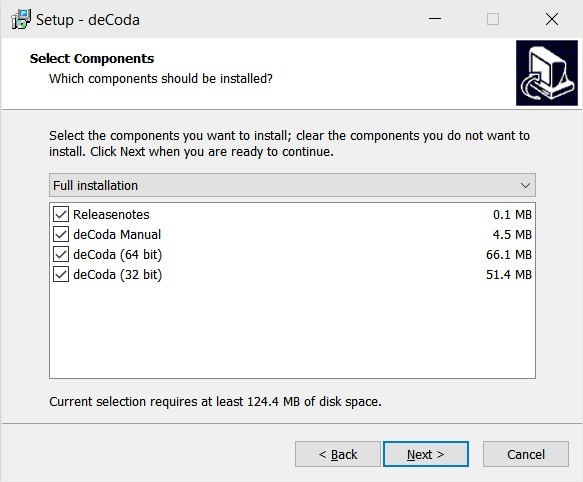
4. Select which components you would like to install > Click 'Next'.
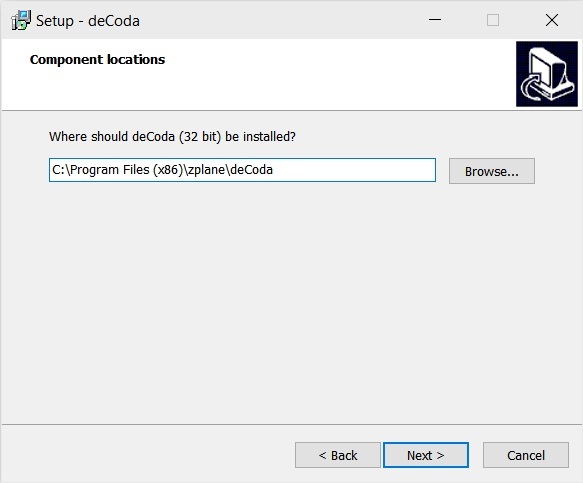
5. Select where deCoda should be installed > Click Next.
6. Select the start menu folder > Click Next.
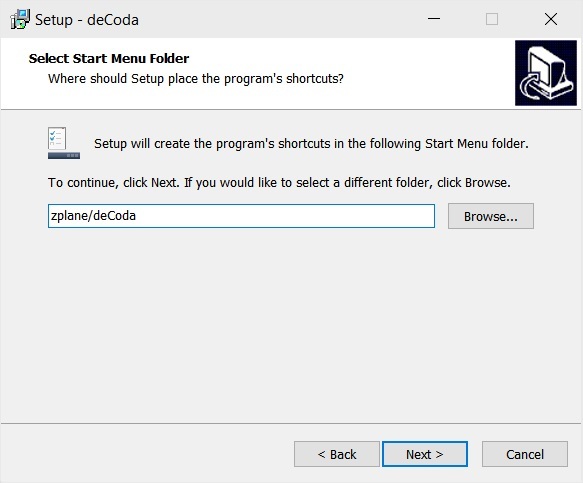
7. Select whether you would like a desktop shortcut to be created > Click Next.
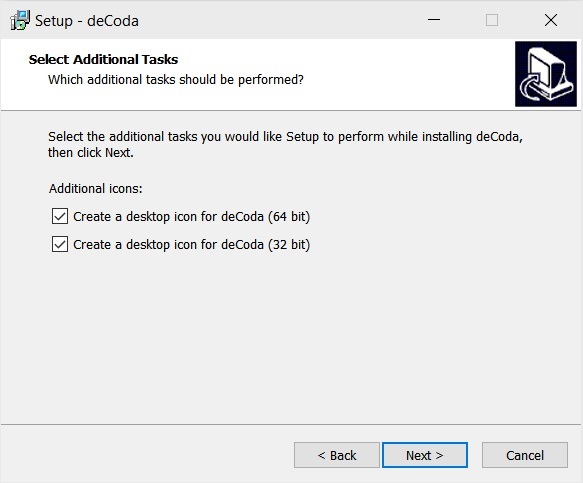
8. Check all details are correct > Click Install.
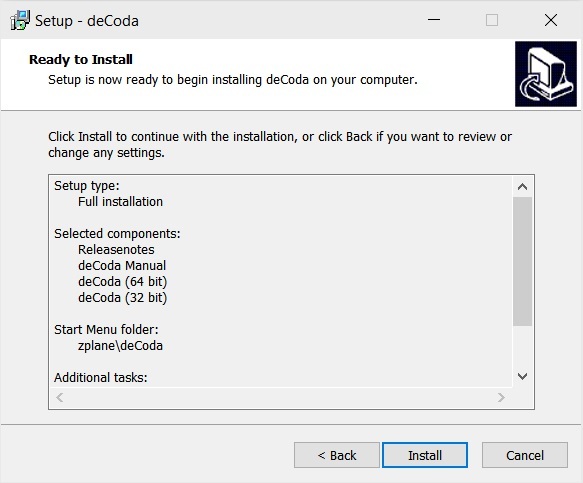
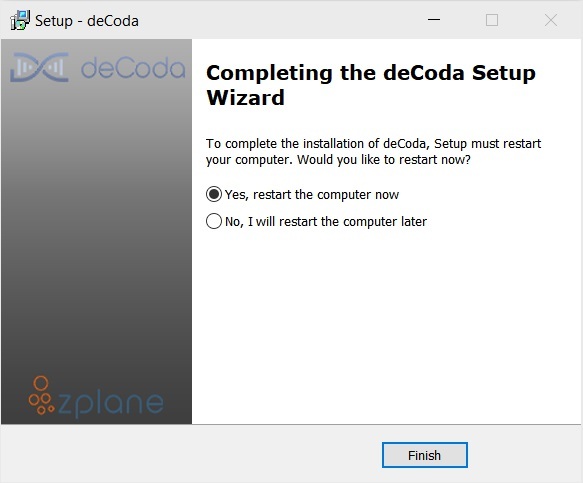
9. Your install is complete > Make sure you have saved any data > Select 'Yes, restart the computer now' > Click Finish.
Activation
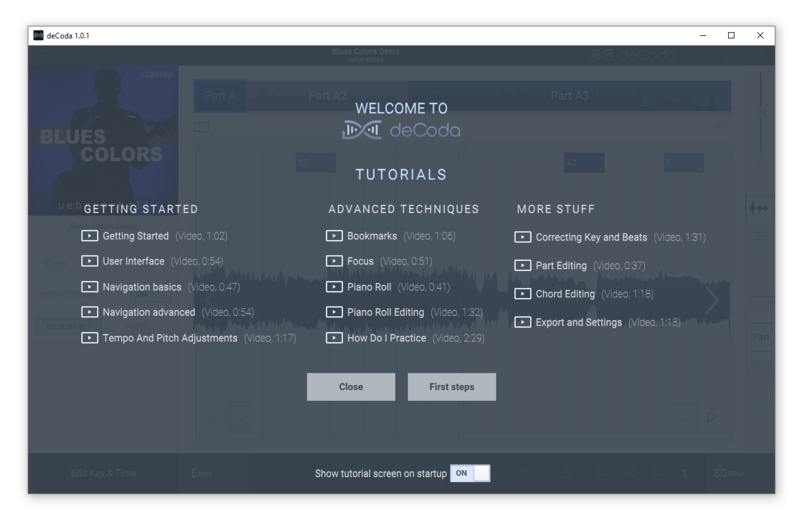
1. Open up the recently installed software from your Start Menu or desktop.
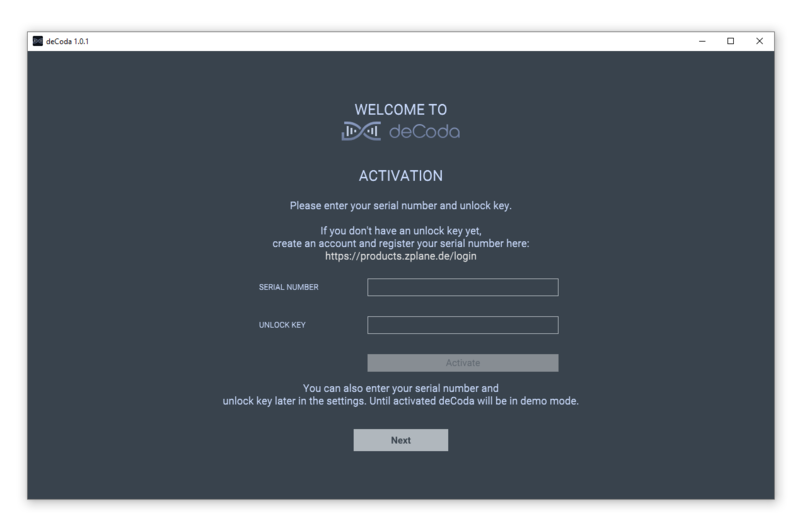
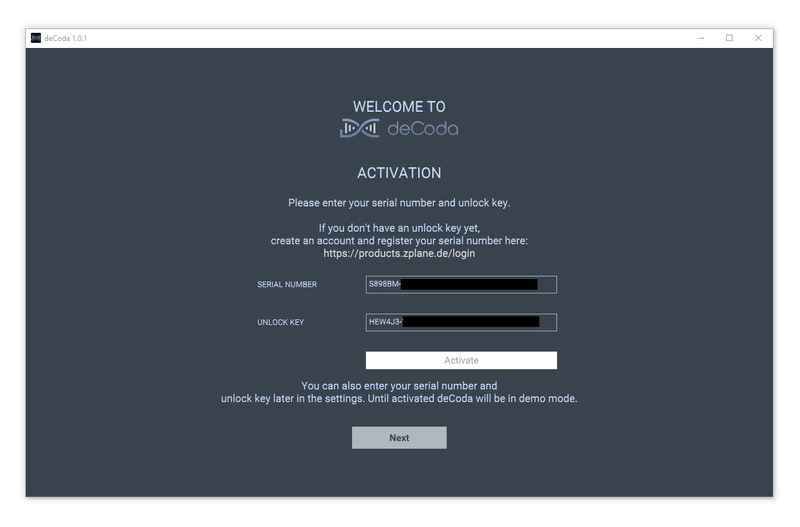
2. Enter your serial number found in your Plugin Boutique account and your Unlock Key sent to your Email > Click Activate.
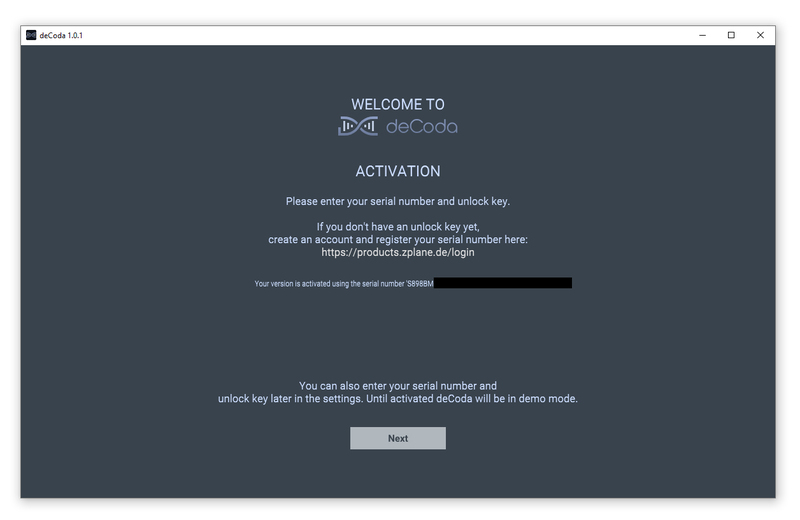
3. Click Next.
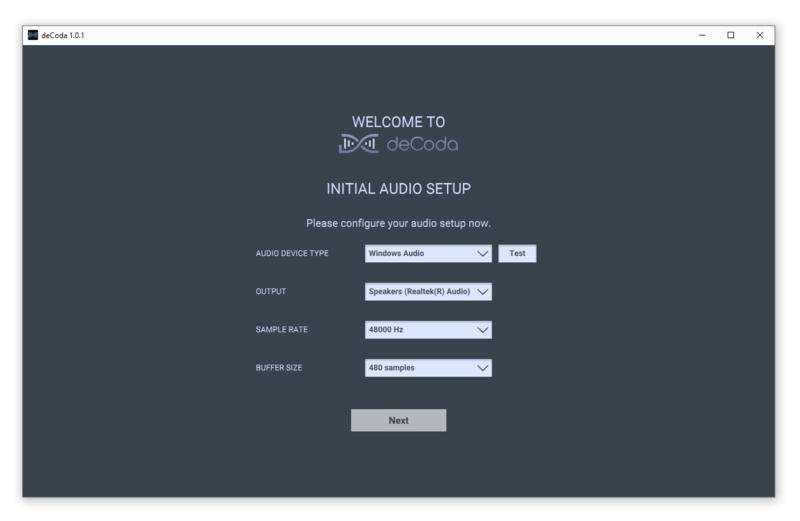
4. Confirm your audio setup is correct > Click Next.
5. Start the interactive tutorial by clicking 'First steps', watch a tutorial video, or click Close.
Your software is now activated and ready to use!


 Log In