


 Log In

Product information
Features
- Shows the time which has passed during a DAW project
- Time measurement in hours, minutes, seconds
- Pause function
- Writes log to see when you worked on the project
- Every log entry can be commented
- Works on Windows and Mac with any DAW
HOFA 4U ProjectTime starts the time measurement as soon as it gets loaded into a plug-in slot in your DAW (Cubase, Pro Tools, Studio One, Reaper …).
The stopped time is saved with the closing of the project. The time measurement resumes by reopening this project.
System Requirements
- HOFA Plugins work with Windows 7/8/10, Vista and WinXP, as well as Intel-Mac from OS X 10.6.
- Audio Unit, VST, VST3, RTAS and AAX, 32 and 64 Bit.
- HOFA Plugins are tested constantly on the following DAWs: Steinberg Cubase/Nuendo/Wavelab, MOTU Digital Performer, Ableton Live, Apple Logic, Magix Samplitude/Sequoia, Avid Pro Tools, Cakewalk Sonar, Presonus Studio One, Cockos Reaper, FL Studio
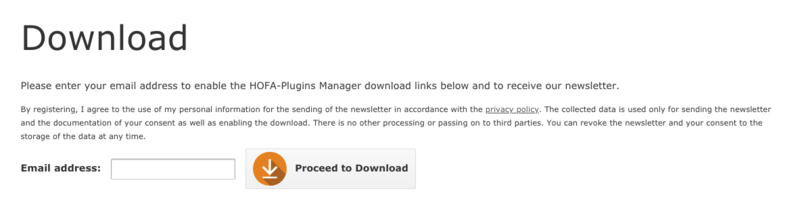
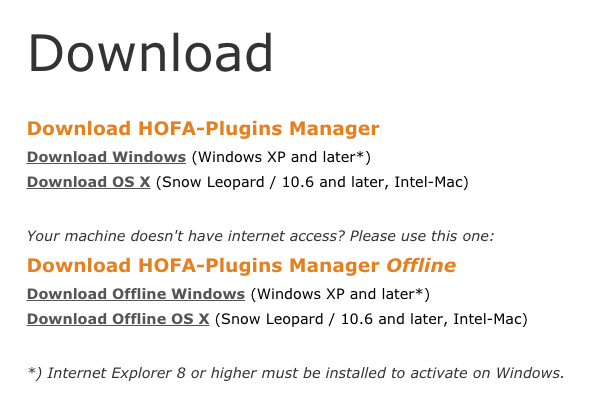
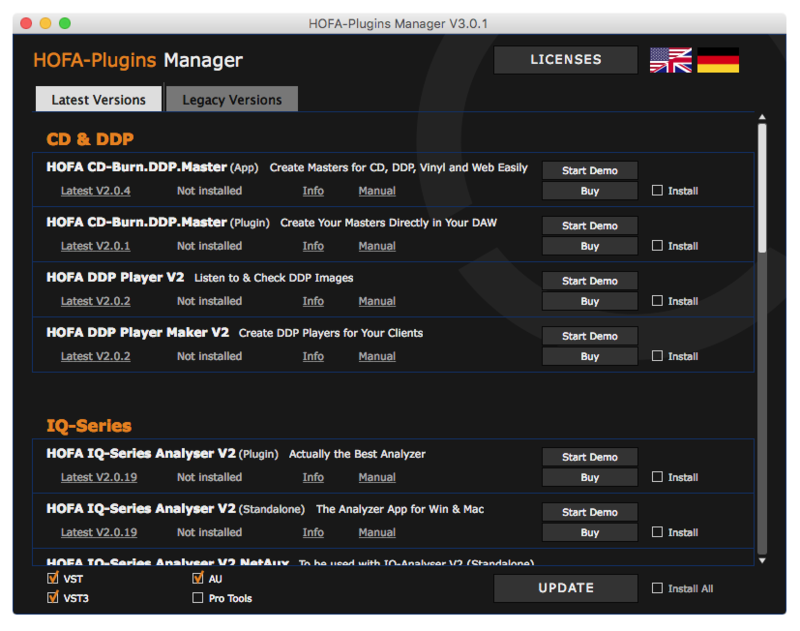
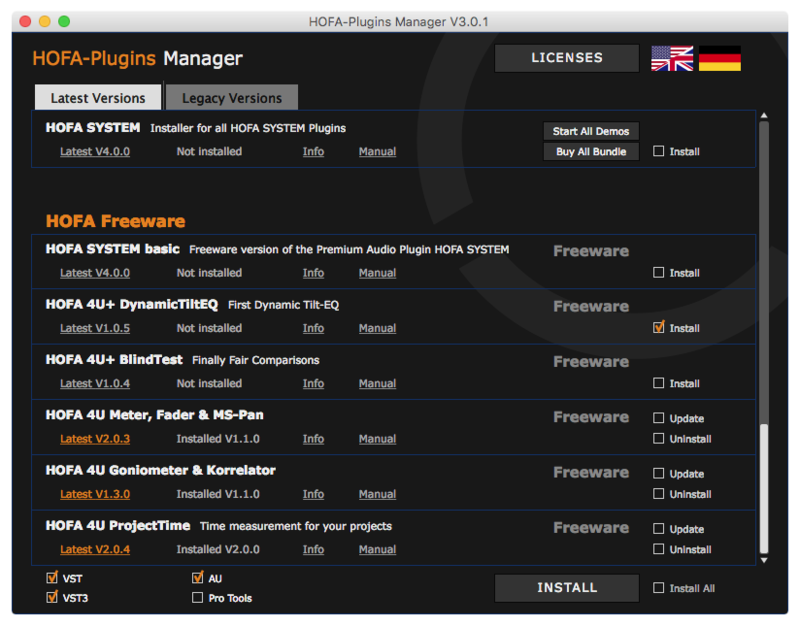
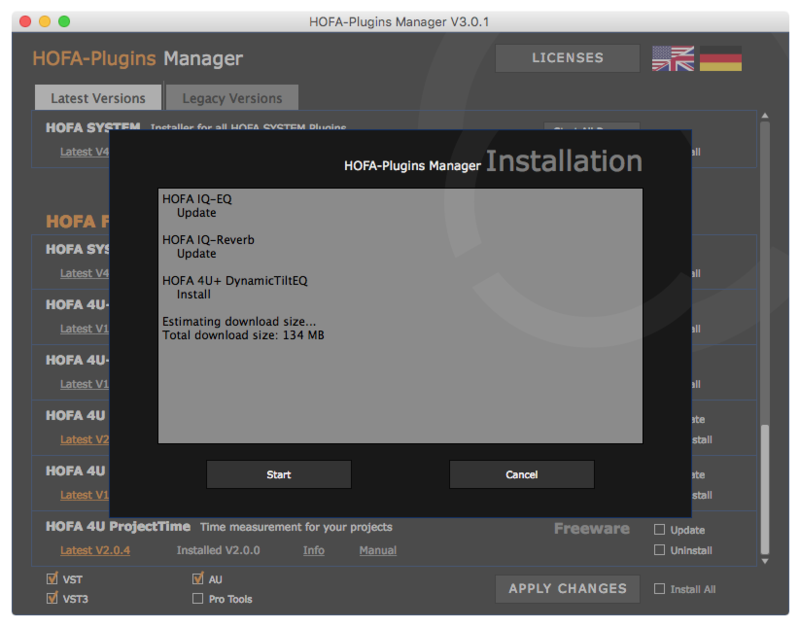
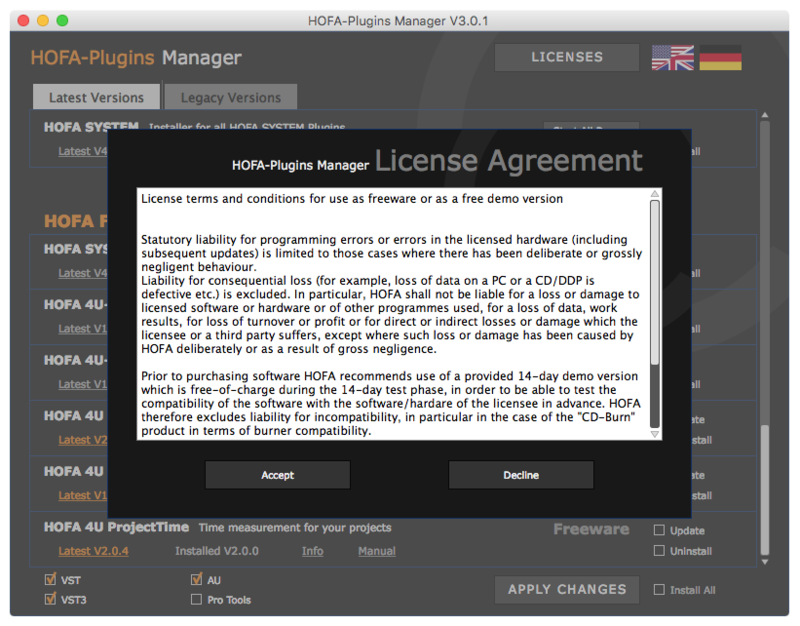
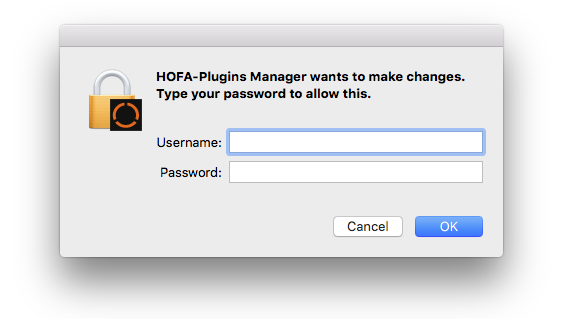
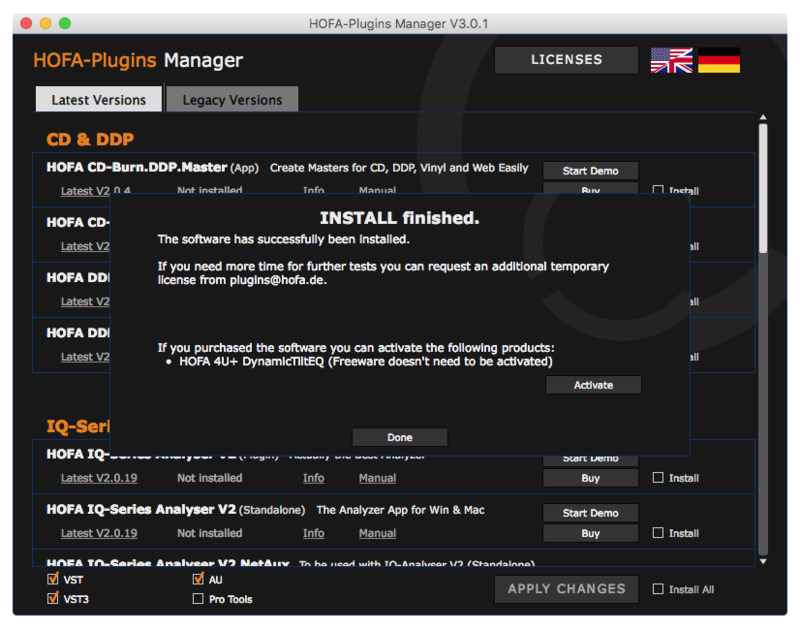
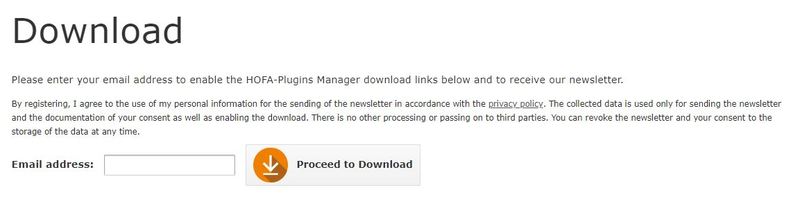
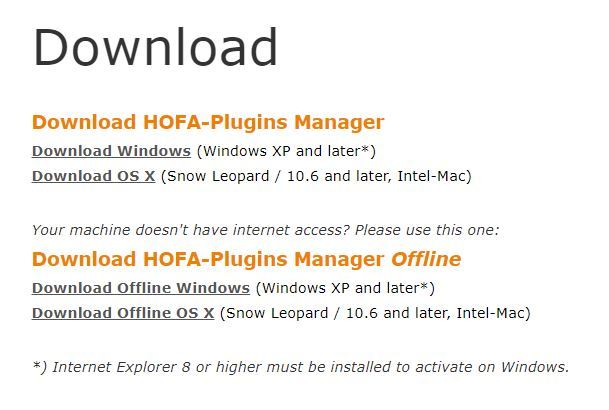
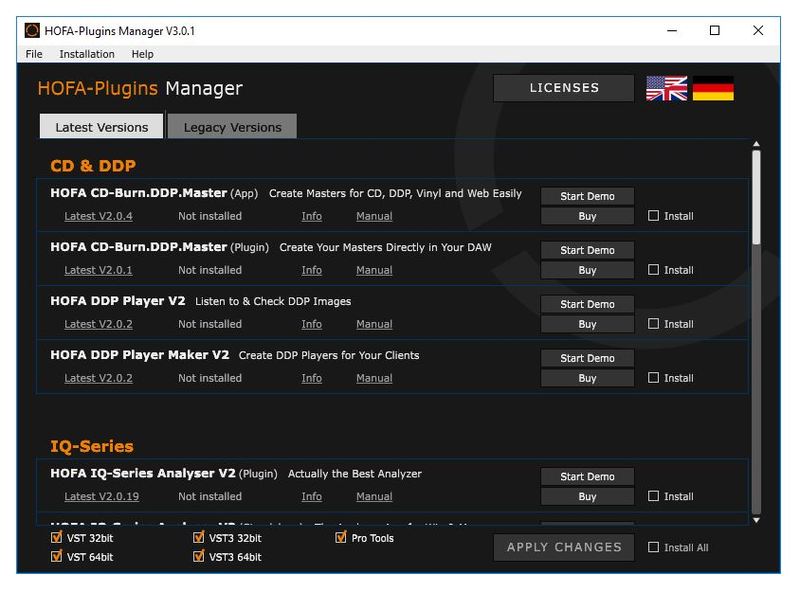
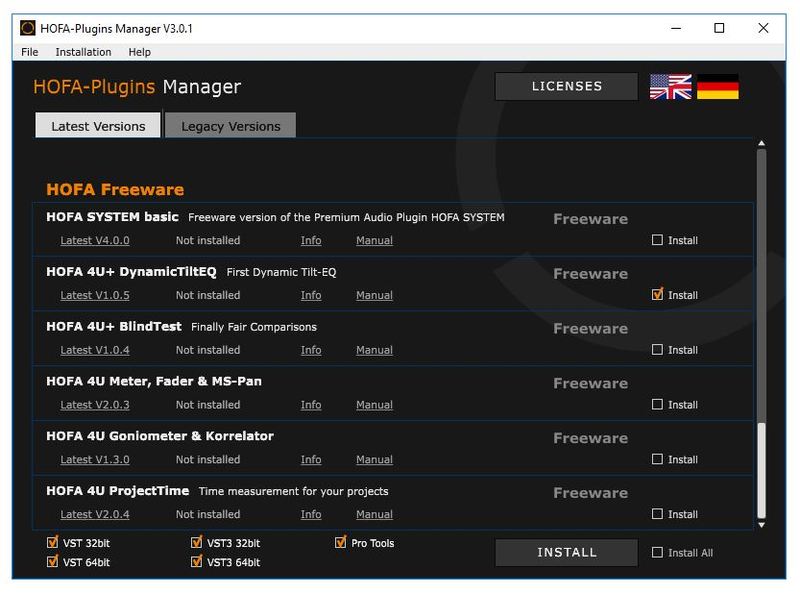
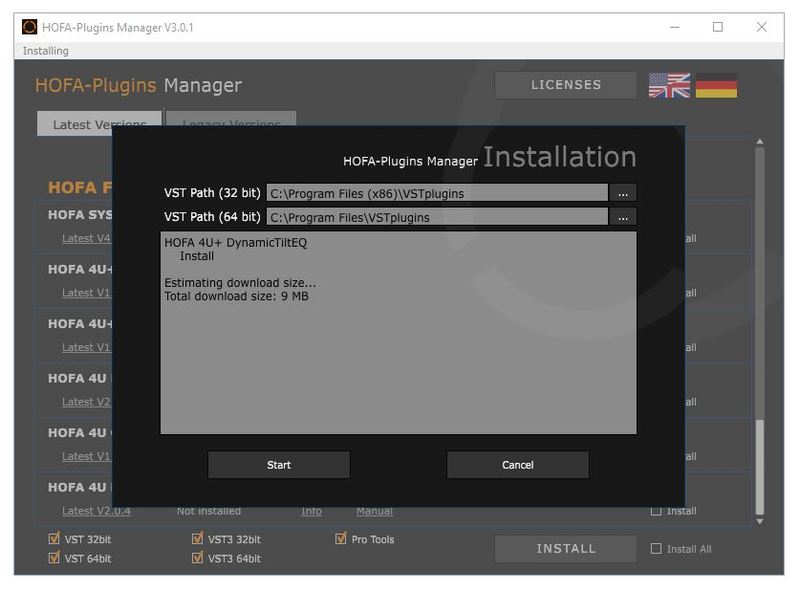
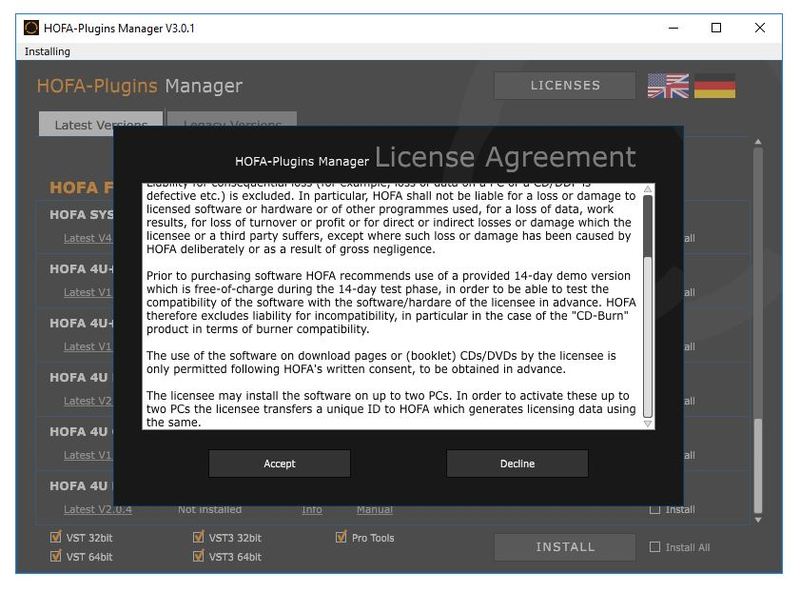
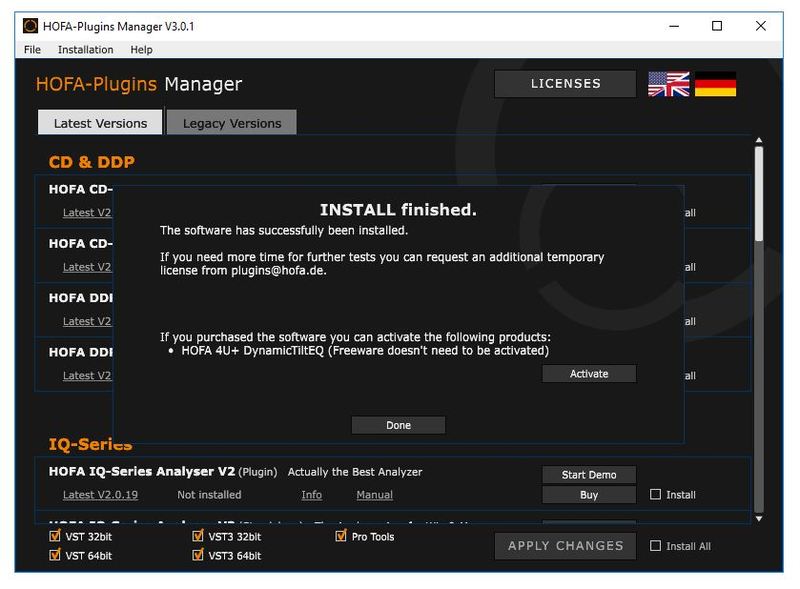
Installation Instructions
Customer Reviews
(2)


