


 Log In

Free gifts available with your purchase

Legendary Grit and Crunch
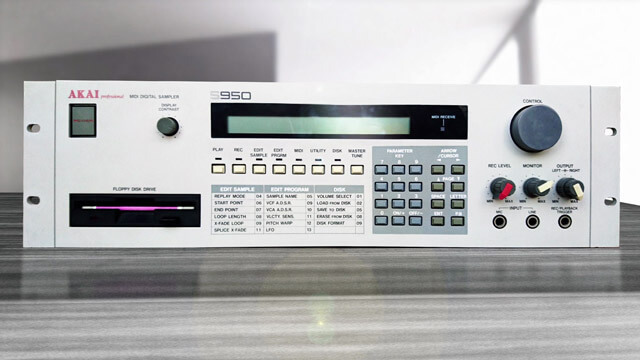
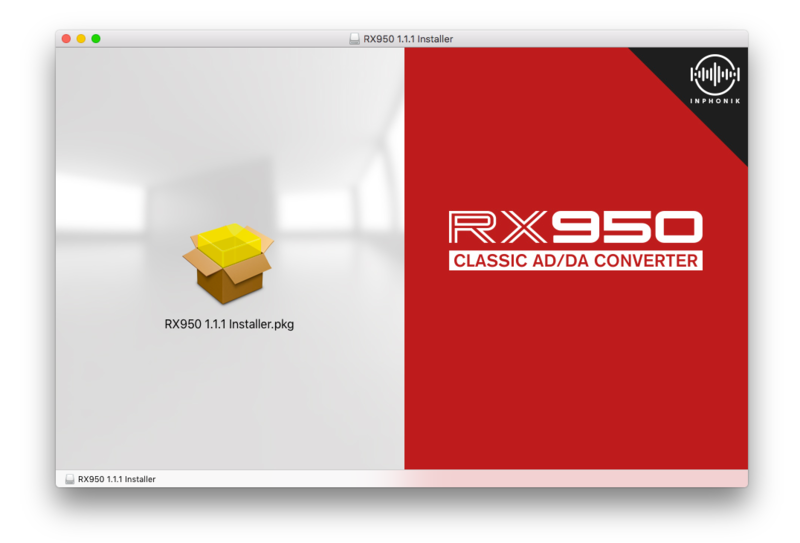
Meet the RX950 Classic AD/DA Converter, Inphonik's first effect plug-in, designed to perfectly mimic the whole AD/DA conversion process of the Akai S950 in order to give your music this vintage, warm and crunchy sound with the ease & flexibility of a VST.
Key Features
- Legendary 12-bit resolution
- Perfect modelling of the S950's audio signal path
- Adjustable audio bandwidth (and thus sampling frequency)
- Original steep 6th-order low-pass Butterworth filter
- Stereo or mono operation
- Low CPU consumption
- Adjustable brilliance setting (high-frequency response)
- Graphical interface scaling options (from 1x to 2.5x)
- Parameter value keyboard typing on double-click
- NKS Support
Dead Simple Controls for a Killer Sound
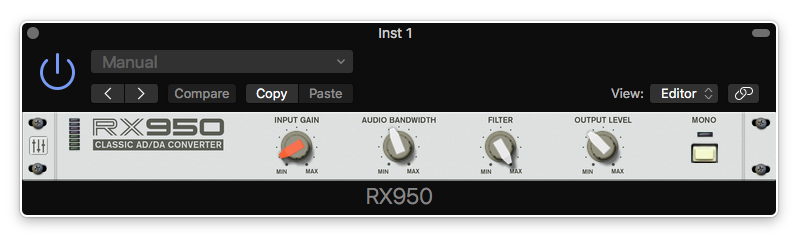
- Input Gain: Makes your sound loud ’n proud with the S950’s unique grit and warm distortion. It is powerful and will help anything stand out in your mix.
- Audio Bandwidth: Controls the target sample rate and analog-to-digital conversion circuitry with an exquisite, yet remarkably subtle, aliasing effect.
- Filter: Controls the S950’s infamous steep low-pass filter. Use it on separate elements, or on any output bus or master section.
- Brilliance: Adjust the Audio Bandwidth's high-frequency response with the Brilliance knob (in Settings/Back panel).

In the Beginning
The Akai S950, one of the most famous samplers from the 80s, is largely praised for its legendary sound. Many consider the 12-bit grit and crunch still unmatched today. But the 12-bit resolution is not all. For over a year, Inphonik studied every bit of this studio gear masterpiece to bring back its unique character to your modern DAW with the RX950.
System Requirements
Mac
- macOS 10.15 and higher (64-bit only) (Apple Silicon supported)
- VST 2 / VST 3 / AU / AAX
Windows
- Windows 10 and higher (64-bit only)
- VST 2 / VST 3 / AAX
Linux
- 64-bit only
Please Note:
- This software is 64-bit only and will not function on 32-bit systems
-
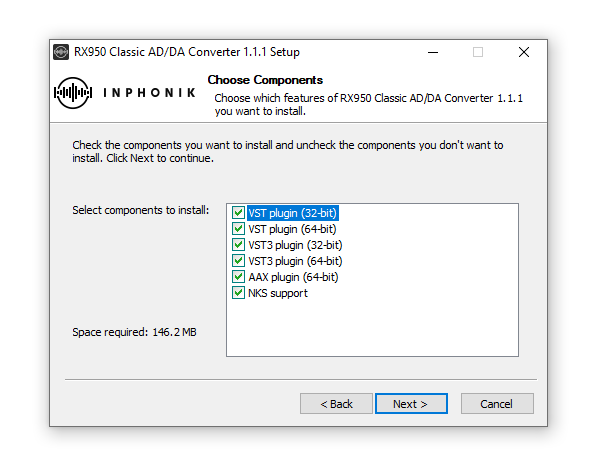
When accessing this software via a Rent to Own plan or the Beatport Studio membership, it's installed and run through the Beatport Access portal. An internet connection is required every 30 days to validate your license.

Reviews Summary
While it aims to provide a helpful overview, it may not capture every perspective or detail. We encourage you to read individual reviews to make an informed decision.
Reviewers widely praise the RX950 plugin for faithfully delivering vintage 12-bit crunch, warmth, and analog-style grit to drums, synths, and samples, making it especially popular for hip-hop and lo-fi production. Users consistently appreciate its simple interface, effective saturation, and standout filter. While predominantly positive, minor criticisms include an isolated report of audio time-shifting on drum loops, a request for stereo functionality, and minor learning curve nuances for certain bit-crushed sounds.


