


Buy Skew, get a free gift with purchase:
Non-Linear Audio Reverser
Skew is a non-linear audio reverser. Perfectly synchronized to the host transport, it is constantly recording the incoming audio into a buffer – and playing it back in reversed chunks. The big trick in this algorithm is that it’s able to warp its playback speed via a selection of non-linear curves, thus bending the pitch in various ways. With each parameter having an extremely wide range of adjustment, Skew can be used to create multiple rhythmically-precise effects such as reversing, tape rewind, pitch slides, detune, glitching, and scratching. Thanks to its fine calibration, responsiveness, and DJ-style crossfade control, Skew can easily be automated or manipulated in real-time to add exciting musical complexity and create cool build-ups, breaks, and transitions.
Features
- Audio reverser with precise transport synchronization
- 14 different non-linear curves for warping the audio playback speed
- Fractional chunk size adjustment with 256 possible values (from 1/16 note to 16 bars)
- Meticulously tuned smoothing envelopes with optional overlapping
- DJ-style crossfade control
- Lag filters on all continuous parameters for smooth, click-free adjustment
- Supports mono › mono, mono › stereo, and stereo › stereo channel configurations
- Color-coded graphic elements
- Consistent name, mapping, value, and unit implemented for all parameters in both graphic user interface and host control/automation
- Built-in preset management functions
- Supports window size scaling up to 200%
System Requirements
- 64-bit Mac computer with Intel or Apple processor, running macOS 10.9 or later, plus a host application with support for AU, AAX, or VST3 plugins
- 64-bit PC computer with x86 processor, running Windows 8.1 or later, plus a host application with support for AAX or VST3 plugins
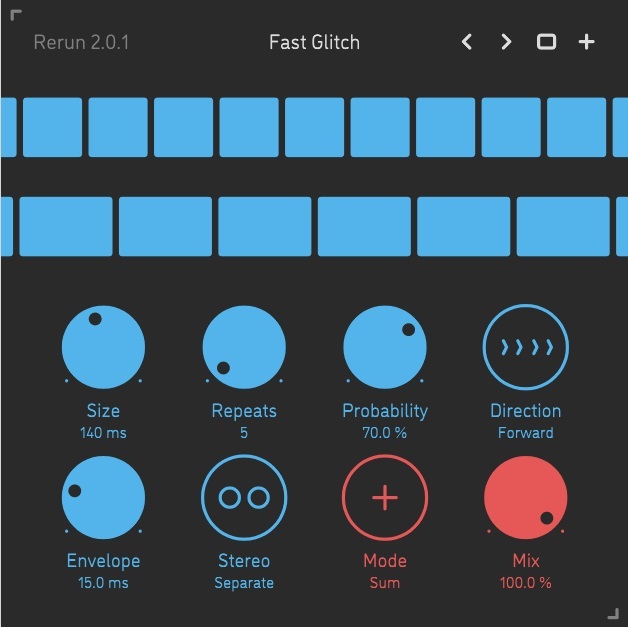
Please note: Rerun v2 is used as an example.
Mac Installation
1. Download the ZIP folder from your Plugin Boutique account > Open.
2. Double-click the PKG installer file > Click 'Continue'.
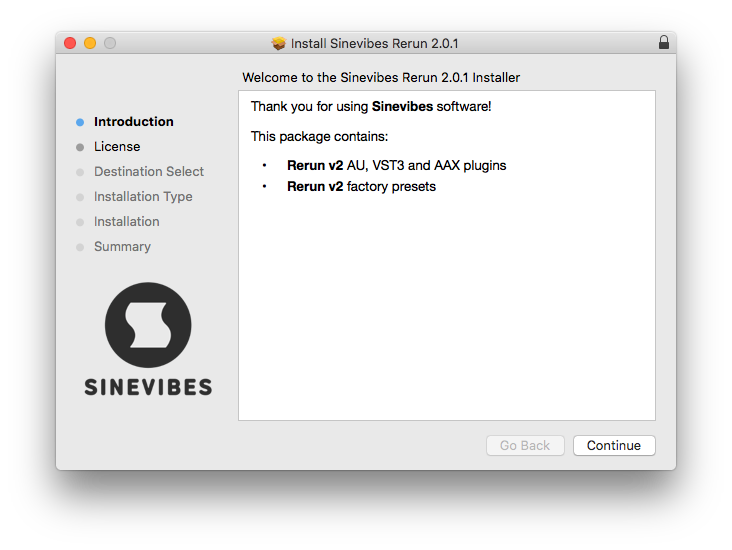
3. Read the Software License Agreement > Click 'Continue'.
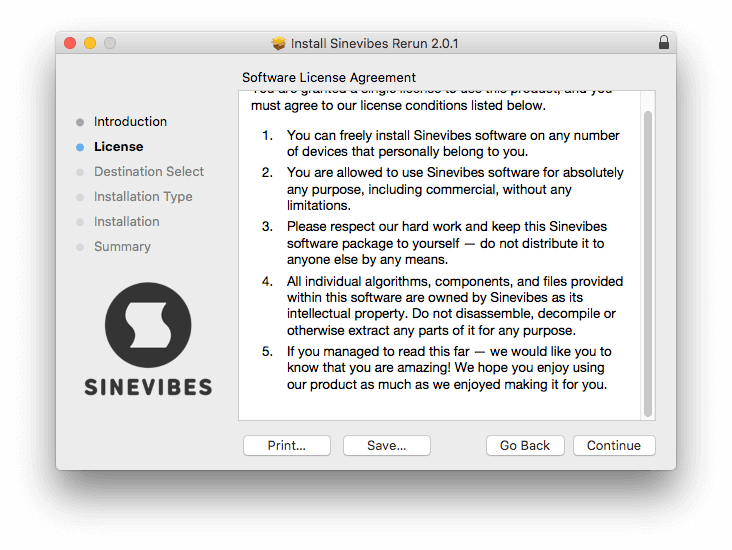
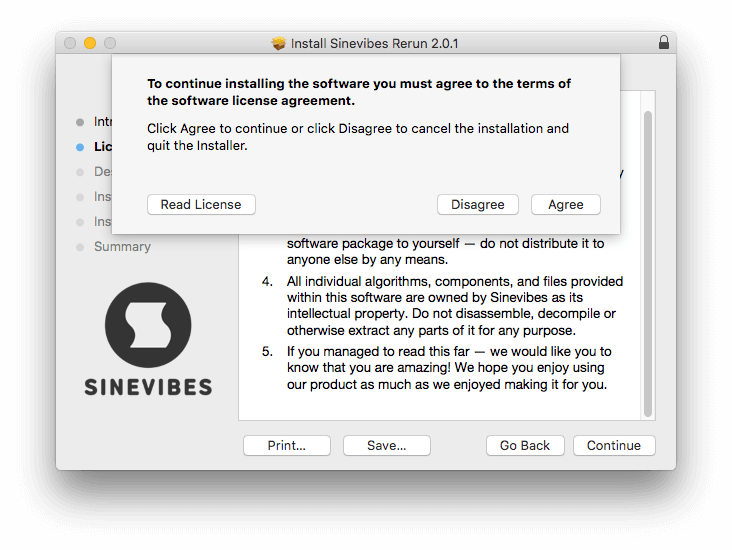
4. Click 'Agree'.
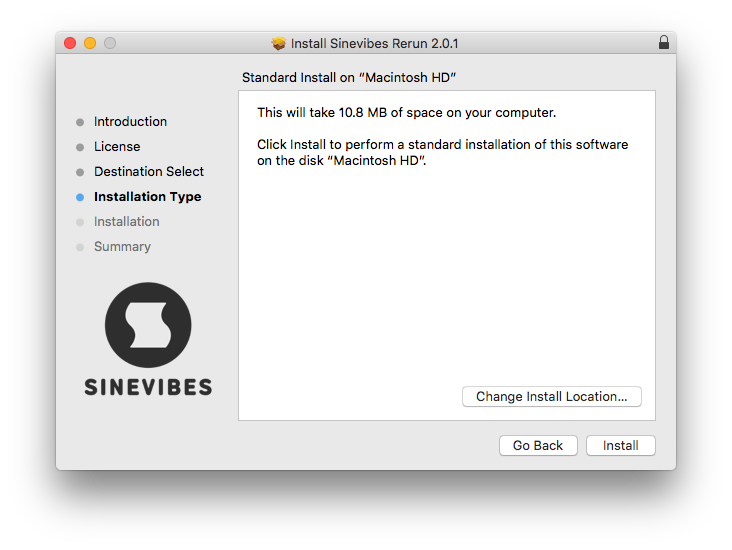
5. Choose the install location > Click 'Install'.
6. Click 'Close'.
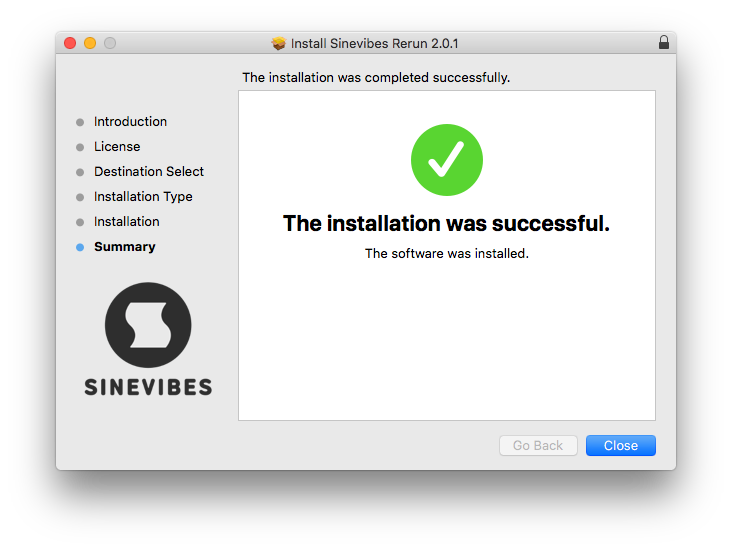
Your software is now installed and ready to use in your DAW.
Windows Installation
1. Download the installer from your Plugin Boutique account > Extract the folder.
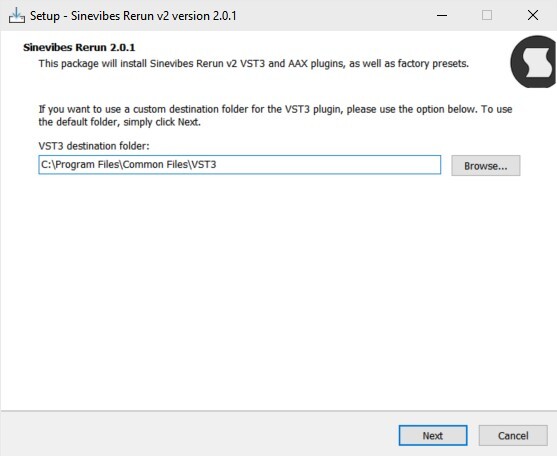
2. Double-click the Windows installation file to run the installer > Click 'Next'.
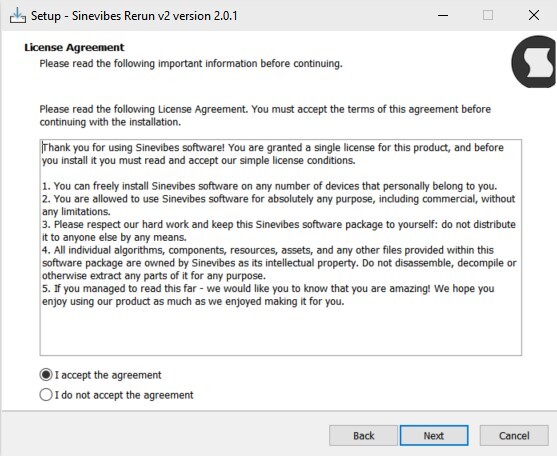
3. Read the License Agreement > Select 'I accept the agreement' > Click 'Next'.
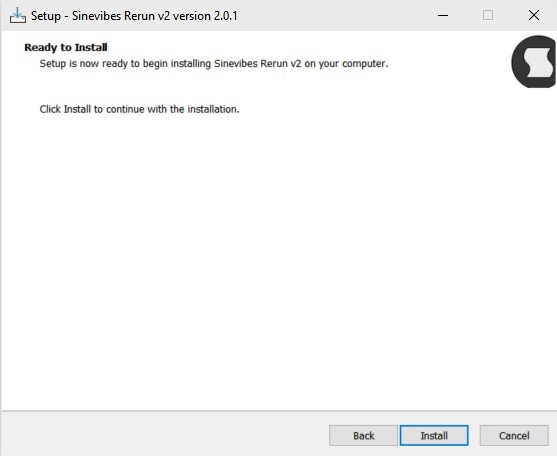
4. Click Install to start the installation.
Your new software is now installed and ready to use in your DAW.


