Log In
Product information
TheSplit splits a signal into two complementary outputs via four modes; Use each mode as its own effect or combine with other effects to mix the split outputs separately.
Features
- C&S - 'Center & Sides' mode uses a mid-side algorithm to split audio in the spatial domain.
- L&H - 'Low & High' mode uses a crossover to split audio in the frequency domain.
- A&S - 'Attack & Sustain' mode uses a transient splitter to split audio in the time domain.
- L&S - 'Loud & Soft' mode uses a gate to split audio in the amplitude domain.
- A Flip parameter is added for conveniently swapping the split outputs.
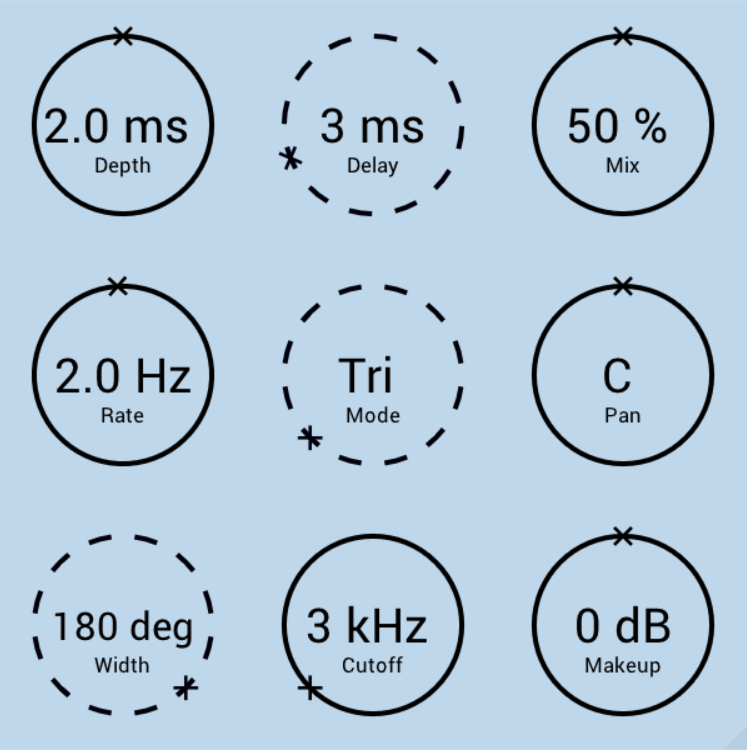
- In addition, every TheZhe plugin includes optimized built-in anti-aliasing and indicates modulate-able knobs with solid lines.
System Requirements
- Windows / Mac (M1 Apple Silicon supported) (64-bit only)
- VST3 / AU compatible host
- Sampling Rates - 44.1 to 96 kHz
Please Note: Your system must support SSE3.
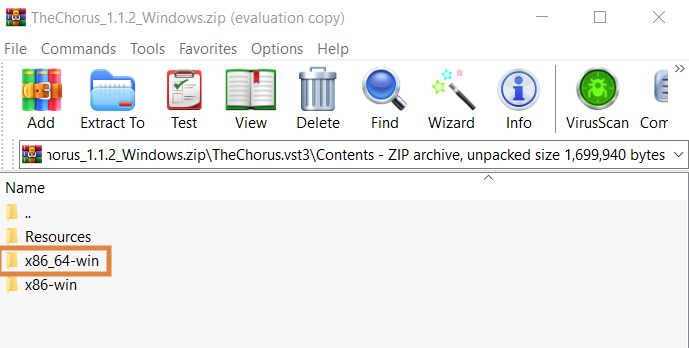
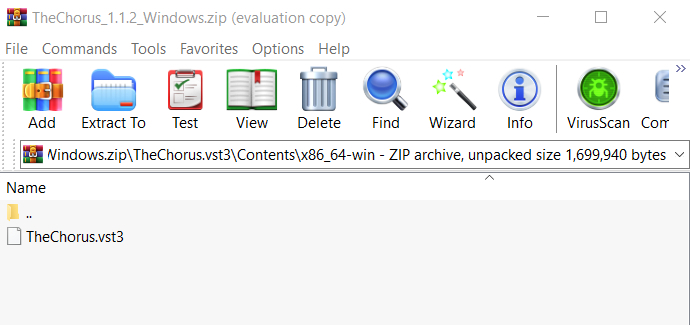
Installation Instructions