


 Log In

Free gifts available with your purchase
InTrigger Drum Replacer
Intelligent drum triggering: Click Learn. Pick sample. Done.
Drum Replacement Finally Done Right, for Studio & Live.
Swapping a snare on a simple groove? Many plugins can do that. But when the part gets real – ghost notes, dynamics, bleed – most drum replacers fall apart. You end up editing triggers by hand or settling for a robotic sound.
InTrigger is different.
It’s smarter. It’s faster. It sounds like a human played it.
Drum replacement should be a two-step process:
- Step 1: Learn the performance.
- Step 2: Choose your sample.
That’s it.
Here’s what makes InTrigger stand out:
- Automatic Hit Detection: The plugin sets the threshold automatically with minimum tweaking required.
- Bleed Smart: Excludes unwanted hits & leakage using the Onset Gate.
- Integrated Sample Finder: Access all your samples from within the plugin using COSMOS – our AI powered sample manager.
- On-board Sampler: Tweak & fine-tune your drum sounds with extensive sampler features.
- Humanize Control: Preserves the performance of the original take.
- Includes InTrigger Live: The first ever zero-latency real-time drum replacement plugin for live sound, no hardware needed.
Fix, Shape, or Reinvent Your Drums – Instantly.
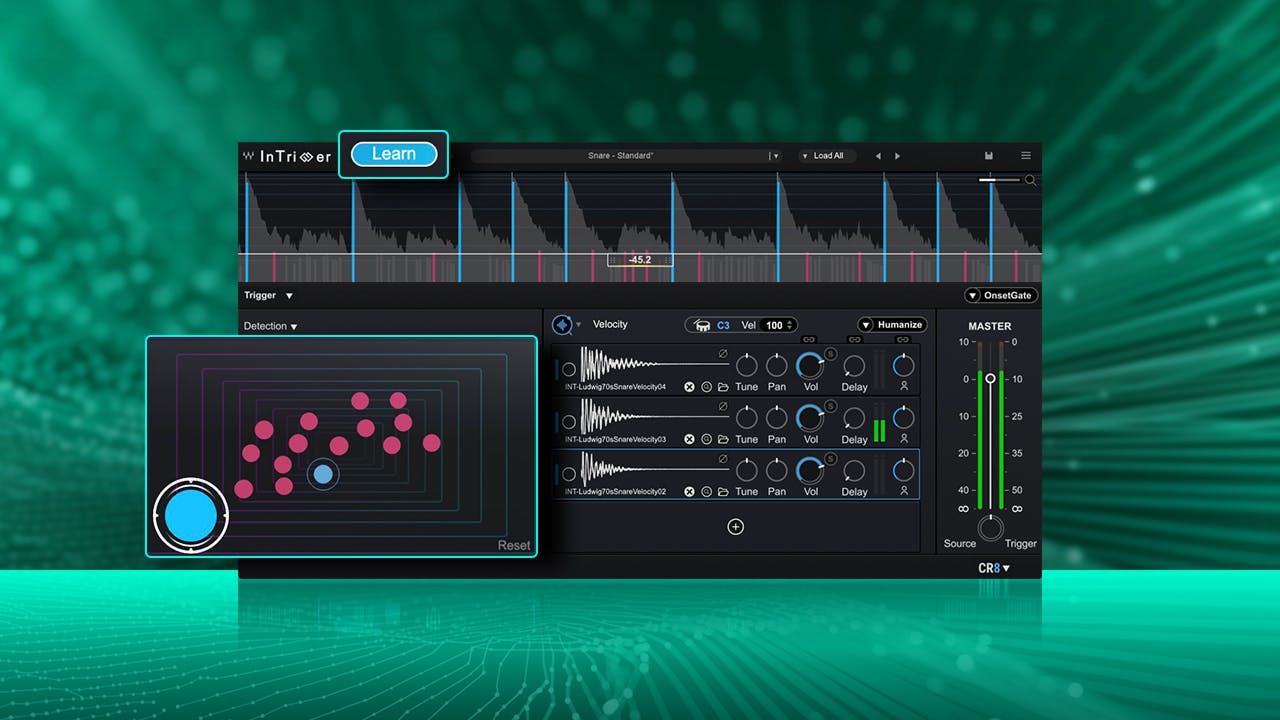
Hit ‘Learn’ – InTrigger Does the Rest
InTrigger learns your drum track with one click, automatically detecting hits, ghost notes, and bleed with stunning accuracy. Minimal tweaking needed.
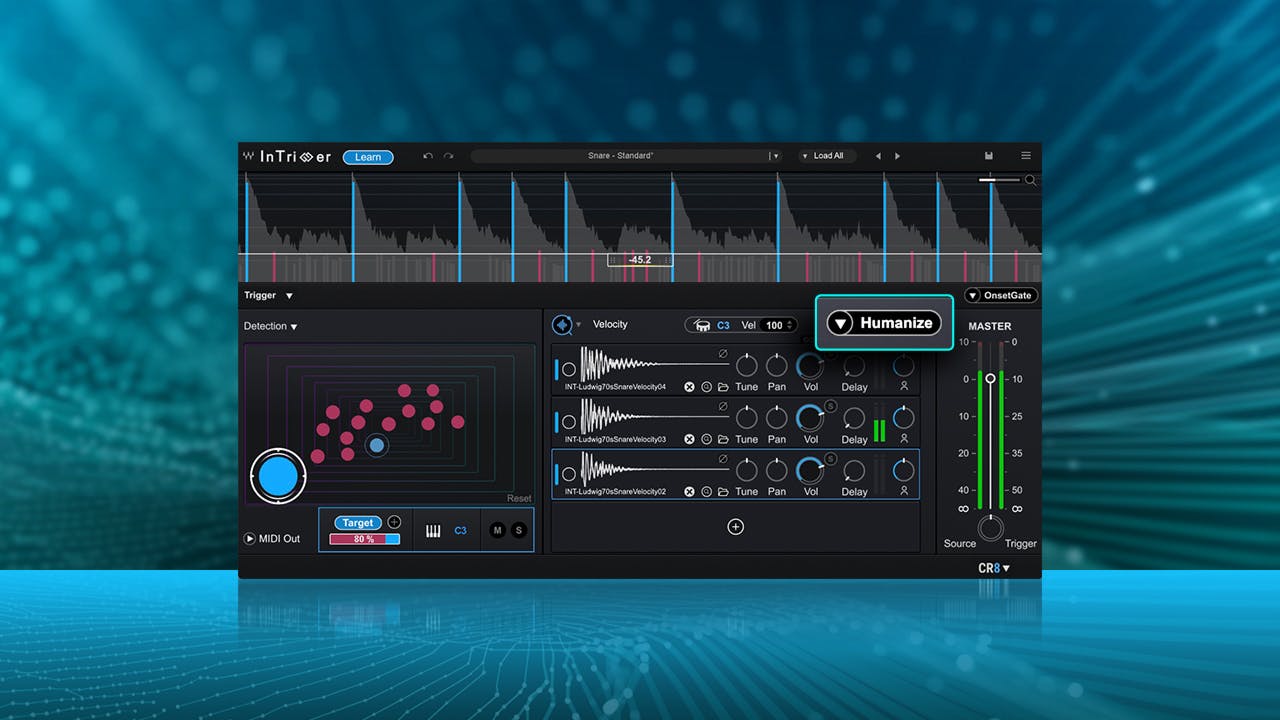
Make Every Hit Feel Human
The Humanize knob shapes each hit’s envelope and dynamics—so one sample reacts differently every time, delivering a natural, expressive feel across the song.
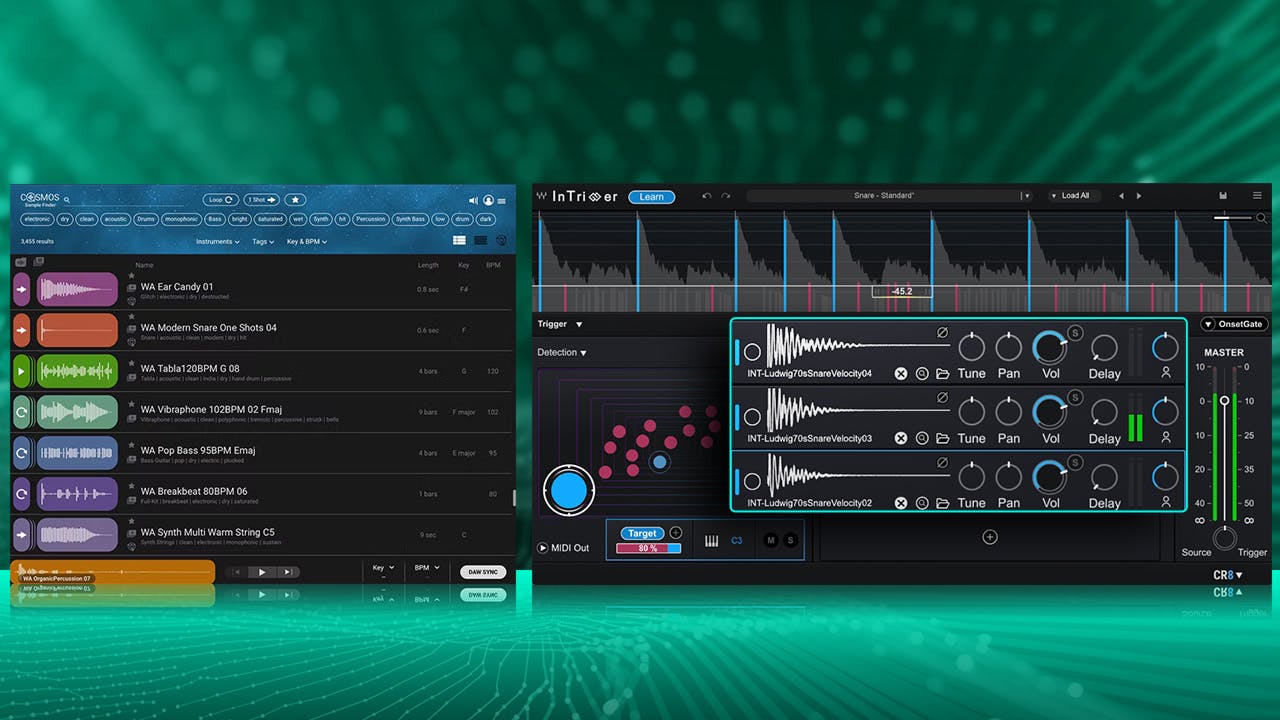
Audition Samples in Real Time
Includes a COSMOS license – Waves' AI-powered sample browser – giving you instant access to your sample library and real-time sample auditioning in the context of your session.
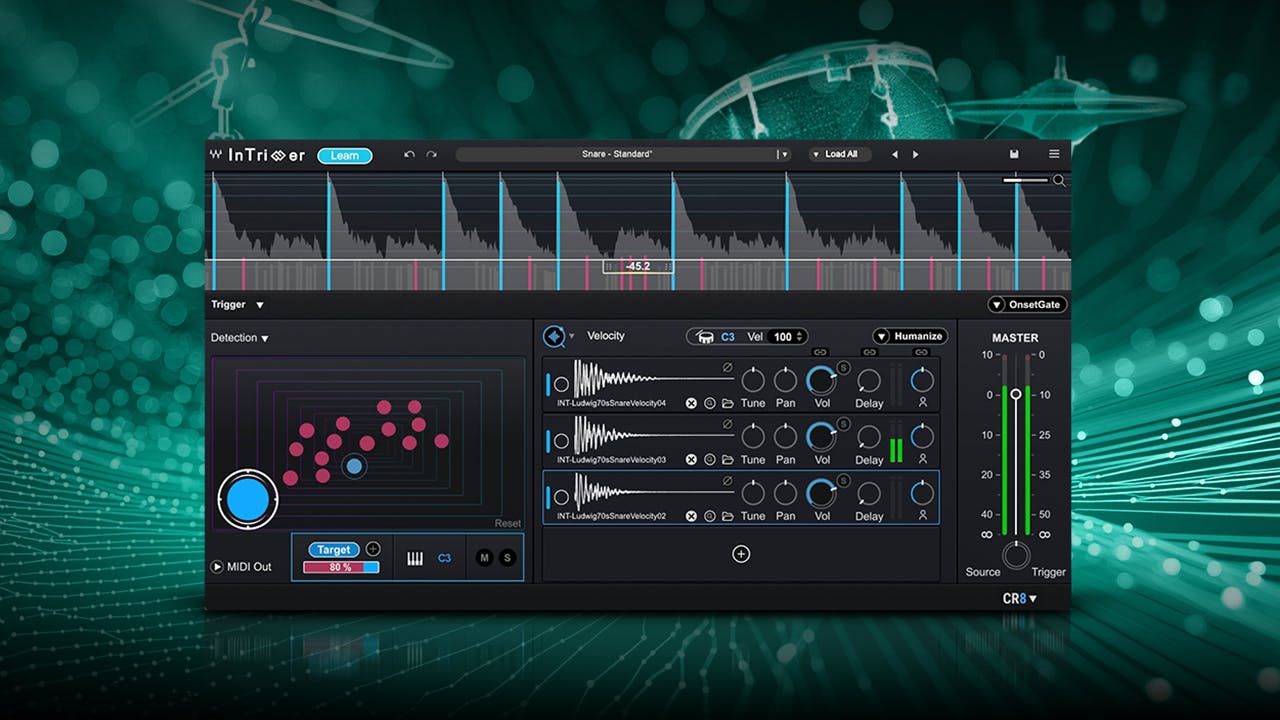
Effortless One-Shot Replacement
Quickly replace one-shot drum samples in your DAW. Switch out your kick, snare, or tom with a new sound to instantly reshape your drum tone and vibe.
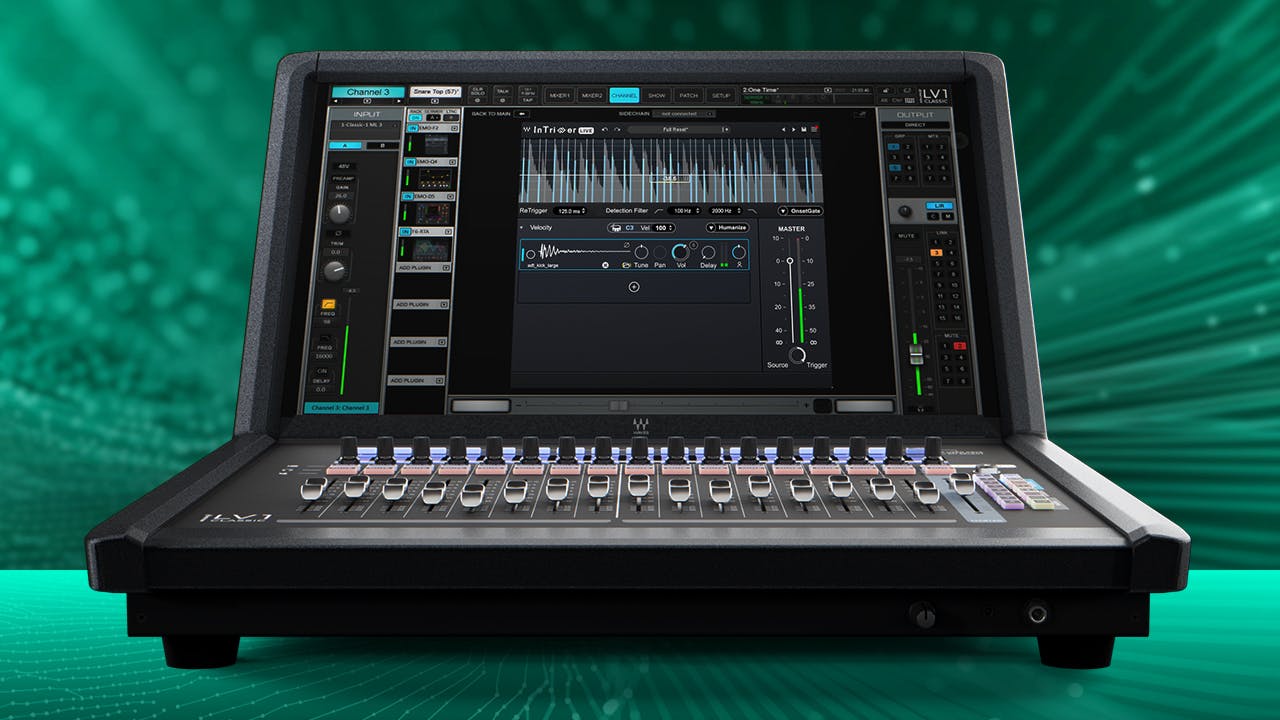
Bring Album-Quality Drums to the Stage
InTrigger Live is the first-ever plugin for real-time drum replacement in live sound—no hardware modules needed, no latency, no hassle. Replace or layer drums instantly from your eMotion LV1 or SuperRack setup, whether you’re fixing weak tones or adding creative samples.
Unlike the studio version, InTrigger Live uses manual threshold settings, excludes the Learn function and COSMOS integration, and supports up to 4 layers—so it’s streamlined for stability and performance when it matters most.
Features
- Replace drums in seconds, not hours
- Automatic hit detection, minimum tweaking required
- Detects and replaces ghost notes effortlessly
- Humanize mode maintains the original performance of the drummer
- Audition samples instantly in the context of your mix
- Stack up to 8 sample layers to give your drums a fuller sound, and more powerful impact
- InTrigger Live plugin included: zero latency, manual threshold, 4-layer support (excludes Learn and COSMOS integration)
- Includes a COSMOS license—our AI-powered sample manager—integrated directly into the plugin, with 1400 curated drum one-shots
System Requirements
Mac
-
CPU
- Intel or Silicon Architecture
- See notes regarding Apple Silicon based processors
-
Memory
- 16 GB RAM
- 30 GB free disk space on the system drive
-
Operating System
- macOS Ventura 13, Sonoma 14, Sequoia 15
-
Screen Resolution
- Recommended: 1920x1080
- USB displays are not supported as the primary display.
Windows
-
CPU
- X64 compatible Intel (gen. 5 and above) or AMD CPU
-
Memory
- 16 GB RAM
- 30 GB free disk space on the system drive
-
Operating System
- Windows 10 64 bit
- Windows 11
-
Screen Resolution
- Recommended: 1920x1080














