Log In

Free gifts available with your purchase
The Idea & Process
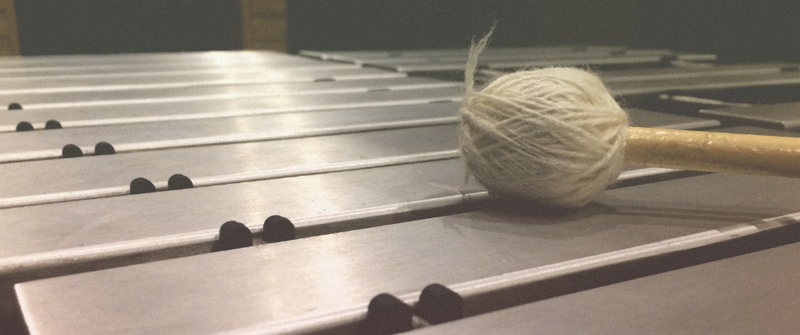
Cassette Vibraphone is the first instrument in cassette series recorded with real round-robin samples - every note in every dynamic layer was recorded 4 times. Cassette Vibraphone was recorded in full range (3 octaves) with 4 dynamic layers using 4 different cassette decks. Overall there are 2372 samples - 592 samples per deck, plus 4 noise samples from each deck (6,76 GB of uncompressed 24-bit WAV files).
Every note has been carefully denoised with a high quality algorithm to avoid noise stacking when playing more than one note (there’s still some noise left in the samples to avoid denonising artifacts). Noise can still be added with the noise knob - it’s much more flexible this way and allows the ability to adjust the volume of the noise independently whilst also applying parameters such as filtering. It also creates a more realistic sound, so when playing a five voice chord, only one sample of noise instead of five stacked on top of each other will be heard.
- Full version of Live 9.7 (or higher) required
- Real round-robin
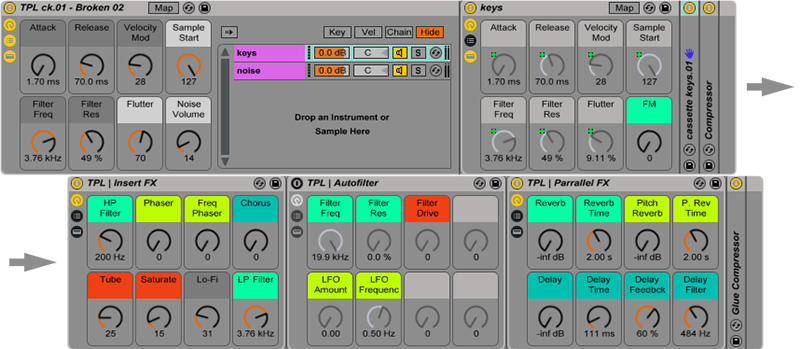
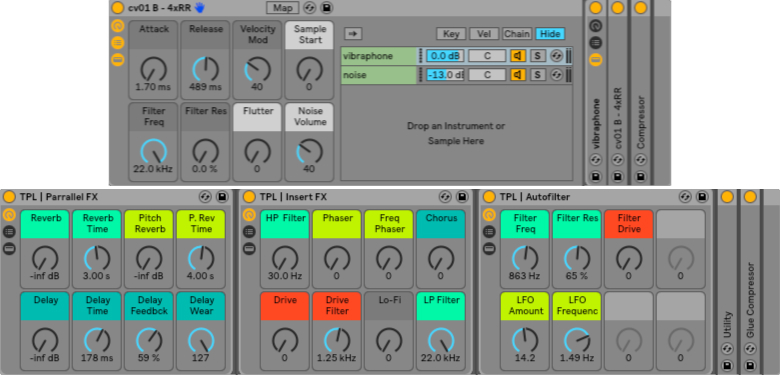
- 73 Instrument Racks: 40 basic + 33 additional presets (both with mapped macros)
- Custom Effect Racks
Main Features
- Available in Kontakt 5, Ableton Live 9, Logic, SFZ & Multiformat
- 6,76 GB of uncompressed 24-bit WAV samples (2372 samples in total)
- Recorded on 4 different decks
- Recorded with 4 round-robins (+ simulated round-robin in Kontakt version)
- 4 noise samples (each around 2 minutes long)
- 4 dynamic layers
- Organic sound with lots of little imperfections
System Requirements
- Full version of Live 9.7 (or higher)