


 Log In

Free gifts available with your purchase

Infinite Loop Generator
W. A. Production proudly unveils LOOP ENGINE 2, the trailblazing successor in a lineup of multi-voice loop tools, now even more potent with cutting-edge enhancements.
LOOP ENGINE 2 continues the evolution of MIDI generation, building upon the esteemed legacy of the CHORDS plugins while breaking new ground. Discard the constraints of static chord shapes and divisible segments; Loop Engine 2 propels riffs, arps, and melodies into uncharted territories with its advanced tonal and rhythmic capabilities. This plugin goes beyond the norm, enabling you to craft MIDI loops with unprecedented intuitive controls to sculpt the algorithms, ensuring a constant stream of inspiration and innovation for your tracks.
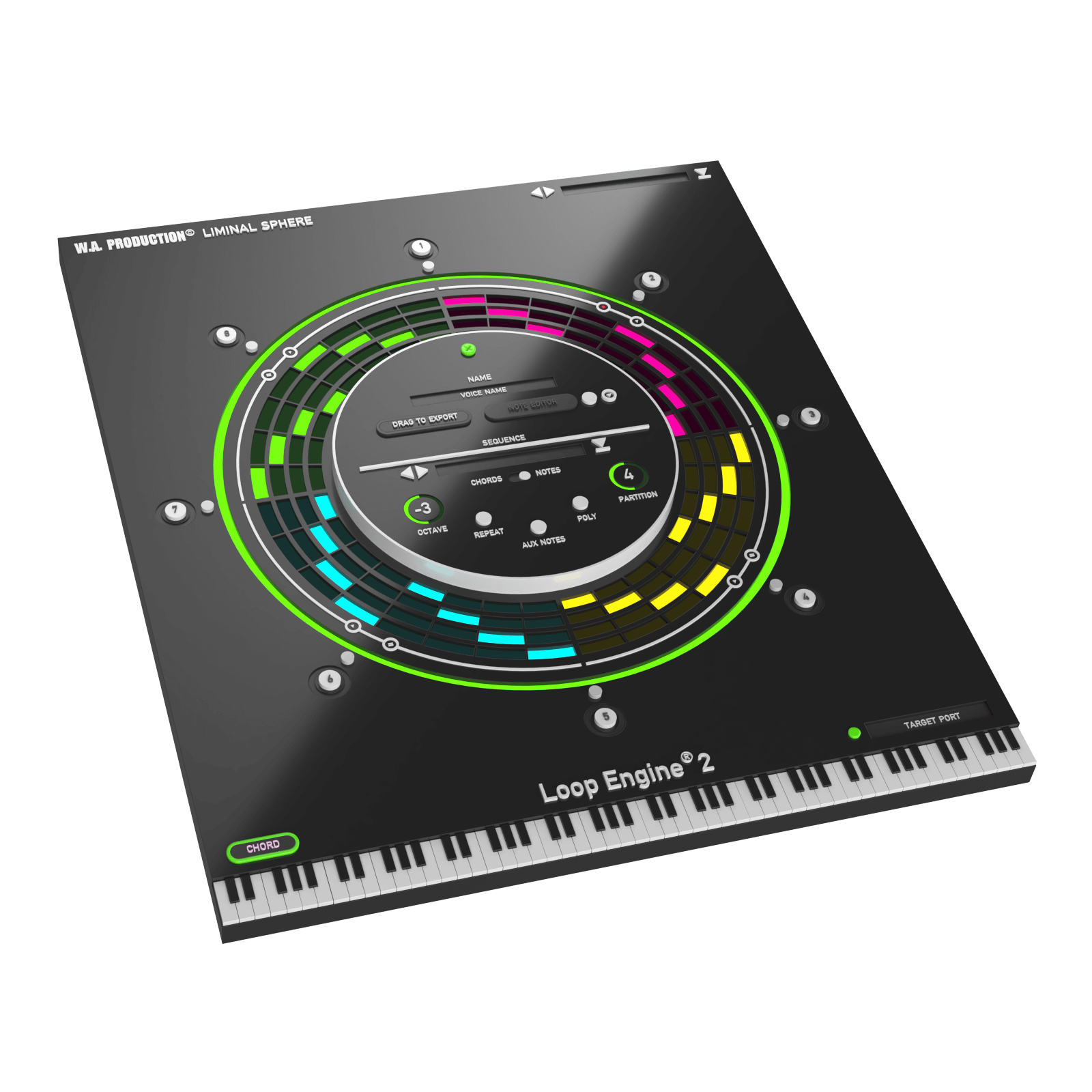
What's new in Loop Engine 2?
- Note Editor: Delve into the realm of complex polyphony. Create elaborate melodies, basslines, arpeggios, and rhythms that extend beyond conventional chord notes. The Note Editor offers seamless note placement, intuitive content transfer, and a scrollable piano roll for ultimate creative control.
- Poly (Revised): Craft intricate polyrhythmic patterns with the updated POLY feature, allowing segments to weave together in mesmerizing syncopation, highlighted during playback for an immersive composition experience.
- AUX Notes: The innovative 'AI wizard' enhances your melodies and harmonies with tasteful passing notes, automatically inserted to enrich chord transitions. This live function adds another layer of sophistication to your music, with more enhancements planned for future updates.
- Listener Update: The revamped Listener now provides three modes to manage AUX Notes output, ensuring seamless integration into your tracks.
Core Features Retained from Loop Engine 1.1
- Multi-track Manipulation: Loop Engine's advanced routing and playing options enable the seamless integration of up to 8 different MIDI parts into your DAW, fostering complex multi-track loops with the Loop Engine Listener.
- Loop View: Globally adjust chord inversions, lengths, speeds, and keys. Fine-tune your entire riff or dive deeper with granular control over individual chord shapes, inversions, and velocity.
- Chord Mode: Manipulate a broad spectrum of playback options for each chord with straightforward controls, transforming chord shapes and inversions for novel sonic textures.
- Tensions & Extensions: Select from 21 chord types and apply Type and Tension using transformation buttons, bringing fresh sounds to Loop Engine's Advanced Mode.
- Creation Station: Generate new chords with the "Create" button, leveraging 30 chord types and tensions for organic harmonic progressions.
- Simple Segments & Partition Playback: Sketch out ideas with up to 8 chord segments, each with 16 partitions, and experiment with melody and rhythm creation.
- Overlap Mode: Unleash self-generating melodies with the POLY button, creating patterns that interact dynamically with changing chord segments.
- Export MIDI: Customize your chords and riffs further by dragging and dropping directly into your DAW for editing and integration into your projects.
- Powerful Presets: Access a variety of categorized presets for chords, riffs, and arpeggios, providing a starting point for musical exploration.
Enhanced Features for Loop Engine 2
- Retain all the beloved functionalities of Loop Engine, from multi-track routing to extensive chord selection and creative randomization.
- Loop Engine Listener plugin continues to facilitate routing voices to multiple tracks, now with improved management options.
- Enjoy a more streamlined interface with minor adjustments for simplicity and efficiency.
- Export MIDI functionality has been refined, allowing you to bring the unique patterns you create directly into your DAW with ease.
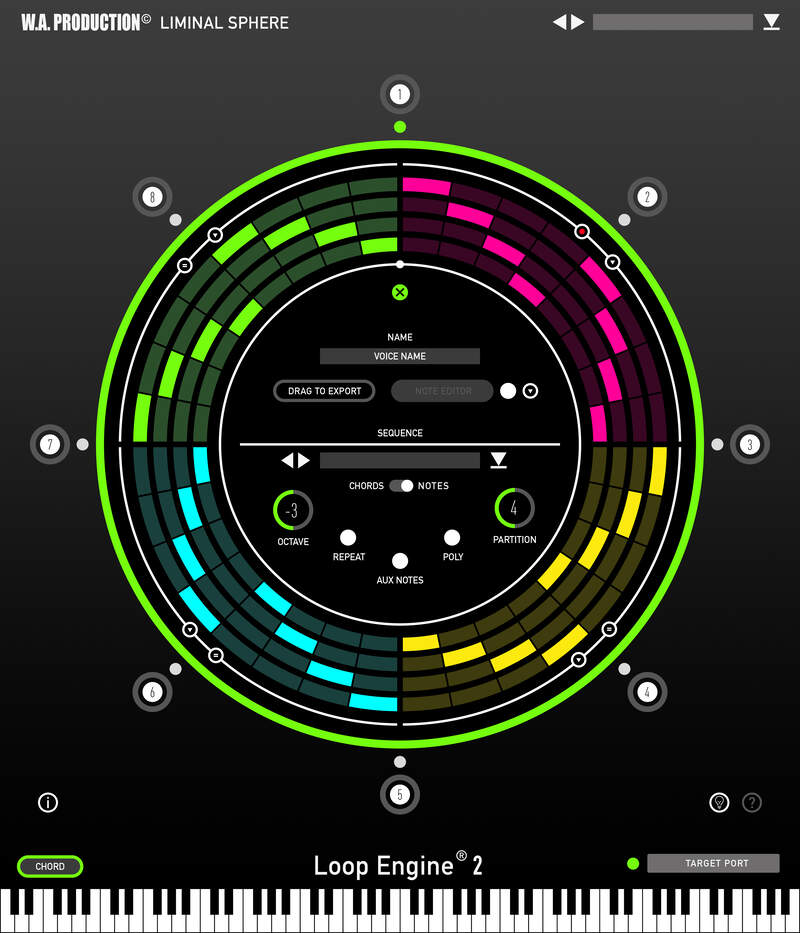
LOOP ENGINE 2, now with a more comprehensive preset manager and automation capabilities for essential controls, remains the ultimate tool for producers seeking innovation and quality. W. A. Production continues to empower creators with intuitive plugins that achieve studio-quality processing effortlessly.
Elevate your production with LOOP ENGINE 2 and let your creativity flow uninhibited.
System Requirements
Windows
- Windows 8 and later (64-bit only)
- Formats: VST2, VST3, AAX
Mac
- macOS 10.13 and later (64-bit only)
- Formats: VST2, VST3, AAX, AU
Please Note: AAX compatible with ProTools 11 and higher only.
Important Note for Mac Apple Silicon users: Before purchasing, please review the current compatibility status of this plugin on your system here.


