Log In

Free gifts available with your purchase
Product information
Unlimit Your MIDI
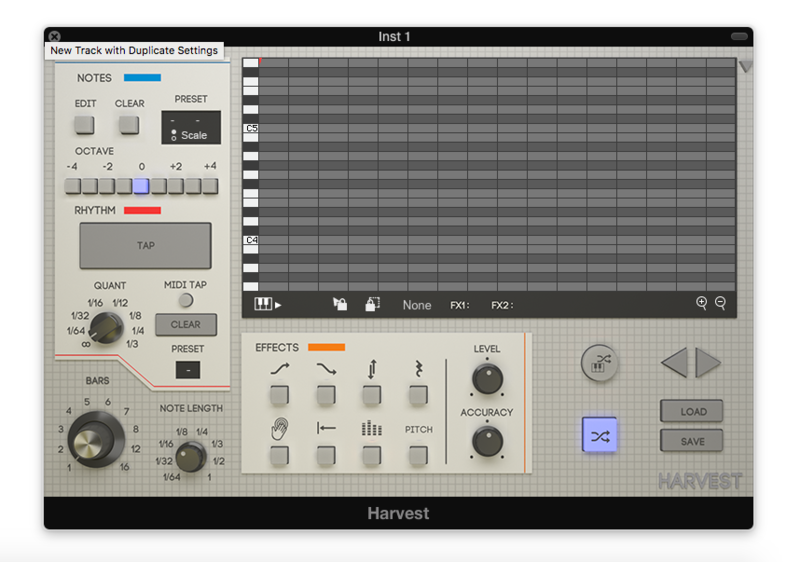
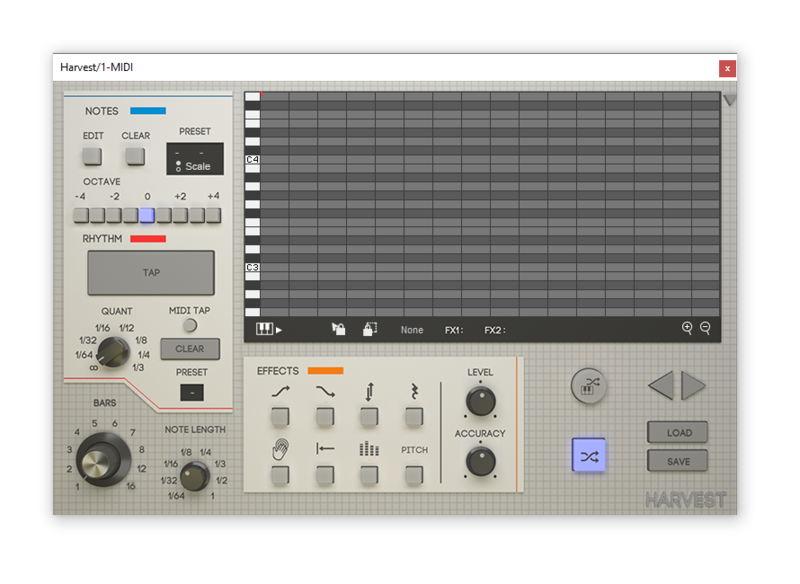
Harvest is a MIDI sequence generator. It's a VST Plugin that can produce melodies, chords, and drum patterns. Generate unique loops, subtly tweak melodies or create MIDI chaos.
- Stop running out of ideas.
- A MIDI generator that you control with instruments.
- Reduce the need for sample packs.
- Get unstuck using a unique workflow.
- Kick start your next project.
Harvest is a MIDI generating workflow for writing music in your DAW. Harvest allows the use of physical MIDI instruments to tap rhythms and select notes, so writing music with Harvest is uniquely intuitive and fun. Designed to combine your creative input with randomization, and to be a source of inspiration whenever you need it while reducing the need for sample packs.
Use it to generate melodies, chord progressions and drum patterns.
Features
- Interactive piano roll so you can be specific when you need to.
- Preset scales and customizable scales - control the feeling of your sequences.
- The ability to tap rhythms - rhythms can be randomly generated too, but playing an instrument gives you creative control.
- Lock tool for filtering out parts that don't work, so you're left with the best.
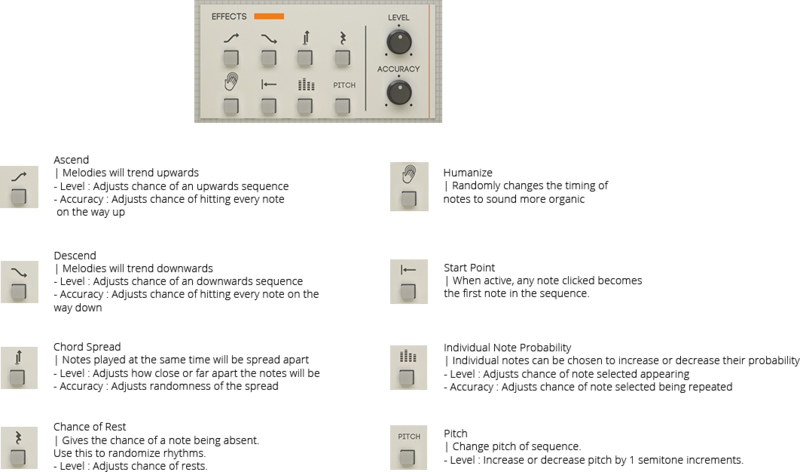
- 8 Effects that give even more creative control over the randomness.
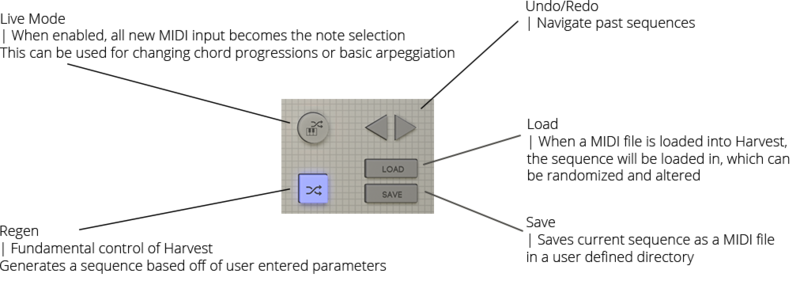
- Live Mode - use Harvest as a fancy arpeggiator.
- Drag and Drop
Overview
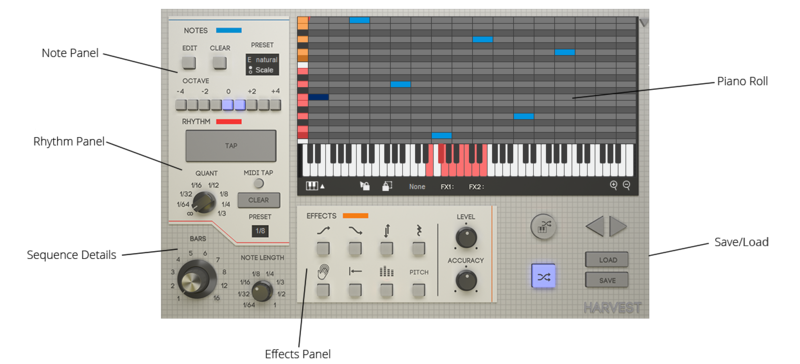
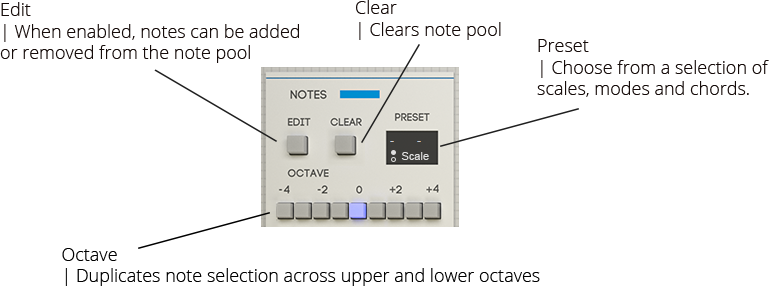
Note Panel
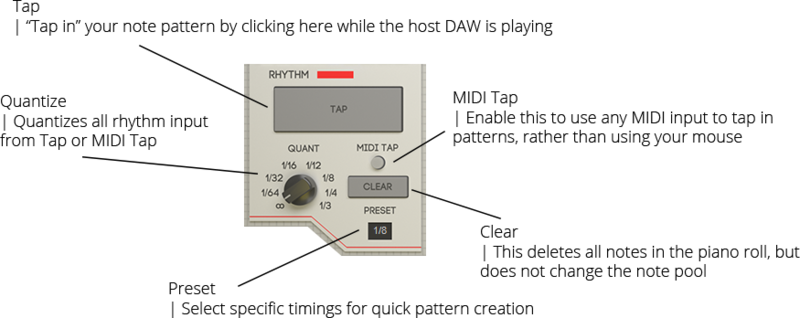
Rhythm Panel
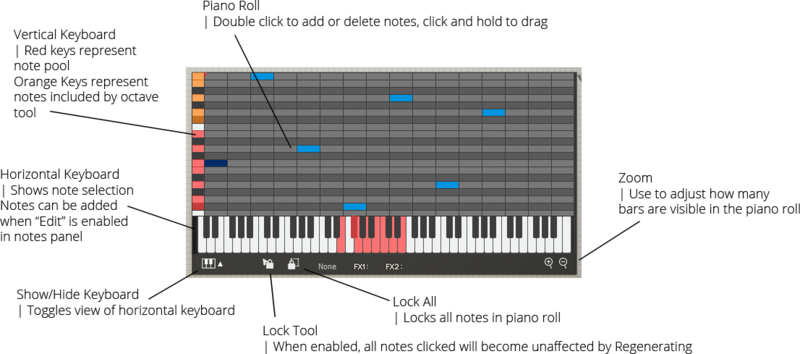
Piano Roll
Sequence Details

Effects Panel
Additional Functions
System Requirements
Windows:
- PC with Windows 7 (with SP 1), Windows 8 or Windows 10
- DAW with VST Support (64-bit only)
- Broadband internet connection for installation.
- 20mb free disk space.
macOS:
- Intel® Mac with Mac OS X 10.7 - macOS 10.15
- DAW with VST or AU Support (64-bit only)
- Broadband internet connection for installation.
- 20mb free disk space.
DAW Compatibility
Support DAW's:
- FL Studio
- Ableton Live
- Logic Pro X
- Cubase
- Studio One
- Reaper
Unsupported DAW's:
- Pro Tools
- Reason
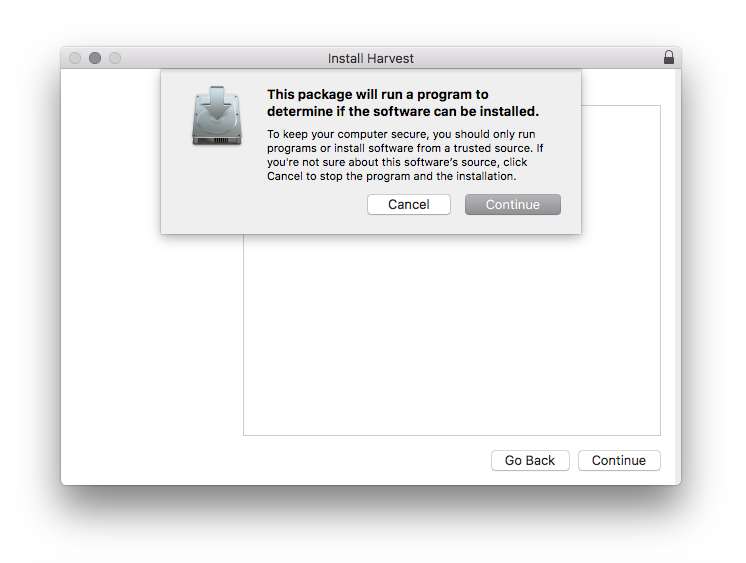
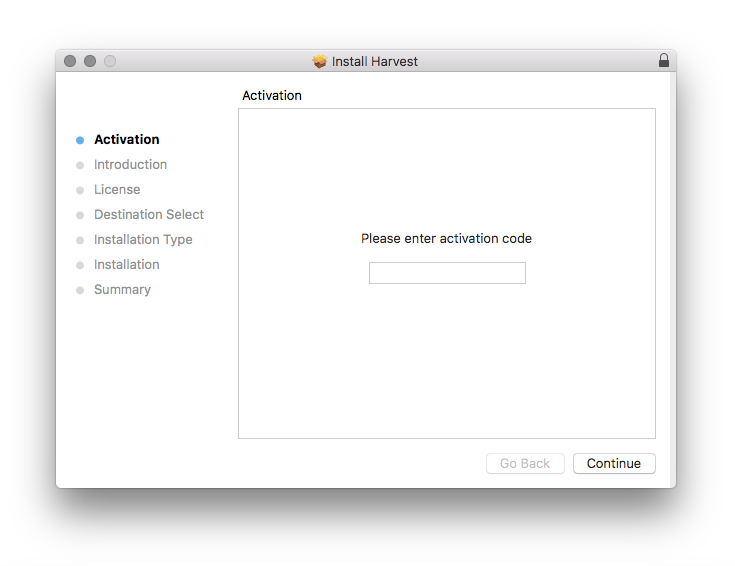
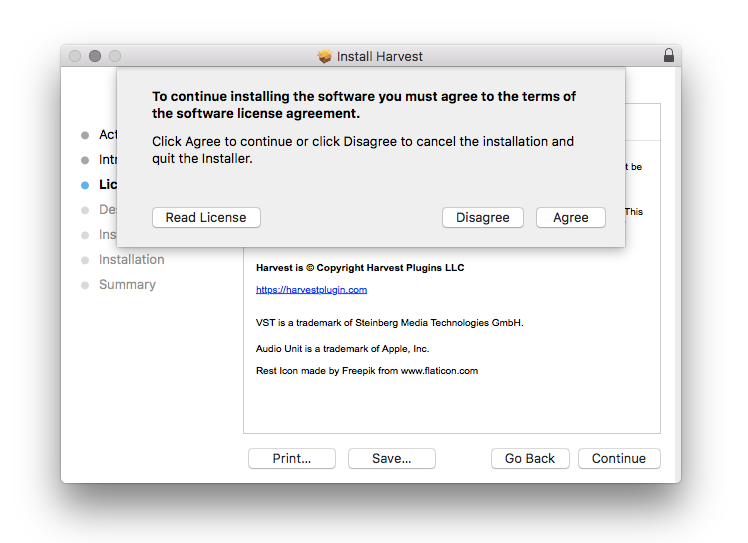
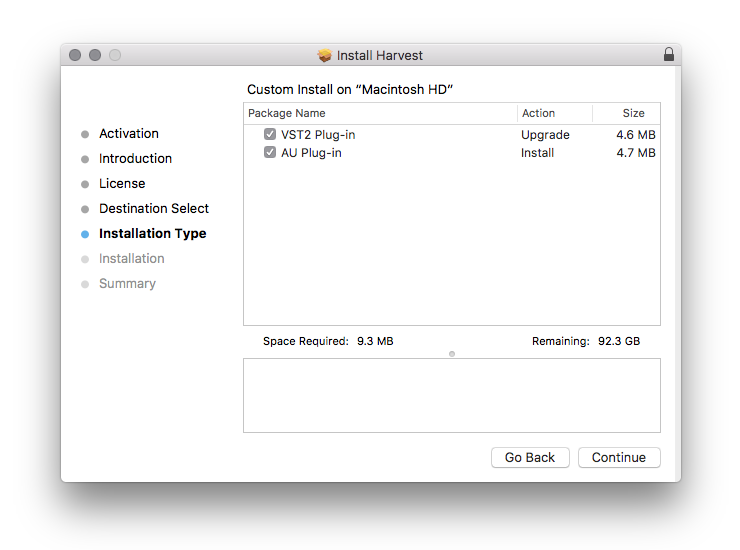
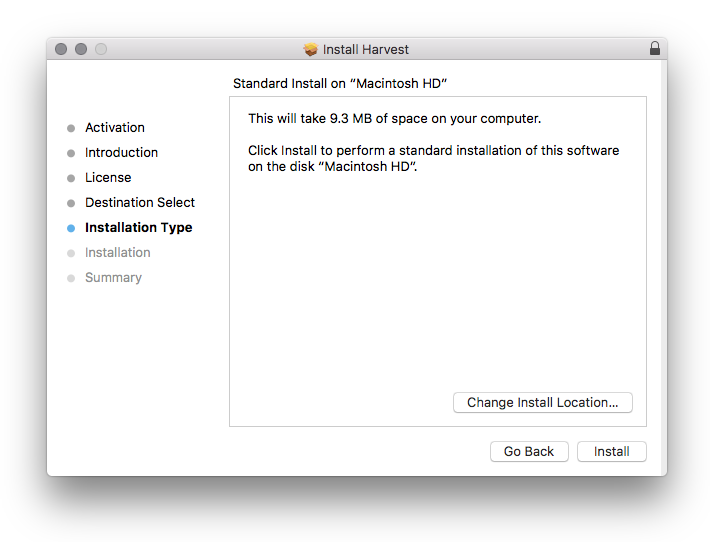
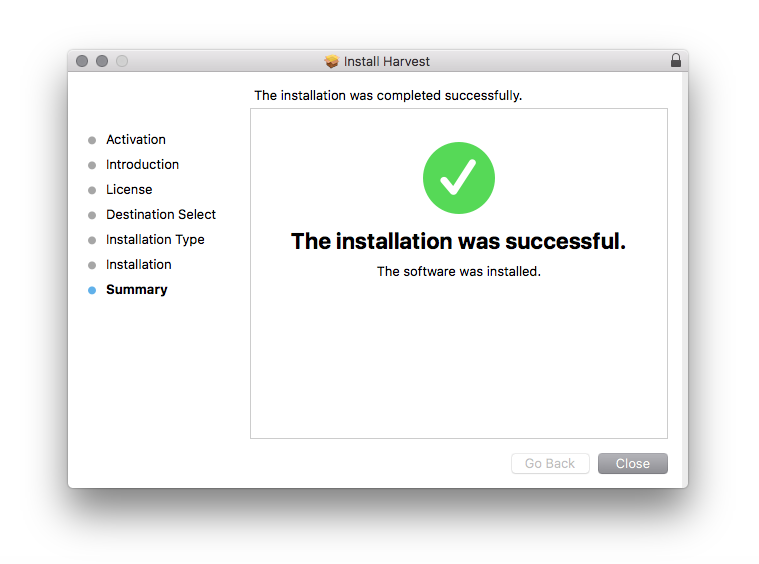
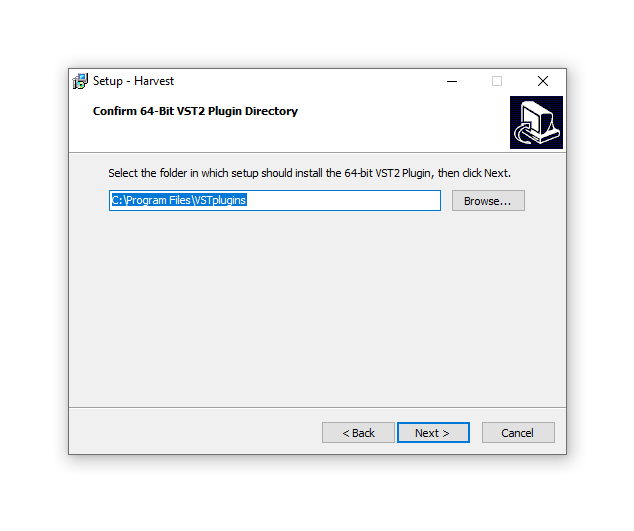
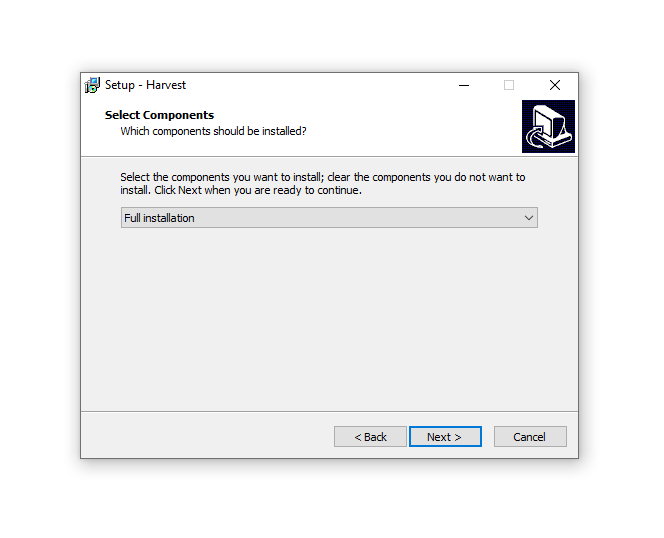
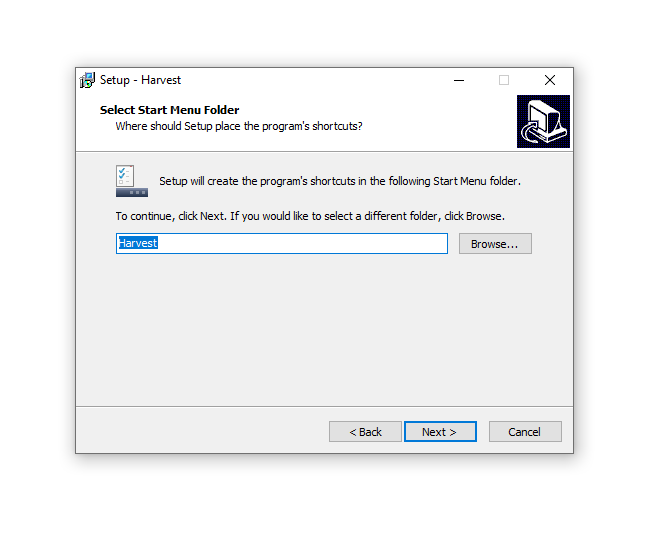
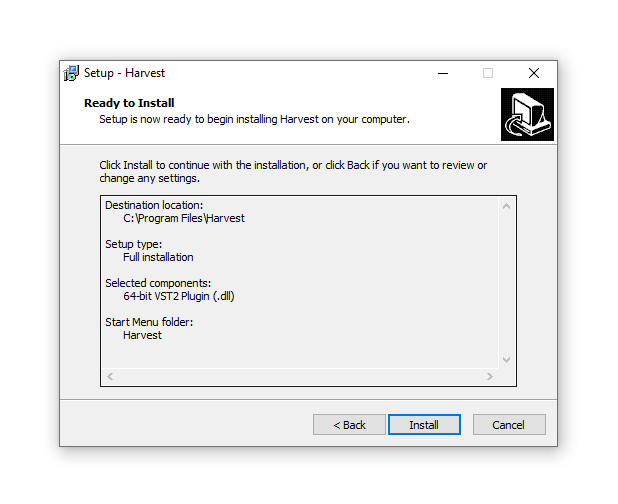
Installation Instructions