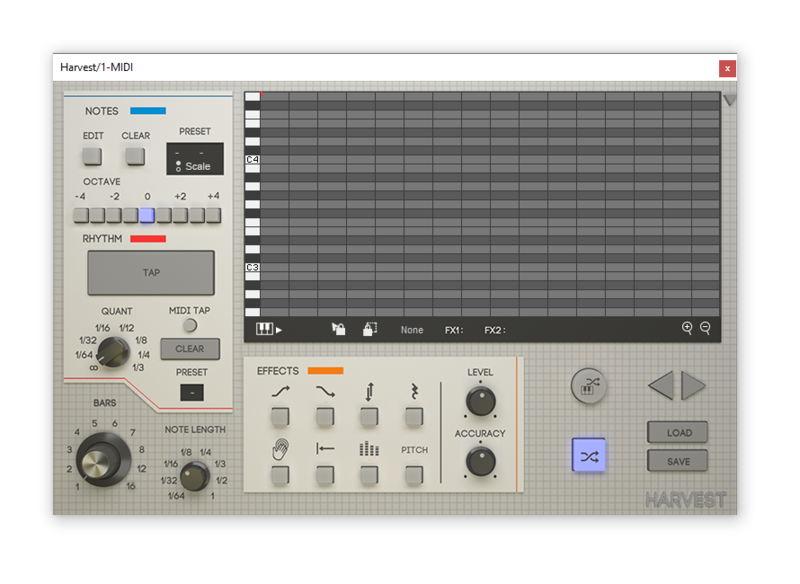
/ Music Theory Tools / Forager Mini
Harvest Plugins

Forager Mini

4.3 (19 Reviews)
$10.00
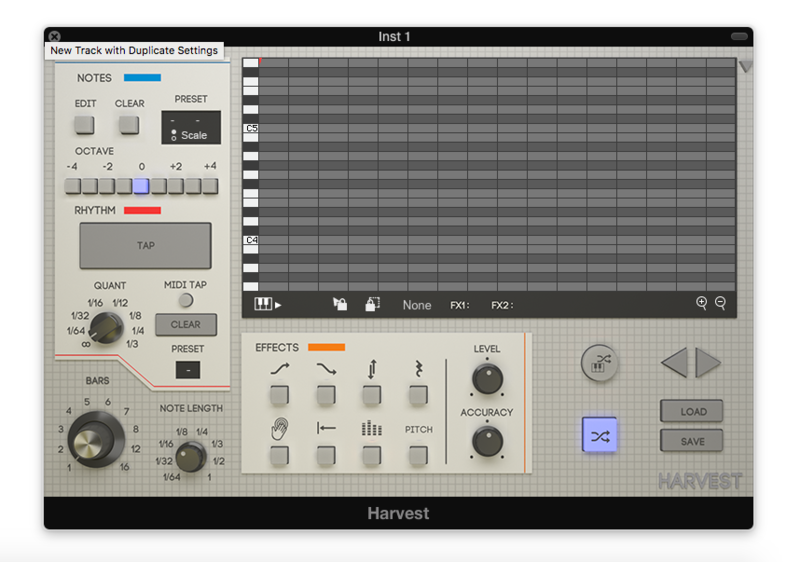
Harvest Plugins Forager Mini - GUI
Harvest Plugins Forager Mini - Overview gallery thumbnail
Buy Now
Product information

Mini Chord Assistant

Chords are essential to any track, but sometimes we’re limited by what we have memorized.

Forager Mini lets you pick a scale, browse all the chords within that scale, and then perform them with your MIDI instrument.

A simple chord manager/performer that opens up tons of options, while staying light on the price.

Features

  • Select Scale
  • Randomize
  • Drag and Drop Chords
  • MIDI Control
  • 4 Chords at Once

System Requirements

PC

  • Windows 7 (with SP 1), Windows 8, Windows 10 or Windows 11
  • DAW with VST or AU Support
  • Broadband internet connection for installation
  • 20mb free disk space
  • PC and DAW must be 64-bit

Mac

  • Intel® Mac with Mac OS X 10.7 – MacOS 12.1 (M1 Compatible)
  • DAW with VST or AU Support
  • Broadband internet connection for installation
  • 20mb free disk space

Note: Harvest is compatible in 64-bit hosts in both Mac and PC. It also works with the M1 Mac hardware. As of now, there is no Pro Tools support.

Installation Instructions
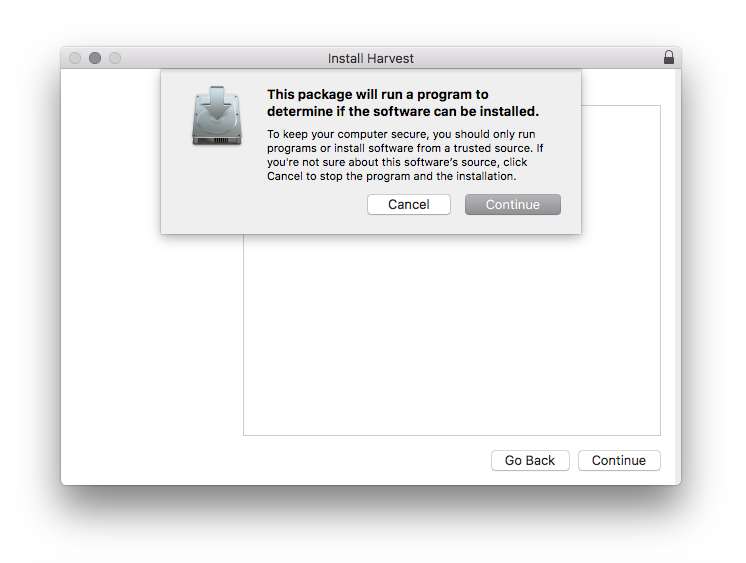
Note: Harvest is used as the example.

macOS:

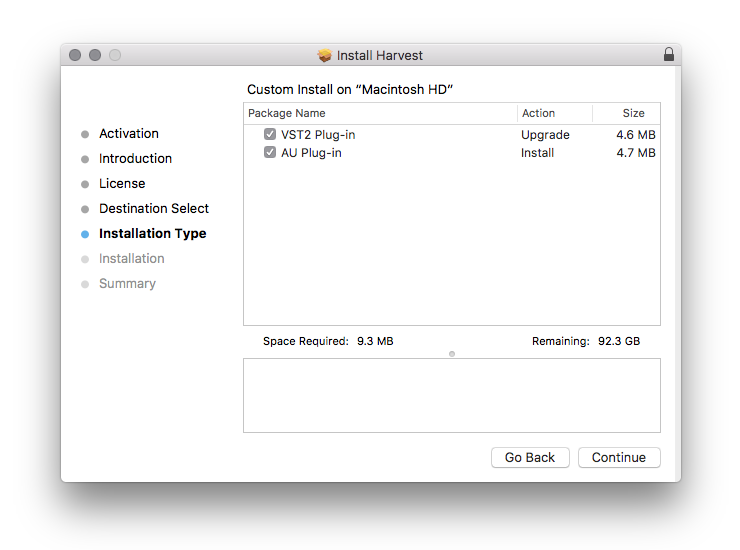
1. Download the .zip folder from your Plugin Boutique User Account and double-click it to open and reveal the installer file.

2. Double-click the .pkg installer file to begin the installation process > Click 'Continue'.

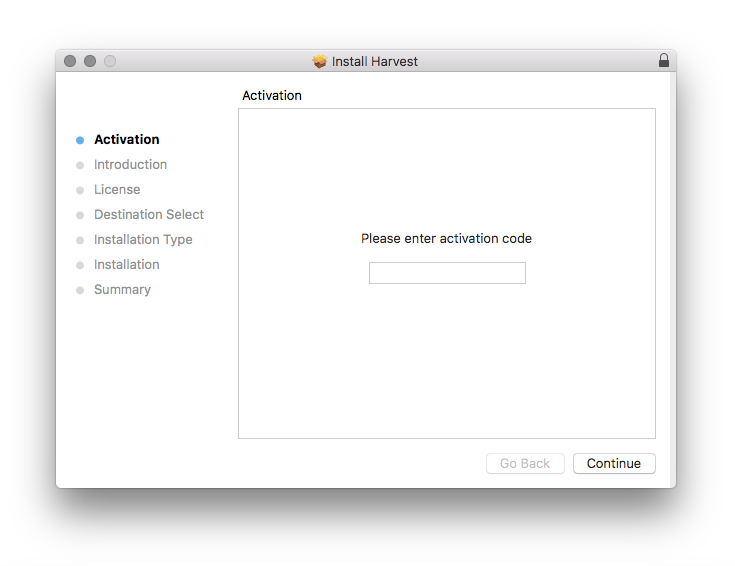
3. Enter the Activation Code (Licence Key) found in your Plugin Boutique User Account > Click 'Continue'.

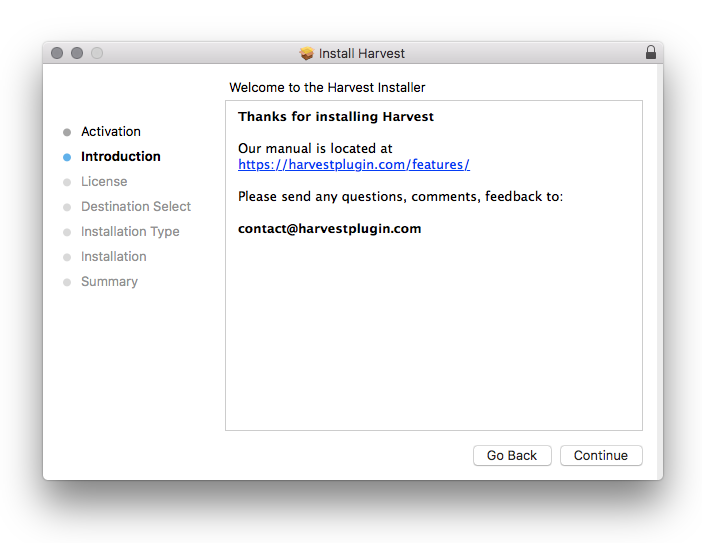
4. Click 'Continue'.

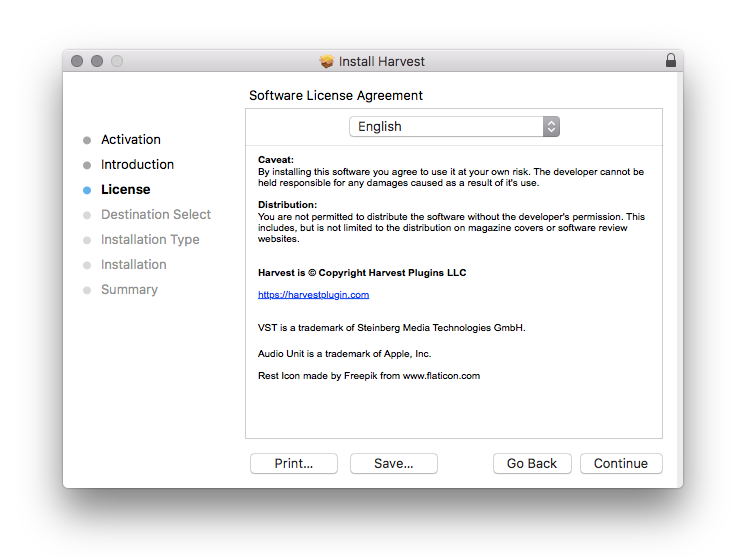
5. Click 'Continue'.

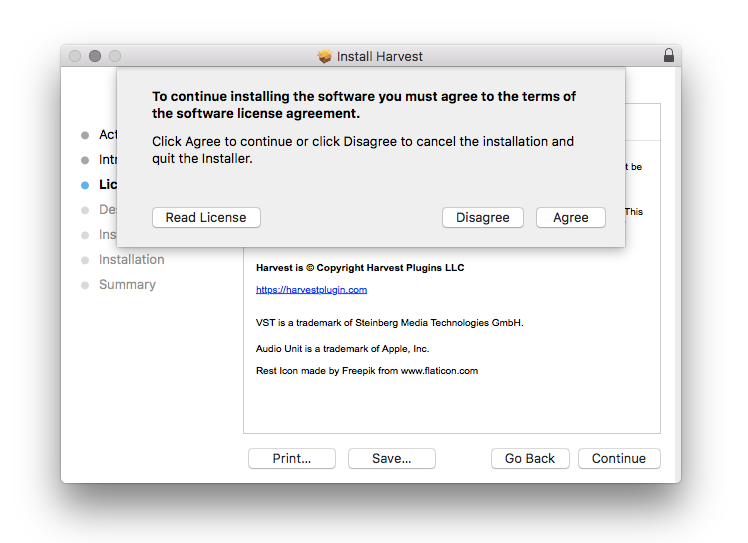
6. Click 'Agree'.

7. Click 'Continue'.

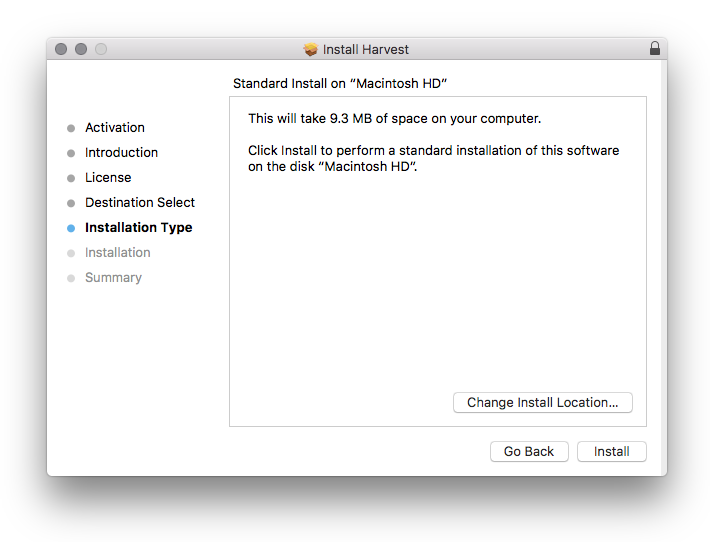
8. Click 'Install'.

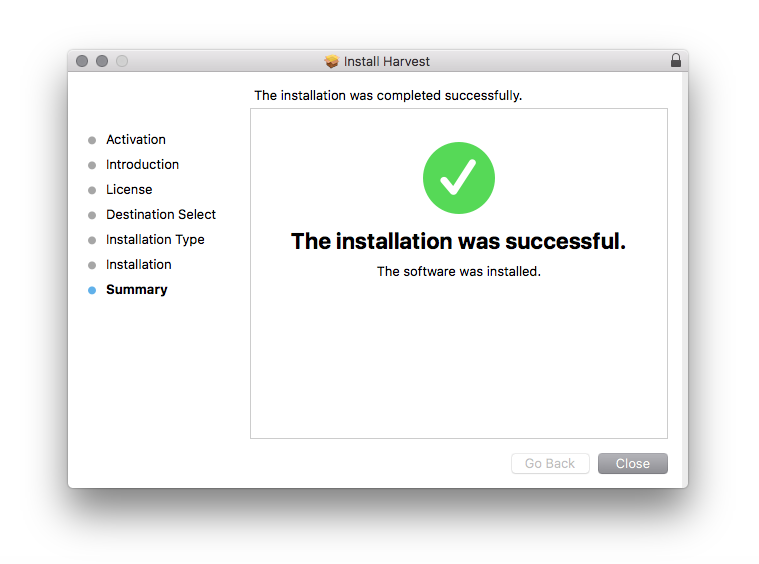
9. Click 'Close'.

10. Open Harvest inside of your DAW.

The Software is now Activated and Ready for Use Within Your DAW!

Windows:

1. Download the .zip folder from your Plugin Boutique User Account and double-click it to open and reveal the installer file.

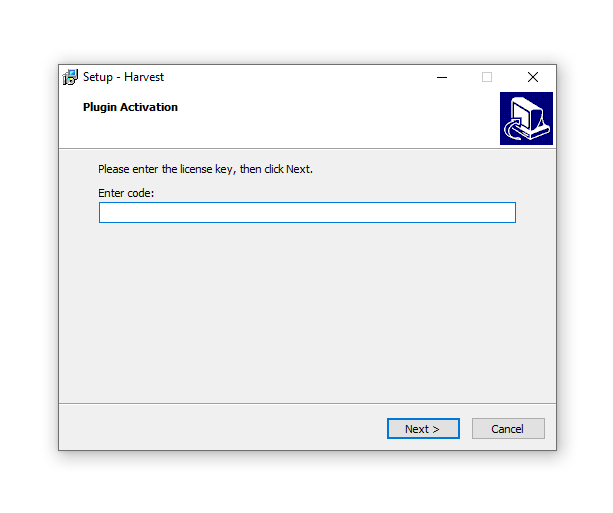
2. Double-click the .exe installer file to begin the installation process > Enter the License Key found in your Plugin Boutique User Account and click 'Next'.

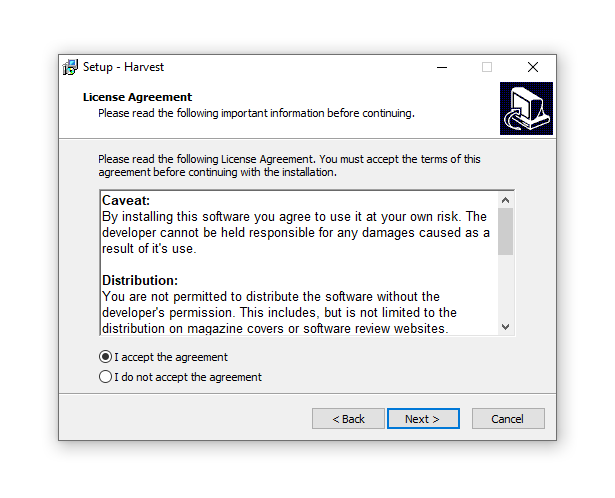
3. Select 'I accept the agreement' > Click 'Next'

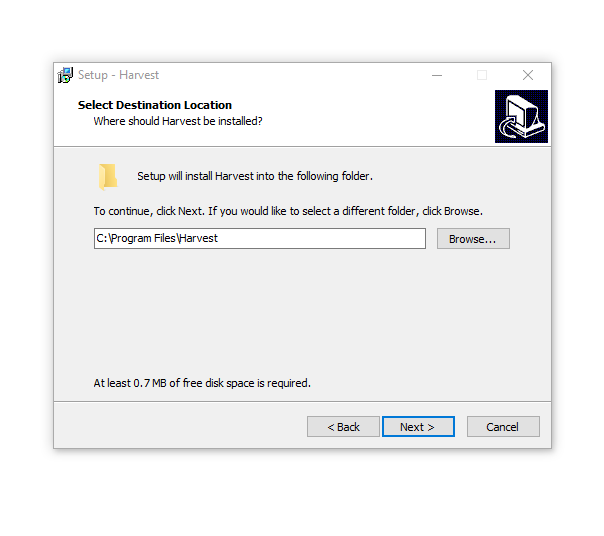
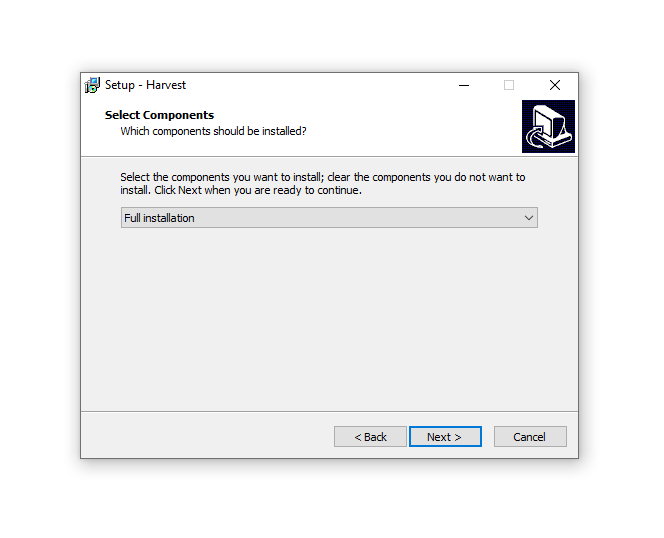
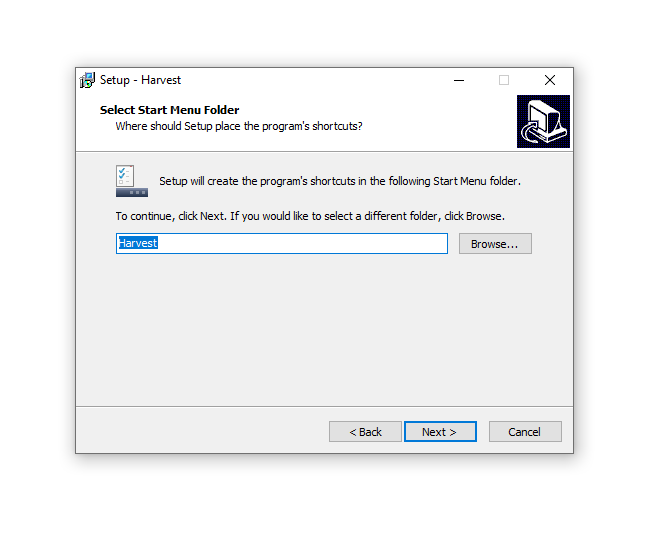
4. Click 'Next'.

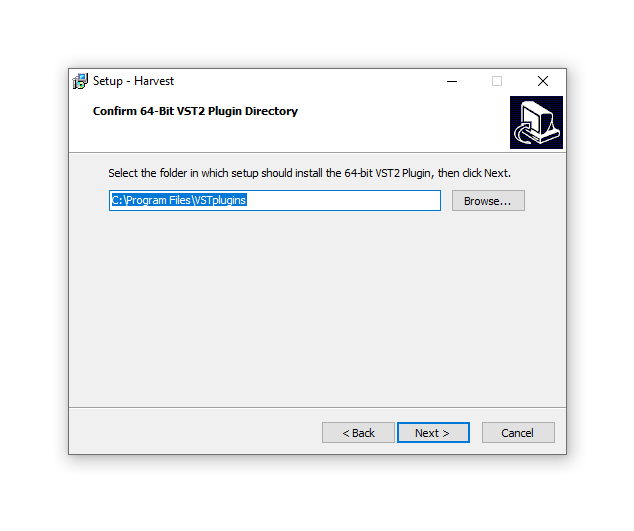
5. Click 'Next'.

6. Click 'Next'.

7. Click 'Next'.

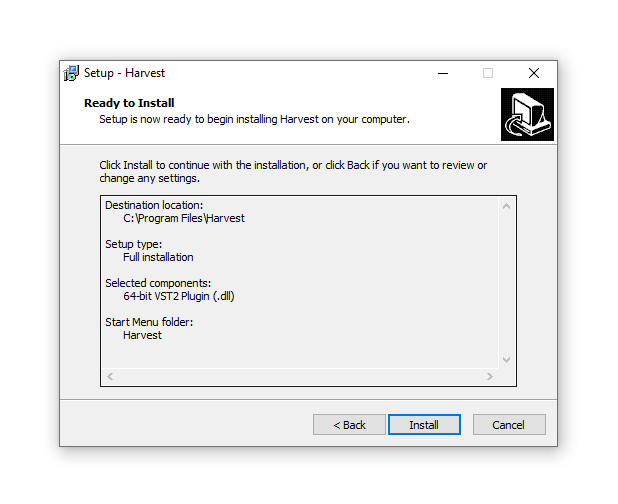
8. Click 'Install'.

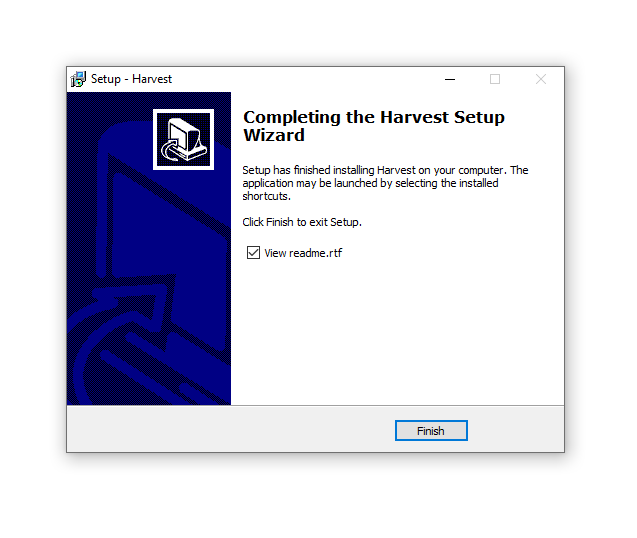
9. Click 'Finish'.

10. Open Harvest inside of your DAW.

The Software is now Activated and Ready for Use Within Your DAW!

Plugin Boutique Rewards

Discover the most rewarding loyalty programme among all plugin retailers.

  • Free Loopmasters Samplepacks
  • Discounts on products and courses
  • Extra Virtual Cash claimed immediately at checkout
Find out more

Follow us:

X (Twitter) Facebook YouTube Instagram
Logo Logo

Plugin Boutique Limited, Part of the Beatport Group LLC.

Copyright © 2011-2025 Plugin Boutique. All rights reserved