Log In

See What Your Mix Sounds Like Inside A Car
How accurate is the Car Test?
Ultimately, your studio's monitoring set up and listening environment plays the biggest role in the accuracy of this plugin.
The Car Test plugin is designed to simply provide you with a similar frequency response combined with simulated acoustics to that of modern car speakers, so you can get a rough idea of what your mix can sound like inside of them.
Push one button and simulate car speakers
How to use this plugin?
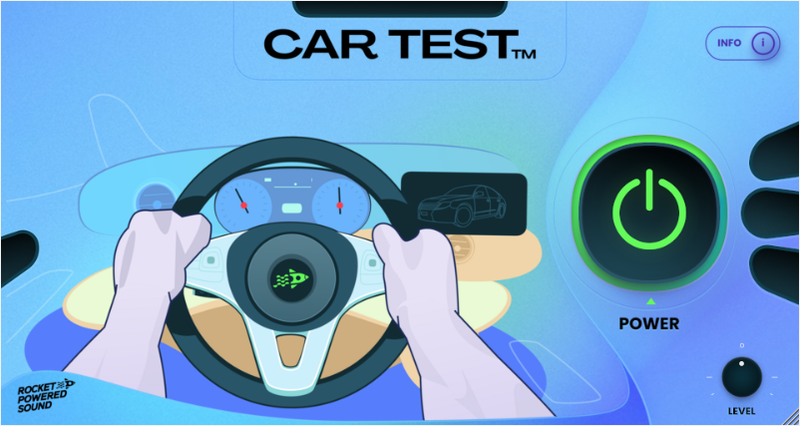
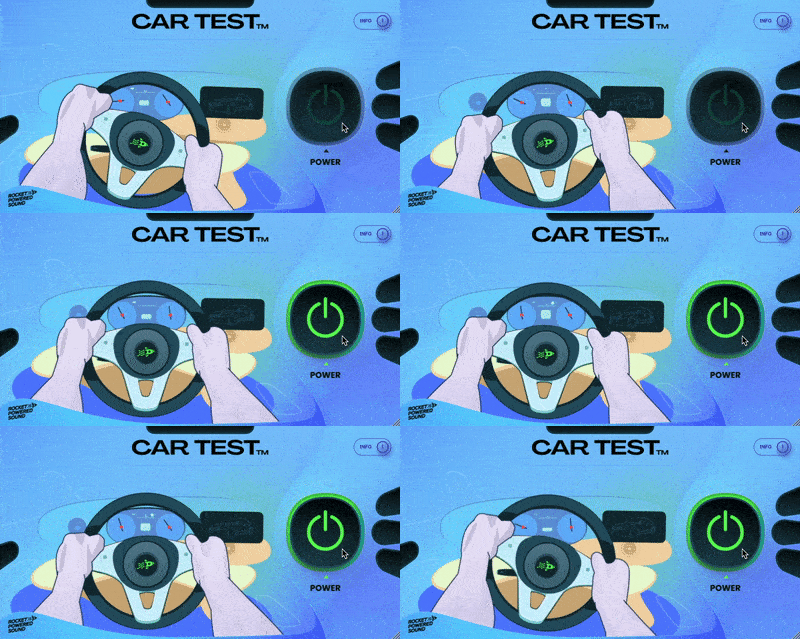
To use the Car Test Plugin, it's as simple as pressing the "Power" button.
However, it is equally important that you adjust the output gain using the "Level" knob, so that your mix doesn't clip. The Car Test plugin's algorithm will gain specific frequencies, so it will likely clip your mix if it's input is not reduced accordingly.
Get an idea of what your mix will sound like inside a car
System Requirements
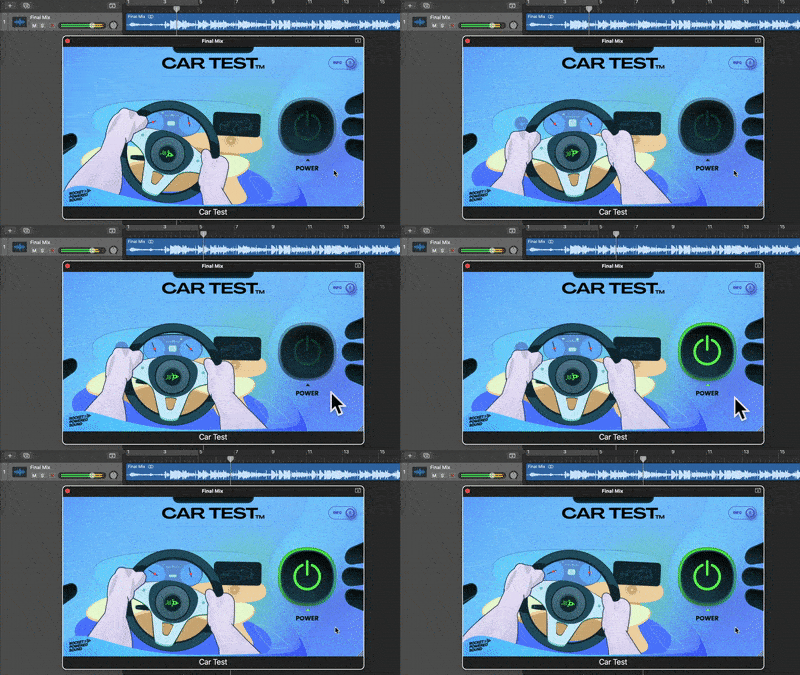
The Car Test plugin is compatible with all major DAWs, and is available in AU and VST3 formats.
Car Test works on both Mac and Windows operating systems.