Log In
Save $203.70 compared to buying products individually
Free gifts available with your purchase
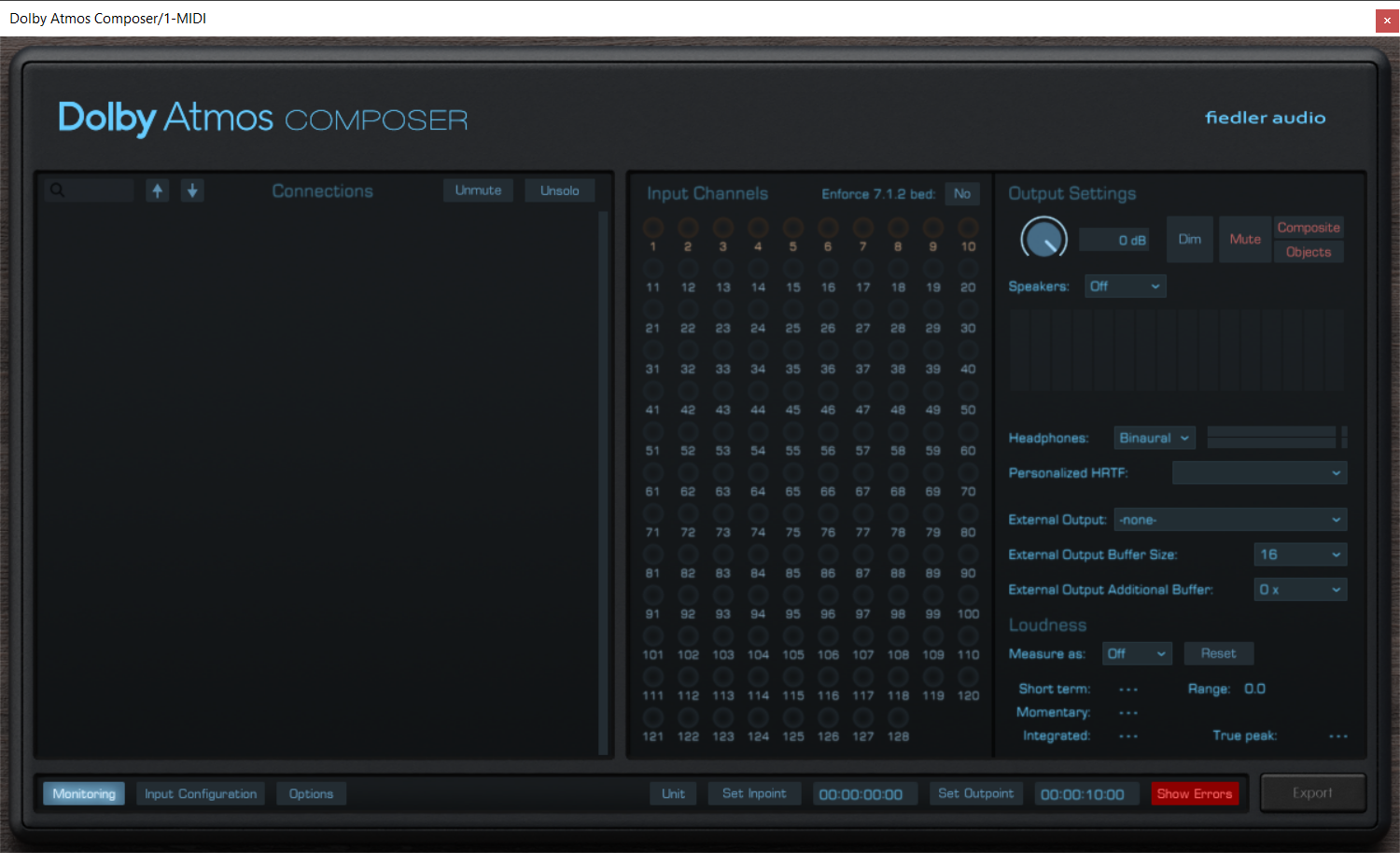
Introducing the Dolby Atmos Composer & gravitas MDS Bundle by Fiedler Audio, the ultimate toolkit for immersive audio creation. Elevate your sound design with Dolby Atmos Composer, bringing cinema-quality, multi-dimensional audio to your fingertips. Complement your projects with gravitas MDS, delivering unparalleled depth and spatial precision. Whether you're crafting film scores, game soundscapes, or next-gen music, this bundle provides the cutting-edge tools you need to captivate your audience. Redefine your sonic landscape with Fiedler Audio's pioneering bundle.
gravitas MDS
The Most Flexible Highend Dynamics Plugin on This Planet
Gravitas MDS is a compressor and expander packed with unique features. It is optimized for mastering but it can be used for anything from single sources, groups, buses, and, of course, complete mixes. Treating gravitas gently it sounds marvellously transparent as if not existing but miraculously bringing the dynamic range in shape. But with the right settings gravitas can compress your drums to give them a punch never heard before. And it can do everything in between.
Gravitas MDS can process every track format, from mono and stereo, up to 64 input channels in Plugin mode, while in Reaper on Mac as an AU-Plugin gravitas MDS features even up to 128 channels. Integrated as a master channel module in the Dolby Atmos Composer and the Mastering Console gravitas is capable of handling dynamics of all 128 possible channels (beds and objects) of a complex Dolby Atmos mix.
Gravitas MDS offers you everything you will ever need for shaping your dynamics as well as unique features not available in any other dynamics processor. Create complex compression/expansion curves, limit gain reduction and gain increase, variable filters for both processing and detection, parameter linking across all instances in your session, variable channel linking, variable peak mode and the "3DET" mode (inspired by the famous AMEK mastering compressor) are among the highlights of gravitas' feature set. The input configuration dialog provides you with unprecedented flexibility especially for multichannel signals.
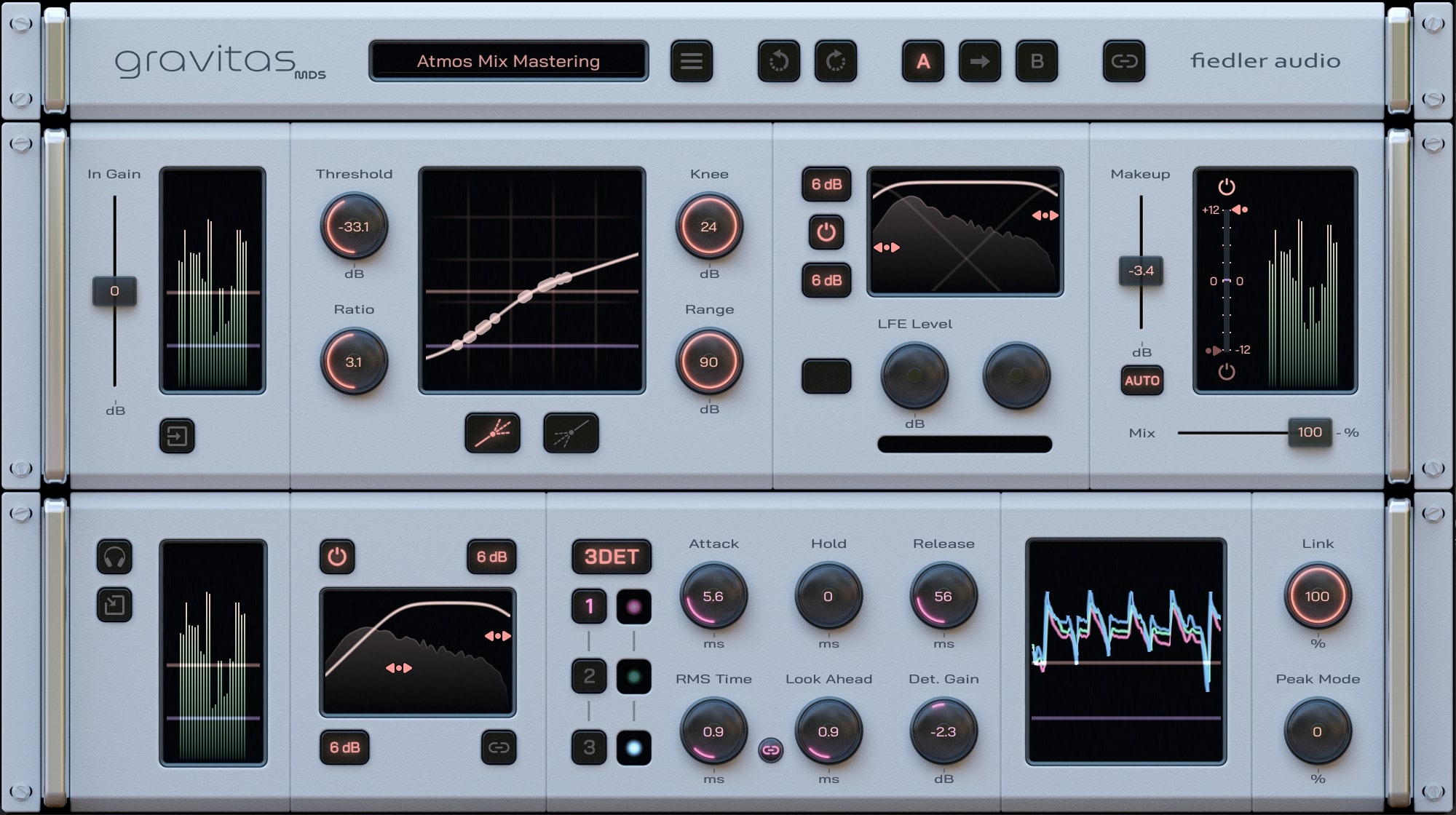
A gorgeous and at the same time functional user interface gives you easy access to the immense potential of gravitas MDS. The meters, the amplification curve and the moving level curve provide the visualization you need to immediatly see what is going on.
Fully Integrating With the Dolby Atmos Composer and the Mastering Console.
What’s more, integrated as a master channel module into the Dolby Atmos Composer v1.5 and the Mastering Console, gravitas MDS becomes the worlds first dynamics processor dedicated to tackling mix bus and mastering compression for Dolby Atmos, just like you know it from decades of stereo production. gravitas MDS and the Dolby Atmos Composer/Mastering Console bring the most powerful integrated Dolby Atmos mixing and mastering dynamics solution to the world, approved and certified by Dolby Labs.
Features
- Use it on any track format, from mono and stereo up to 128 channels
- Access to all 4 types of dynamics (compression/expansion, upward/downward)
- Create complex compression/expansion curves for the entire dynamic range
- Separate filters for processing and for level detection
- Optional Mid/Side processing on stereo tracks
- Manual LFE volume adjustment for surround formats
- Unique limiter function for gain reduction / gain increase
- External side chain with up to 64 channels (depends on DAW)
- "3DET" mode for complex dynamics inspired by the famous AMEK mastering compressor
- Gradual channel linking and gradual peak mode
- Comprehensive input configuration options for both processing and detection
- Parameter linking accross all instances in a session
Learn more about gravitas MDS.
Dolby Atmos Composer
The next generation of tools for Dolby Atmos productions
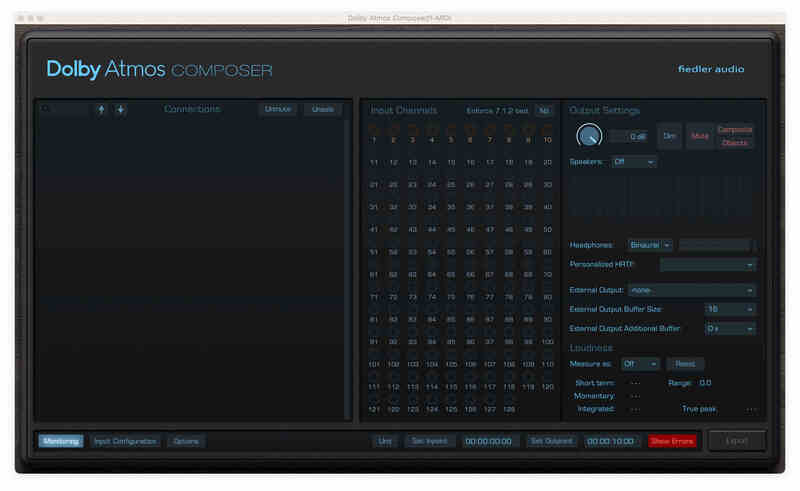
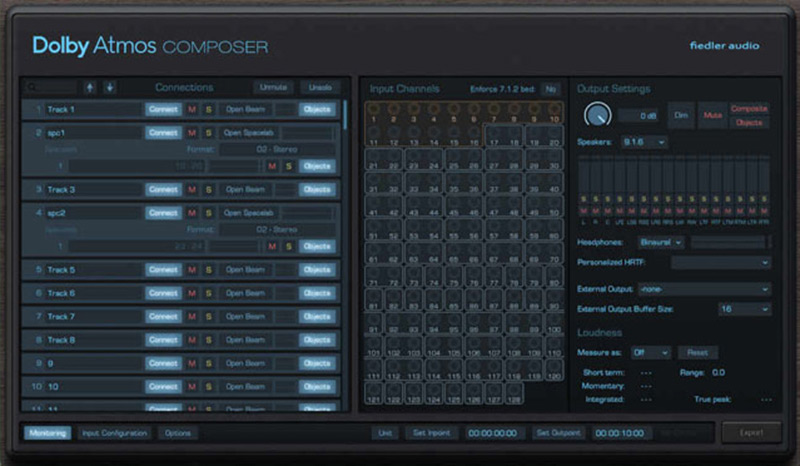
Produce Dolby Atmos content on any DAW now! Approved by Dolby Labs, the Dolby Atmos Composer annihilates all the unnecessary burden of manual setup for your Atmos workflow as well as the need to use a DAW capable of immersive audio production.
The Dolby Atmos Composer comes with a versatile panning plugin called Dolby Atmos Beam. Easily automate complex movements and circumvent your DAW's limitations.
Fully integrating with world class 3D reverb
From version 1.5 onwards the renowned 3D reverb Spacelab directly connects to the Dolby Atmos Composer bringing world class immersive reverberation to your Dolby Atmos mix with just one simple click. No complex routing or anything. And that on your favourite DAW.
Advanced mixing workflows
With the Dolby Atmos Composer workflow you can bring all the features of your DAW, your favourite plugins, be it effects or instruments, into your Dolby Atmos mix. You can record new tracks while already mixing for Dolby Atmos, something which is impossible when using certain standard Dolby Atmos workflows especially on Pro Tools.
Publish on all major platforms
Export your work as ADM/BWF for direct distribution to platforms such as Apple Music, Amazon Music, Tidal and Netflix. The Dolby Atmos Composer comes with all the bells and whistle for professional Dolby Atmos productions.
Learn more about Dolby Atmos Composer
System Requirements
Mac
- macOS 10.14 - 14.x
- VST3, AAX, AU
- Min. 2 GHz processor, x64 with at least SSE3 support or Apple Silicon
- 4 GB RAM
- Display Resolution: min. 1440 x 900 px, At least OpenGL 3.3, Sample Rates: 48 kHz, 96 kHz
- 1 GB hard drive space
Windows
- Windows 7-11
- VST3, AAX
- Min. 2 GHz processor, x64 with at least SSE3 support
- 4 GB RAM
- Display Resolution: min. 1440 x 900 px, At least OpenGL 3.3, Sample Rates: 48 kHz, 96 kHz
- 1 GB hard drive space