


 Log In
Free gifts available with your purchase
Unlock the full potential of your music production with the Must Have Tools Bundle from W. A. Production. This exclusive collection features four state-of-the-art plugins designed to enhance every aspect of your tracks. From crafting powerful kicks and polished vocals to adding vibrant color and unique textures, this bundle provides all the essential tools for creating professional-grade music.
Perfect for producers at any level, these plugins offer intuitive controls, versatile effects, and unparalleled sound quality, making it easier than ever to elevate your sound and bring your creative vision to life. Get the Ultimate Sound Sculpting Bundle now and transform your music!
Deres
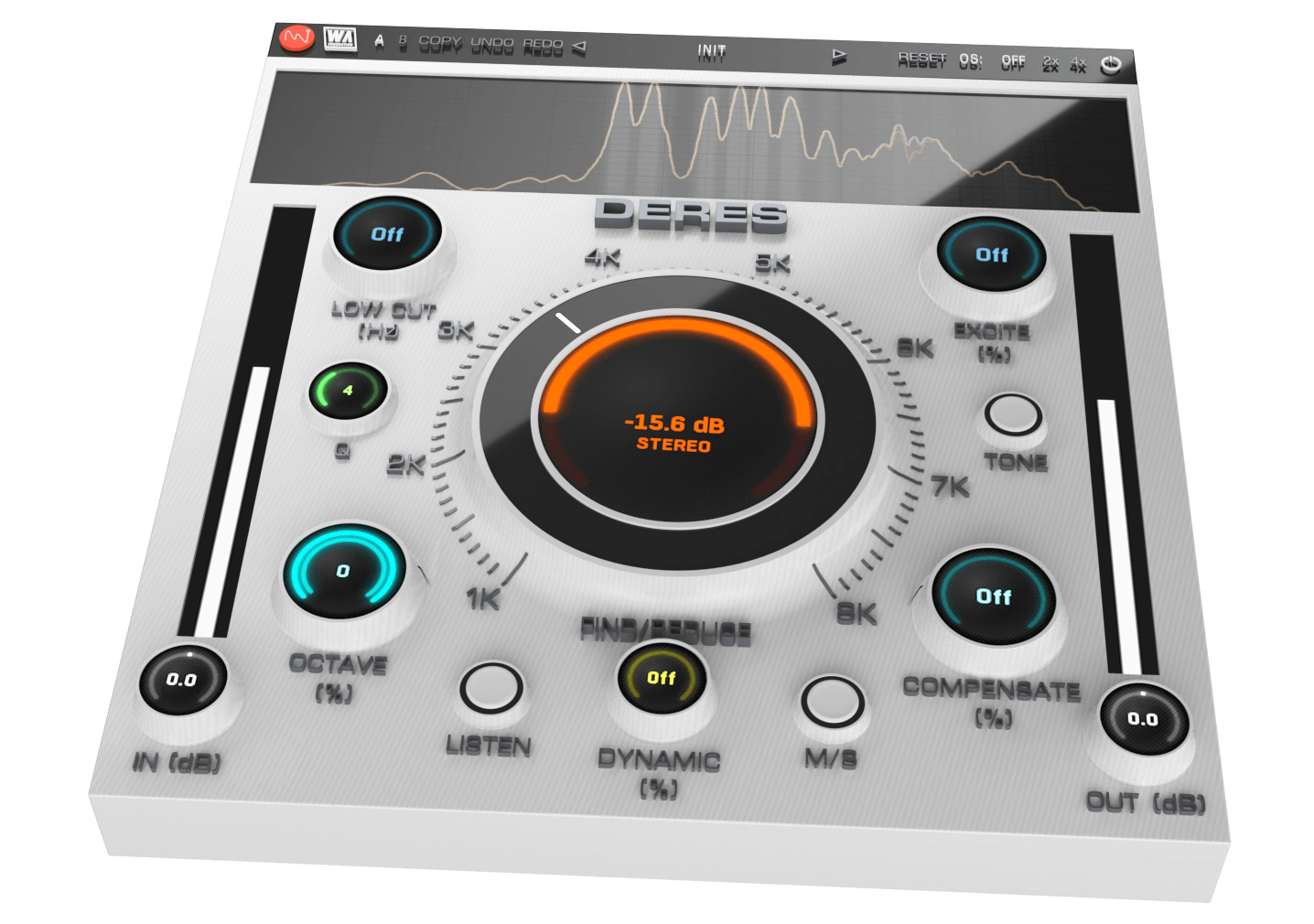
Advanced Audio Clarity
Whether it's stacking synths or building bass lines, layering multiple instruments always creates a huge sonic impact. It's all about that magical combination of sounds that can either make or break a track. But here’s the headache - nothing kills the vibe quicker than hidden resonances and unruly harmonics creeping in to trash your mix. Enter DERES, where resonances meet their match! This plugin is your resonance-killing footsoldier, coming to the rescue to obliterate muddy sounds and pesky overtones that have been invading your productions.
Features
- De-Resonance plugin with advanced harmonic processing
- Easy identification of problem harmonics
- Unique parameter functionality
- Static & Dynamic modes
- Compensation parameters to maintain clarity
- Frequency spectrum monitoring
- AB comparison & Undo / Redo
- Resizable interface
- Responsive & CPU friendly
- Flexible factory presets
- Full PDF Manual & Tutorial video
Learn more about Deres
ChromaBox
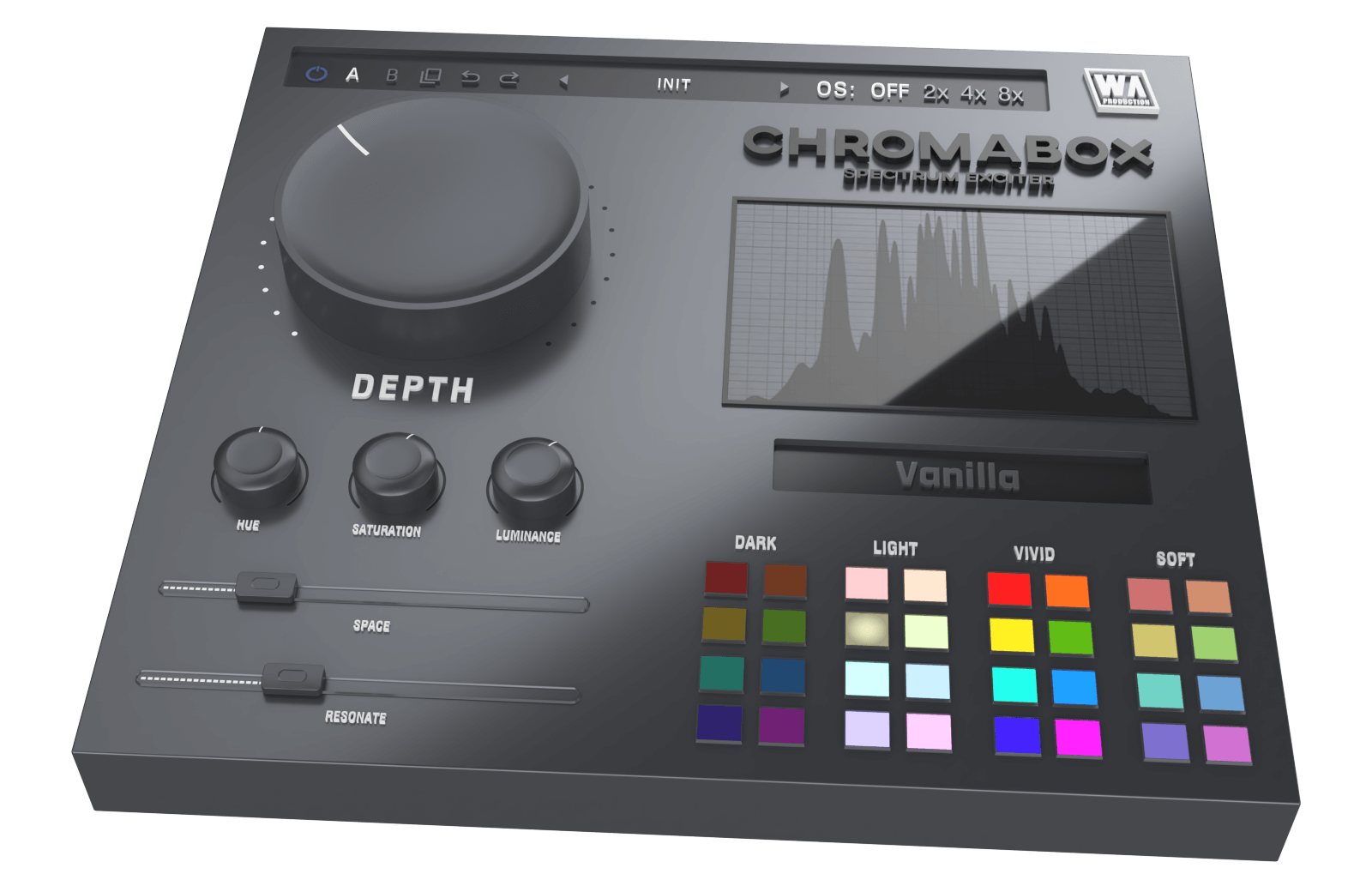
Spectrum Exciter
Have you ever had one of those moments where you just want to click a button and hear your sound come alive with excitement? ChromaBox is designed to do just that, with minimal fuss and maximum results. Inject your productions with electrifying energy that instantly transforms any kind of audio into a bigger, badder and more bombastic version of itself.
Features
- Spectrum Exciter plugin with one-click transformations
- Unique processing modules
- 32 color quick access palette
- Sound sculpting: Hue, Saturation, Luminance
- Space & Resonance adjustment
- Frequency spectrum monitoring
- AB comparison & Undo / Redo
- Resizable interface
- Responsive & CPU friendly
- Flexible factory presets
- Full PDF Manual & Tutorial video
Learn more about ChromaBox
VocalShaper
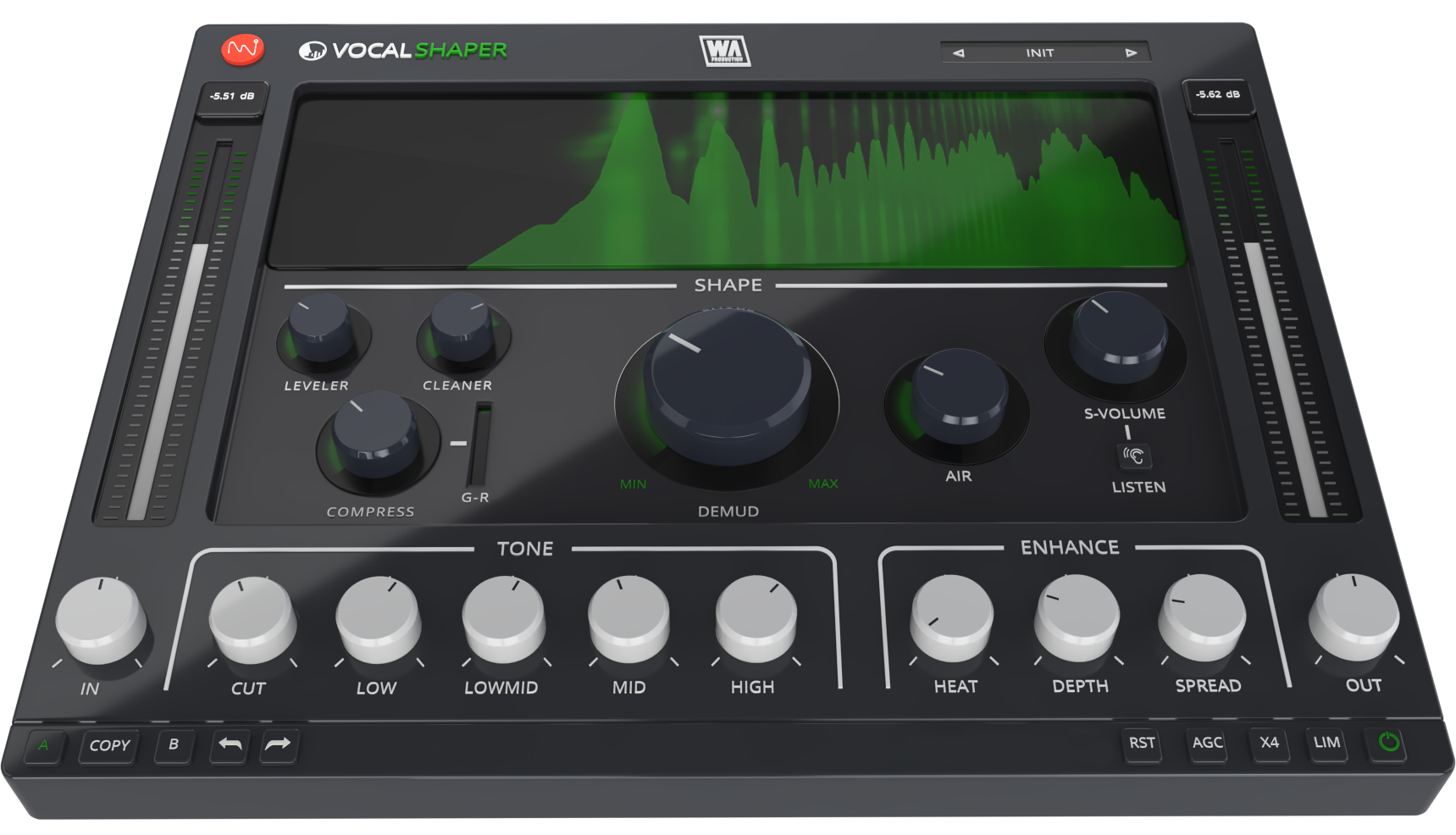
Raise Your Voice
For any music producer, nailing vocal production is notoriously challenging. Even seasoned studio engineers dread the meticulous attention to detail and countless hours of tweaking required to make vocals really shine. That’s why W. A. created VocalShaper, the game-changing plugin designed to revolutionise the way you approach vocal editing.
Features
- Vocal processing toolkit plugin with advanced features
- Mud removal made easy
- Clean & compress with dynamic controls
- Unique sibilance processing
- Tone frequency adjustment
- Enhancement features
- Clear & precise frequency display
- AB comparison & Undo / Redo
- Resizable interface
- Responsive & CPU friendly
- Genre-spanning factory presets
- Full PDF Manual & Tutorial video
Learn more about VocalShaper
KickShaper
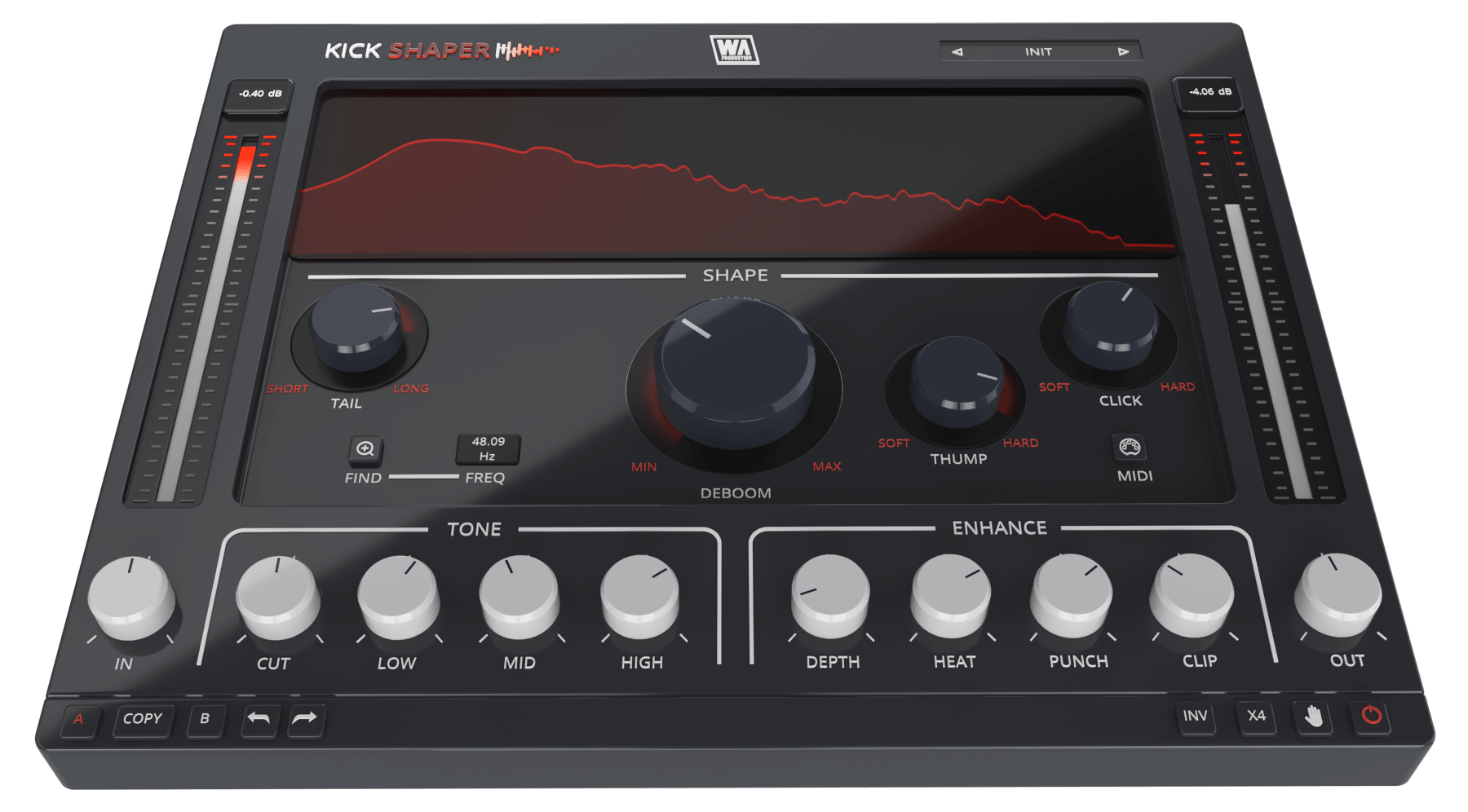
Pump & Thump
Kick drums form the bedrock of most music, but without a robust foundation, a mix can fall apart. We get it… sometimes you're working with kick samples that just don't cut the mustard. They might be compressed to death, lacking fundamental frequencies, or just sound wimpy and lifeless. That’s where KickShaper swoops in to save the day.
Features
- Kick designer plugin with advanced features
- Unique processing modules
- Frequency finder
- Shape sculpting: Tail, Deboom, Thump & Click
- Tone frequency adjustment
- Enhancement features
- AB comparison & Undo / Redo
- Resizable interface
- Responsive & CPU friendly
- Genre-spanning factory presets
- Full PDF Manual & Tutorial video
Learn more about KickShaper
System Requirements
Windows
- Windows 8 and later (64-bit only)
- Formats: VST2, VST3, AAX
Mac
- macOS 10.10 and later (64-bit only)
- Formats: VST2, VST3, AAX, AU
Please Note: AAX compatible with ProTools 11 and higher only.
Important Note for Mac Apple Silicon users: Before purchasing, please review the current compatibility status of this plugin on your system here.


