


 Log In

Free gifts available with your purchase
Note: an upgrade version is available here for owners of Must Have Tools Bundle 2
Take your productions to the next stage with the Must Have Tools Bundle 3 from W. A. Production — a comprehensive collection of 11 professional-grade plugins designed to cover every corner of your creative process. Packed with both proven favorites and brand-new additions, this bundle gives you the ultimate toolkit for shaping, enhancing, and transforming your sound with ease.
Whether you need to add punch to your drums, sculpt a tighter low end, polish your vocals, or push your mix into bold new territories, Must Have Tools Bundle 3 delivers. Each plugin combines intuitive controls with cutting-edge DSP, making it easier than ever to achieve professional results — regardless of genre or experience level.
Inside you’ll find trusted staples like RedClip, DynaWide, BeatQuake, ChromaBox, VocalShaper, KickShaper, BassShaper, Deres, giving you precision tools for dynamic shaping, tonal enhancement, vocal treatment, and creative FX. On top of that, this edition introduces three brand-new powerhouses: MixBoss, a flexible mixing companion that adds clarity and punch across your entire project; Ignition, a fresh creative processor designed to spark inspiration; and Detroubler, the latest problem-solving utility to keep your mixes clean and professional.
Bundle Contents
- MixBoss
- Ignition
- Detroubler
- KickShaper
- VocalShaper
- ChromaBox
- Deres
- DynaWide
- RedClip
- BeatQuake
- BassShaper
Mixboss

Boss Your Mix
Mixing is an art — but it’s easy to lose your way in a sea of plugins, tweaks, and second-guessing. That’s where Mixboss comes in: the ultimate weapon for sculpting a cohesive, professional-sounding track before you even touch an individual fader. Built around the “Topdown Mixing” philosophy and developed with award-winning mix engineer Emrah Celik, Mixboss places powerful mastering-grade tools directly onto your mixbus from the very start.
Instead of stacking endless plugins and fighting your way through messy stems, you shape the overall tone, punch, depth, and stereo field right from the beginning — making everything you do after faster, easier, and infinitely more musical.
Features
- All-in-one Topdown Mixing plugin
- Multiband Compression with transparent, musical results
- Character Enhancement Modes: Color, Depth, Wide
- Spectral Balance Control based on thousands of pro mixes
- Push EQ for tonal shaping pre/post compression
- Professional Mixbus Limiter
- Real-World Monitoring Simulations: Grotbox, Car, Phone, Mono
- Parallel Processing with Mix Control
- 4X Oversampling and Polarity Flip
- Intuitive Preset System with A/B comparison, Undo/Redo
- Resizable, CPU-friendly GUI
- Factory Presets for multiple genres
- VST, AU, AAX formats for Mac and Windows
- Full PDF Manual & Video Tutorials included
Learn more about Mixbus
Ignition
Introducing IGNITION, the single-page FX toolkit crafted to add instant heat and sizzling spice to your tracks. We've teamed up with the biggest names in dance music to bring their secret signature FX chains to your DAW. This clandestine roster of top-tier producers have poured their combined skill and studio wisdom into this slick and stylish FX powerhouse - and created an instant summer classic. Ignition is meticulously designed for effortless use, to inject vibrant life and professional polish into any mix.
Features
- Artist-designed hot-swappable Multi FX
- Boutique processing algorithms to inject heat & spice
- 6 FX modules; Dynamics - Saturate - Clipper - EQ - Clean Up - Transient
- Multiple character models for each module
- Global controls for EQ, Stereo Width, Monomaker, Preamp & more
- A / B comparison & Undo / Redo
- Limiting and Automatic Gain Compensation
- Responsive & CPU friendly
- Manual & Tutorial video
Learn more about Ignition
Detroubler
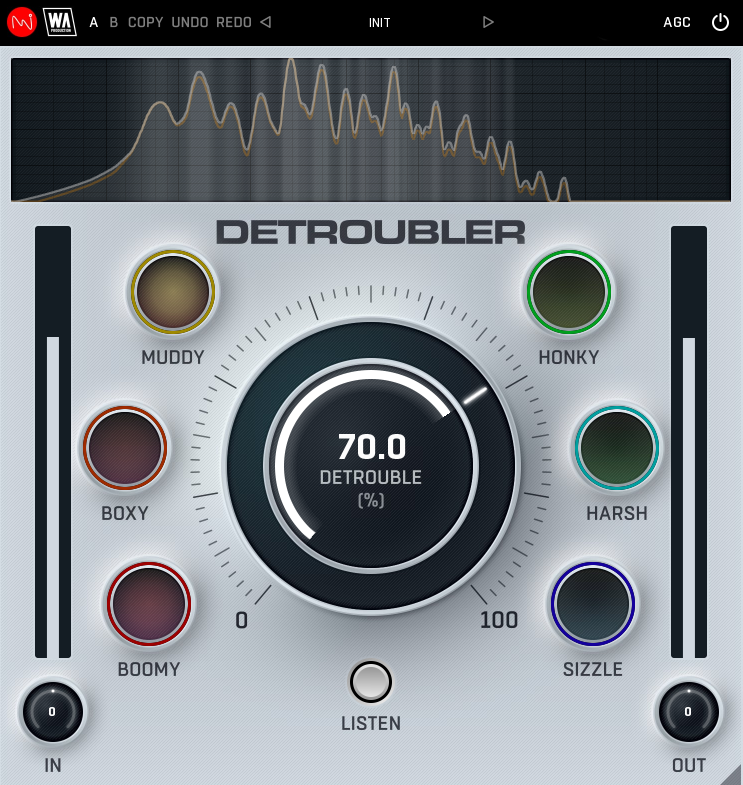
Stress-Free Sound
Whether sculpting silky synths or crafting perfectly-balanced vocals, it’s always a challenge to make audio pop whilst simultaneously reigning in those irksome frequencies. Certain areas often need soothing, especially if your audio sounds overly harsh, boxy or boomy. This is where DETROUBLER comes to the rescue, swooping in to smooth your sounds and tackle the most troublesome areas of audio processing.
Features
- Research-based psychoacoustic processing plugin
- Targeting problem areas of your audio
- Easy identification of ear-fatiguing frequencies
- Six specifically targeted areas
- Listen mode for enhanced monitoring
- Frequency spectrum display
- AB comparison & Undo / Redo
- Resizable interface
- Responsive & CPU friendly
- Flexible factory presets
- Full PDF Manual & Tutorial video
Learn more about Detroubler
DynaWide
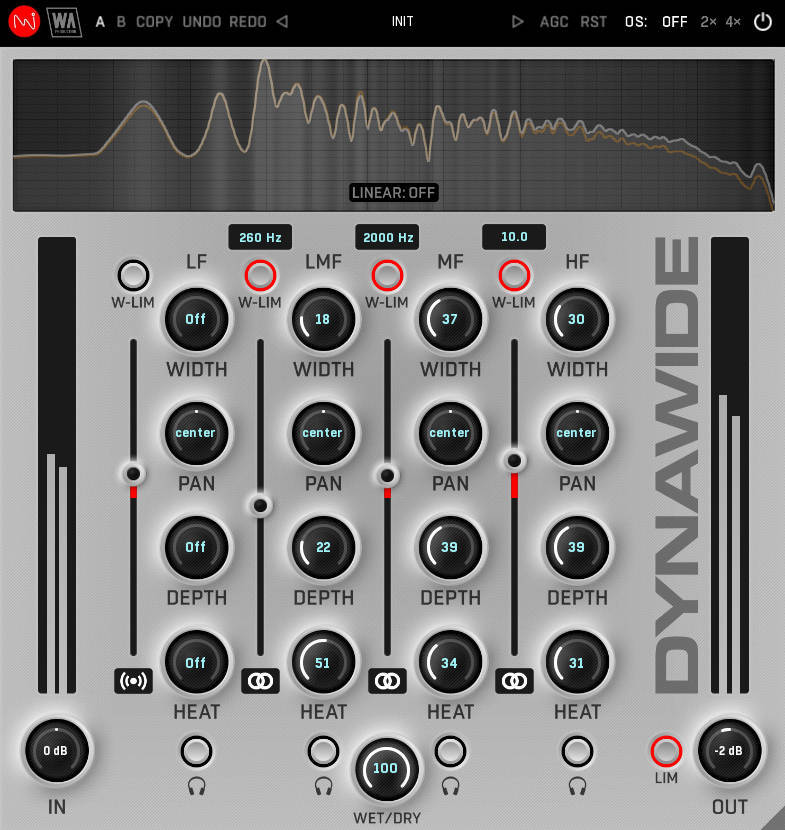
Advanced Sound Reviver
When it comes to audio processing, sometimes happy mistakes can transform your sound in surprising ways. But more often than not, you need a precise surgical tool to sculpt audio and make it spring to life. Ditch the guess work and enter the era of sonic precision with DYNAWIDE. This plugin combines the accumulated wisdom of a team of experienced sound engineers in a single, intuitively designed tool kit. Far from a one-trick audio pony, this is a multiband sculpting suite designed to revolutionise the way you approach mixing.
Breathe life into any audio, from delicate percussion to earth-shaking bass lines. Achieve pristine stereo width and depth while maintaining perfect clarity, ensuring every element sits perfectly in the mix. Use DYNAWIDE on individual tracks, your mix bus, or master channel for stunning results. Restore lacklustre recording takes or elevate your existing mixes with calibrated controls over tonal balance. Ditch the "good enough" mixes and unlock your audio's true potential with a tool that’s not just a multiband plugin, but the key to transforming your tracks from everyday to extraordinary.
Features
- Perfectly balanced multiband audio toolbox plugin
- Add stereo width and depth
- Linear phase & Analog-type crossovers
- Width balance and limiting
- Expansion depth controls
- Saturation for harmonic richness
- Per-band frequency spectrum monitoring
- AB comparison & Undo / Redo
- Resizable interface
- Responsive & CPU friendly
- Flexible factory presets
- Full PDF Manual & Tutorial video
Learn more about DynaWide.
RedClip
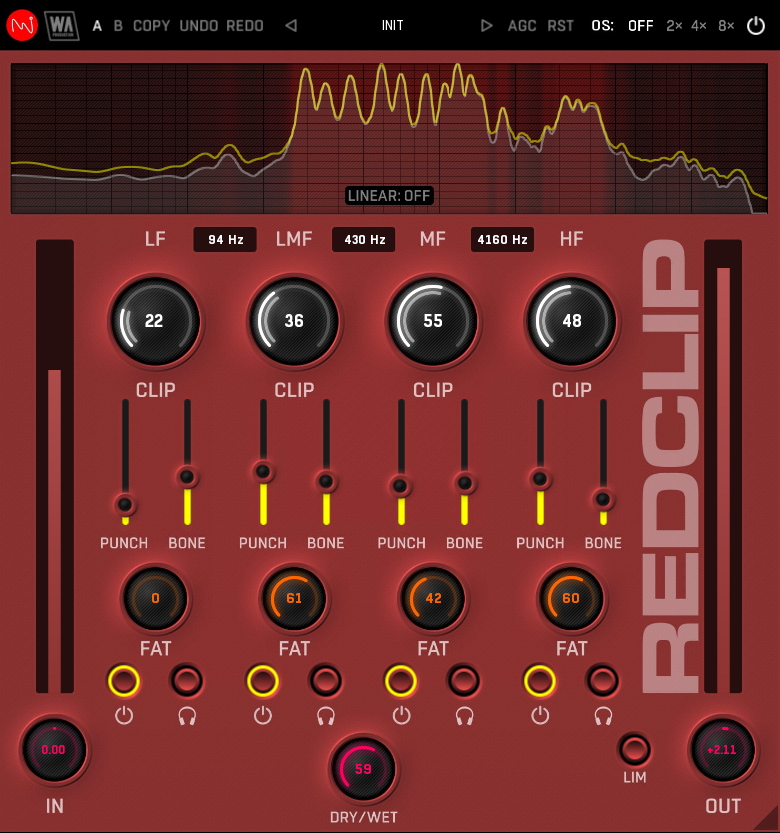
Clip With Style
Tired of your tracks sounding flat and lifeless? Feeling a bit blah about your beats? REDCLIP is here to change the game. Crafted by the award-winning audio engineer Emrah Celik, this plugin goes way beyond the capabilities of your average clipper. With more options than just smashing peaks, REDCLIP is all about shaping your sound in creative ways and building multiband character into any audio.
Whether you're mixing, mastering, or just wanting to add serious punch to an individual channel, REDCLIP has the power to transform audio. With this supercharged sound sculpting tool at your fingertips, you can go from subtle enhancement to full-on multiband madness. Loaded with a pro-grade clipping algorithm, this plugin is a true loudness monster… a sonic powerhouse that produces a characterful sound and adds a distinctive character to any track.
Features
- Creative clipping plugin with multiband separation
- More than just classic clipping
- Fatness controls for each band
- Adjustable character via Punch & Bone sliders
- Linear phase & Analog-type crossovers
- Frequency spectrum monitoring
- AB comparison & Undo / Redo
- Resizable interface
- Responsive & CPU friendly
- Flexible factory presets
- Full PDF Manual & Tutorial videos
Learn more about RedClip.
BeatQuake
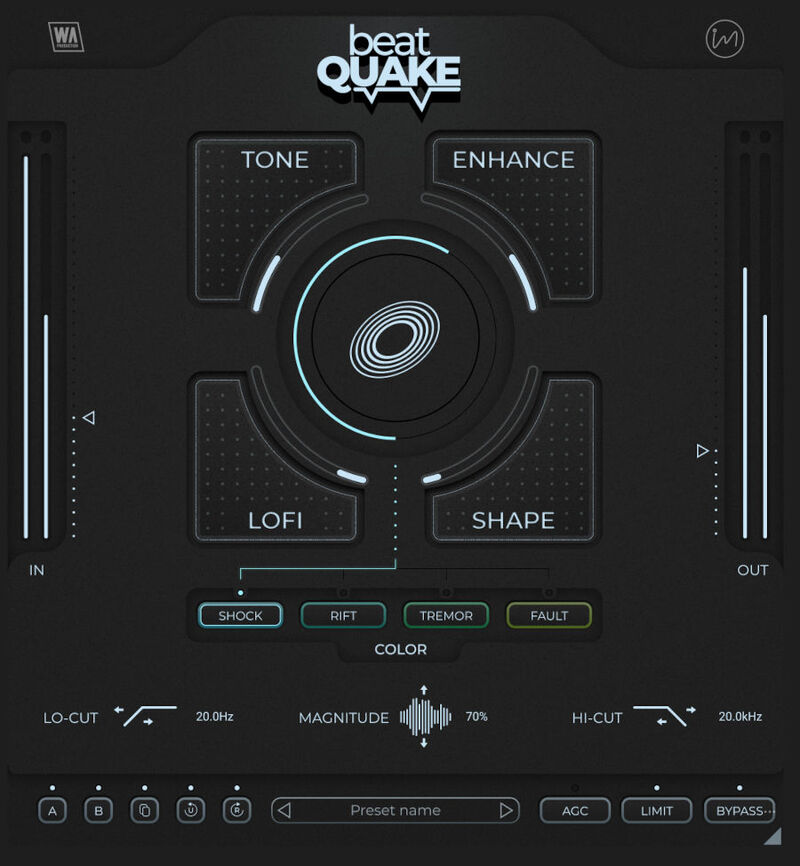
Tired of your beats falling flat and feeling lifeless? W.A. Production’s BeatQuake is the characterful sonic toolkit you've been waiting for, ready to shake your music to the core. Crafted by award-winning sound engineer Emrah Celik, this expertly designed plugin delivers earth-shattering sound that will crunch your kicks and make your snares slam.
Emrah's expansive background in drum mixing (with over 300 productions per year), has been poured into BeatQuake's cutting-edge algorithms. Psychoacoustic filtering and meticulously tuned tonal controls unlock a suite of powerful tools, perfect for dancefloor destruction.
While its interface is simple, BeatQuake's potential is limitless. With 100 discrete points on every knob, you can explore over a hundred million potential sound color combinations. Not just limited to drums, BeatQuake's magic works wonders on all types of audio. Use it to beef up bass lines, polish pads and elevate vocals.
Features
- Earth-shaking beat transformations… and beyond
- Intuitive interface
- 4-way sound shaping via Tone, Enhance, LoFi & Shape
- Color selector: Shock, Rift, Tremor & Fault
- Quake Magnitude control
- Frequency shaping filters
- AB Comparison and undo / redo
- Click & pop-free bypass
- Preset manager
- Resizable interface
- PDF Manual & Tutorial video
Learn more about BeatQuake.
BassShaper
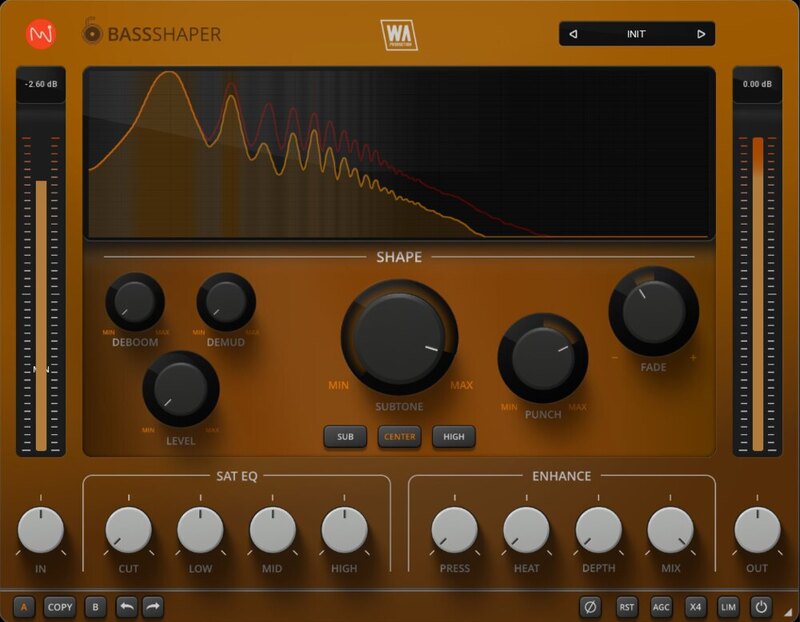
Deep & Defined
The bass line… it's the heartbeat of your music - the foundation stone that supports everything else. But let's be honest, getting that low-end working correctly can be a real struggle. You might be battling muddy frequencies, weak sub-bass, or flabby 808s that leave your mix feeling lifeless.
BassShaper is here to rescue your low-end and cement its place in your track. Developed by seasoned audio engineers who've wrestled (and won) against countless bass lines, this innovative plugin boasts cutting-edge algorithms designed to tame the beast and cut through the busiest mix.
Features
- Bass designer plugin with advanced features
- Unique processing modules
- Subtone control
- Surgical shaping: Punch, Fade, Deboom, Demud & Level
- Tonal Control with bespoke algorithms
- EQ & Enhancement features
- AB comparison & Undo / Redo
- Resizable interface
- Responsive & CPU friendly
- Genre-spanning factory presets
- Full PDF Manual & Tutorial video
Learn more about BassShaper.
Deres
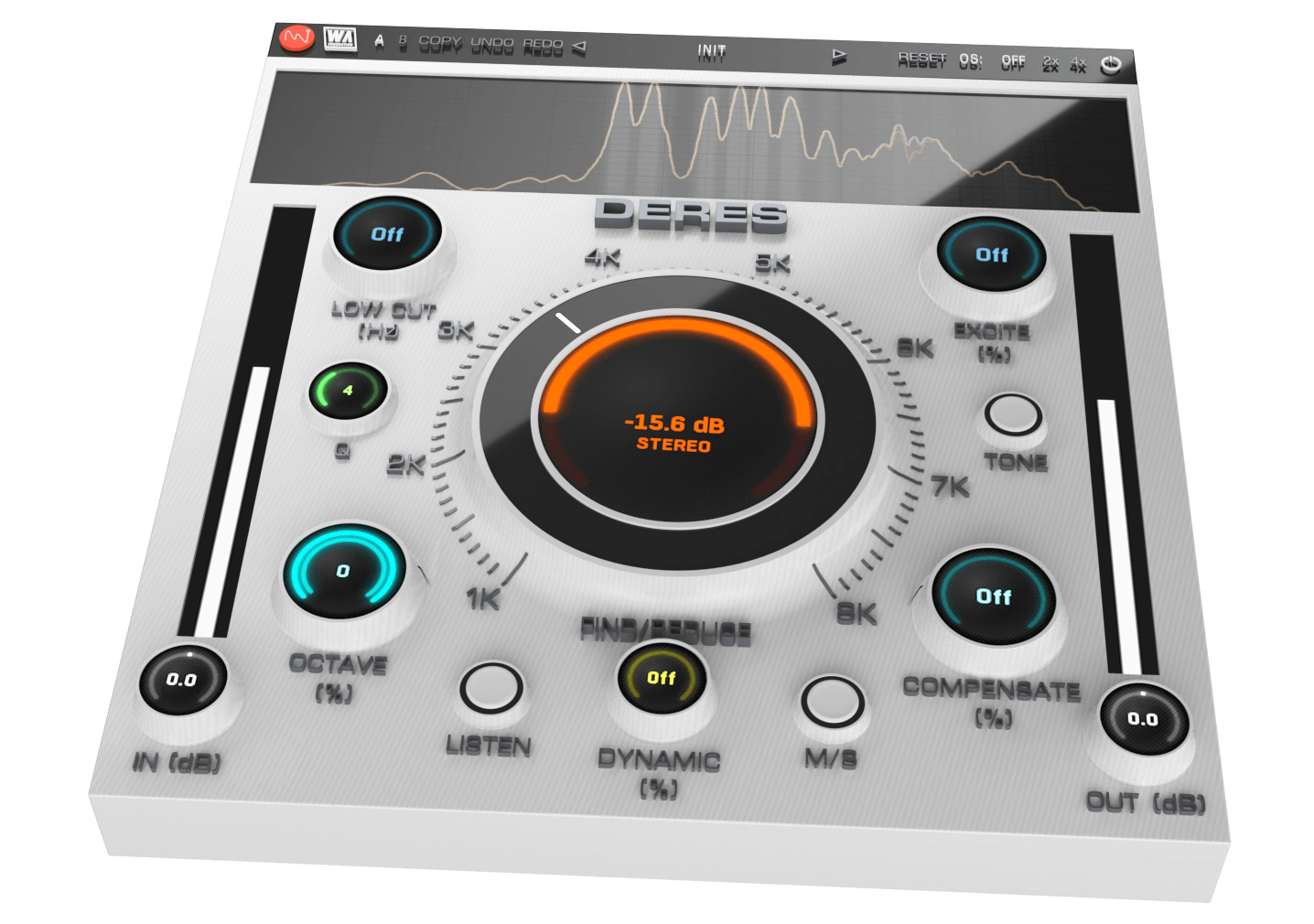
Advanced Audio Clarity
Whether it's stacking synths or building bass lines, layering multiple instruments always creates a huge sonic impact. It's all about that magical combination of sounds that can either make or break a track. But here’s the headache - nothing kills the vibe quicker than hidden resonances and unruly harmonics creeping in to trash your mix. Enter DERES, where resonances meet their match! This plugin is your resonance-killing footsoldier, coming to the rescue to obliterate muddy sounds and pesky overtones that have been invading your productions.
Features
- De-Resonance plugin with advanced harmonic processing
- Easy identification of problem harmonics
- Unique parameter functionality
- Static & Dynamic modes
- Compensation parameters to maintain clarity
- Frequency spectrum monitoring
- AB comparison & Undo / Redo
- Resizable interface
- Responsive & CPU friendly
- Flexible factory presets
- Full PDF Manual & Tutorial video
Learn more about Deres
ChromaBox
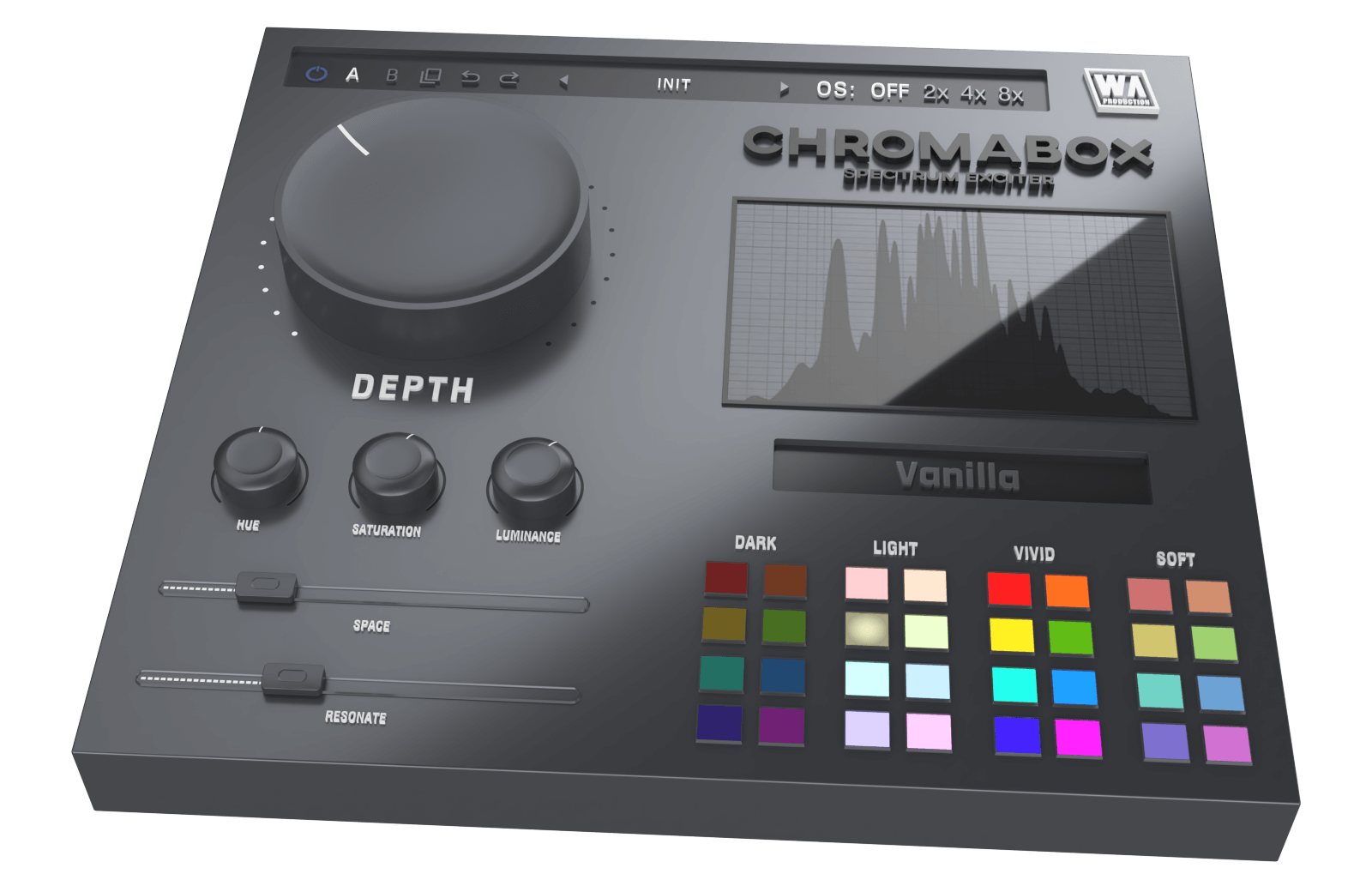
Spectrum Exciter
Have you ever had one of those moments where you just want to click a button and hear your sound come alive with excitement? ChromaBox is designed to do just that, with minimal fuss and maximum results. Inject your productions with electrifying energy that instantly transforms any kind of audio into a bigger, badder and more bombastic version of itself.
Features
- Spectrum Exciter plugin with one-click transformations
- Unique processing modules
- 32 color quick access palette
- Sound sculpting: Hue, Saturation, Luminance
- Space & Resonance adjustment
- Frequency spectrum monitoring
- AB comparison & Undo / Redo
- Resizable interface
- Responsive & CPU friendly
- Flexible factory presets
- Full PDF Manual & Tutorial video
Learn more about ChromaBox
VocalShaper
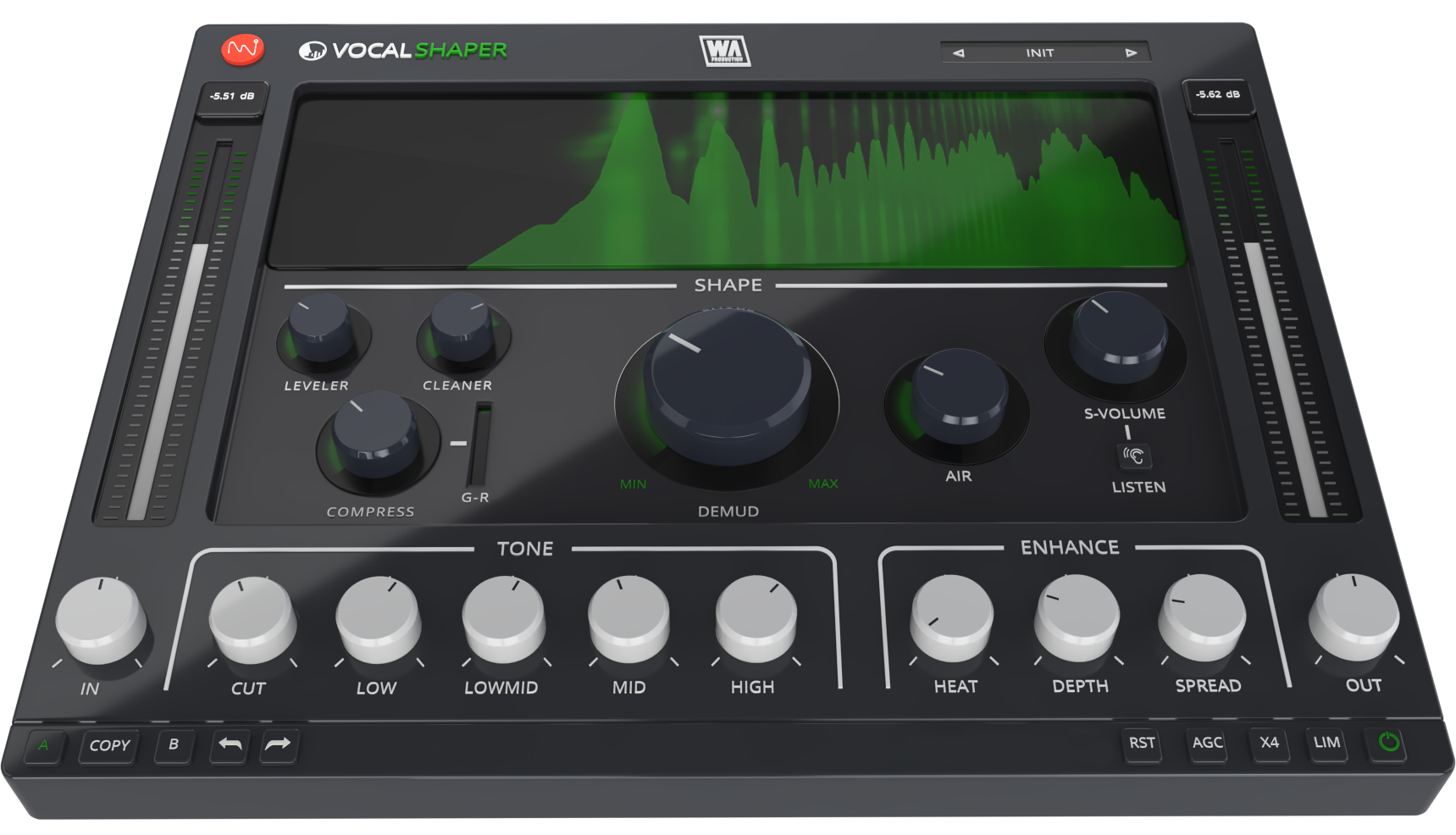
Raise Your Voice
For any music producer, nailing vocal production is notoriously challenging. Even seasoned studio engineers dread the meticulous attention to detail and countless hours of tweaking required to make vocals really shine. That’s why W. A. created VocalShaper, the game-changing plugin designed to revolutionise the way you approach vocal editing.
Features
- Vocal processing toolkit plugin with advanced features
- Mud removal made easy
- Clean & compress with dynamic controls
- Unique sibilance processing
- Tone frequency adjustment
- Enhancement features
- Clear & precise frequency display
- AB comparison & Undo / Redo
- Resizable interface
- Responsive & CPU friendly
- Genre-spanning factory presets
- Full PDF Manual & Tutorial video
Learn more about VocalShaper
KickShaper
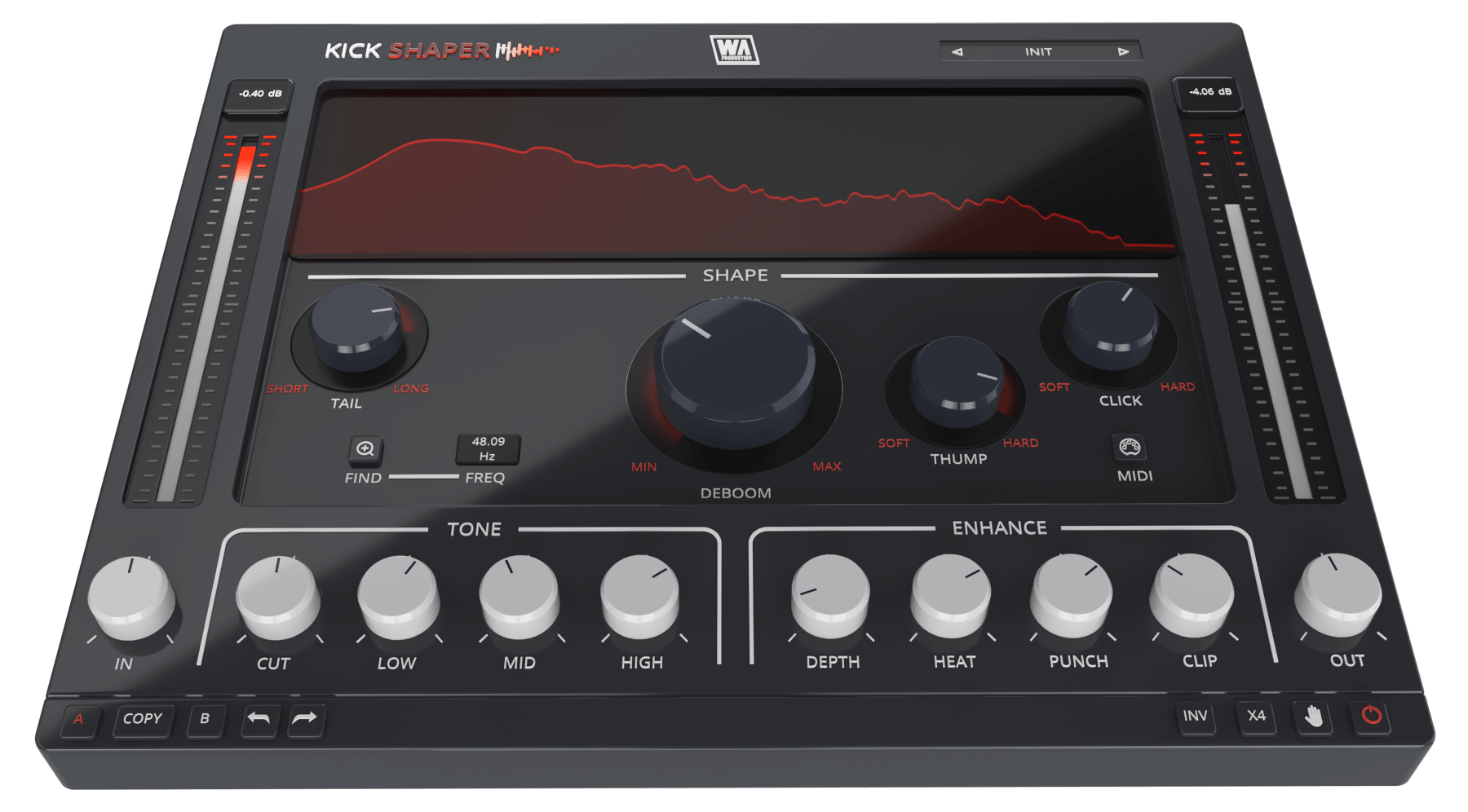
Pump & Thump
Kick drums form the bedrock of most music, but without a robust foundation, a mix can fall apart. We get it… sometimes you're working with kick samples that just don't cut the mustard. They might be compressed to death, lacking fundamental frequencies, or just sound wimpy and lifeless. That’s where KickShaper swoops in to save the day.
Features
- Kick designer plugin with advanced features
- Unique processing modules
- Frequency finder
- Shape sculpting: Tail, Deboom, Thump & Click
- Tone frequency adjustment
- Enhancement features
- AB comparison & Undo / Redo
- Resizable interface
- Responsive & CPU friendly
- Genre-spanning factory presets
- Full PDF Manual & Tutorial video
Learn more about KickShaper
Windows
- Windows 8 and later (64-bit only)
- Formats: VST2, VST3, AAX
Mac
- macOS 10.10 and later (64-bit only)
- Formats: VST2, VST3, AAX, AU
Please Note: AAX compatible with ProTools 11 and higher only.
Important Note for Mac Apple Silicon users: Before purchasing, please review the current compatibility status of this plugin on your system here.


