Log In

Free gifts available with your purchase
Product information

Get the authentic sound of the world's most legendary studios.
The UAD Winter Mix Tape Bundle is a limited, curated bundle that lets you build your own collection of essential UAD plug-ins. Choose 10 plug-ins from a selection of 51 iconic titles — including studio effects, virtual instruments, and amp model s— to shape mixes and productions with the sounds trusted on countless records.
Select 10 from these 51 UAD titles:
- LA-6176
- Pultec EQ Collection
- LA-2A Tube Compressor
- Fairchild Collection
- Pure Plate
- Oxide
- LA-3A
- 1176 FET
- Galaxy
- Dream ‘65
- Ruby ‘63
- Lion ‘68
- Woodrow ‘68
- Waterfall Rotary
- Ravel
- Electra
- Waterfall B3
- Polymax
- Lexicon 224
- Ampex ATR-102
- UA 175B/176
- Century Tube Channel
- Helios 69 Preamp
- Verve Analog Machines
- Brigade Chorus
- Studio D Chorus
- MiniMoog
- dbx® 160 Compressor / Limiter
- SSL 4000 E Channel Strip
- SSL 4000 G Bus Compressor
- Opal Morphing Synth
- Anthem Analog Synthesizer
- Empirical Labs EL8 Distressor Compressor
- Teletronix LA-2A Leveler Collection
- 1176 Classic Limiter Collection
- Sound City Studios
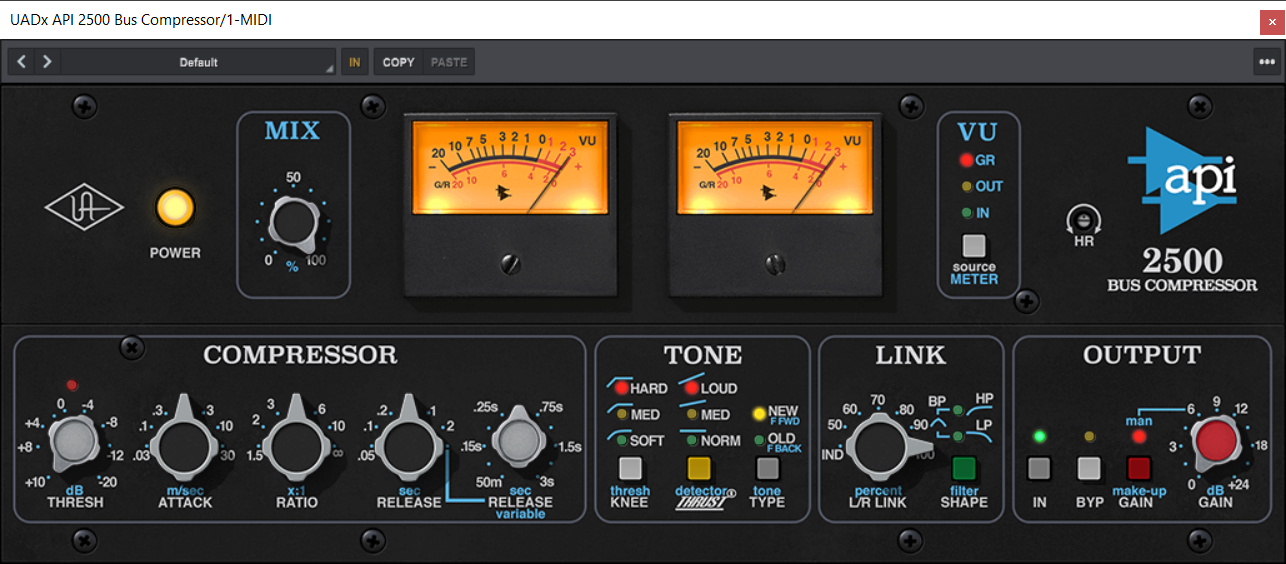
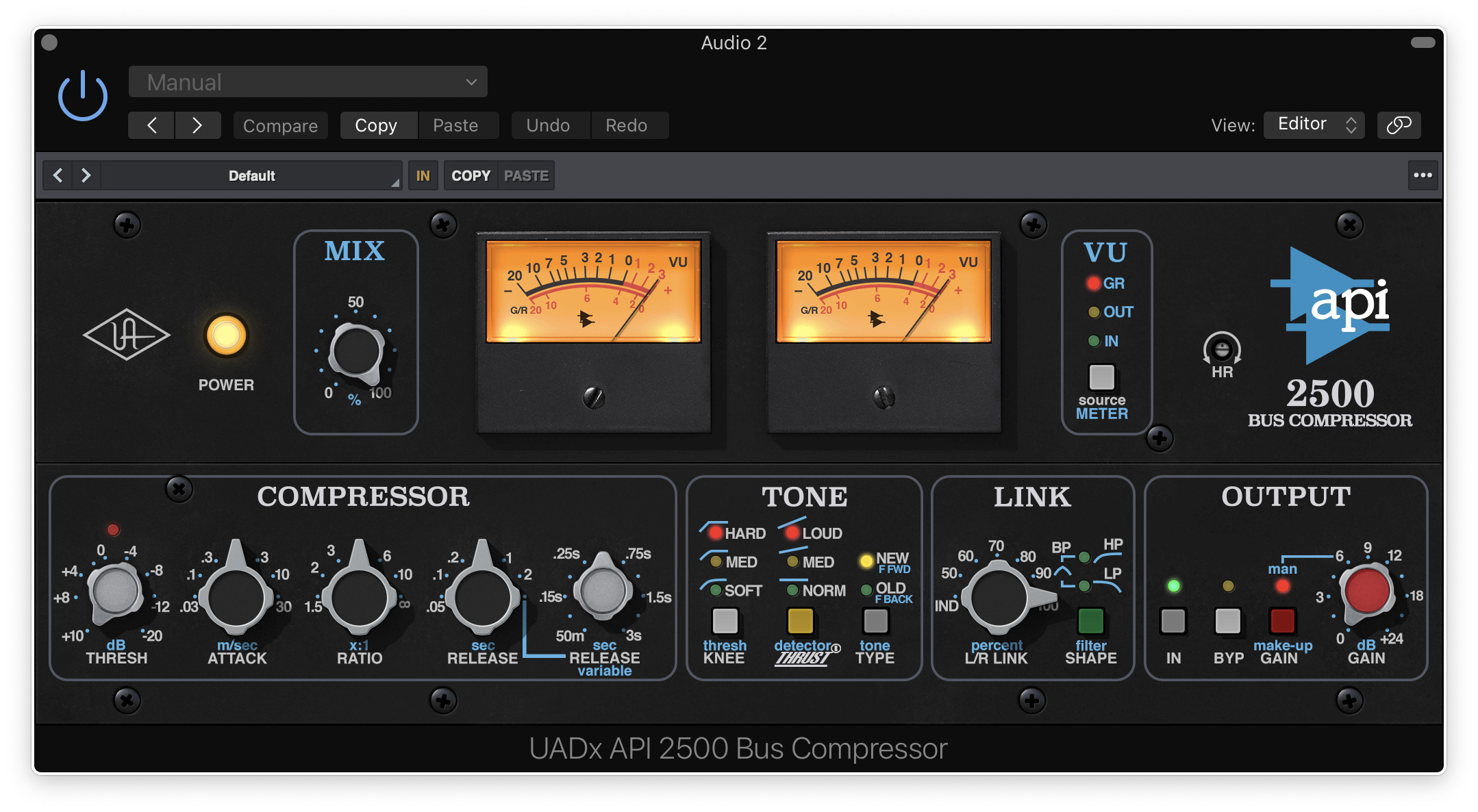
- API 2500 Bus Compressor
- API Vision Channel Strip Collection
- Avalon VT-737 Tube Channel Strip
- Capitol Mastering Compressor
- Capitol Chambers
- Hitsville EQ Collection
- Hitsville Reverb Chambers
- Manley Massive Passive EQ
- Studer A800 Multichannel Tape Recorder
- A-Type Multiband Dynamic Enhancer
Please note: the following titles are not native, and require Apollo or UAD-2 hardware:
- API 500 EQ Collection
- Empirical Labs FATSO
- EMT 140
- EMT 250
- Cooper® Time Cube Mk II Delay
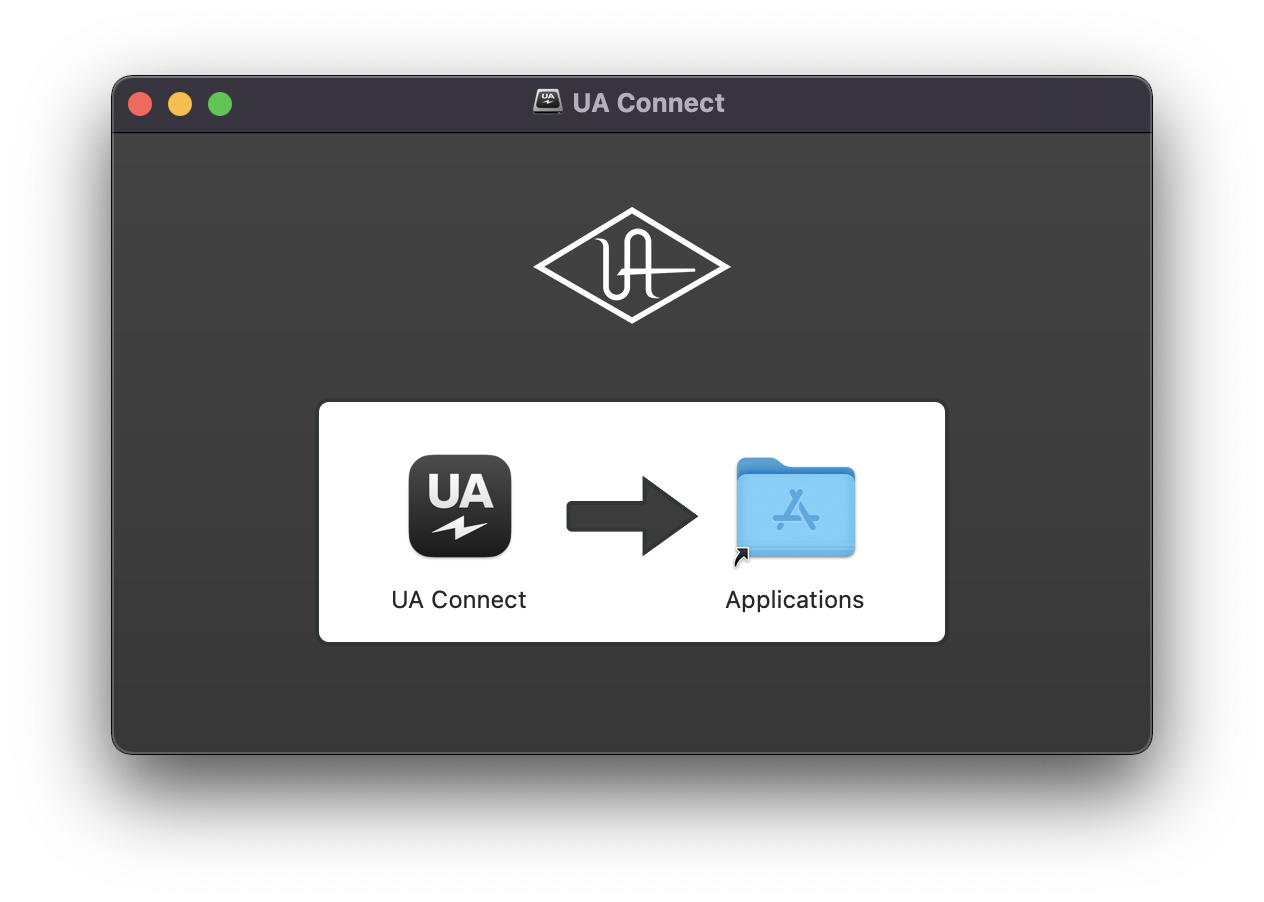
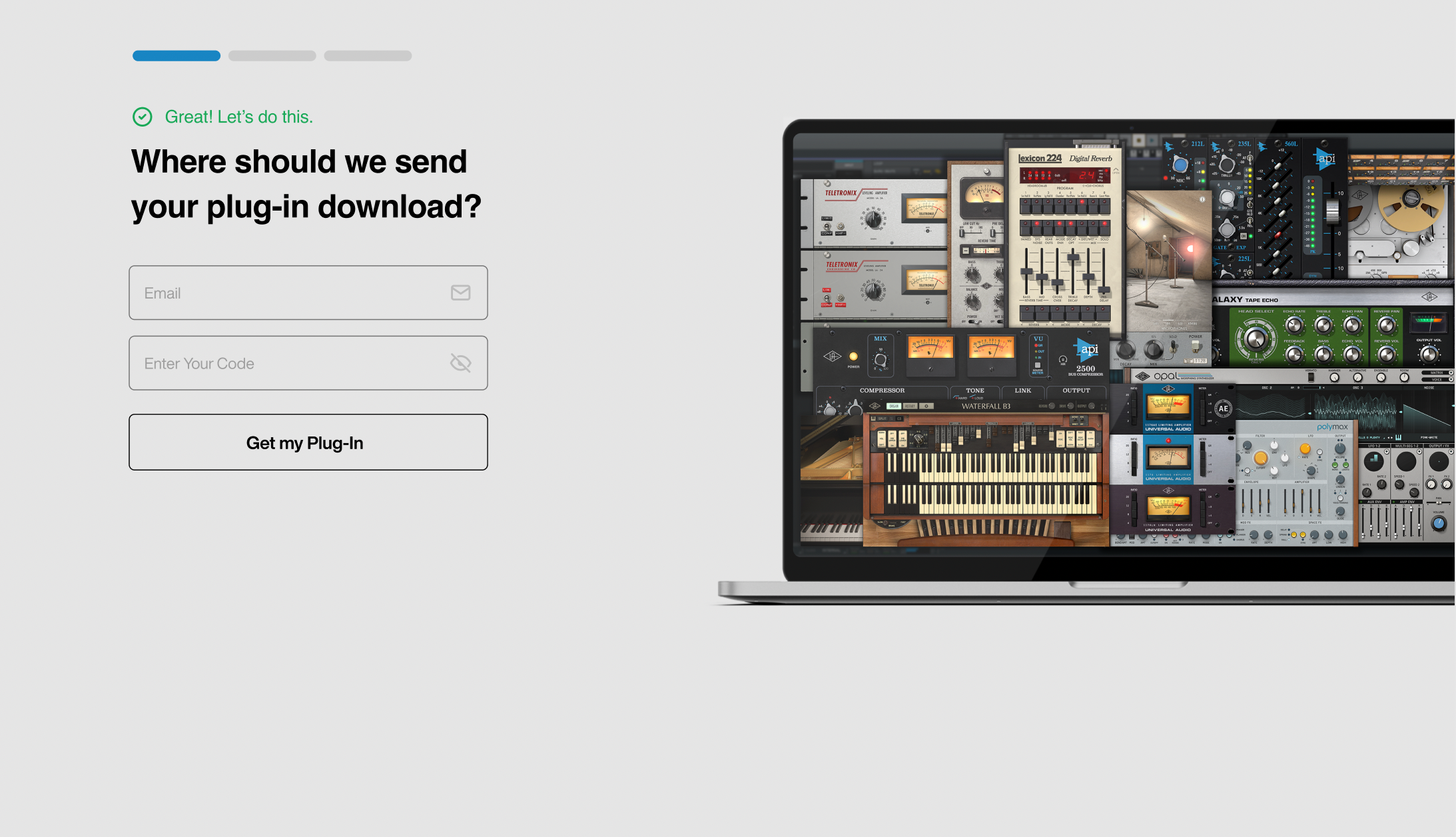
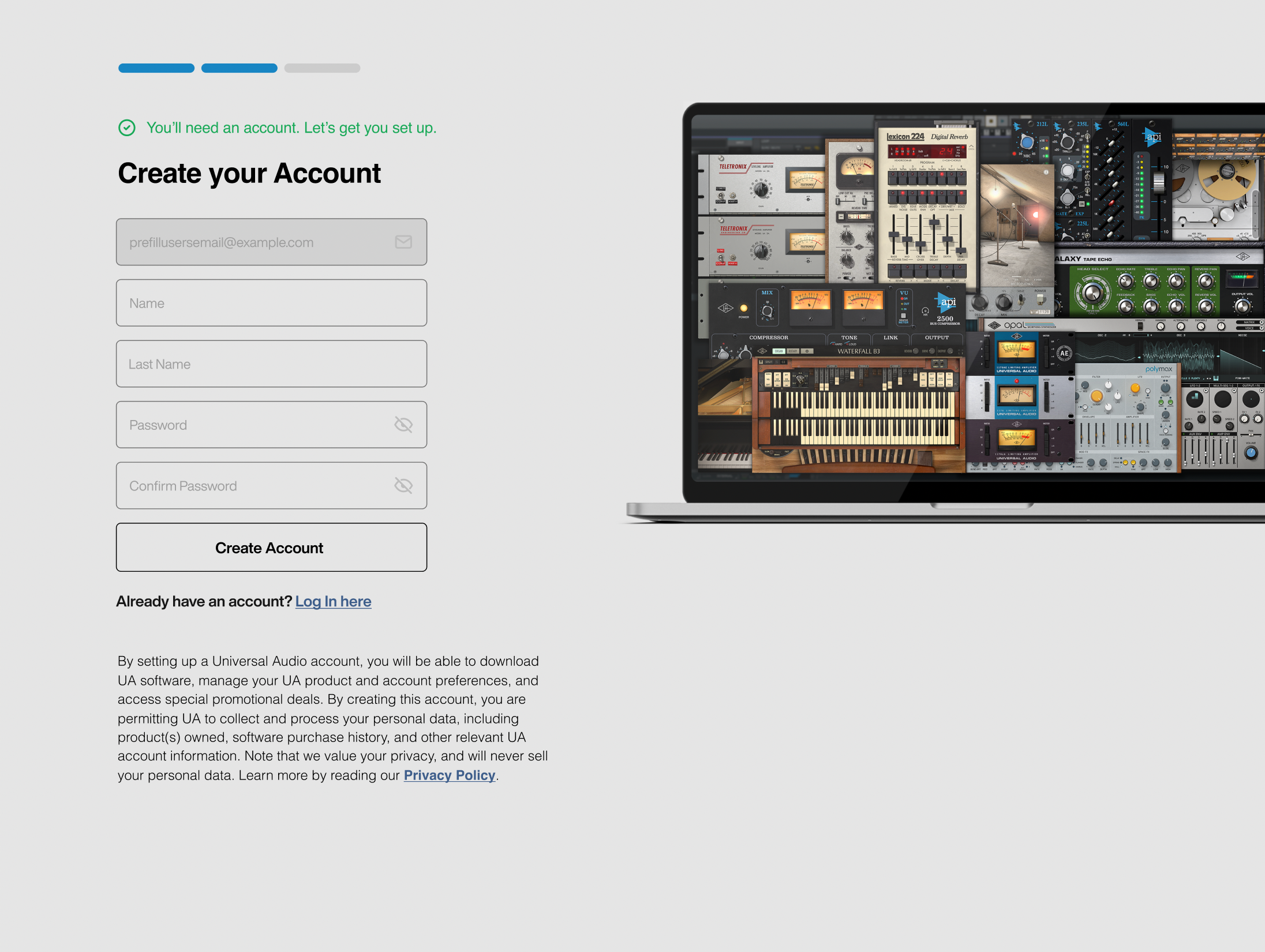
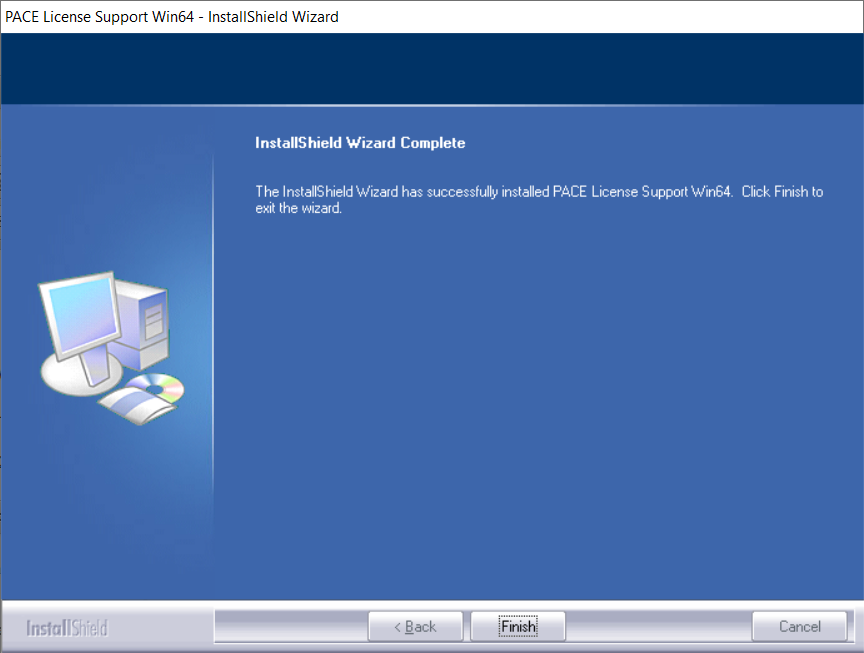
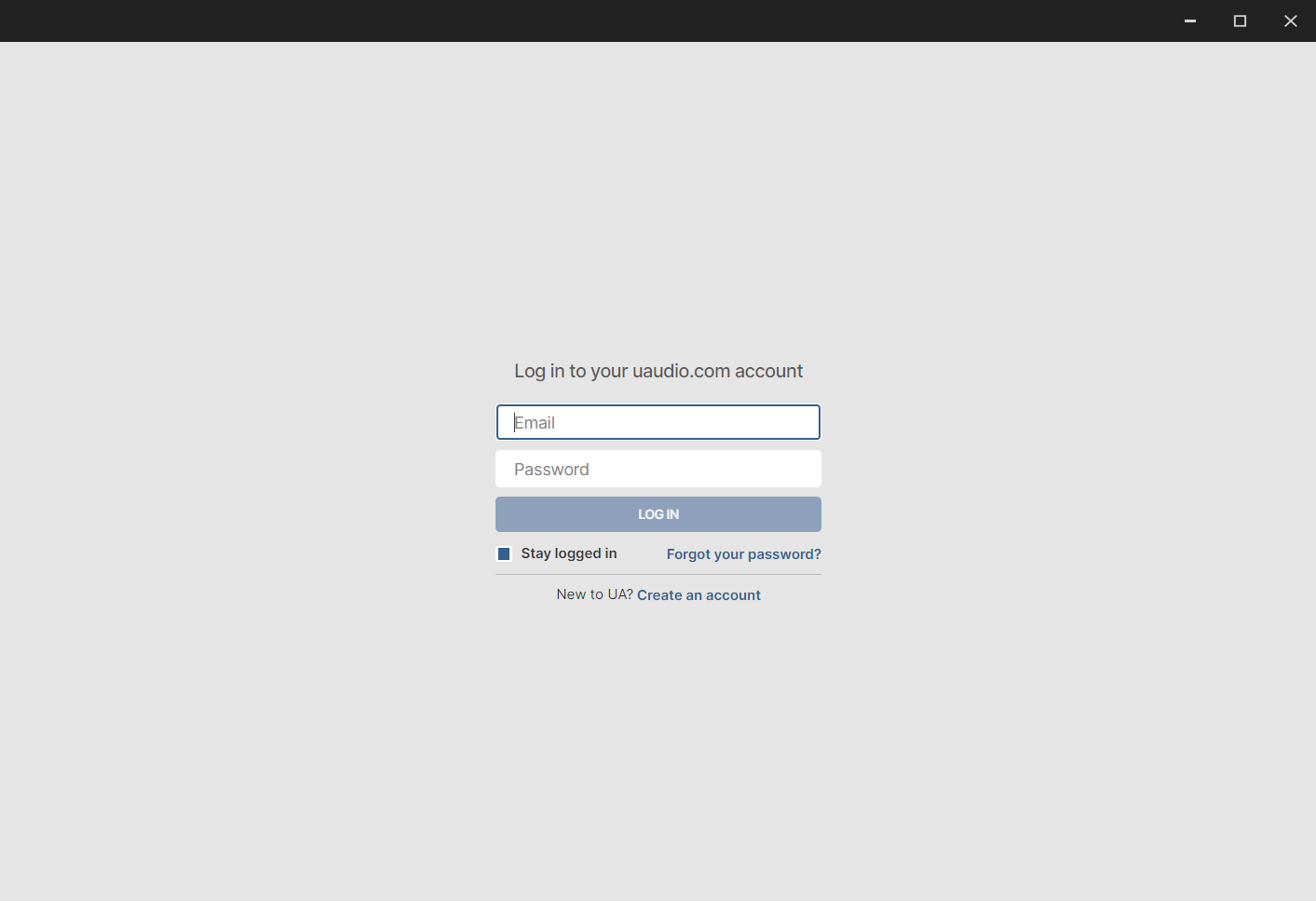
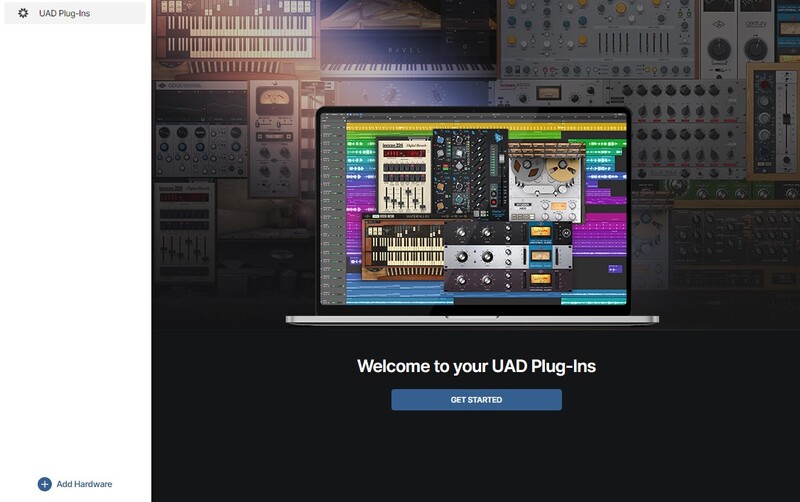
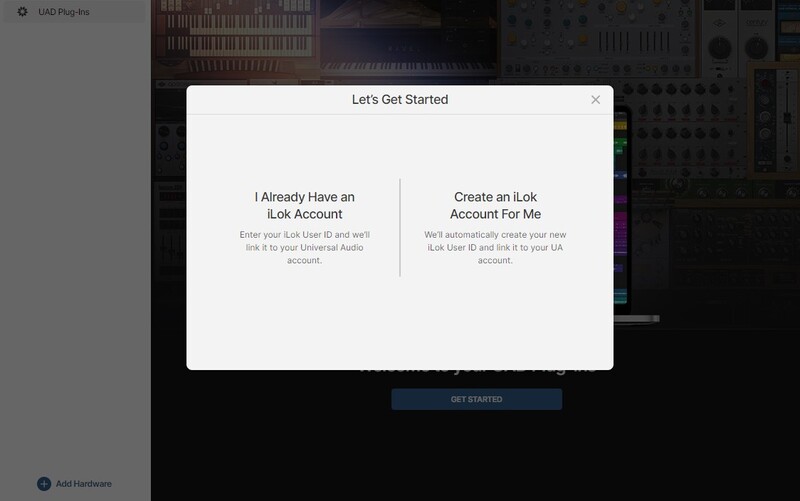
Installation Instructions
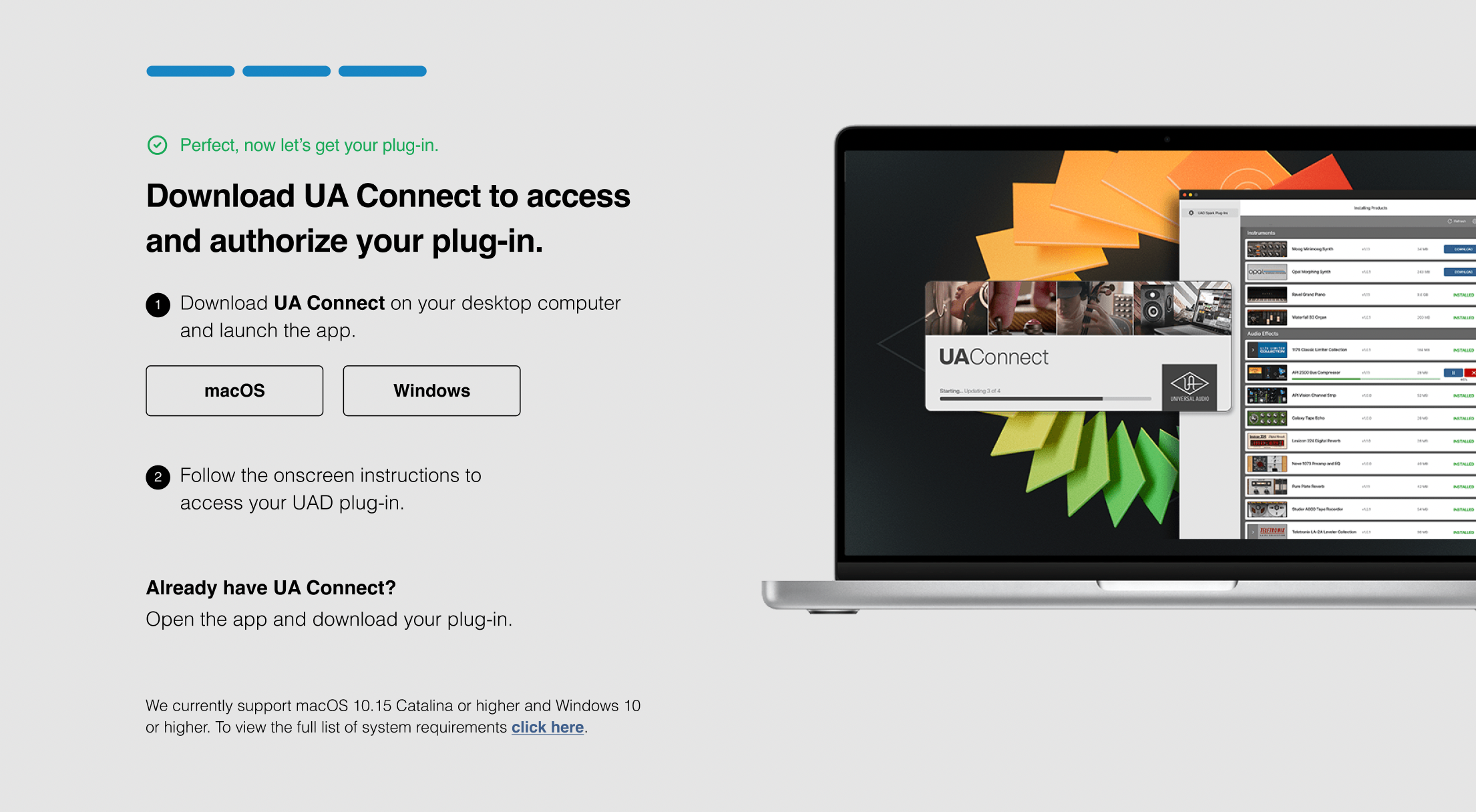

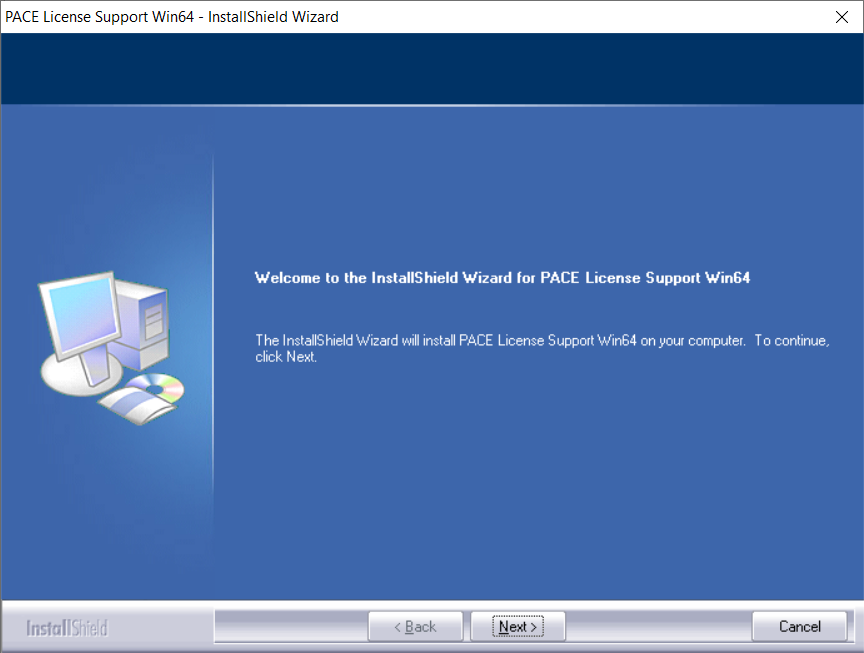
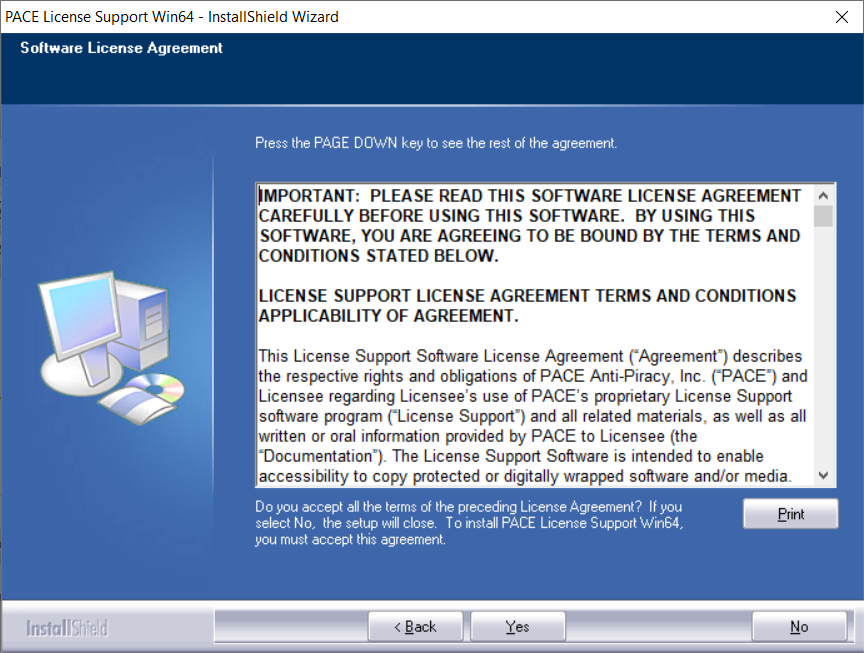
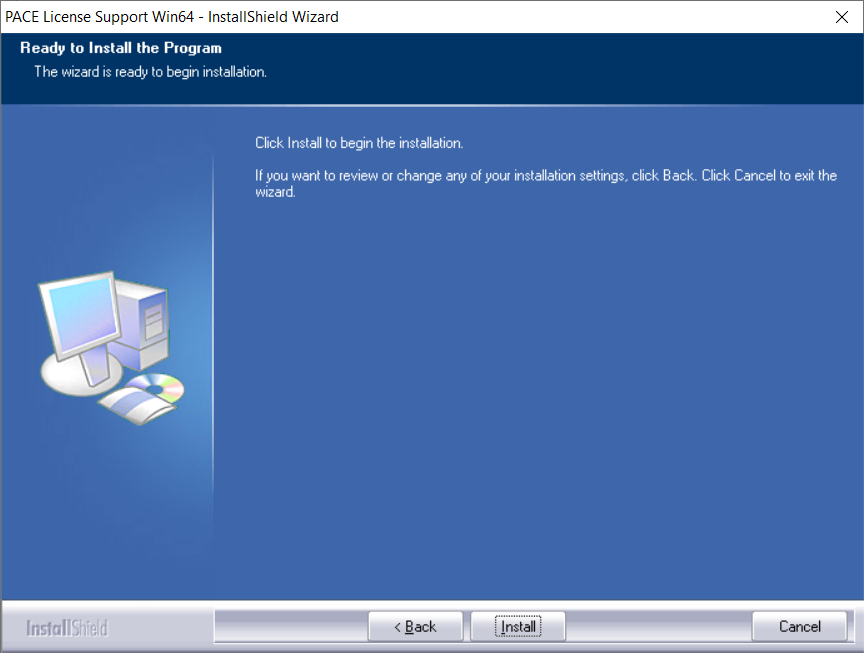
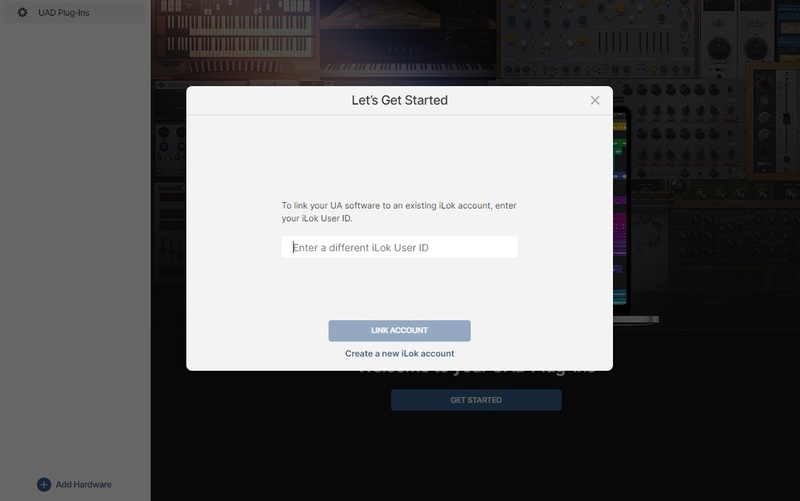 .
.