Log In
Save $49.99 compared to buying products individually
Free gifts available with your purchase
Bundle Contents
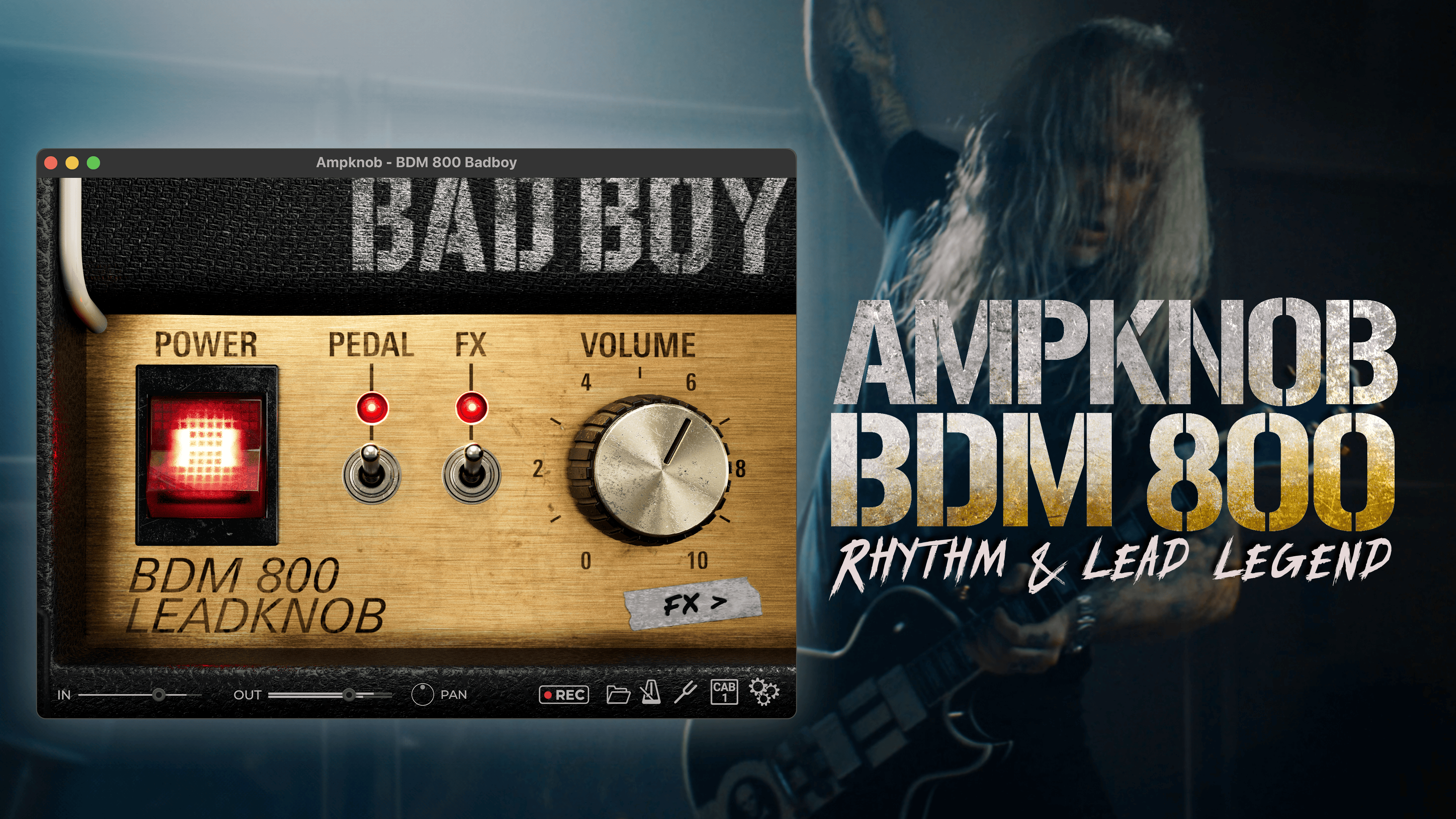
Emerging from the depths of the 80s, this is potentially the most iconic amp of all time. The 800 Badboy offers both a classic rhythm tone, and an unforgettable lead tones heard on countless hit records.
However, this is not just any old 800. Nicknamed "Badboy", this is an amp from the personal collection of guitarist Euge Valovirta. With military-grade 6550 tubes and a custom 140-watt transformer from Finland, this amp is literally bursting with character, tone, and depth.
Toggle the "FX" switch on, select the Lead cab, and you’ve got a dialed-in lead tone with delay and reverb – perfect for shredding your next solo.
The BDM 800 Badboy is truly the ultimate all-rounder. No wonder it’s been a guitar-tone staple for the last 40 years!
Learn more about Ampknob BDM 800 Badboy.

Trivium Lead
Watch the World Burn
Built from the ground up for blistering leads and soaring melody parts, the Trivium Ampknob Lead delivers a tonal character that makes your guitar solos sit right on top of the rhythm guitars.
But the Trivium Ampknob Lead is much more than just an amplifier model. It also includes a chorus/doubler effect Bogren Digital call Chorey, and a delay — essential effects for great Trivium lead tones.
To top it off, the effects can be used in stereo for wide, attention-grabbing sounds.
Learn more about Ampknob Trivium Lead.
The modern take. With a full and rich sound, the dense distortion works exceptionally well for modern riffs, as well as creamy leads.
The original unit is from Jens Bogren’s personal amp collection and a part of many albums created at his Fascination Street Studios.
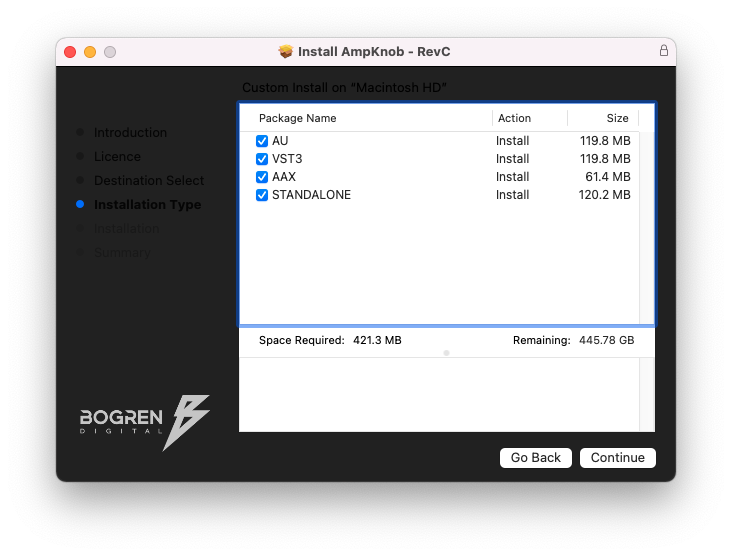
- Available as Standalone / VST3 / AU / AAX
- Windows 10 or newer
- Mac OS 10.13 or newer (Intel & Apple Silicon Native)