


 Log In

Free gifts available with your purchase
Loudness and Punch
Do you need that bit extra? Extra loudness, presence, punch? Look no further. The Sonnox Enhance Collection contains three simple-to-use, but incredibly powerful plug-ins, to enhance your mix and give it the energy it deserves to be heard above the rest.
At 25% off individual prices, Sonnox Enhance offers affordable plug-ins you cannot afford to be without!
The Sonnox Enhance includes: Oxford Inflator, Oxford Transient Modulator and Oxford Limiter
Oxford Inflator
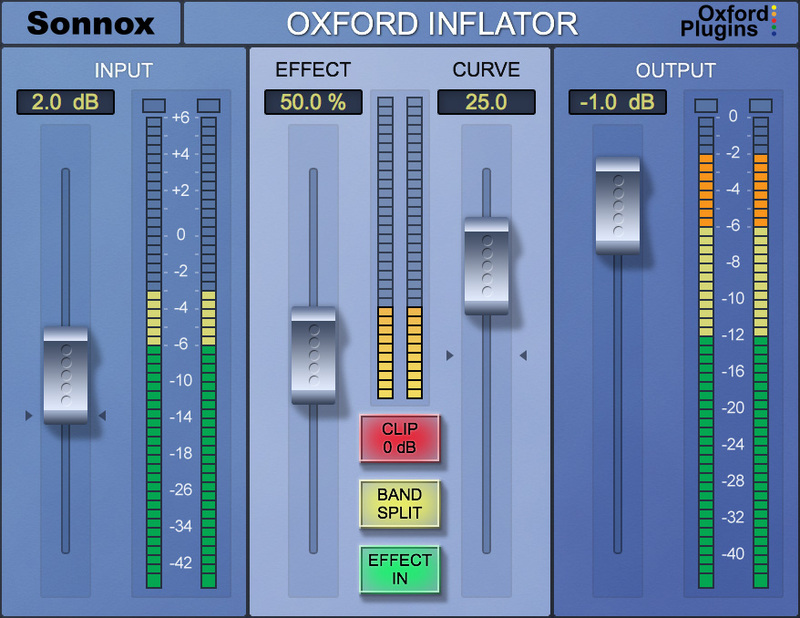
The Inflator is a unique process that can provide an increase in the apparent loudness of almost any programme, without obvious loss of quality or audible reduction of dynamic range, yet avoiding damaging increases in the peak level of the signal. The inflator process can also bring power, presence and warmth to programme material and even provide headroom overload margin above digital maximum with a subtlety and musical character reminiscent of tube systems.
Use the Inflator to produce louder mixes than you thought possible without overloads or compression pumping, or use it to add natural warmth and character to acoustic or jazz mixes.
Features
- Fully 64-bit compliant
- Adds presence and tube-like warmth
- Increases perceived loudness of any material
- Provides virtual headroom above digital maximum
- Direct and band-split modes
Oxford TransMod
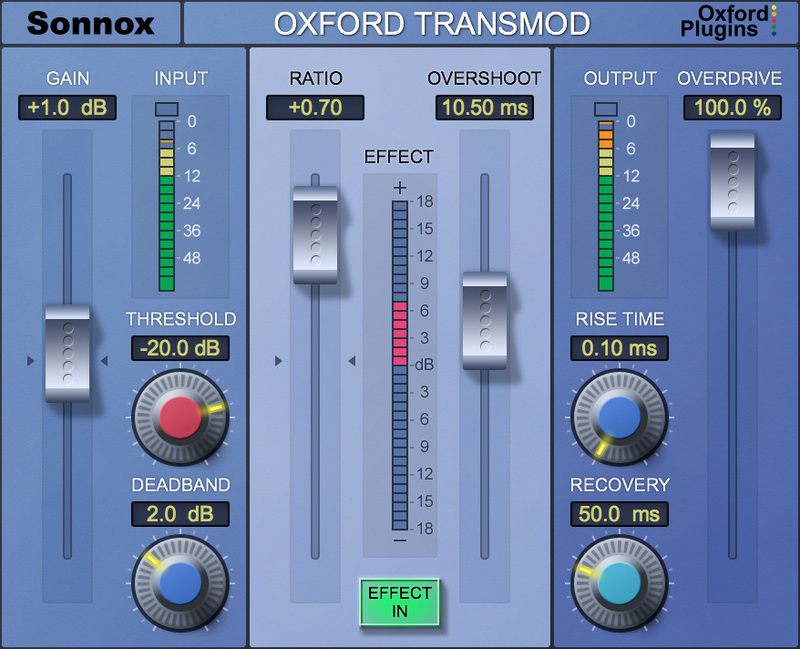
The Transient Modulator allows dramatic manipulation of signal transients. It can completely exaggerate or dampen the attacks, with continuous variation between all settings. A 'soggy' drum kit can be brought to life, or a bass made to sound more punchy. Conversely, it can bring up the ambience surrounding a specific sound by softening the attack. The TransMod can give life to dull sounding recordings, without the unwanted changes in overall timbre associated with compression.
Features
- Fully 64-bit compliant
- Accentuates or softens attacks and transients
- Brings instruments forwards or pushes them back in the mix
- Radically changes the dynamics of instruments
- Variable harmonic enhancement for extra punch
- Can have the effect of increasing or decreasing room ambience
- Gives life to dull sounding recordings without the artifacts of compression
Oxford Limiter
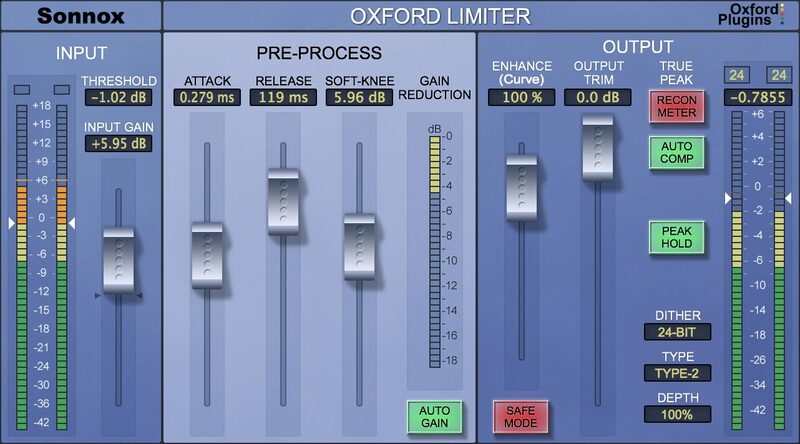
The Oxford Limiter has been developed from decades of professional audio experience to provide a very high degree of quality and facility in programme loudness control and limiting functions. By employing highly accurate logarithmic side chain processing, along with innovative adaptive timing functionality using look-ahead signal acquisition, the limiter provides exemplary performance, whether one is seeking general transparent level control, programme loudness maximisation or heavily applied artistic sound effects.
Unique processing in the form of the Enhance function provides the sample value limiting needed to reliably avoid overloads in digital workstation environments and allows unprecedented volume and punch to be applied to programme beyond that available from conventional limiting functions.
Comprehensive metering is provided which displays not only conventional peak sample value but additionally allows the user to monitor the true validity of the programme in order to avoid the generation of damaging reconstruction overloads in the target equipment which are often invisible during production (sometimes termed 'inter-sample peaks').
A further function allows the user to dynamically correct for reconstruction overloads in real time, thereby achieving maximum possible modulation levels without the risks of producing illegal signals often associated with compression and limiting.
Comprehensive dithering functionality with selectable and variable depth noise shaping ensures first-class mastering output quality in either 24 bit or 16-bit modes.
Features
- Fully 64-bit compliant
- Enhance section to increase perceived loudness
- Reconstruction meter shows ‘actual’ signal rather than sampled signal
- Auto compensate feature corrects recon errors without losing overall programme loudness
- Attack, release and variable soft knee controls
- Comprehensive dither and noise shaping
- Complete with many factory presets
System Requirements
macOS
- OS X 10.12 or later (Intel / M1 Apple Silicon supported) (64-bit only)
- Formats: AAX, AU, VST3.
- Supported hosts: Pro Tools 11 or above (AAX Native), Logic Pro X 10.2, Logic 8 & 9, Digital Performer, Nuendo, Cubase, Ableton Live, Studio One
- iLok 2, iLok 3 USB key OR an iLok account with an active internet connection.
Windows
- Windows 7 or later.
- Formats: AAX, VST2 & VST3.
- Pro Tools 11 or above (AAX Native), Nuendo, Cubase, Ableton Live, Samplitude, Sequoia, Pyramix, Studio One.
- iLok 2, iLok 3 USB key OR an iLok account with an active internet connection.
Please note: This product supports iLok Cloud Authorisation. An iLok USB Dongle OR an active internet connection is required in order to activate and use this product.
Reviews Summary
While it aims to provide a helpful overview, it may not capture every perspective or detail. We encourage you to read individual reviews to make an informed decision.
The Enhance Plugin Bundle is highly praised for delivering fast, professional-grade results across mixing, mastering, and broadcast. Reviewers highlight its ease of use, excellent value, and effective tools—particularly the Limiter and Inflator—which reliably add clarity, loudness, depth, and overall polish to tracks.


