


 Log In

Free gifts available with your purchase
Own A Piece of History
Note: This product is the Native version. The HD version is also available here.
McDSP’s legendary emulations of vintage equalizers, compressors, tape machines and channel amplifiers are available together as the Classic Pack.
Classic Pack comes with a complete arsenal of tools that recording engineers from all backgrounds require, and includes some of the first plug-ins to ever convincingly emulate analogue hardware. Classic Pack has made some of the biggest hits out of any single plug-in bundle. It's time to put some Classic Pack into your mixes.
FilterBank Native v7
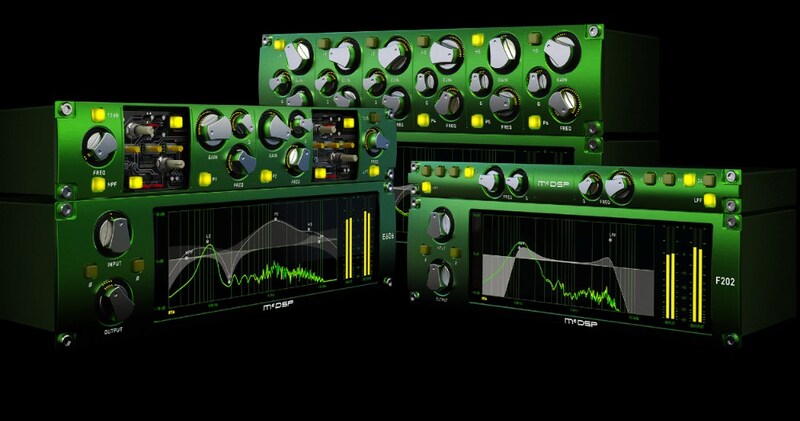
FilterBank, McDSP’s first product, is an equalizer plug-in that rivals any analogue EQ with its flexible design and substantial feature collection. It can emulate any EQ, or be used to create a distinct custom EQ.
CompressorBank Native v7
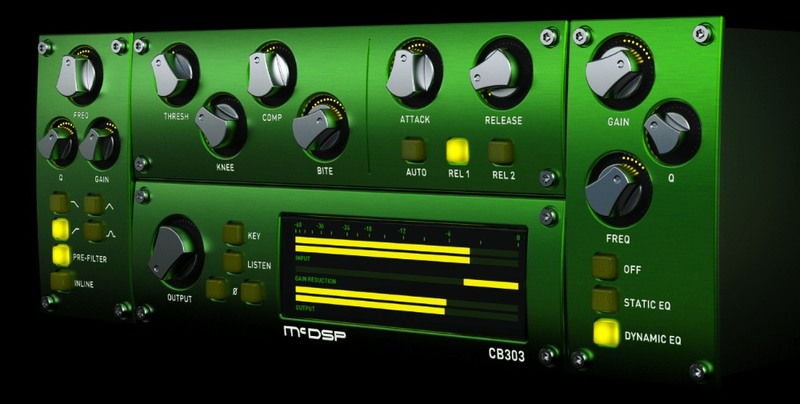
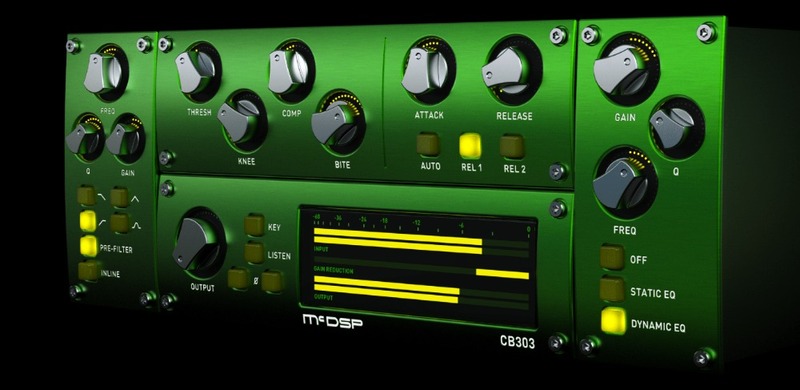
CompressorBank is a high-end compressor plug-in designed to emulate the sounds of vintage and modern compressors while delivering complete control of dynamic compression.
MC2000 Multi-Band Compressor Native v7
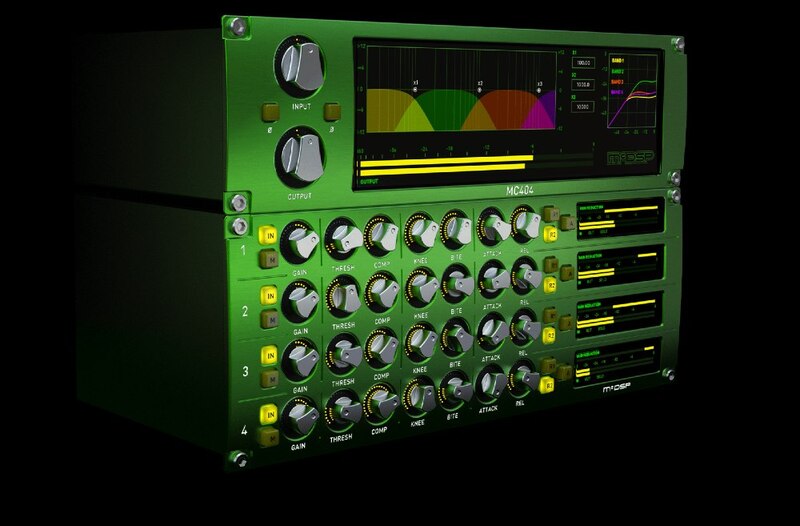
The MC2000 is a high-end multi-band compressor plug-in designed to emulate the sounds of vintage and modern compressors.
Analog Channel Native v7
Analog Channel emulates the sounds of high-end analog tape machines, tape, and channel amplifiers.
Features
- Optimization for Apple Silicon and Latest Intel Processors
- Two activations per license / subscription
- High definition user interfaces
- Zero Latency Algorithms
- Double Precision Processing
- Phase Buttons
System Requirements
Mac
- macOS 10.13 or higher (64-bit only) (macOS 12 Monterey compatible)
- McDSP plugins run natively on Intel and M1 Apple Silicon processors
- McDSP HD plugins support AAX DSP plugin format, AAX Native, AU, and VST3 plugin formats
- McDSP plugins support Mac OS 10.13.x (High Sierra), 10.14.x (Mojave), 10.15.x (Catalina), 11.x (Big Sur), 12.x (Monterey), and Windows 10
- Mac OS version 10.12.x (Sierra) may work but is not officially supported. Earlier Mac OS versions are not officially supported
Windows
- Windows 7, 8 & 10 (64-bit only)
HD v7 Software Support
- AAX DSP
- AAX Native
- Audio Units (AU)
- VST3
Compatible DAW's
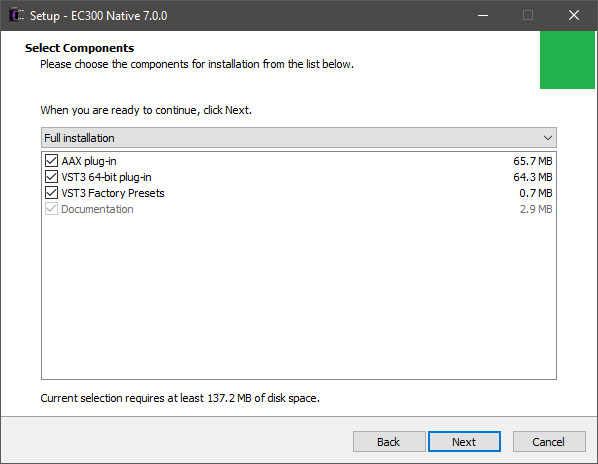
- McDSP HD and Native plugins are compatible with Pro Tools, Logic Pro, Cubase, Nuendo, Ableton Live, LUNA, Reaper, Sonar, Studio One, and other DAWs that support AAX, AU, and/or VST3 plugin formats
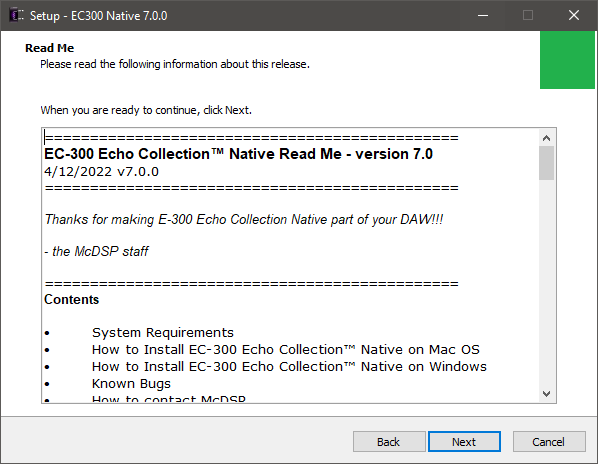
- As of v7.0, VST is no longer supported. VST versions of v6 McDSP plugins will no longer be updated and will be uninstalled
- McDSP HD plugins also support the VENUE S6L systems. McDSP VENUE plugins are packaged in a VENUE specific installer available on the McDSP website.
Activation:
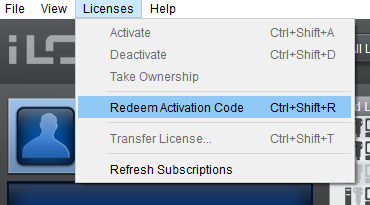
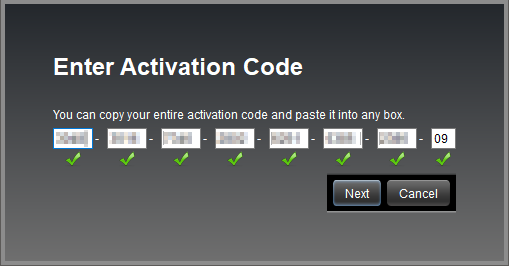
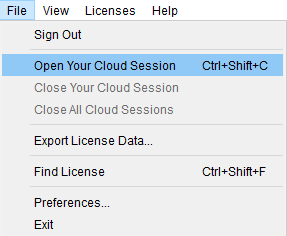
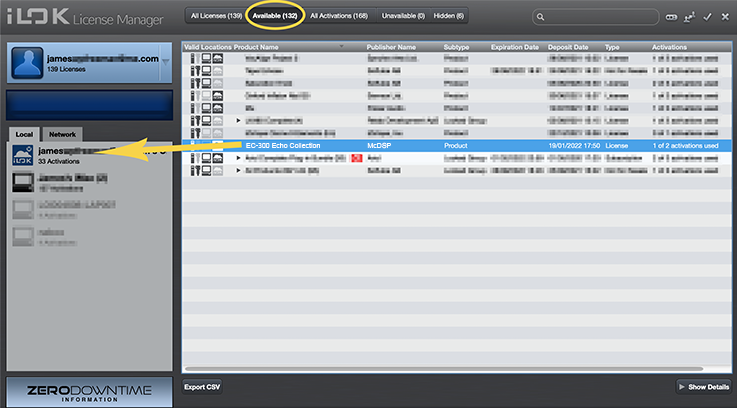
- McDSP plugins require an iLok2 or iLok3 USB Smart Key, or an iLok License Manager account and iLok Cloud for activation.
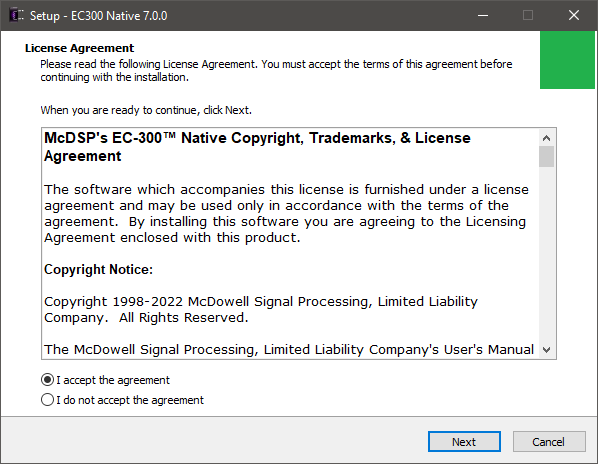
Important note: McDSP plugins require an iLok2 or iLok3 USB Smart Key, or a FREE iLok License Manager account and iLok Cloud session for authorisation. Each McDSP v7 plugin contains two activations per authorisation.





Reviews Summary
While it aims to provide a helpful overview, it may not capture every perspective or detail. We encourage you to read individual reviews to make an informed decision.
Customers highly praise the McDSP plugin bundle for its timeless quality, superior sound, and intuitive usability. Reviewers specifically highlight the EQ and tape machine as indispensable go-to tools, particularly for vocal production, with many noting that these classic plugins consistently outperform competitors.


