


 Log In
Save $98.00 compared to buying products individually
Free gifts available with your purchase
Nordic Spheres
Fusing Musical Instruments and Sound Effects to Create Fascinating Scores
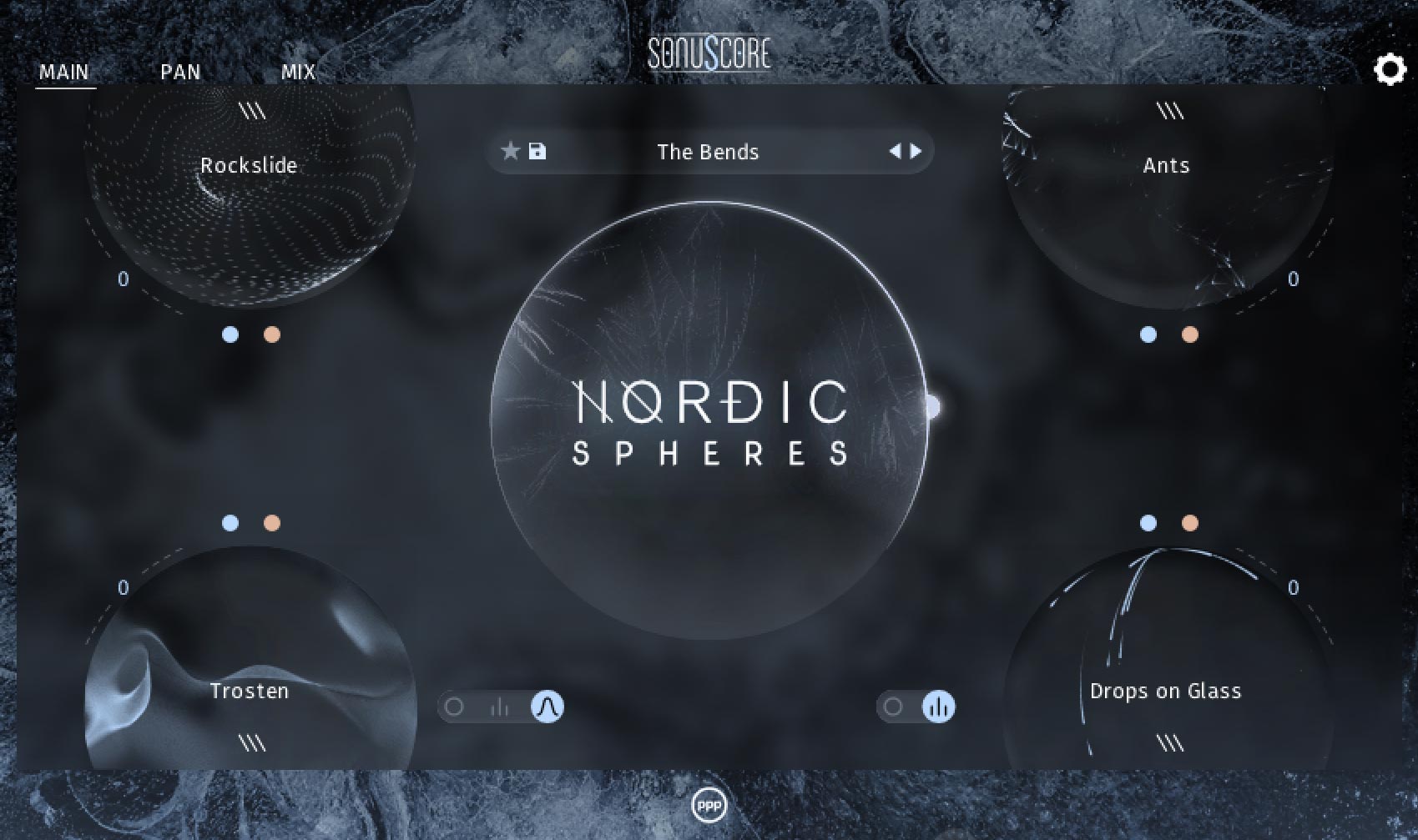
From the frozen reaches of the North, icy spirits reach out across the eternal expanse to seize the listener in their song. NORDIC SPHERES captures the frosty tone of the ancients, a transportive granular instrument that creates rough, pulsating atmospheres echoing through time and desolation.
- NORDIC SPHERES features an unpolished, ambient sound perfect for creating ambiences as palpable as a thick fog
- NORDIC SPHERES blends layers of musical spheres and sound effects together with easy but complex arpeggiators
- With NORDIC SPHERES, freeze forlorn, mysterious scores in the tracks of modern cinematic music
- NORDIC SPHERES seizes the essence of the beautiful Icelandic nature: from almost infinite icy fields to the fiery horrors of volcanic rage
Learn more about Nordic Spheres
Fragments
The Power of the Pieces
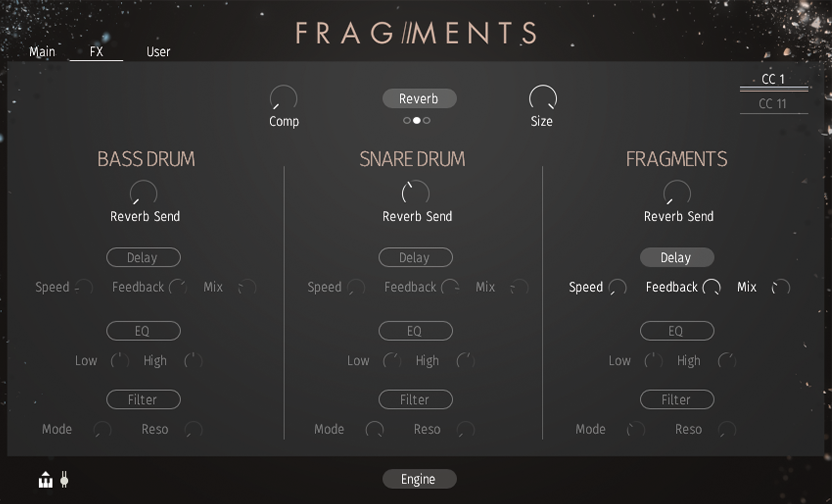
A fresh percussion instrument that takes its cues from the beat of the city. FRAGMENTS - MODERN PERCUSSION combines snippets of organic sounds to generate refreshing and complicated, low-key rhythms and beats that work well in both cinematic, ambient, and experimental contexts alike.
Capture the unpredictability of human nature with our deep randomization options, unlocking limitless variation to your rhythms. FRAGMENTS - MODERN PERCUSSION makes it easy to determine new sequences or subtly fill in the gaps and make a tremendous cacophony of chaotic slaps, ticks, and kicks. And all the SONUSCORE way – with the turn of a knob.
- FRAGMENTS - MODERN PERCUSSION is an original percussion instrument that takes inspiration from everyday noises and non-traditional percussive sounds.
- FRAGMENTS - MODERN PERCUSSION's intricate rhythms come from three sequencers linked to independent sound slots.
- Make your cinematic and ambient compositions stand out using FRAGMENTS - MODERN PERCUSSION .
- FRAGMENTS - MODERN PERCUSSION is a percussive instrument that captures the spirit of the post-postmodern day.
Learn more about Fragments
Time Textures
Orchestral Textures at a New Level of Innovation
.jpeg)
Time Textures is a new revolutionary orchestral engine bringing ever-evolving soundscapes to the tip of your fingers. Using advanced algorithmic techniques, orchestral instruments have been given a depth, movement, and beauty that don’t readily exist in the natural world. With a simple modulation design, you can warp and bend 13 instruments into new textures and sonic realities. The power is yours.
- Time Textures is a revolutionary orchestral instrument based on manipulating quality-recorded orchestral sounds.
- Time Textures uses a simple-yet-complex modulation system that allows intricate, ever-evolving soundscapes at the turn of a knob.
- With Time Textures you can wonderfully enrich a traditional orchestral arrangement and immediately conjure up liveliness and emotion.
- Time Textures is an orchestral instrument tapping into the power of the modern age.
Learn more about Time Textures
- Kontakt Player 6.6.1 and above (Works with free version)
- Mac OSX.10.14 or higher
- Windows 10 or higher
- 8GB RAM (more recommended)






















