Log In
Free gifts available with your purchase
Bundle Contents
INTENSITY 2
Detail | Clarity | Density | Loudness
A massive update, INTENSITY 2 doubles down on the classic's core features and workflow, adding exciting new features and improvements across the board, including new algorithms with low CPU use and near-zero latency, support for up to 16 channels for immersive workflows, more BIAS CURVE presets, mid/side processing options, and much more. Check out the details of what's new below!
Conceptually similar to what HDR does for photography, INTENSITY 2 brings out a sound's inherent detail, increases perceived loudness, and adds clarity and bite - and is operated using essentially a single control. Between three proprietary algorithms, mid/side processing, an optional soft-knee saturating limiter, 16-channel support, and a super-fast and inspiring workflow, INTENSITY 2 is a must-have for mixing, mastering, and sound design.
New in Version 2
- New CRYSTAL and BRONZE algorithms: based on Zynaptiq's custom engineered minimum phase filter bank, CRYSTAL and BRONZE bring a sound with more bite and stronger transients to the table. Optionally running in 64-bit precision, both feature significantly reduced CPU load and near-zero latency (3 samples). The v1 algorithm is of course still included, and has been renamed to SMOOTH.
- Support for up to 16 channels for immersive workflows.
- M/S Processing: Stereo instances can now process either the stereo signal, just the Midchannel, or just the Side channel. Using INTENSITY on the Side channel produces a lovely, huge stereo image.
- More BIAS CURVE PRESETS: INTENSITY 2 now sports a total of 22 BIAS CURVE PRESETS, up from 10.
- Redesigned, scalable UI: the UI is now fully vectorized, provides up to 200% of zoom, features a new help text system, and has generally been streamlined.
- Previous/Next/Load/Save Preset can now be controlled via MIDI for improved accessibility.
- Version 2 comes with dual activations, like all Zynaptiq's latest releases.
INTENSITY is a new kind of audio processor for mixing, mastering and sound design. Built on techniques typically found in facial recognition algorithms, INTENSITY brings out a sound’s inherent detail, increases its perceived loudness and density, and adds insane amounts of clarity. The unique algorithm carves out important signal features – making sounds sound more like themselves – and is operated with essentially one control. Between the proprietary algorithm and an optional soft-knee saturating limiter in the plugin’s output stage, INTENSITY also excels at attaining maximum loudness and creating a beautifully aggressive tone.
The key INTENSITY features at a glance:
- Mastering-grade processing for more detail, clarity, density and loudness.
- Intuitive and fast workflow using a streamlined set of controls.
- Proprietary INTENSITY circuit with optional frequency-dependent BIAS function.
- Additional precision soft-knee saturating limiter at the output stage.
Think "Compressor"
So what IS this thing, then? You can think of INTENSITY like an infinite-band compressor operating in relative terms – whose time constants are zero, and which is controlled by an artificial intelligence at audio rate – making it possible to adjust the process with essentially just one knob.
Or Actually, do NOT Think "Compressor"
Well, except that this description would be completely inaccurate, as INTENSITY is absolutely NOT a compressor, and works in a completely different way. There's no RMS detector, no threshold, no ratio, no attack or release time. It doesn't pump or modulate in any other way. It doesn't overshoot and it works regardless of absolute levels and input type.
That said, the compressor analogy does serve to give you an idea of when to use it and what for.
Across the Board
INTENSITY is equally suited for processing individual tracks like speech, SFX, instruments – including guitars, bass and piano – as well as full mixes, multi-channel film stems, drum busses, and other complex content. This makes INTENSITY an indispensable tool for music producers, mastering engineers, sound designers, video producers, broad/podcasters, forensics professionals, audiophiles, or virtually anyone to quickly and easily add clarity, definition, and perceived loudness to their audio projects.
Fast, Faster, INTENSITY
This plugin is probably the fastest way to get great sound. No kidding. The actual, real-world usage story goes pretty much exactly like this:
- Insert plugin
- Adjust INTENSITY amount
- Enjoy the result.
In some cases, you may additionally:
- Adjust BIAS Amount and/or Curve
- Switch LEVEL COMPENSATION off
- Activate the saturation.
...that is literally it.
TL;DR – Summarize that in Plain English, Please.
It's a high-tech thing that makes everything sound way more awesome.
Which is why the Zynaptiq team call it The AWESOME!-Knob in their offices.
Put it on everything, all of the time.
Be careful, it's highly addictive.
Plain enough? :-)
BALANCE
BALANCE makes global EQ curve shaping quick and easy. A 16-channel capable smart equalizer that adaptively controls the overall frequency distribution of your audio, BALANCE intelligently adjusts itself to match your audio to a target EQ curve you set with just a handful of controls. Put any source in its own place near-instantly, rebalance a full mix, or give even great sounding recordings that little something extra. Works similarly to a match EQ, handles as easily as a tilt EQ, and sounds like a zynaptiq EQ.
Performance Galore
Built using proprietary minimum phase filters, BALANCE introduces just 3 samples of latency, while using very little CPU. And sounds glorious, of course, and free of any pre-ringing that linear phase designs would introduce.
On a modern computer, you can literally run hundreds of channels, making BALANCE a great choice for inclusion in your default session. Try it, you won't go back.
The plug-in features a Metal/Direct 3D accelerated analyzer to keep your CPU focused on audio, while the GPU does the drawing. The analyzer can of course be hidden to save screen real-estate and system resources, too - just switch to the compact EASY view.
Whether you are a mix engineer, sound designer, content creator, re-recording mixer, composer, or music producer, BALANCE is for you!
Features
- Adaptive balancing equalizer for quickly adjusting overall frequency response.
- Custom engineered minimum phase filtering for pristine sound, low CPU and 3 samples of latency.
- Support for up to 16 channels for immersive workflows.
- Easily adjustable target response curve using SLOPE, WEIGHTING, BASS and AIR controls.
- Global EQ amount control.
- Wet gain control for matching input loudness, scaled by EQ amount.
- 12dB/Octave low-cut and high-cut filters.
- Optional double precision processing.
- Fully vectorized, scalable UI.
- Metal/Direct 3D accelerated analyser display.
- Compact EASY view.
PUNCH
Intelligent Dynamics Contouring
Add organic, musical punch and contour to your sounds, tracks, stems or mixes with a mastering-grade, intelligent impact inductor PUNCH. Built on an expertise in source separation, signal statistics, frequency domain processing, and filter design, PUNCH adds anything from airy snap to beefy long attack compressor overshoot impact to smooth dynamics contouring to your audio easily, quickly, and with zynaptiq quality.
PUNCH works equally well for individual sounds and complex material like mixed music, even if excessive dynamics processing was applied that would leave traditional transient shapers nothing to go on, and applies its processing to all sound components separately, with up to more than a hundred bands of exquisitely engineered filtering. Throw in two alternative algorithms, a transparent sounding output clipper, support for up to 16 channels for immersive workflows, and our trademark workflow, and you're all set for punchy, present and transparent sound in seconds!
Features
- Add punch to your audio, with adjustable release time ranging from very short snaptransients via medium length impact attacks right up to smooth dynamics expansion, for individual sounds or full mixes.
- Add airy presence, mid-range twang, meaty ooomph, give your sounds more contour, or reduce over-compression effects on mixes...and anything in-between.
- Intelligent, advanced statistics based CRYSTAL and SMOOTH processing algorithms with reconstruction based on 10 or 100+ super-clean minimum phase bands, respectively.
- Easy frequency dependent processing using our BIAS functionality and visual hover menus.
- Transparent sounding, oversampled or multi-band output clipper.
- Zero latency processing.
- Support for up to 16 channels for immersive workflows.
- Optional 64-bit processing.
- Fully vectorized GUI with zoom up to 200%.
UNFILTER
Adaptive Tonal Contour Linearization
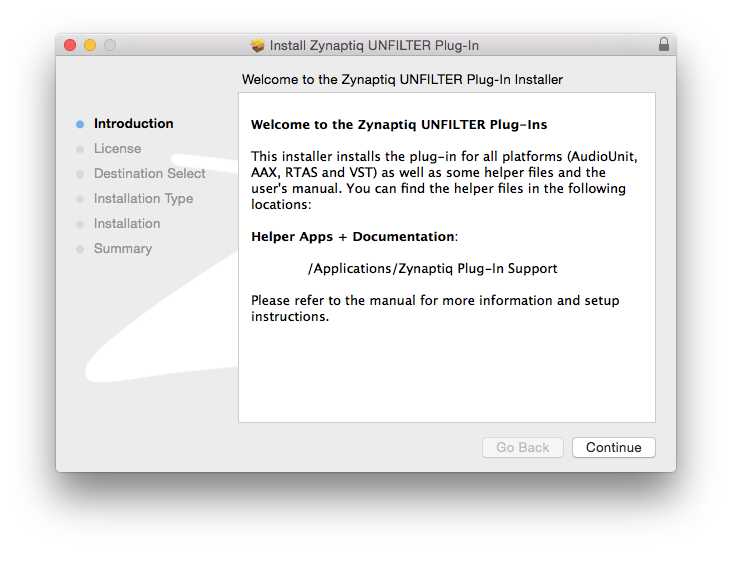
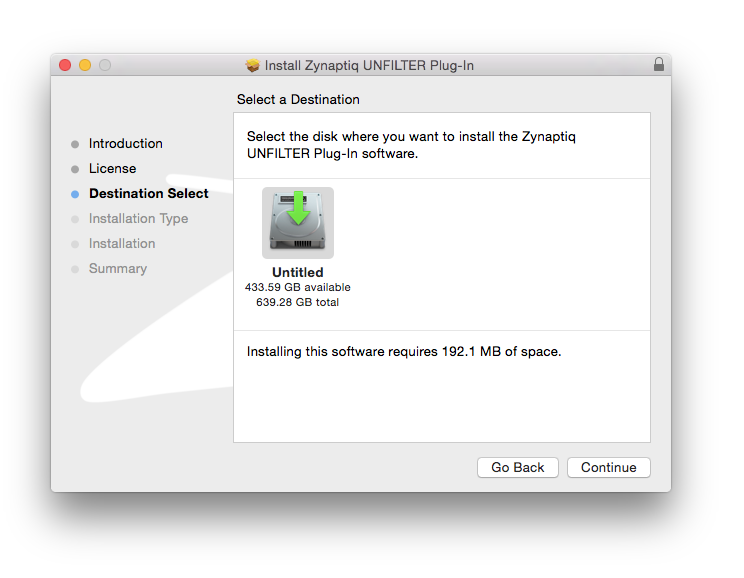
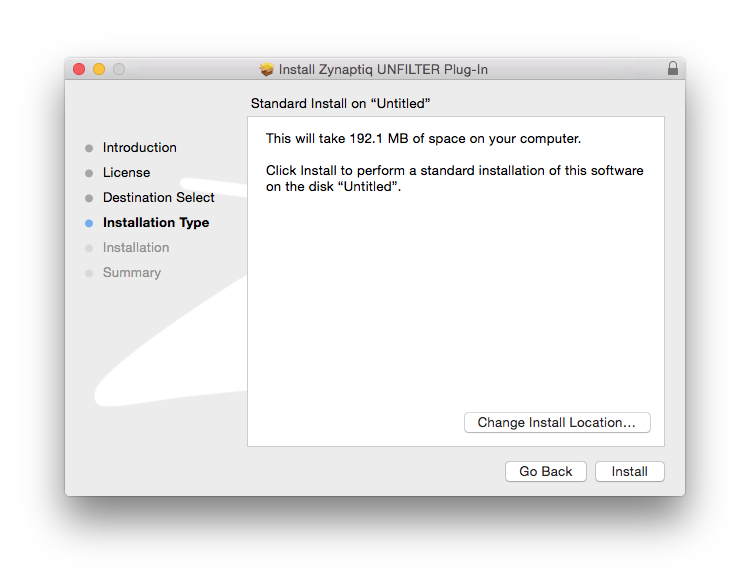
UNFILTER is a real-time plug-in that removes filtering effects, such as comb filtering, resonance, or excessive equalization - effectively linearizing the frequency response of a signal automatically. UNFILTER can also apply a detected filter response to another signal, or export it to disk as an impulse response, and can even perform mastering grade adaptive, free-form, and graphic equalization. Whether you're in music production, film post, game audio, broadcast, sound design, forensics, or engineering - UNFILTER makes time-consuming and often impossible tasks as effortless as adjusting one control.
Features
- Automatically detect and remove resonances, equalization, roll-offs and the effects of comb filtering from musical, location, dialogue and surveillance recordings.
- Apply the measured filter response to other signals to place them in the same "acoustic world".
- Export the measured filter response to or import it from a linear- or minimum-phase impulse response file (WAV).
- Mastering grade adaptive, free-form and graphic equalization.
- Extremely steep 96dB/octave shelving high-pass filter.
- Output limiter for unsupervised use in batch processing applications.
- Highly time-efficient workflow and UI
- For an overview of the use cases for UNFILTER in sound for picture, music production/mastering, sound design, broadcast or forensics, please have a look at the UNFILTER applications page.
UNMIX::DRUMS
Boost Or Attenuate Drums In Mixed Music
UNMIX::DRUMS is the world’s first audio plugin that allows attenuating or boosting drums in mixed music, in real-time. Using advanced source signal separation (a.k.a. de-mixing, unmixing, sound extraction, sound isolation) technology under the hood, UNMIX::DRUMS provides frequency-dependent drum level control that ranges from up to +18dB of boost to virtually complete removal* – while always sounding great. Whether used on a full mix or on a drum bus, UNMIX::DRUMS can be used to shape and enhance the impact of your drums in a unique new way. Sporting an intuitive multi-level GUI, frequency-dependent control of key parameters, sample-accurate sub-bass (re)synthesizer, a high-precision analyzer display, M/S operation and an output limiter, UNMIX::DRUMS opens up exciting new options for mastering, music production, sample-based music creation, mash-up artists, remixers and DJs.
* Actually achievable amounts depend on input signal specifics.
Features
- Source Separation-Based Control of Drum Level in Mixed Music.
- SMOOTH and PUNCHY Boost Modes.
- Sample-Accurate Sub-Bass (Re)Synthesizer.
- Frequency Dependent Control of Key Parameters.
- Intuitive 3-way GUI Design.