


 Log In

Free gifts available with your purchase
Product information
Dave Clarke EMP Toolbox
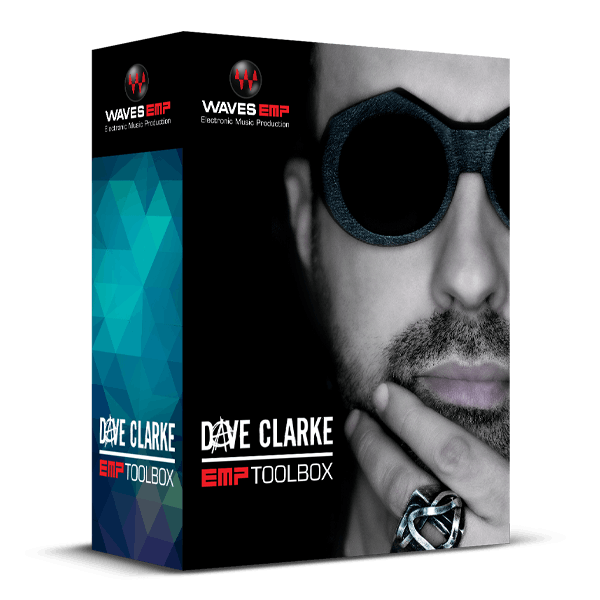
Groove Tools that Rule for Techno
Dave Clarke’s electrifying festival sets and remixes for iconic artists such as Depeche Mode have cemented his status among the elite in global techno. The Dave Clarke EMP Toolbox features 7 essential plugins that define his signature sound, encompassing EQs, tape saturation, low- and high-frequency enhancers, metering tools, and effects.
These plugins serve as Dave's creative catalysts during his intensive mixing and mastering sessions. Now, you have the opportunity to harness the inspiration of this meticulously curated collection, ideal for crafting DJ sets and remixes that resonate with power and precision.
Included plugins:
- Aphex Vintage Aural Exciter
- API 560
- Dorrough Stereo
- Kramer Master Tape
- LoAir
- MetaFlanger
- Scheps 73
Features
- Enhance the bass with the LoAir subharmonic generator
- Let the legendary Aphex Aural Exciter sweeten the highs
- Shape your sound with the vintage tone of the Scheps 73 vintage EQ
- For fast and furious EQ changes, dial in the API 560 Graphic EQ
- Bathe your tracks in the sound of tape, with Kramer Master Tape
- Mix in mind-bending flanging effects with the MetaFlanger
- Do a reality check on your audio with the Dorrough Stereo Meter
- Artist and factory presets provide shortcuts to pro-level sounds
System Requirements
Mac
- macOS Monterey 12, Ventura 13, Sonoma 14, Sequoia 15
- VST / AU / AAX
PC
- Windows 10+
- VST / AAX
Installation Instructions












Customer Reviews
(1)


