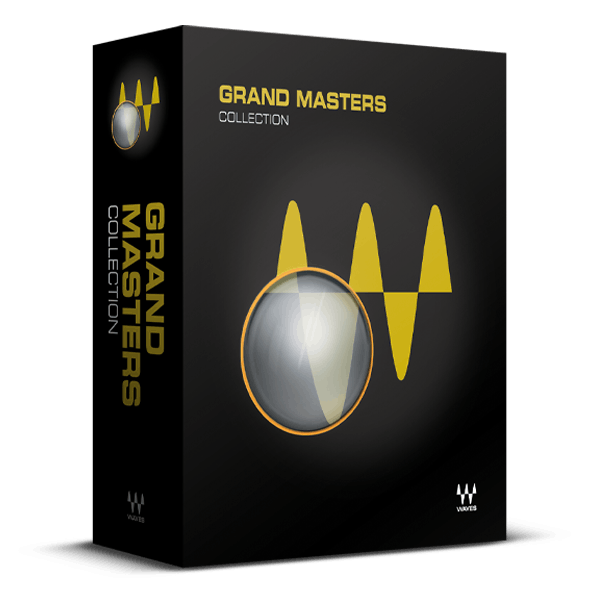
/ Various Category / Grand Masters Collection
Waves

Grand Masters Collection

$194.99 $1,159.00

83% off until Dec 07

Grand Masters Collection
Waves Grand Masters Collection
Buy Now
Product information

Grand Masters Collection

Pro Mastering Tools: Precise. Surgical. Musical.


Grand Masters spans the spectrum of traditional mastering, capturing the character of tubes and transformers from revered vintage equipment while harnessing the clarity and precision of the digital realm. This comprehensive suite not only excels in traditional mastering techniques but also offers innovative options for infusing your unique signature into your work.

Whether you're mastering hip-hop, modern country, classical string quartets, electronic music, or rock, Grand Masters elevates your masters—whether you prefer subtle enhancements or precise adjustments—with unparalleled sound quality that always maintains its musicality.

Included plugins:

  • Center
  • Dorrough Stereo
  • L2 Ultramaximizer
  • L3 Multimaximizer
  • L3 Ultramaximizer
  • L3-16 Multimaximizer
  • L3-LL Multimaximizer
  • L3-LL Ultramaximizer
  • Linear Phase EQ
  • Linear Phase Multiband Compressor
  • MaxxVolume
  • PuigTec EQs
  • V-Comp
  • V-EQ3
  • V-EQ4

Features

  • Ultra-transparent linear-phase EQ and multiband compression
  • V-series compressor and EQs for the best of vintage gear
  • Spot-on emulations of Pultec’s famed mastering processors
  • Includes Dorrough’s essential diagnostic metering
  • Multiple Maximizers for clarity, power and precise dynamic control
  • Shape low frequencies and center channel for mastering vinyl

System Requirements

Mac

  • macOS Monterey 12, Ventura 13, Sonoma 14, Sequoia 15
  • VST / AU / AAX

PC

  • Windows 10+
  • VST / AAX
Installation Instructions

1. Head to https://www.waves.com/create-account

2. Enter your email and choose a password to create an account (if you already have a Waves account, choose Log in, enter your details and head to Step 5) > click 'Submit'

3. Open your email inbox > click the activation link in the email from Waves

4. Click 'Log in here' > Log in to your Waves account

5. Click 'Register New Products'

6. Enter the Serial Number found in your Plugin Boutique user account > click 'Submit'

7. Click download in your Plugin Boutique user account or head to https://www.waves.com/downloads/central > download the Waves Central app for your operating system

8. Install Waves Central > Open Waves Central

9. Click 'Log in' > enter your log in details

10. Click the 'Install Products' tab

11. Tick the blue dot on all products you wish to install or click the top dot to install all products > click 'Install & Activate'

12. Click 'OK'

13. Open your DAW > open the Waves plugin

Your Waves plugins are installed and ready to use, enjoy!

Plugin Boutique Rewards

Discover the most rewarding loyalty programme among all plugin retailers.

  • Free Loopmasters Samplepacks
  • Discounts on products and courses
  • Extra Virtual Cash claimed immediately at checkout
Find out more

Follow us:

X (Twitter) Facebook YouTube Instagram
Logo Logo

Plugin Boutique Limited, Part of the Beatport Group LLC.

Copyright © 2011-2025 Plugin Boutique. All rights reserved