


 Log In

Free gifts available with your purchase
Product information
Manny Marroquin Signature Series
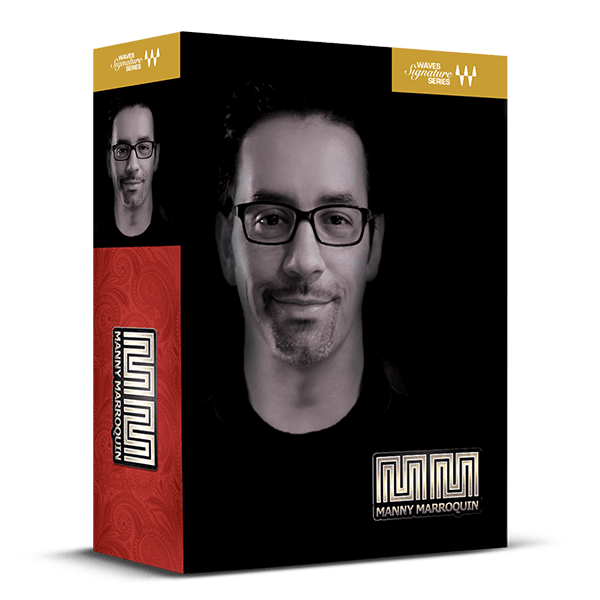
Easy Access to the Mixing Techniques of Rihanna, Lizzo, The Weeknd Mixer
10-time Grammy® winner Manny Marroquin is the go-to mixer for hip hop, pop, and R&B legends like Rihanna, Post Malone, Lizzo, The Weeknd, Ed Sheeran, Beyoncé, Alicia Keys, John Mayer, and Lorde.
Designed in collaboration with Manny, these plugins provide easy access to his signature compression, EQ, delay, reverb, saturation, and vocal cleaning effects—enabling you to achieve professional, polished sounds swiftly and effortlessly.
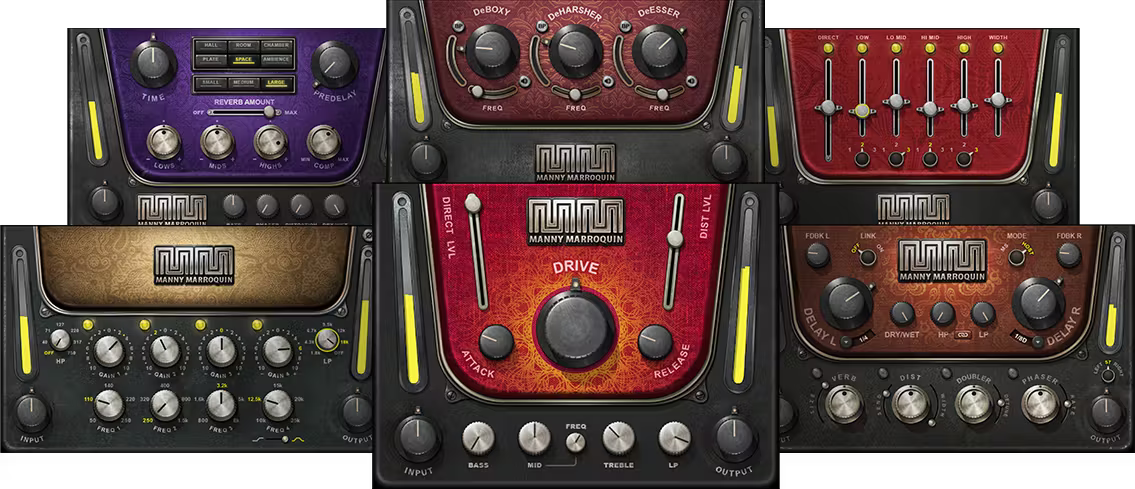
Included plugins:
- MM Reverb
- MM Delay
- MM Triple D
- MM Tone Shaper
- MM Distortion
- MM EQ
Features
- Created in close collaboration with Manny Marroquin
- Manny’s advanced techniques packed into easy-to-use plugins
- 6 plugins for compression, EQ, reverb, delay, saturation, and vocal enhancement
- Get polished vocals, thick drums, textured instruments—faster than ever
- Under-the-hood parallel processing create rich textures
System Requirements
Mac
- macOS Monterey 12, Ventura 13, Sonoma 14, Sequoia 15
- VST / AU / AAX
PC
- Windows 10+
- VST / AAX
Installation Instructions














