


 Log In

Free gifts available with your purchase
Product information
Tape, Tubes & Transistors Bundle
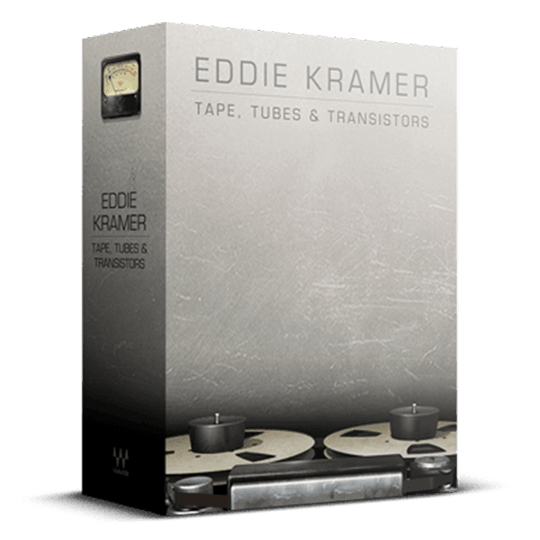
The Golden Sound of the 60s and Early 70s, from Console to Tape
Step into the studio with Eddie Kramer during the golden age of music in the 60s and early 70s, where he shaped iconic tracks for Led Zeppelin, Hendrix, and the Stones. The Helios Console, Pye compressor, and 2-track tape formed a magical signal chain that continues to inspire today.
Relive the warmth and analog richness of Olympic Studios with these meticulously crafted plugins, offering a nostalgic journey into the sonic landscape of classic recordings. Perfectly blending vintage charm with modern convenience, they breathe new life into the digital world of music production.
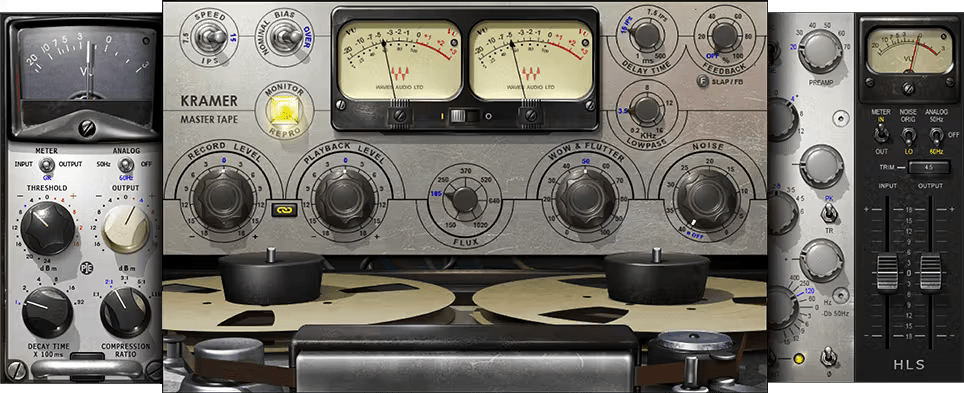
Included plugins:
- Kramer HLS Channel
- Kramer Master Tape
- Kramer PIE Compressor
Features
- Created in close collaboration with Eddie Kramer
- Models the classic Olympic Studios signal chain
- Versatile—process individual vocal tracks to mastering mixes
- Captures the renowned high-end presence and fat low end
- HLS Channel models the Rolling Stones mobile truck’s Helios
- Can optionally include the charm of analog gear’s imperfections
System Requirements
Mac
- macOS Monterey 12, Ventura 13, Sonoma 14, Sequoia 15
- VST / AU / AAX
PC
- Windows 10+
- VST / AAX
Installation Instructions














